AIO case study: LogoClothz’s AI referral revenue grew 2.2×
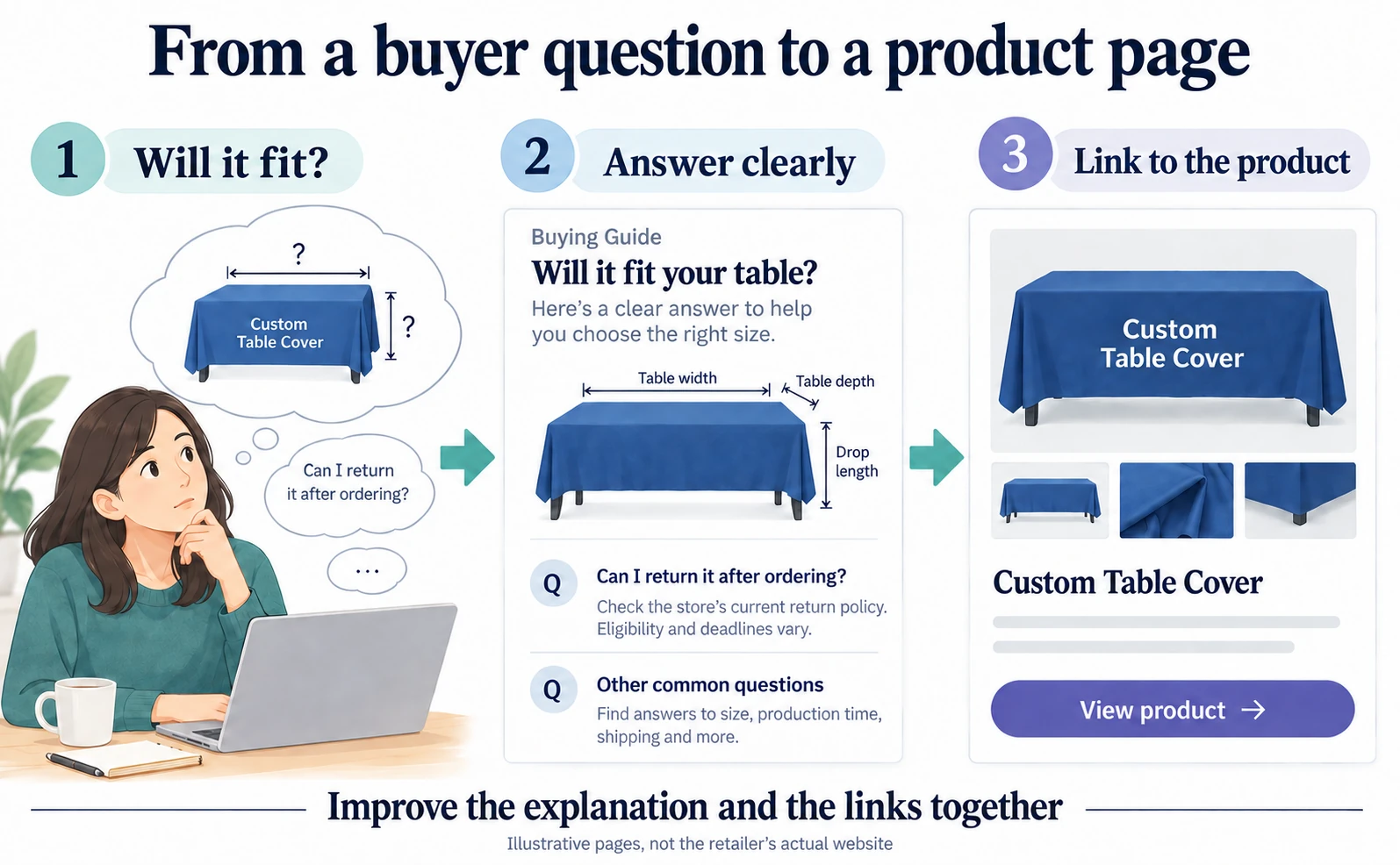
LogoClothz reported about 2.2× tracked AI referral revenue. Explore its answer-first articles and link repairs, then improve one product page with verified answers, working links and separate checks for recommendations and purchases.
US retailer LogoClothz reported about 2.2 times as much tracked revenue from AI referrals after working on AIO. Its work included answering questions customers ask before buying and fixing outdated links.[1]
The case is useful for an ecommerce team that already has product pages but keeps receiving questions such as “Will this size fit?” or “Can I return it?” Here, AIO means work intended to help a business appear in AI search results and answers.
LogoClothz sells custom printed table covers and other branded products. We will look at its report, then work through a practical way to find missing product information, improve a page and check whether visitors go on to purchase. The starting point is a customer's uncertainty, rather than a special kind of writing “for AI.”
Which revenue grew by about 2.2 times?
The co-founder's September 10, 2026 report compares the following periods. Revenue is in US dollars.[1]
| Tracked metric | March 5–June 2, 2026 | June 3–August 31, 2026 |
|---|---|---|
| Revenue attributed to AI referrals | $1,282.69 | $2,843.79 |
| Transactions attributed to AI referrals | 6 | 15 |
| Sessions attributed to AI referrals | 348 | 530 |
These are attributed online sales, not total company revenue; phone orders are excluded. The content launch happened in July, partway through the second period. It is not a comparison of 90 days entirely before publication against 90 days entirely after it.[1]
Fifteen transactions remain a small sample. This is a company self-report, not independent proof that the changes caused the increase. The useful question is what the business changed, rather than whether publishing the same number of articles will reproduce its result.
Illustrations are explanatory images, not screenshots of the actual store or payment service.
What changed: answers and the route to purchase
LogoClothz published 19 answer-first articles in July, covering sizing, pricing and returns. It also corrected 112 internal links to staging or old blog locations and moved nine image assets off the old blog.[1]
Imagine reading a sizing explanation and then following its purchase link to an outdated page. It becomes harder to find the product or trust that the information is current. The answer and the next step both matter.
The work also used NotebookLM, an AI tool for working with supplied source material. In a separate tutorial, the author explains how to draft answers from product documents without inventing missing facts. The fictional brand in that tutorial should not be confused with work actually completed at LogoClothz.[2]
1. Choose one recurring question about a product
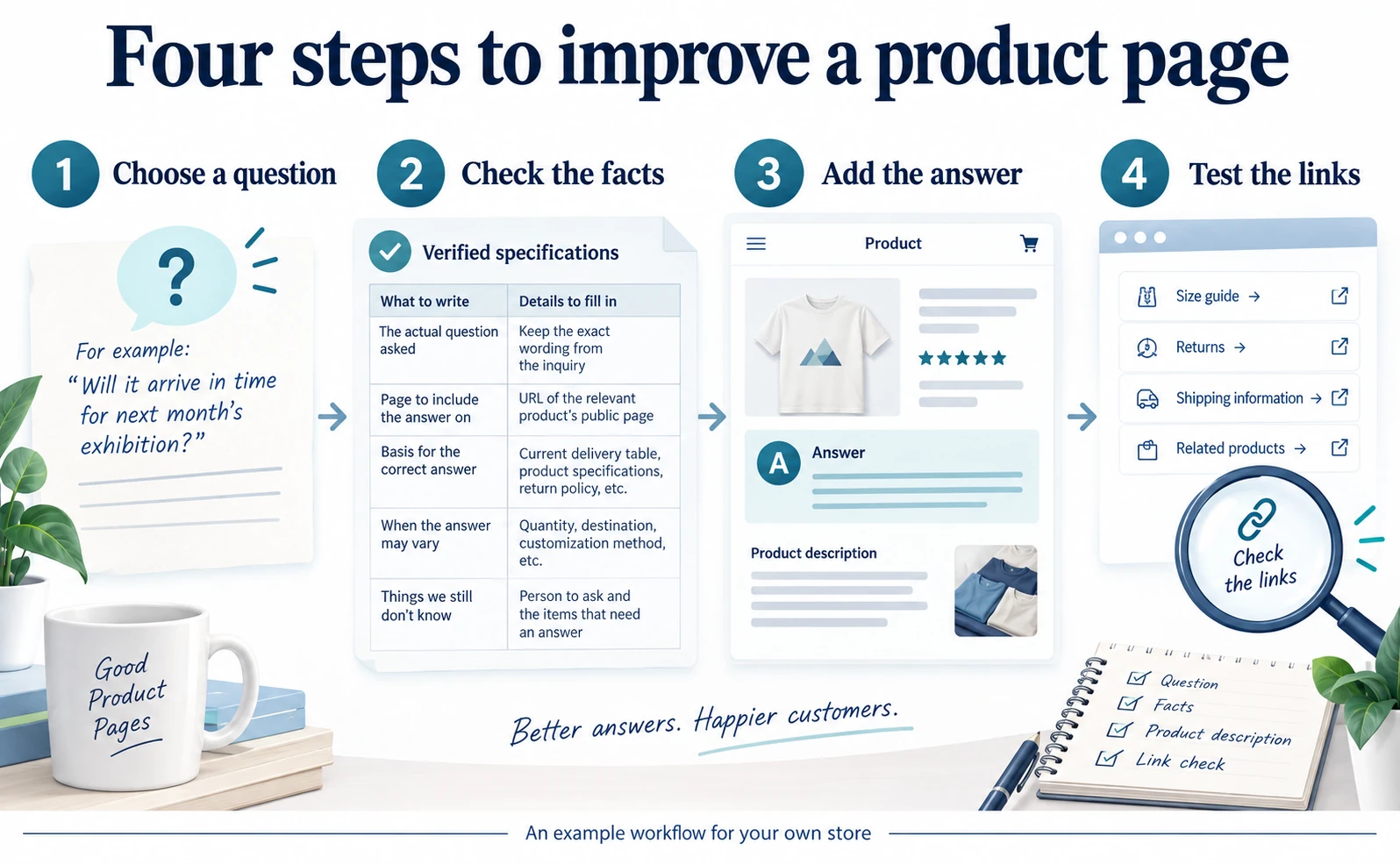
The following is our suggested workflow for applying the lesson to your own store. It is not a reconstruction of LogoClothz's internal process.
Open your customer inquiry emails or support records. Find a question about a product you want to sell. Keep it as a complete question rather than reducing it to a label such as “size” or “delivery.” Customer names and contact details do not need to go into the editing worksheet.
For a made-to-order product, the question might be “Will it arrive before next month's exhibition?” Saying “We offer fast production” does not answer it. The customer needs to know whether the clock starts at ordering, design approval, production or dispatch.
Copy this worksheet and fill it with your own information. Empty cells identify things to ask the responsible person before drafting.
| What to record | What belongs in the cell |
|---|---|
| Actual customer question | Keep the customer's wording |
| Page that needs the answer | The public URL of the relevant product |
| Evidence for the answer | Current lead-time sheet, product specification or returns policy |
| When the answer changes | Quantity, destination, customization or other conditions |
| Unresolved questions | The missing information and the person who can confirm it |
A public product page is the page where shoppers see the name, photos and price. An editing URL from your store's administration area may not let another person see the product. Keep a separate field for that URL if the team needs it.
2. Put the answer at the start of the explanation
Once the question and supporting facts are ready, open that product's description in your ecommerce administration area. Button names differ between platforms. The target is the selected product description, rather than the general introduction on your homepage.
Ask what the customer needs to decide whether to buy, and put that answer first. These are writing examples, not LogoClothz's terms or promises you can copy into your own store.
| An incomplete explanation | Information to add after checking the facts |
|---|---|
| We offer fast production | When production time starts, its usual duration and delivery time |
| Many sizes available | What to measure and which product fits those measurements |
| Contact us about returns | Eligible and ineligible cases, deadlines and the contact route |
For lead times, a sentence such as “Production starts after design approval” identifies the starting event. Add your verified duration and exceptions. Do not publish a placeholder such as “X days” while waiting for someone to supply the number.
“When will it ship?” and “Will it arrive before my event?” are different questions. If destination or stock changes the answer, explain how. If arrival cannot be promised, link to the actual way to check availability before ordering.
If you use AI to draft the addition, attach business documents you are permitted to use and adapt this instruction. We created it as an editing aid.
Customers ask “[actual question]” before buying this product.
Draft an addition to the product description using only the attached current documents.
Give the answer first, followed by conditions, exceptions and the next page to visit.
Do not invent durations, prices or services. List missing facts as questions for me.
Separately identify the document and passage supporting each proposed statement.
Check every duration, price and returns condition against the source document. Fluent writing can still introduce promises that the business cannot support.
3. Test where the explanation sends the shopper
After saving the edit, open the public page and follow the links in the new section. A separate signed-out window helps reveal pages that only an administrator can access.
Test links relevant to the answer. A sizing explanation should lead to the appropriate product; a returns explanation should lead to the current policy. Read the destination page's name and URL to check that they are the ones you intended.
- If the page cannot be found, replace the link with the current URL.
- If it opens an old or different product, link to the product the answer describes.
- If the page opens but lacks the promised answer, add that information rather than merely renaming the link.
- If an image is missing, select an available image and check it on a phone as well.
Follow the route up to the point before placing a real order. Does the description advertise a size that cannot be selected? Does the product page conflict with the returns policy? Agree on the correct terms and fix both pages when they disagree. Checking this route does not require completing a live purchase.
4. Track both AI recommendations and purchases
After publication, separate two questions: does AI recommend the page for the question you chose, and do visitors arriving from AI buy the product? Growth in one does not establish growth in the other.
In AgentSignal, open the AI analysis screen. After signing in, enter the URL to investigate and add your question using manual entry. Select the AI services and number of runs, review the required credits and start the analysis.
Open the answers and cited sources for each question. A cited source is a page the AI presents as support for its answer. If your intended page is absent, compare the answer on a cited page with the information on your own. Keeping the question and AI settings consistent makes repeated observations more useful than a one-off check. The analysis does not reproduce every answer shown to every consumer.
For purchases, use your store's order records and an analytics service such as Google Analytics 4, or GA4. Follow Google's Traffic acquisition report instructions and examine session-level traffic sources: where a visit came from.[3]
Purchase tracking also has to be configured before revenue can be compared. If it is missing, an increase in visits after publication does not demonstrate an increase in sales. Our guide to AI referrals and purchases in GA4 explains the measurement workflow.
| What changes after publication | What to investigate next |
|---|---|
| Recommendations increase, visits do not | Whether the answer includes an opening link and which page it points to |
| Visits increase, purchases do not | Missing conditions, stock, shipping costs or checkout problems |
| Purchases increase | Concurrent advertising, discounts, seasonal demand or tracking changes |
Start with one product page. Give a supported answer to someone asking “Is this right for me?” and make the relevant product easy to reach. Record what changed and when, so the next edit can be considered alongside visits and orders.
FAQ
- Q. Will publishing 19 articles reproduce the result?
- No. This is one company’s report, not an experiment isolating content effects. Start with a recurring customer question, improve its product explanation and track the change.
- Q. Is NotebookLM required?
- No. The essential work is using current product evidence and avoiding unsupported lead times or terms, whether a person or an AI tool drafts the answer.
- Q. Are AI recommendations and revenue the same metric?
- No. Track recommendations, visits and purchases separately. More recommendations alone do not establish higher sales.
Sources
- [1] LogoClothz AI Inbound: A 90-Day Before-and-After Report (AI With Rye) — accessed 2026-09-17
- [2] How to Use NotebookLM for AEO: A Beginner’s Build Log (AI With Rye) — accessed 2026-09-17
- [3] トラフィック獲得レポート / Traffic acquisition report (Google) — accessed 2026-09-17
About the author
Shogo MizushimaCEO of kairos Inc. / AgentSignal Developer
Develops AgentSignal, a tool for measuring AI crawler visits and AI-referred traffic, and diagnosing AIO readiness. Writes about measurement and practical improvements for AI search using observed data.
Related articles
AIO and AI search
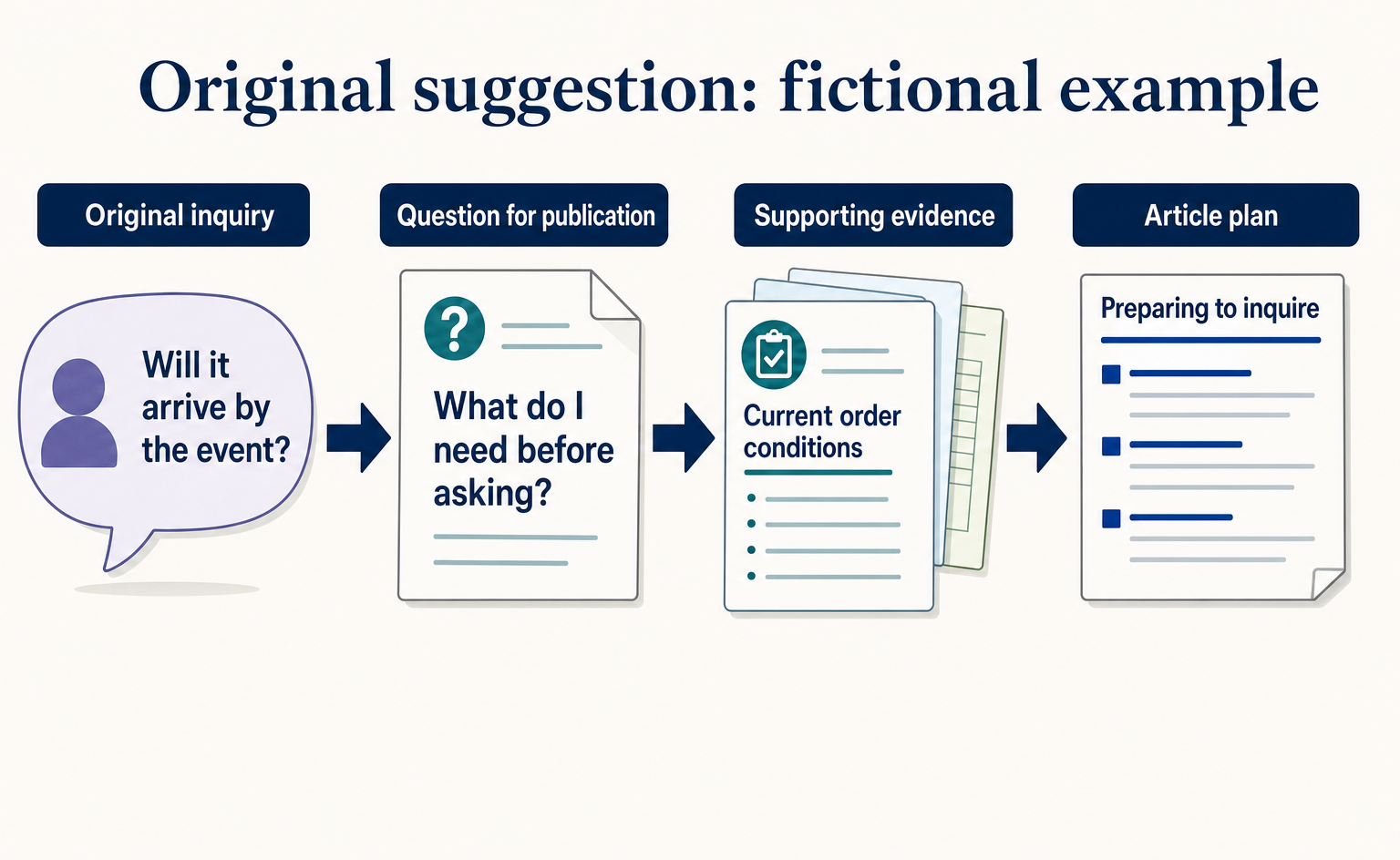
Where to Find Article Ideas Only Your Business Can Write: Start with Customer Inquiries
You do not need original research data to create useful articles. Learn how to turn customer questions, answers, and decision criteria into article plans, with worksheets and fictional before-and-after examples covering anonymization, question grouping, and evidence checks.
Published
Measurement and site improvement
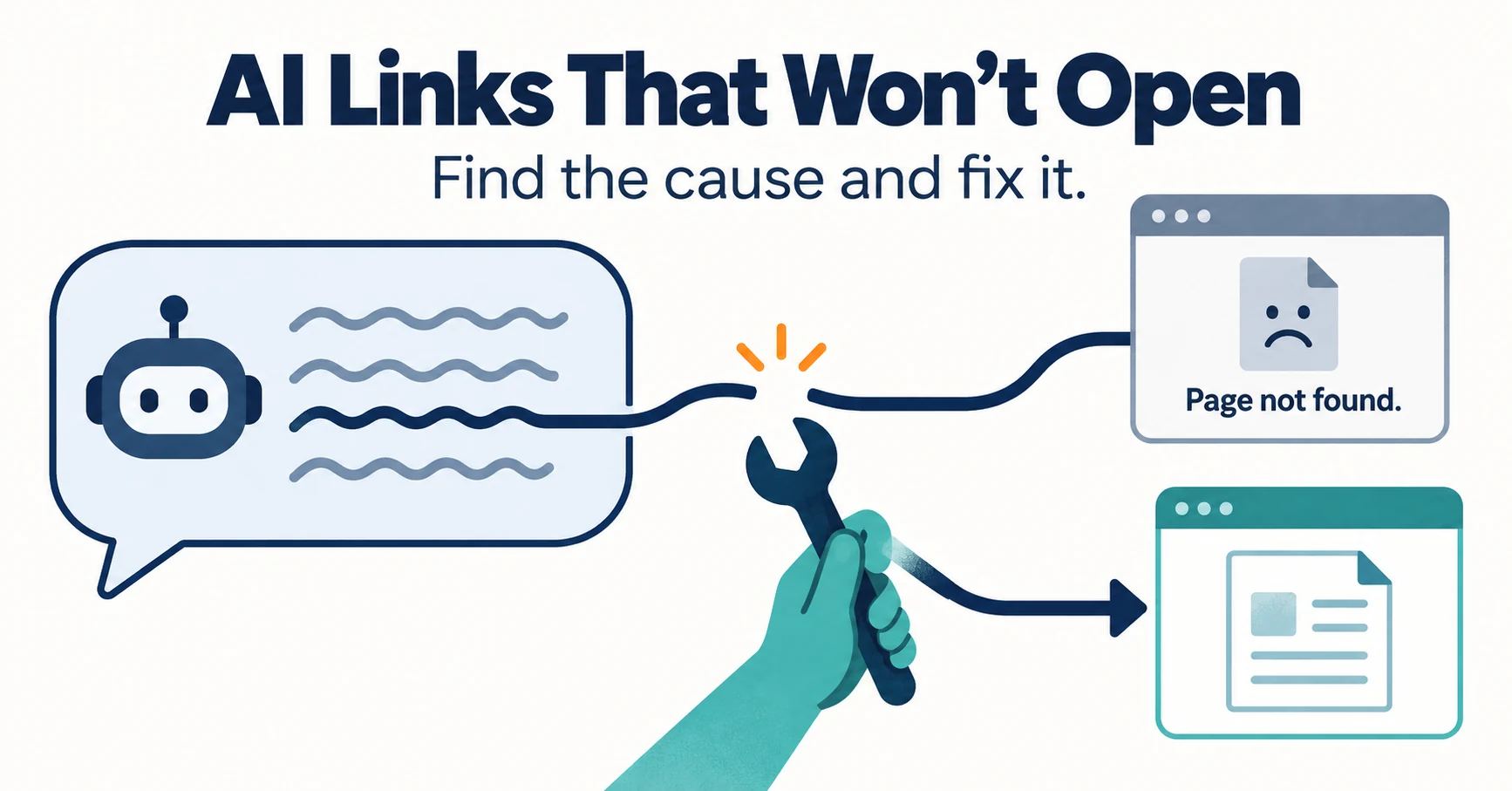
How to Check and Fix Links from AI Answers That Won’t Open
If clicking a link in an AI answer shows “Page not found,” the cause is usually a move, a deletion or an outage. Learn to tell them apart from visit records and response codes, then fix redirects and notices.
Published
Case studies and research
Where Do AI Visitors Land? Choosing Pages to Improve from the Ahrefs Case
Ahrefs reported that AI-referred visits land on pages beyond its blog. Learn how to find the landing pages for your own AI traffic and choose which pages to improve first.
Published