What Is AIO? Its Two Meanings and Where to Start with AI Optimization
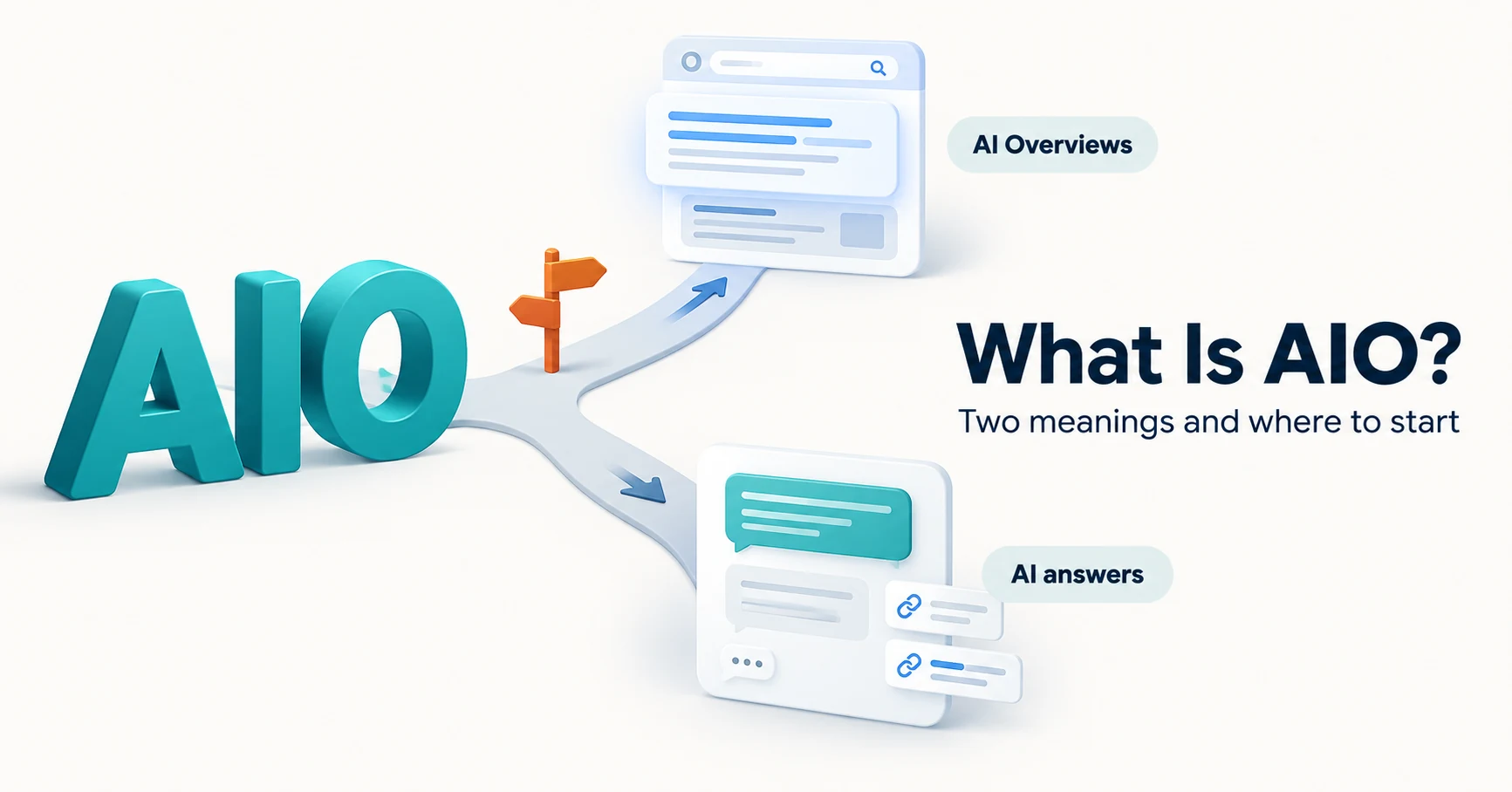
AIO has two meanings: work to get your company featured in AI answers, and Google Search’s AI Overviews. Learn how it relates to SEO, what to confirm in a proposal, what Search Console and Bing reports show, and your first tasks.
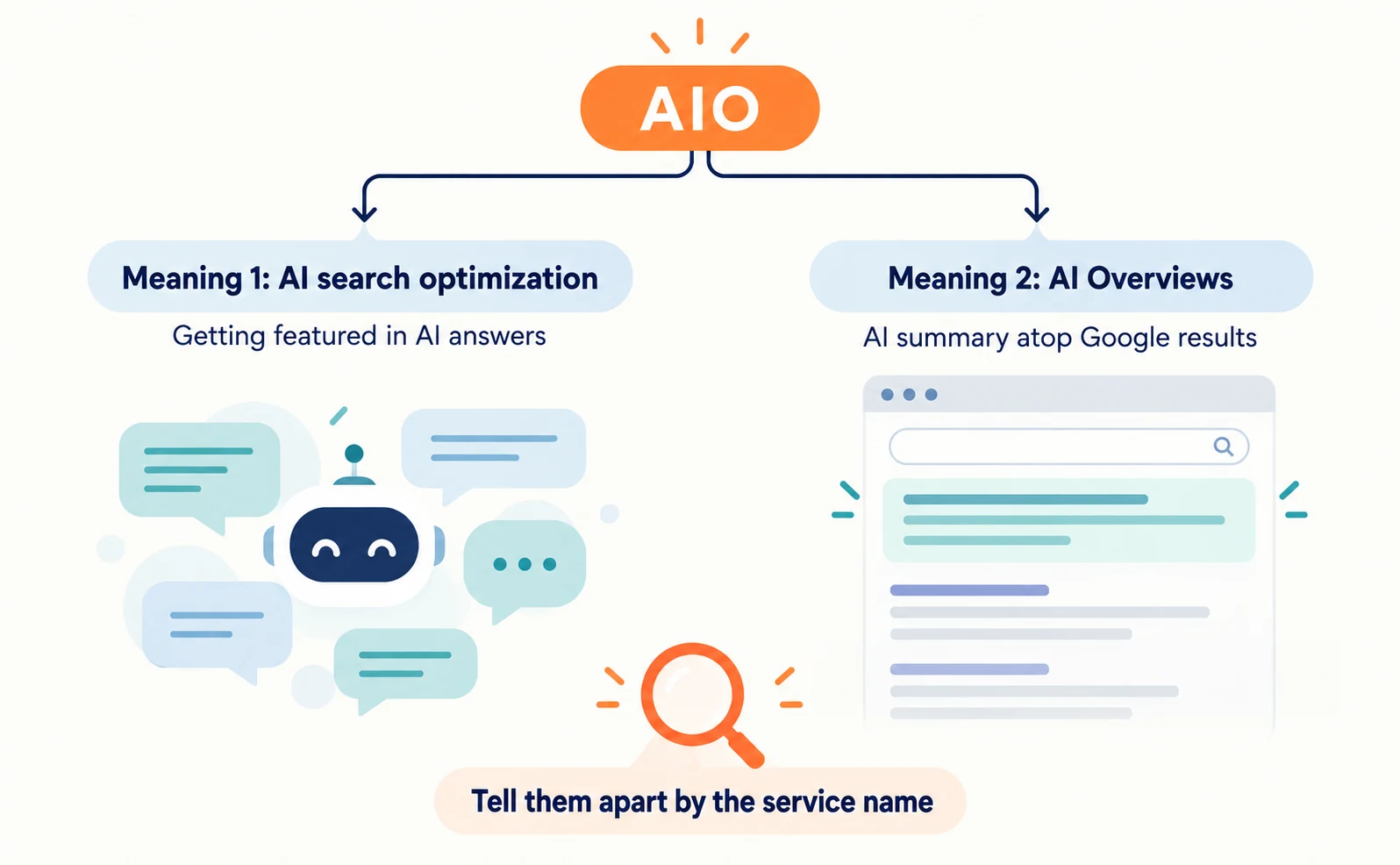
AIO has two meanings. One is the work of getting your company presented accurately in answers from AI services such as ChatGPT, also called AI search optimization. The other is an abbreviation for Google Search’s AI Overviews.
Suppose your web agency says, “Let’s start AIO.” The screens you check and the work you do differ depending on whether they mean Google alone or also ChatGPT and Gemini.
This article explains the two meanings, how AIO relates to SEO, how to read a proposal, where to check results, and what to do first.
What AIO means: AI search optimization and Google’s AI Overviews
AIO is used both as the name of an activity and as an abbreviation for a Google feature. You cannot tell which from the letters alone, so read it together with the service name.
| Meaning of AIO | What it refers to | Example wording for documents |
|---|---|---|
| AI search optimization (AI Optimization) | Work to get your company featured or cited in AI answers from ChatGPT, Gemini, Perplexity, Google’s AI features and others | “Check whether ChatGPT and Gemini cite our pricing page” |
| AI Overviews | The AI summary and reference links near the top of Google Search results | “Check whether our pages appear in Google’s AI Overviews” |
Some SEO tools in Japan use AIO as an abbreviation for AI Overviews. For example, Mieruca SEO announced an AIO Report (AIOレポート) that shows how often AI Overviews appear for registered keywords [2].
So a tool screen labelled “AIO” may not include ChatGPT research. Check the screen’s description to confirm which service it covers.
When it is called “AI search optimization”
Different labels often describe the same activity. AI search optimization, LLMO and GEO are all names for work that helps AI answers find your company.
Even under the same name, however, the scope of work differs between providers. When comparing, align these two points rather than the name:
- Target AI services: Google only, or also ChatGPT and others
- Content of the work: questions tested, items reported, pages changed
The differences between these labels are covered in LLMO, GEO, AEO and AIO: Understanding AI Optimization Terms.
How AIO relates to SEO: Google’s AI features rely on SEO basics
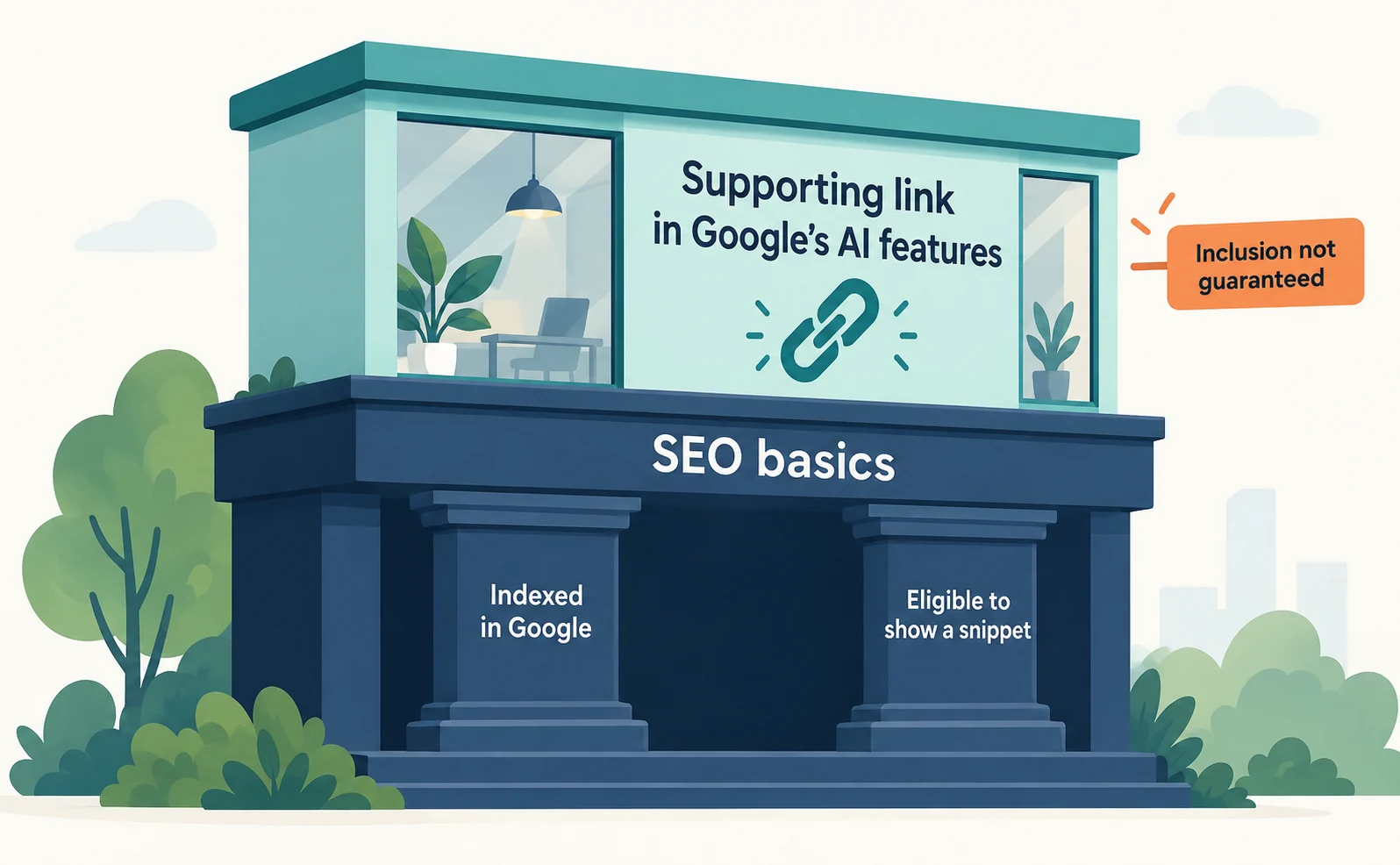
Starting AIO work does not make SEO unnecessary. Google says there are no additional requirements or special optimizations for appearing in AI Overviews or AI Mode, and that standard SEO best practices apply [1].
Specifically, to be eligible as a supporting link in AI features, a page must be indexed and eligible to show a snippet in Google Search [1]. Google also says you do not need new AI files or special schema.org structured data [1].
When asking your web team to check, share these points:
- Is Googlebot blocked in robots.txt? robots.txt manages crawling; it is not a way to keep a page out of Google [5].
- Do pages you want in search carry noindex, a setting that keeps them out of results?
- Is important content written in text, not only in images [1]?
- Does structured data match the visible page text [1]?
Meeting these conditions does not guarantee inclusion [1]. Treat “maintaining SEO basics” separately from “checking whether you actually appear in AI answers.”
This guidance covers Google’s AI features. Other AI services such as ChatGPT may not select information under the same conditions. For the connection with the old name SGE, see SGE Is Now AI Overviews.
Confirm target services and scope in an AIO proposal
When someone proposes “AIO,” confirm the target AI services and scope of work in writing. The request below is an illustrative example.
The scope is Google’s AI Overviews and ChatGPT. Please test 10 questions about pricing and onboarding conditions on each. Record separately whether our company name appears and whether a link to our pages appears. If explanations are missing, show the URL to change and why.
Asking in the order of this table helps avoid gaps.
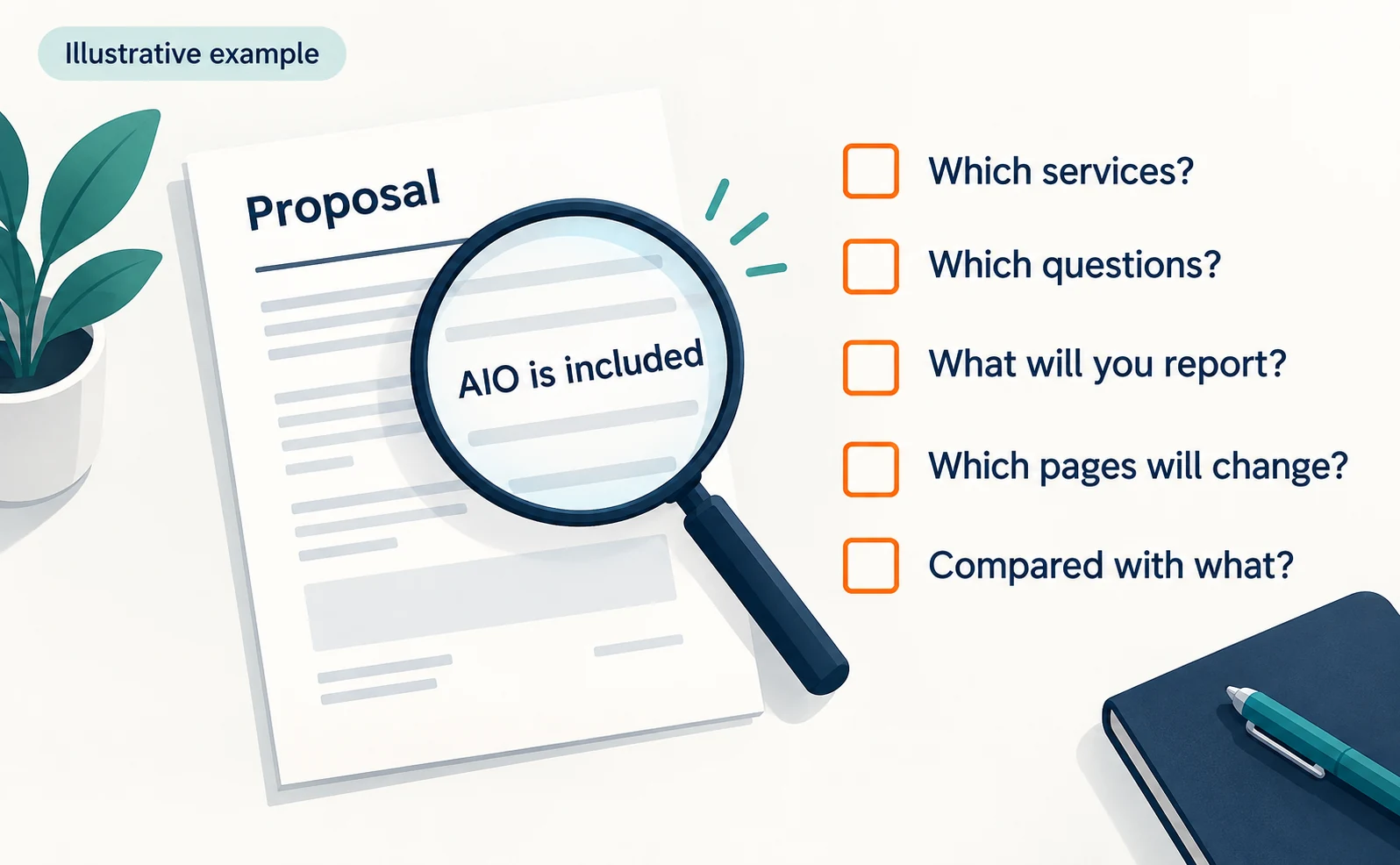
| What to ask | What to confirm | If the answer is vague |
|---|---|---|
| Which services? | Google only, or other AI too | “Please list the service names” |
| Which questions? | Whether customers actually ask them | “Will you include pricing and comparison questions?” |
| What will you report? | Whether name mentions and links are separated | “Will you separate name-only answers from answers with links?” |
| Which pages will change? | Target URLs and changes | “Which explanation is missing?” |
| Compared with what? | Whether a pre-change record exists | “Please save the answers before changes too” |
A reply that “AIO is included” still leaves the scope and method undefined. Identifying open items lets you resolve them before signing.
Check AIO results in Search Console and Bing reports
Google and Bing offer reports on appearances and citations in their AI features. Each covers a limited scope, so track visits and inquiries in separate records.
Search Console’s Generative AI Performance Report was announced in June 2026, with a note that it rolled out to all websites on August 31 [3]. It has separate reports for Search and Discover and shows how often your URLs appeared (impressions) in generative AI features such as AI Overviews and AI Mode, by page, country and date. A device breakdown is available for Search results only [3].
The items listed in the announcement do not include clicks [3]. Check site visits in your analytics or other records.
Open the report in Search Console and select your site. You need a verified site and view access. The report may not appear if your site has few impressions in AI features [6].
In Bing Webmaster Tools, Citation Share and related features launched in preview on June 16, 2026 [4]. Citation Share is the percentage of citations attributed to your site out of all citations shown across all sites for a specific grounding query, the search query the AI uses to find supporting sources [4]. It differs from a citation rate you calculate yourself as the share of tested answers that cite you.
Microsoft describes Citation Share as an observational metric, not a ranking or traffic share, and says it does not expose competitor domains [4]. To check it, select your site in Bing Webmaster Tools; this also requires a verified site and view access.
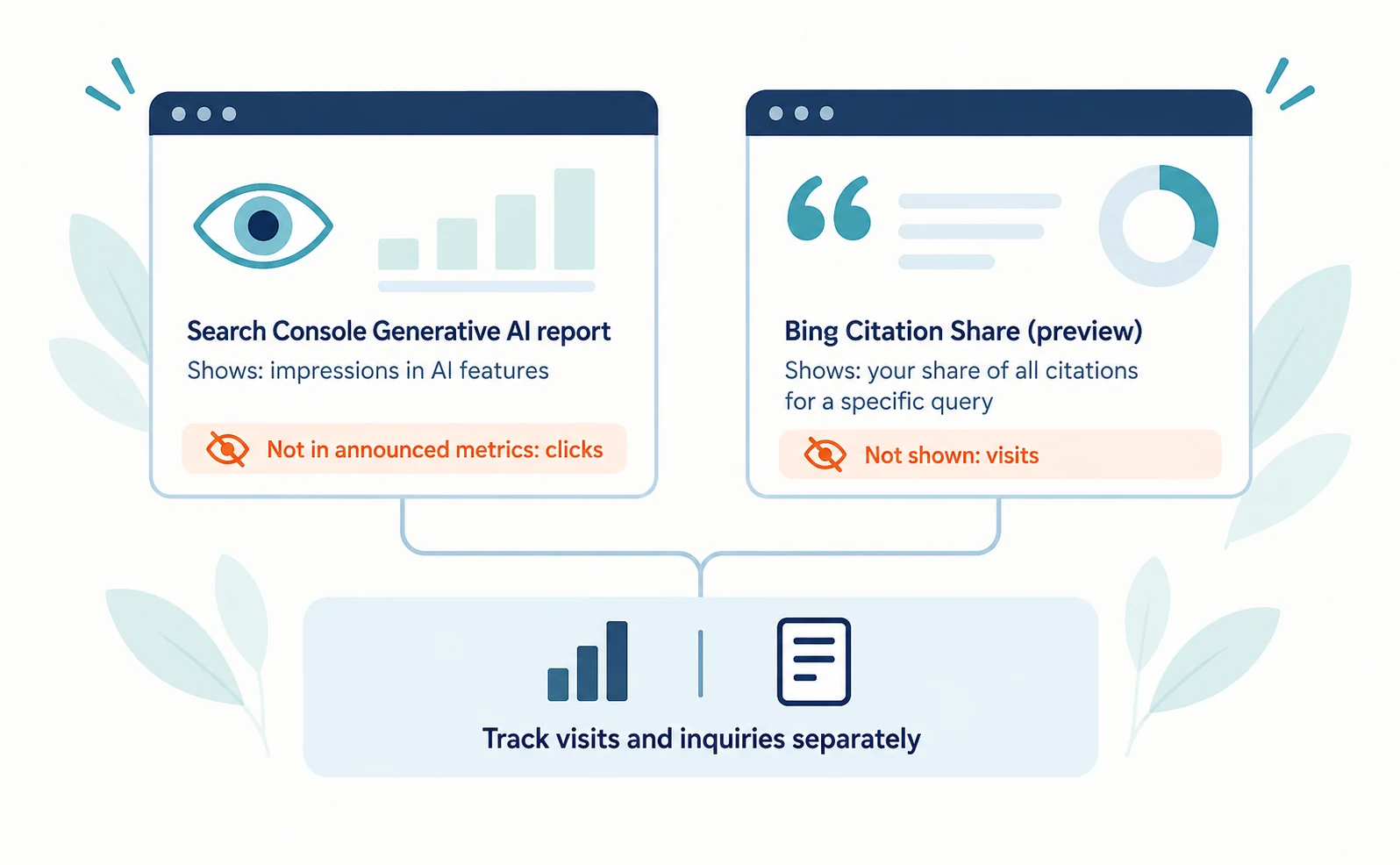
| What you want to know | Record to use | What it alone does not show |
|---|---|---|
| Did Google’s AI features show you? | Search Console Generative AI report | Whether anyone clicked |
| Share of citations in Bing AI answers | Bing Citation Share | How many people visited |
| Did people visit? | Website analytics | What the AI answer said |
| Did it lead to an inquiry? | Form submission records | Whether AI alone caused it |
What to do first in AIO: choose questions and record current answers
Start by choosing the target AI and customer questions, then record the answers before any changes. Recording first lets you compare after editing pages.
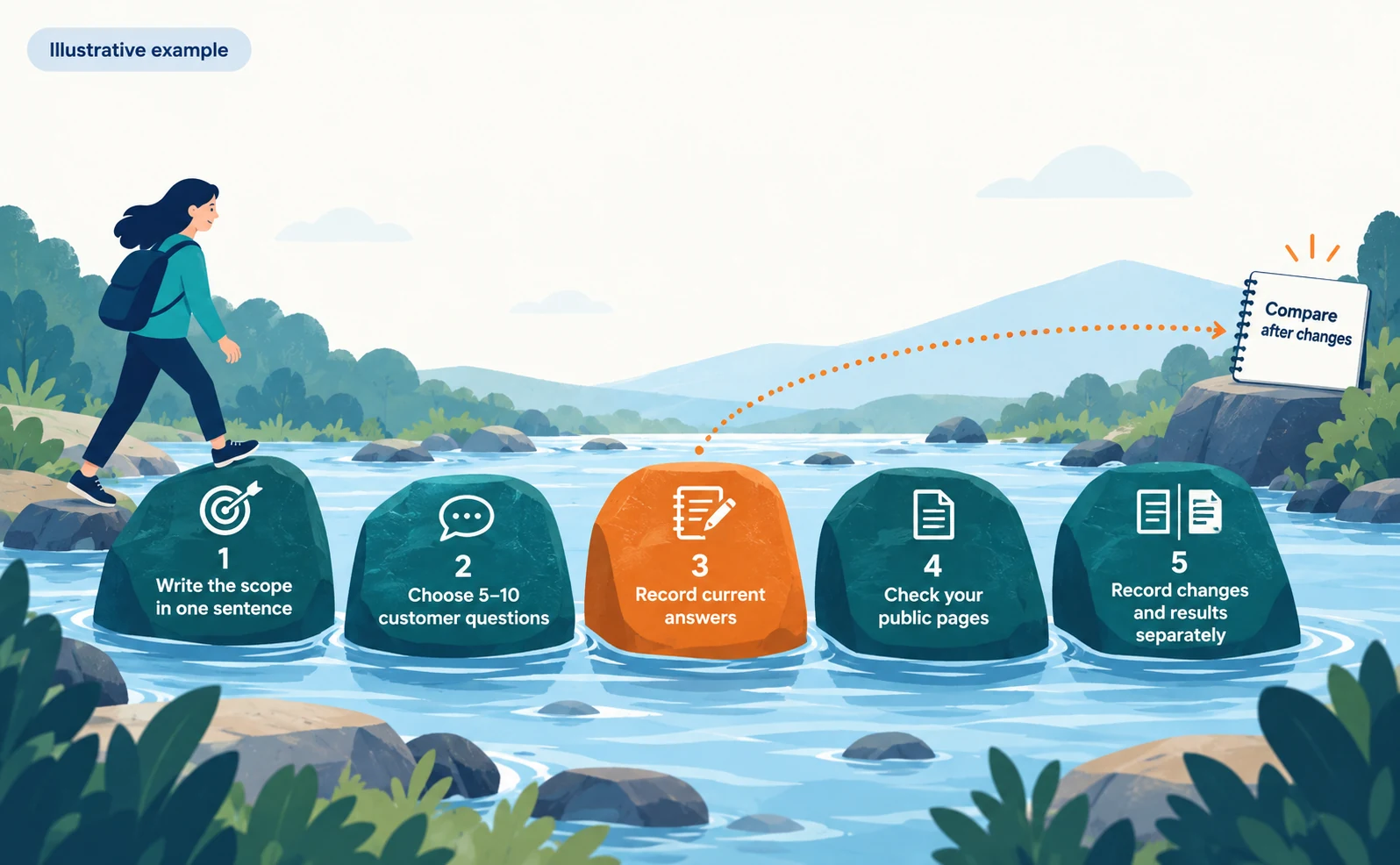
- Write the scope in one sentence. Example: “Test pricing questions in Google’s AI Overviews and ChatGPT.”
- Choose 5–10 customer questions. Picking questions from real inquiries and sales conversations makes results easier to act on.
- Record current answers: question, service, date, whether your name appears, whether a link appears, and cited URLs. Record absences too. Also note any conditions you can confirm, such as the interface or model, whether search was on, and language and region. Start a new conversation each time so earlier messages do not affect the answer.
- Check your public pages. Is the answer at the top? Are conditions hidden far away? Is the page usable in Google Search?
- Record changes separately from results. “Added extra-fee conditions to the top” is work; “the answer now links to the pricing page” is a result.
You can start with a record like this. The rows are illustrative, not real findings.
| Question | Service | Date | Company name | Link | Cited URL |
|---|---|---|---|---|---|
| Are there extra fees after setup? | ChatGPT | Sep 23 | No | No | A comparison site article |
| Are there extra fees after setup? | AI Overviews | Sep 23 | Yes | Yes | Our old pricing announcement |
In this table, “Link” records whether the answer linked to your pages, and “Cited URL” records the page the answer referenced.
AI answers can change even for the same question. Do not judge from one result; recheck with the same question and service.
You can begin checking a public page by entering its URL in AgentSignal’s free AIO check. The results do not guarantee appearances in AI answers. To keep recording answers over time, see How to Use AI Optimization.
FAQ
- Q. Does AIO make SEO unnecessary?
- No. Google says there are no additional requirements for appearing in AI Overviews or AI Mode and that standard SEO best practices apply. Keep pages usable in search, then check separately whether you appear in AI answers.
- Q. Does AIO require llms.txt or special structured data?
- For Google’s AI features, Google says you do not need new AI files or special schema.org structured data. For other AI services, check each company’s official guidance.
- Q. Can I see clicks from AI Overviews in Search Console?
- The items listed in the 2026 announcement of the Generative AI Performance Report are impressions, pages, countries, devices (Search only) and dates; clicks are not among them. Google says metrics may be added over time, so check the current screen, and track visits in your analytics or other records.
Sources
- [1] AI features and your website (Google Search Central) — accessed 2026-09-23
- [2] ミエルカSEOに新機能「AIOレポート」を搭載 (Faber Company) — accessed 2026-09-23
- [3] Introducing Search Generative AI performance reports in Search Console (Google Search Central Blog) — accessed 2026-09-23
- [4] New AI Visibility Insights in Bing Webmaster Tools: Intents, Topics, Citation Share, Compare (Microsoft Bing Blogs) — accessed 2026-09-23
- [5] Introduction to robots.txt (Google Search Central) — accessed 2026-09-23
- [6] Generative AI performance report (Search) (Search Console Help) — accessed 2026-09-23
About the author
Shogo MizushimaCEO of kairos Inc. / AgentSignal Developer
Develops AgentSignal, a tool for measuring AI crawler visits and AI-referred traffic, and diagnosing AIO readiness. Writes about measurement and practical improvements for AI search using observed data.
Related articles
AIO and AI search
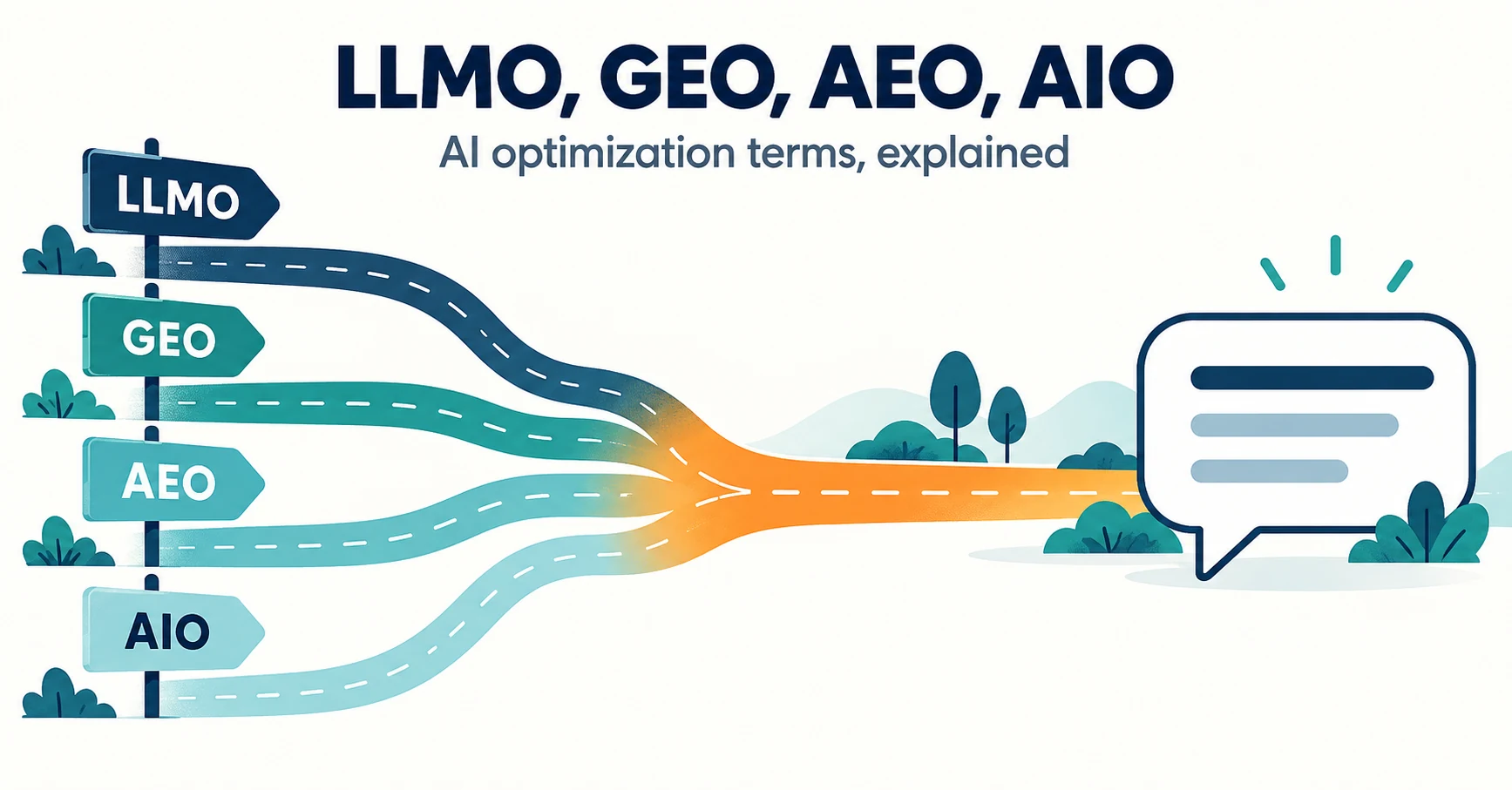
LLMO, GEO, AEO and AIO: Understanding AI Optimization Terms
LLMO, GEO, AEO and AIO are names for work that helps AI answers find your company. Learn what GEO and AEO mean, how GEO differs from local map optimization, where the terms overlap, and how to compare proposals that use different names.
Published
AIO and AI search
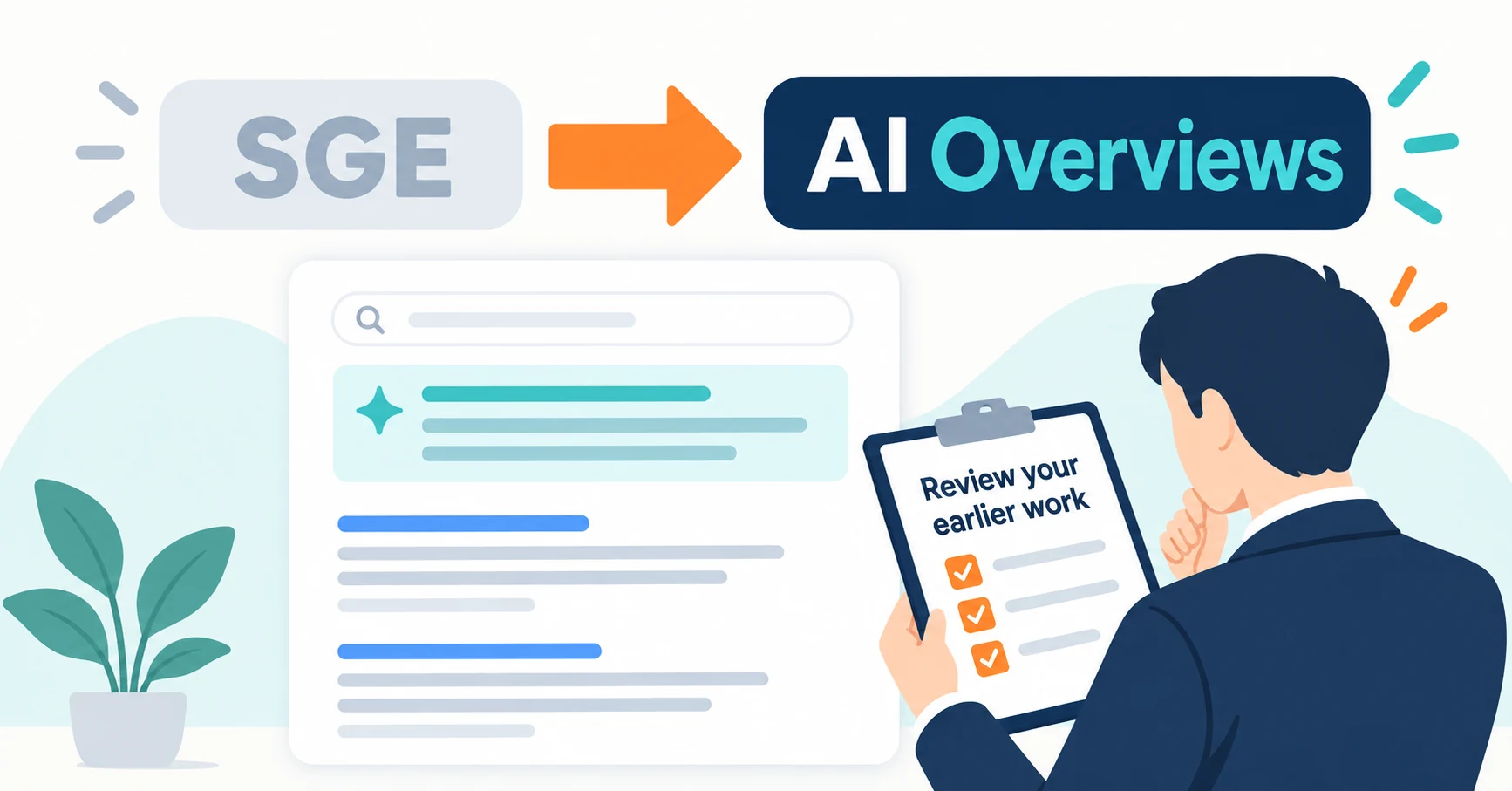
What Are AI Overviews? How to Review Your Former SGE Work
AI Overviews are AI-generated summaries shown in Google Search. Learn how they relate to the former SGE trial, how they differ from AI Mode, why no extra requirements apply, how to review earlier work and how to check the Search Console generative AI report.
Published
AIO and AI search
What Is LLMO? How It Differs from SEO and Why Some Say It Is Pointless
LLMO is the work of helping answers from ChatGPT and other AI find and accurately describe your company. Learn how it differs from SEO, why some call it pointless, how E-E-A-T relates, how to measure results and what to do in the first month.
Published