LLMO for E-Commerce Sites: Getting AI to Recommend Your Products
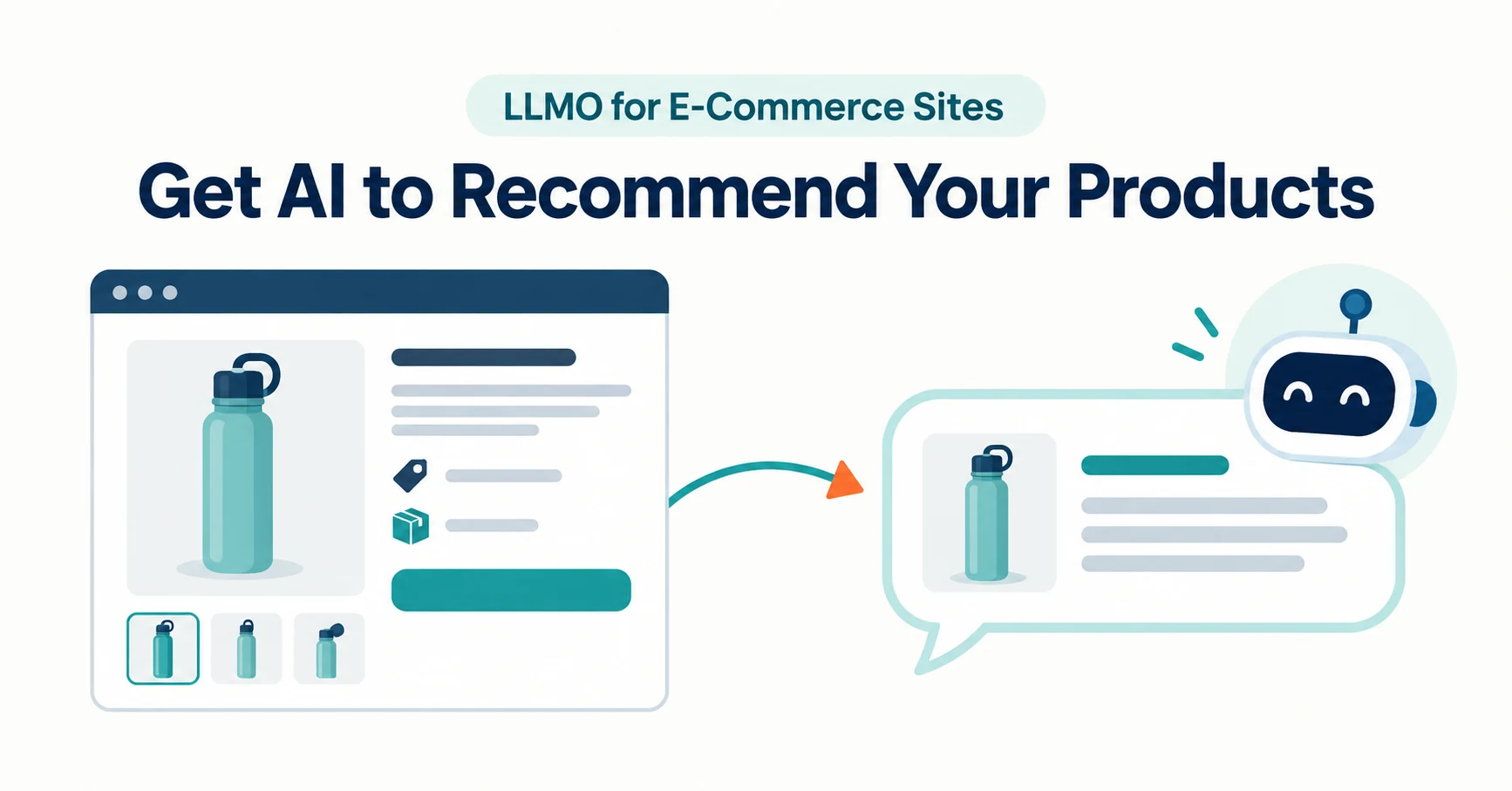
LLMO for e-commerce means making sure AI reads your product information correctly as it helps people find, compare and buy. Separate three routes—product pages, product data and AI shopping integrations—and see what to fix first.
LLMO for an e-commerce site is the work of making sure AI reads and presents your product information correctly when it helps people find, compare and buy products. Start by separating the three routes AI uses to get product information, and fix the part that applies to every store first.
Suppose you ask ChatGPT, “What’s a light water bottle for commuting?” and none of your products appear. Should you rewrite product pages, or do you need a new integration? This article is for non-technical staff running an online store in Japan. It gives the big picture and a first step. Information is current as of September 23, 2026.
What LLMO Means for E-Commerce Sites
LLMO for e-commerce means ensuring AI receives your product descriptions, prices and stock correctly. LLMO is the name for helping AI services such as ChatGPT describe your business accurately in their answers.
Shopping with AI involves finding, comparing and buying. At any stage, outdated or missing information prevents accurate recommendations.
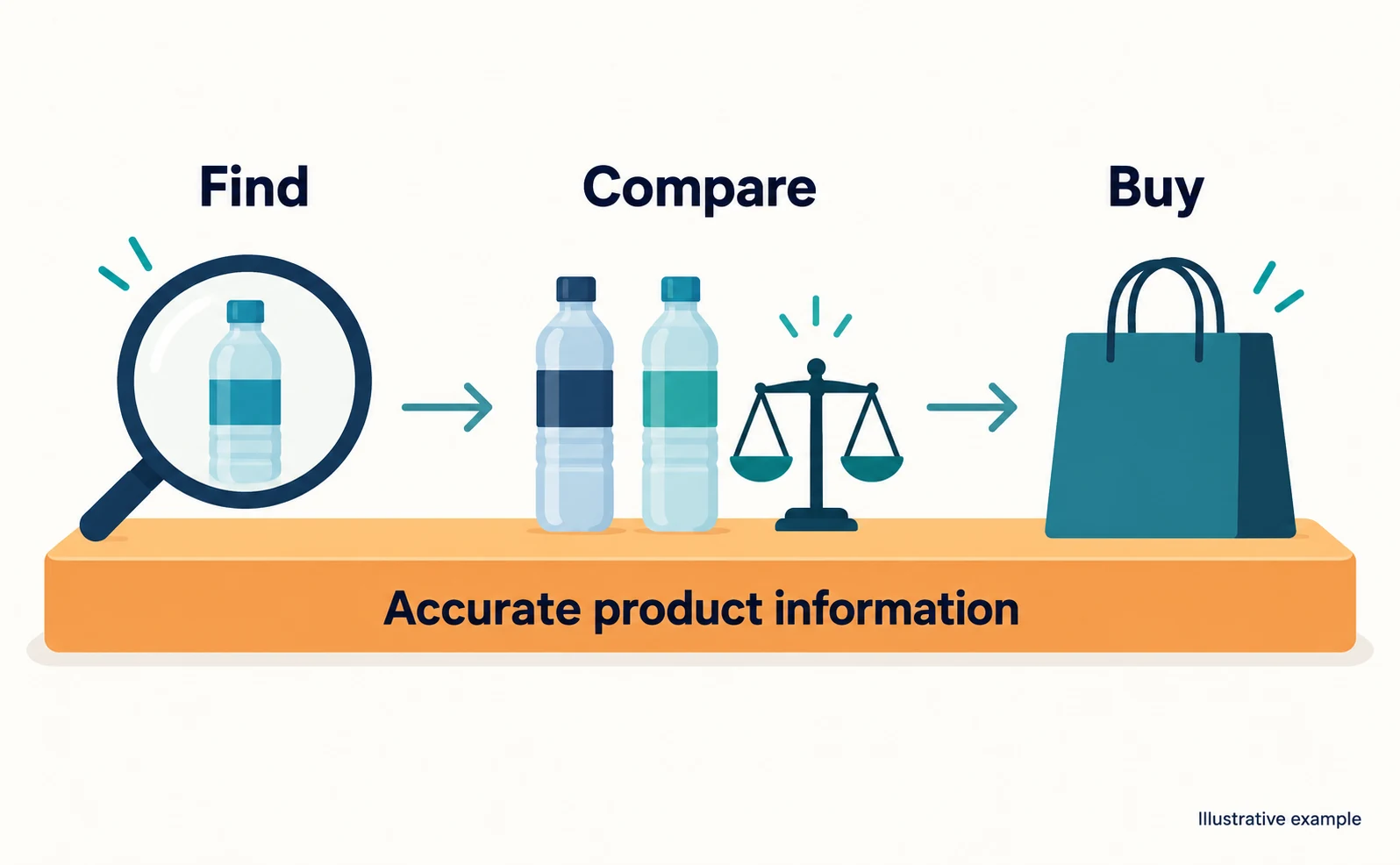
Google says there are no additional technical requirements for AI Overviews or AI Mode, and that ordinary search fundamentals apply [1]. Accurate product information matters more than special tricks.
Three Routes Before AI Recommends a Product
The main routes AI uses to get product information are product page text, product data such as Merchant Center, and product integrations with AI services.
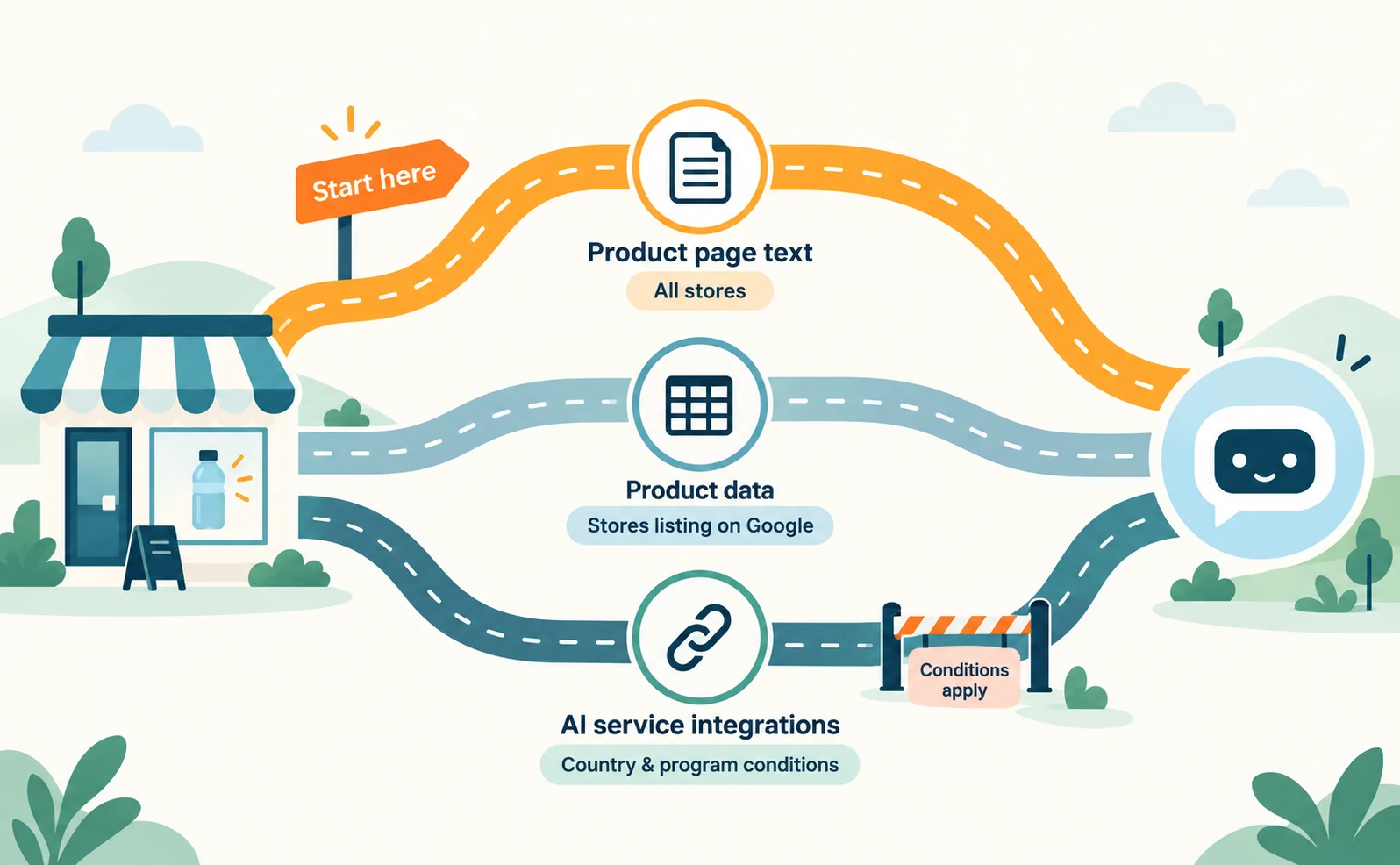
| Route | Examples | Which stores | Related article |
|---|---|---|---|
| Product page text | Descriptions, prices and stock on your site | All stores | This article |
| Product data | Product information registered in Google Merchant Center | Stores listing products on Google | Fixing price mismatches |
| Integrations with AI services | Product feeds for ChatGPT, Google checkout integration | Stores meeting country and program conditions | ChatGPT product integration |
Google says that providing specifications in Merchant Center’s product_detail attribute helps customers discover product information on AI-driven surfaces such as AI Mode [3].
On March 24, 2026, OpenAI announced that it had extended ACP, a shared protocol, to product discovery. Merchants share product feeds (lists of product data). For Shopify merchants, product data is already integrated through Shopify Catalog, with no additional work required from individual merchants [5].
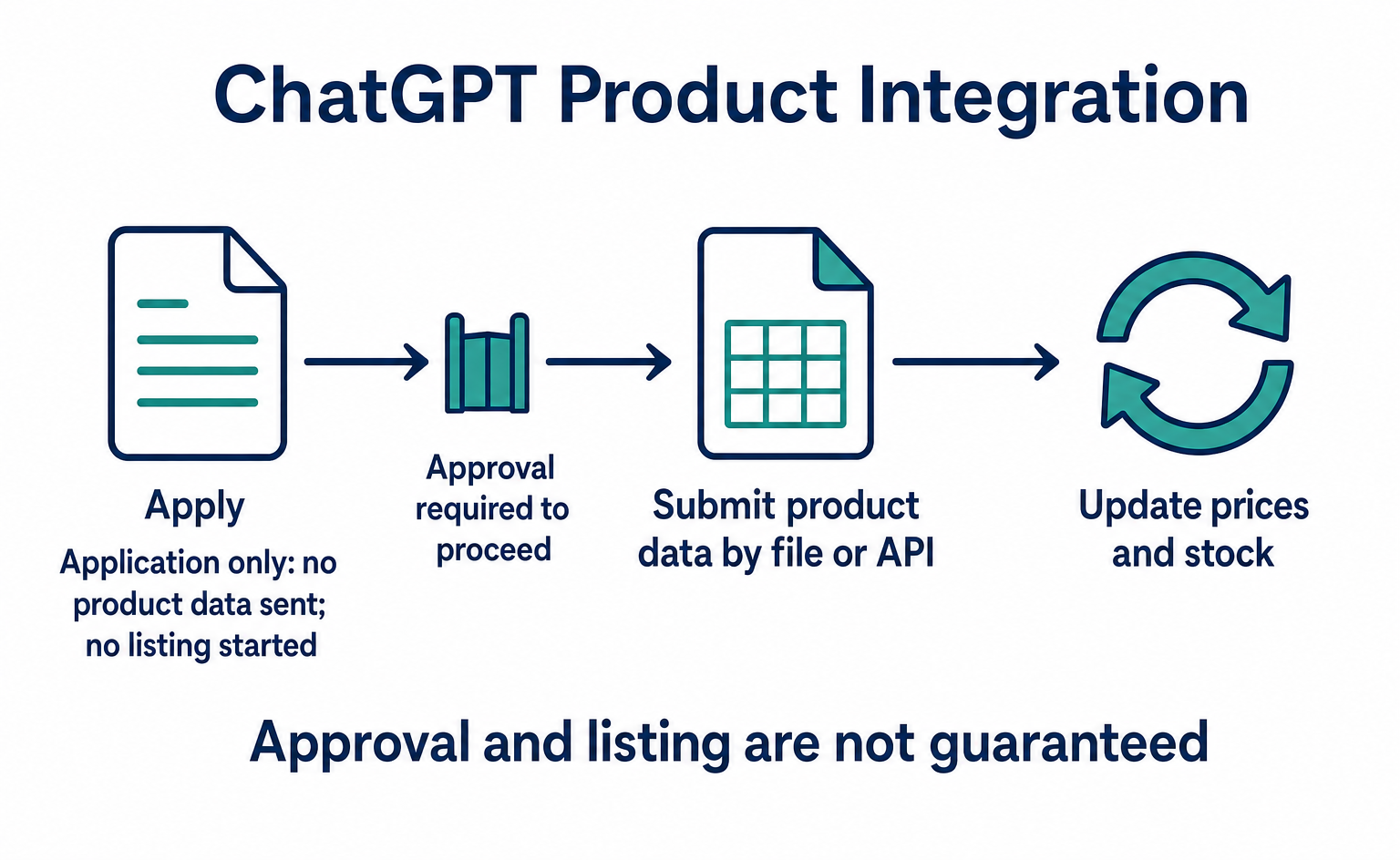
However, onboarding product feeds to ChatGPT is currently available to approved partners (OpenAI’s guide), and the standard upload targets the US [6]. Official documentation does not confirm whether stores in Japan can use it now. Start with the first row of the table: your product page text.
Information to Get Right on Product Pages
Make price, stock, shipping, returns and specifications readable in the text of each product page. Information that exists only inside images is harder to read.
Here is an example for a fictional water bottle, for illustration.
| Item | Example text (fictional) | Often overlooked |
|---|---|---|
| Price | ¥3,300 (tax included) | Different prices by color |
| Stock | White: in stock / Blue: awaiting restock | Differences by color or size |
| Shipping | Free over ¥5,000. Extra for remote islands | Missing conditions |
| Returns | Unused items within 8 days of delivery | Excluded products |
| Specifications | 350 ml, 180 g, not dishwasher safe | Where it should not be used |
Use numbers, not just “light” or “holds plenty.” They are easier for AI to compare, and customers can judge whether the product suits them.
Prevent Mismatches Between Product Data and Page Text
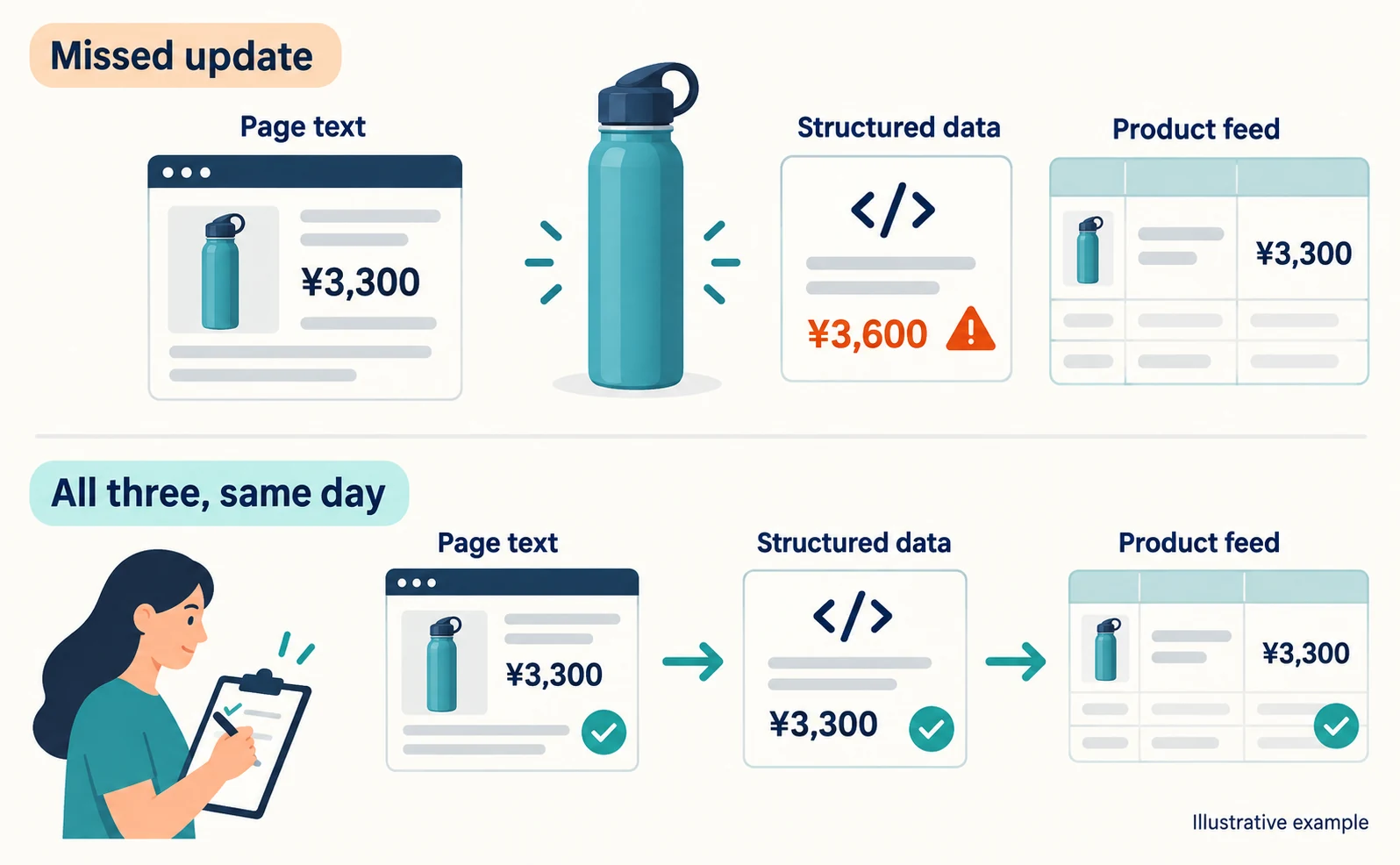
Prices often display incorrectly because the same product’s information lives in several places and only some are updated. Update page text, structured data and the product feed together.
Structured data adds page information in a format search services can read easily. Google asks that it not include information that is not visible on the page [2]. For AI features, matching structured data to the visible text is also listed as a basic practice [1].
For Merchant Center’s product_detail, Google advises not to include price, shipping or company name, which belong in other attributes, and not to list keywords [3].
Each time you cut a price or sell out, check “page text → structured data → product feed” on the same day. Deciding who checks what prevents missed updates.
AI Crawler and Checkout Settings
Allowing search crawlers and connecting AI checkout are separate settings. Checkout integrations have country and application requirements.
A crawler is a program that reads pages automatically. If you block OAI-SearchBot, which ChatGPT uses for search, your site will not appear in ChatGPT search answers, except possibly as navigational links. It is independent of GPTBot, which is used for training [4]. First ask your developer to confirm that robots.txt does not block OAI-SearchBot.
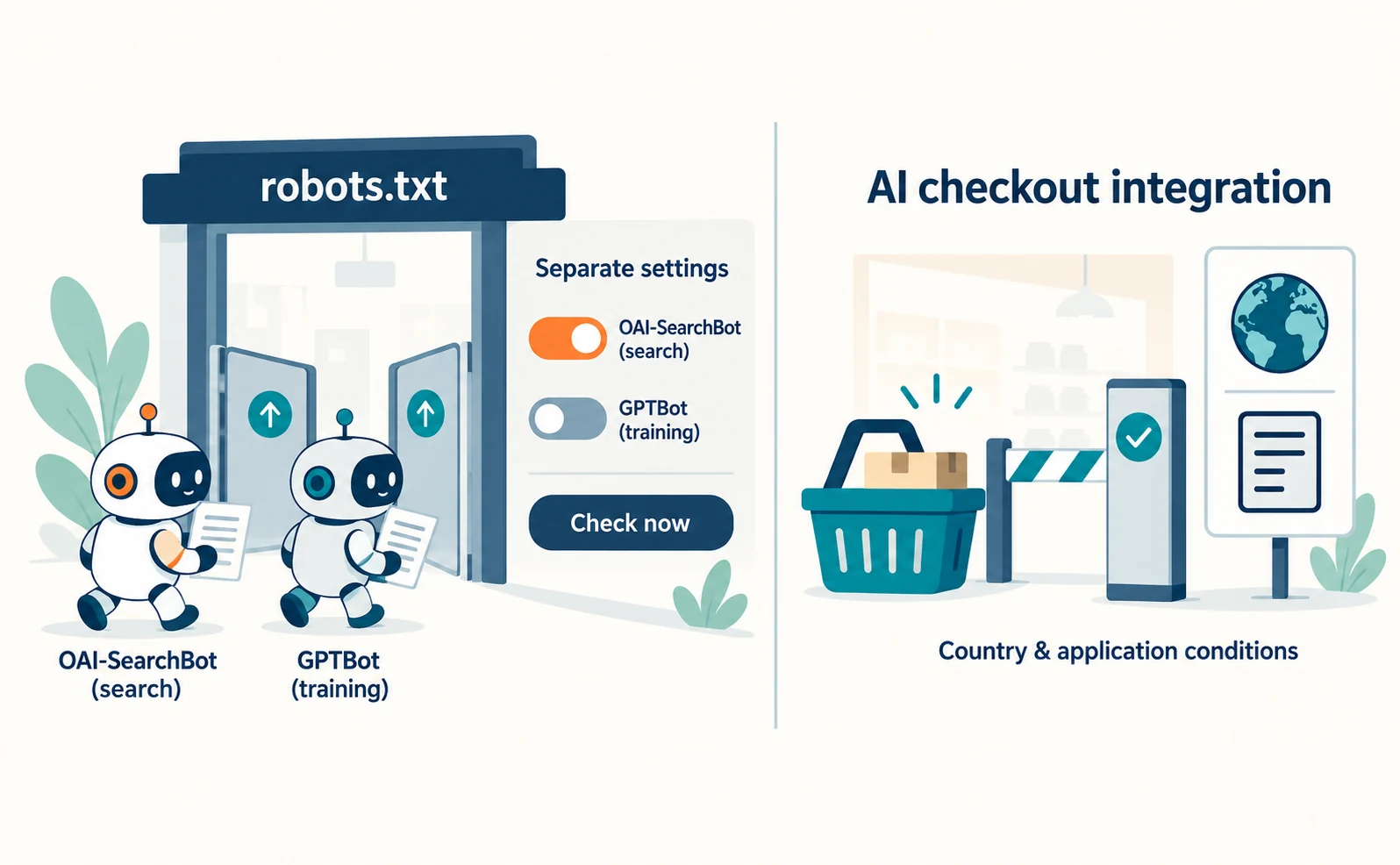
For checkout integrations, note the following.
- ChatGPT: OpenAI said the initial Instant Checkout did not offer enough flexibility and now lets merchants use their own checkout experiences [5].
- Google: the UCP-powered checkout button on Google is for eligible products in the United States, Canada and Australia and for select merchants [7].
For both, we could not confirm any guidance that lets stores in Japan apply right away. The application steps are described in preparing to sell through Google’s AI. What you can do now is get your product information and crawler settings in order.
Measure AI Recommendations and Sales Separately
Record product mentions in AI answers, visits from AI and orders separately.
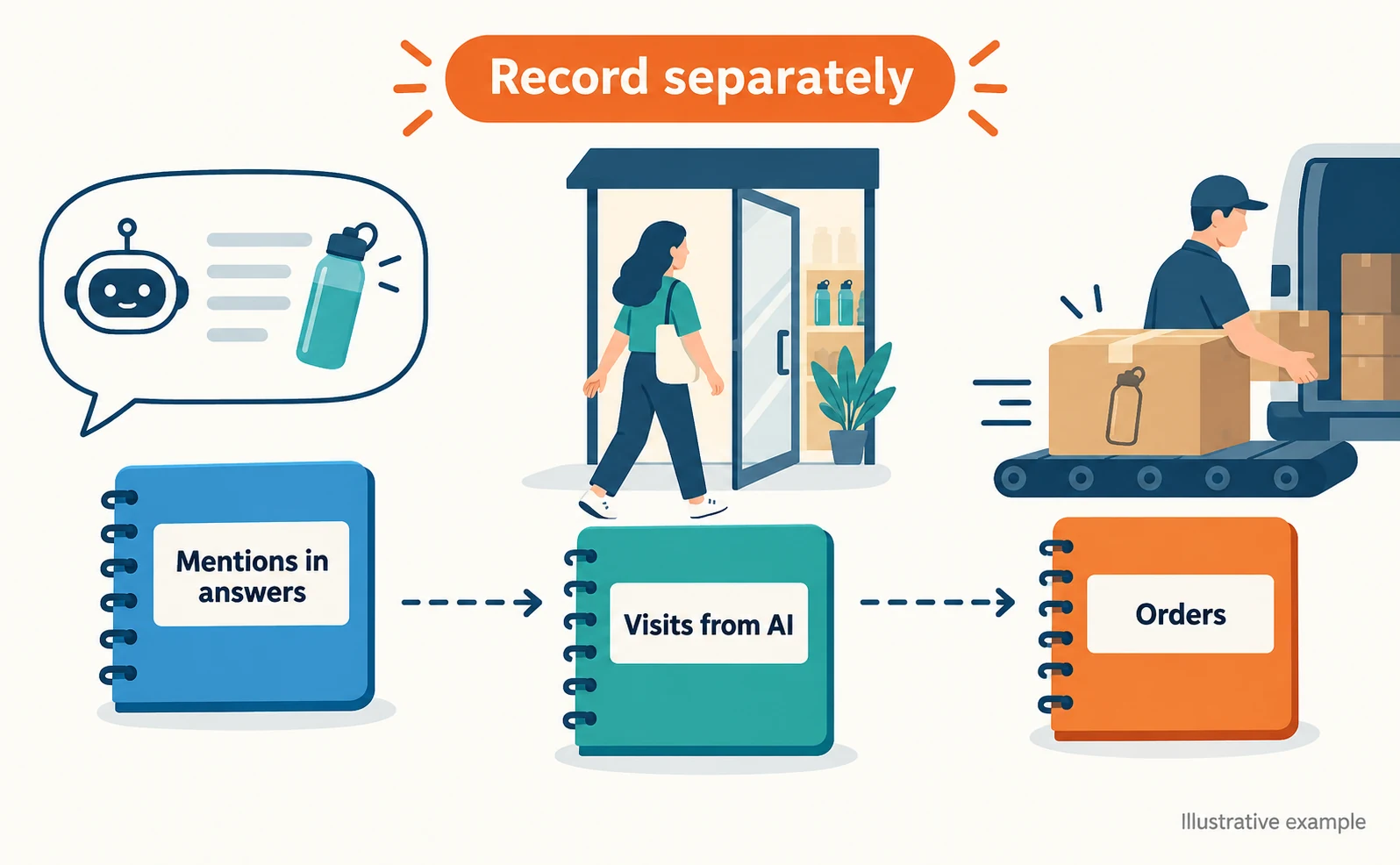
For Google, the Search Console generative AI report shows impressions in AI Overviews and AI Mode per page [8]. It is a clue to whether your product pages are being shown.
Merchant Center also has an AI performance insights report, but it currently covers English-language queries for accounts in Australia, Canada, India, New Zealand and the United States [9].
Keep the records separate like this.
| What you measure | Where you check | What you do not learn |
|---|---|---|
| Mentions in answers | Your own AI query records, impression reports | How many people saw them |
| Visits from AI | Analytics, tracking tags | What people asked |
| Orders | Your order records | Whether AI was the reason |
Start by choosing one best-selling product and checking that its information matches across all three routes. For more on how AI finds products, see the checks highlighted by Azoma.
FAQ
- Q. Do Shopify stores need to do the same things?
- For ChatGPT, OpenAI says Shopify merchants’ product data is already integrated through Shopify Catalog with no additional work. But every store still needs accurate page text, prices and stock, whatever the platform.
- Q. Will adding product structured data get AI to recommend my products?
- There is no guarantee. Google says no special structured data is needed to appear in AI features. If you use it, make it match the price and stock visible on the page.
- Q. Can stores in Japan accept AI checkout in ChatGPT or Google?
- As of September 23, 2026, official documentation says ChatGPT’s standard product feed targets the US and Google’s UCP checkout covers the US, Canada and Australia. We could not confirm availability in Japan. Get product information and crawler settings in order first.
Sources
- [1] AI features and your website (Google Search Central) — accessed 2026-09-23
- [2] Introduction to structured data markup in Google Search (Google Search Central) — accessed 2026-09-23
- [3] Product detail [product_detail] (Google Merchant Center Help) — accessed 2026-09-23
- [4] Overview of OpenAI crawlers (OpenAI) — accessed 2026-09-23
- [5] Powering Product Discovery in ChatGPT (OpenAI) — accessed 2026-09-23
- [6] Products file upload reference (OpenAI) — accessed 2026-09-23
- [7] About the Universal Commerce Protocol (UCP) and UCP-powered checkout feature on Google (Google Merchant Center Help) — accessed 2026-09-23
- [8] Generative AI performance report (Search) (Google Search Console Help) — accessed 2026-09-23
- [9] About AI performance insights (Google Merchant Center Help) — accessed 2026-09-23
About the author
Shogo MizushimaCEO of kairos Inc. / AgentSignal Developer
Develops AgentSignal, a tool for measuring AI crawler visits and AI-referred traffic, and diagnosing AIO readiness. Writes about measurement and practical improvements for AI search using observed data.
Related articles
AI shopping and booking
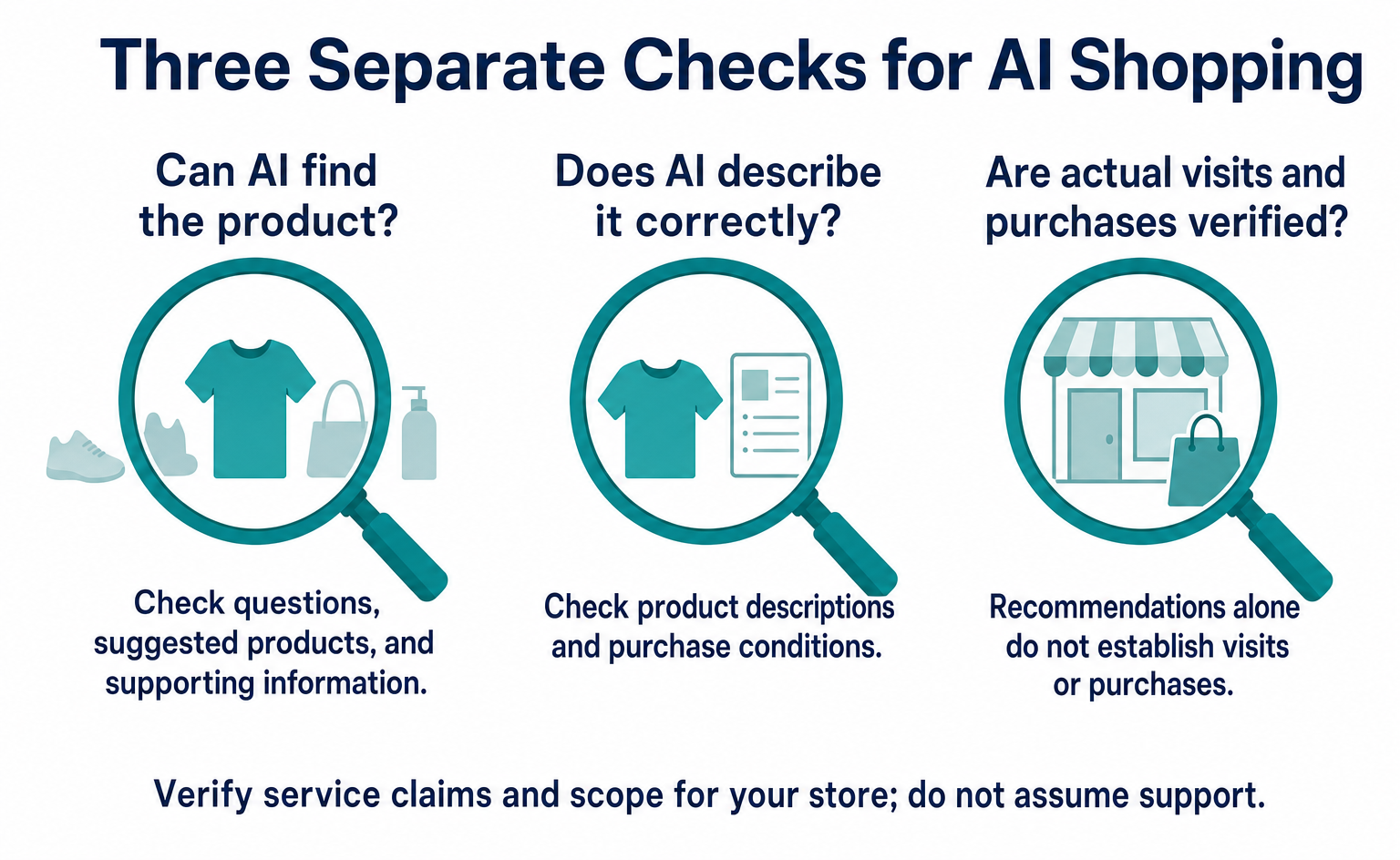
How Can AI Find Your Products? Checks Highlighted by Azoma
Based on Azoma’s September 7, 2026 announcement, learn what to check in product details, pricing, stock, shipping, and returns. Includes questions to test AI answers, ways to investigate errors, and steps to track visits and purchases, starting with a few products.
Published
AI shopping and booking
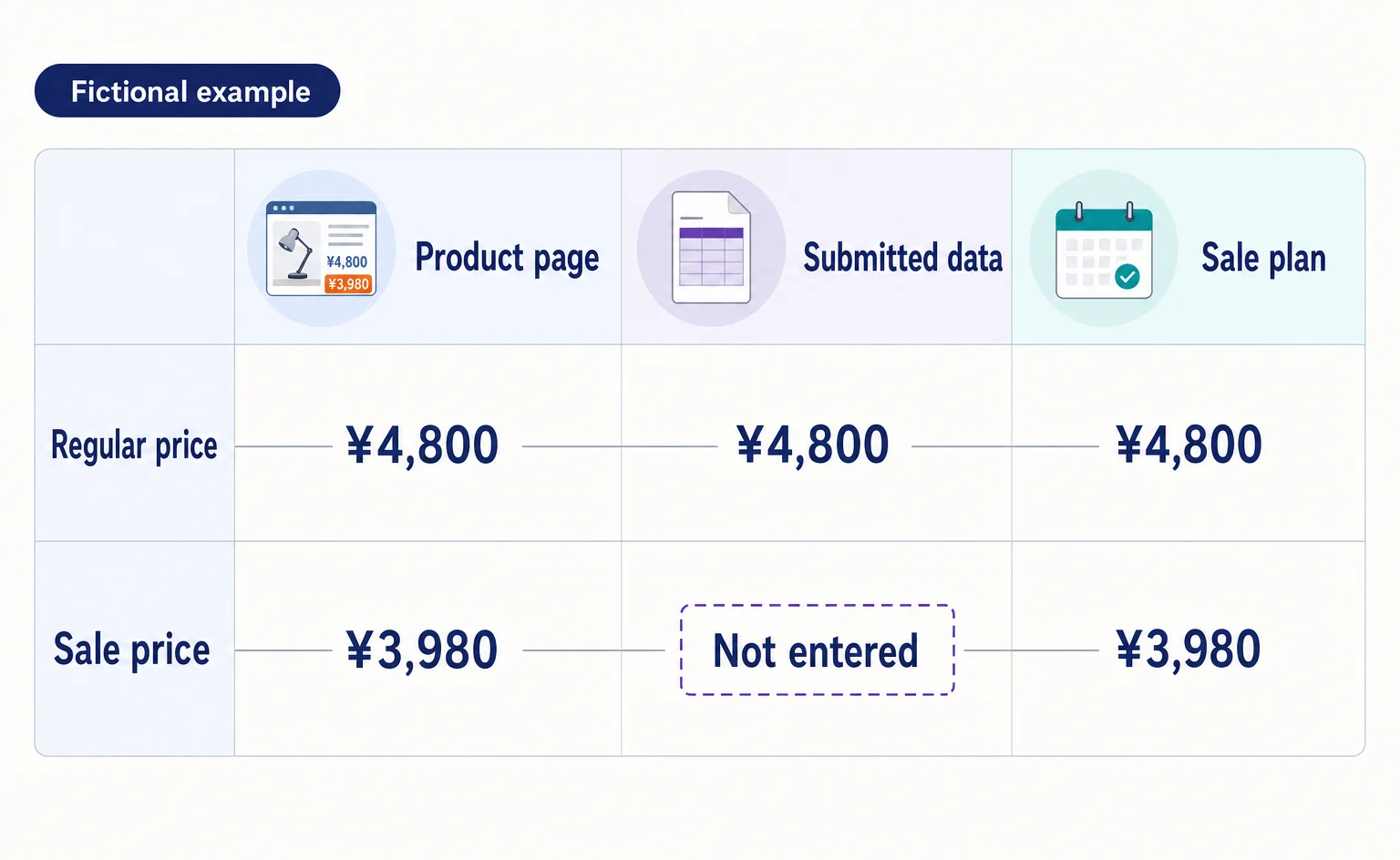
Google Shows the Wrong Price: 3 Places to Check After a Price Cut
If Google still shows an old price after you lower it on your product page, compare the page, the product data sent to Google, and the sale conditions. A fictional example explains where to make corrections and how to check approval status afterward.
Published
AI shopping and booking
How to List Products on ChatGPT: From ACP Product Integration to Orders
A step-by-step guide to applying for product integration, sending and updating product data, and directing shoppers to checkout. Learn when order APIs are needed, how to test version 2026-04-17, and which features were available or still proposed as of September 10, 2026.
Published