WebMCP forms can now pass: reading the Lighthouse 13.5 audit changes
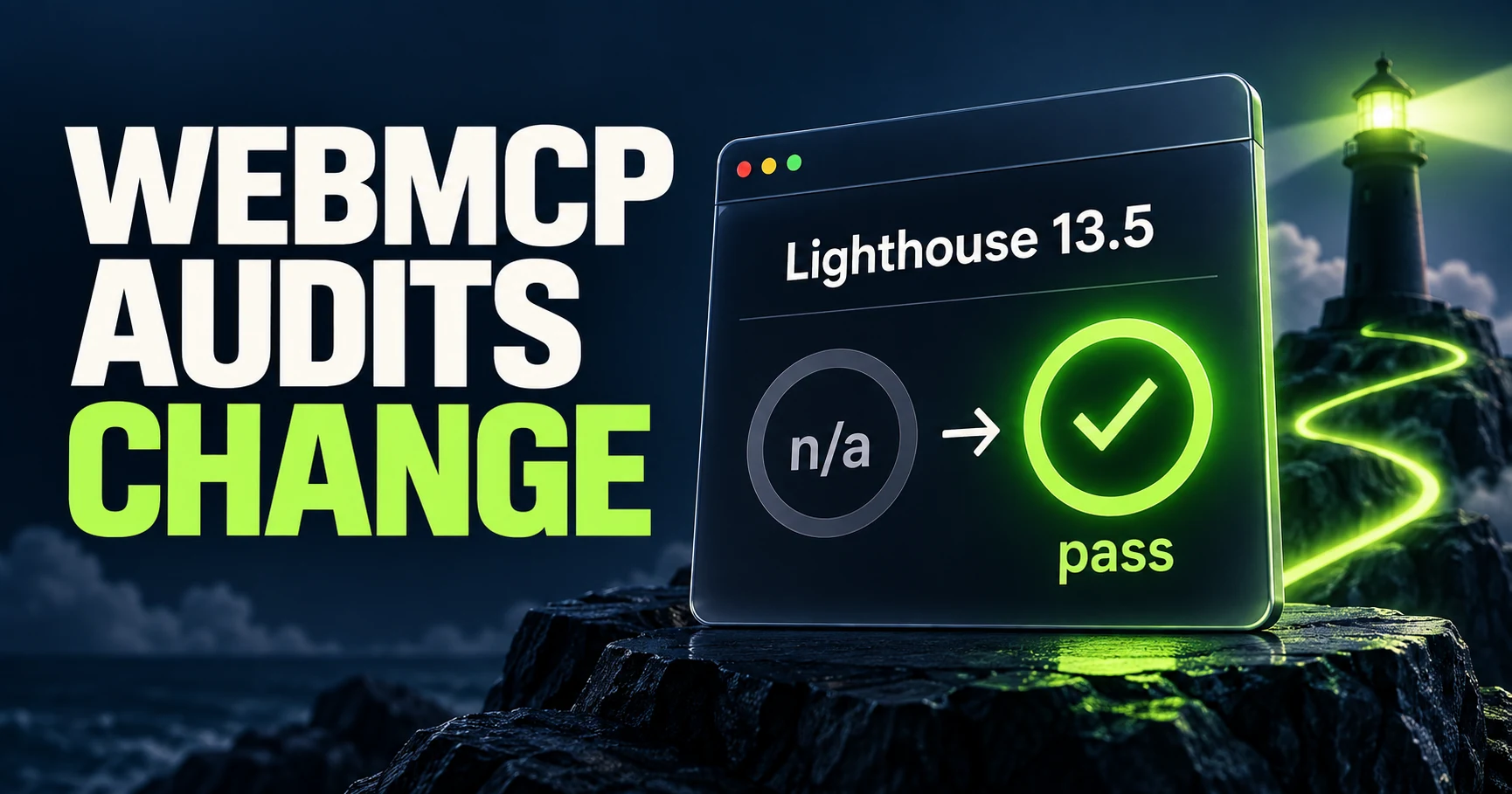
Lighthouse is a tool for auditing websites. This update makes a site's form coverage for WebMCP easier to interpret in the audit output.
A form supports WebMCP, yet its audit result says “not applicable.” Lighthouse 13.5 includes a change that can turn that result into a pass.[1][2]
Lighthouse is a tool for auditing websites. This update makes a site's form coverage for WebMCP easier to interpret in the audit output.
But a passing audit does not guarantee a successful AI-assisted purchase. Here is what changed and what teams should check separately.
What changed in WebMCP on September 17 and 18?
The WebMCP specification document and the Lighthouse audit update are separate developments. Distinguish the document dated September 17, 2026, from Lighthouse 13.5, released September 18.[1][2]

| Date | Subject | Confirmed change or status |
|---|---|---|
| September 17 | WebMCP document | Published as a Draft Community Group Report |
| September 18 | Lighthouse 13.5 | Form-coverage result change and a warning about registered tool counts |
WebMCP lets websites expose available operations as tools for AI. The document is a draft, not an announcement that WebMCP has become a W3C Standard.[1]
These are recent changes checked on September 26, but they did not occur within the preceding 24–48 hours. The release date and the date we cover it are different.
For the broader context, start with our WebMCP guide.
When does WebMCP form coverage change from n/a to pass?
When all relevant forms are annotated for WebMCP, the change reports a pass instead of n/a. Here, n/a means not applicable.[2][3]

The annotations describe a form's operation for AI. The change makes complete coverage visible as a passing audit result.
Partially uncovered forms do not automatically become a failure
The Pull Request explains that this change does not make forms with missing coverage fail across the board. “Pass when all are covered” and “fail when any are uncovered” are different rules.[3]
| State | What this change establishes |
|---|---|
| All relevant forms covered | The result becomes pass rather than n/a |
| Some forms uncovered | This change alone does not establish an automatic fail |
Comparing an older n/a result with a newer pass does not prove that the implementation improved. The reported result can change with the audit version even if the website is unchanged.
Record the Lighthouse version as well as the date of any site changes when making comparisons.
Too many registered WebMCP tools can trigger a warning
Lighthouse 13.5 also adds a warning when the number of registered WebMCP tools exceeds a recommended limit. This is separate from the form-coverage change.[2][4]

It does not mean the WebMCP specification imposes a universal hard limit. An audit recommendation and a specification constraint are different things.
If you see the warning, inspect your registered operations. These are our suggested review questions:
- Is the same operation registered more than once under different names?
- Are tools registered for operations unavailable on the current page?
- Do the names and descriptions make the differences clear?
For example, product search and stock lookup have distinct purposes. Two operations that run the same search under the same conditions may be candidates for consolidation. This is an illustrative example, not a claim that Lighthouse verifies the correctness of their execution.
Check both the audit version and the actual operation
Record the Lighthouse version, interpret the audit, and then test the operation itself.

At release, Lighthouse 13.5 was announced for Chrome 156 DevTools, with PageSpeed Insights integration still forthcoming. Reading the release notes does not establish that every environment you use already runs 13.5.[2]
Check the version shown in the report first. Then record the URL, audit date, form-coverage result and any registered-tool warning.
A pass does not verify agent identity or purchase success
A passing WebMCP form audit does not tell you who the agent is or who approved an order. Identity verification, such as Web Bot Auth, and the site's operation and approval design require their own checks.[5]
For functional testing, use defined test conditions to check whether product search works and returns appropriate results. If orders are involved, use a test environment to inspect quantities, totals and the point at which approval is requested.
Keep the diagnostic result and the functional test record together. That makes it easier to explain exactly which parts of your WebMCP implementation have been checked.
FAQ
- Q. Has WebMCP become a W3C Standard?
- The checked September 17 document is a Draft Community Group Report, not a W3C Standard.
- Q. Does a passing form audit guarantee an AI purchase succeeds?
- No. Form coverage, functional results, agent identity and purchase approval require separate checks.
Sources
- [1] WebMCP Draft Community Group Report — accessed 2026-09-26
- [2] Lighthouse v13.5.0 — accessed 2026-09-26
- [3] Form coverage: pass instead of n/a — accessed 2026-09-26
- [4] Warn when WebMCP tools exceed recommended limit — accessed 2026-09-26
- [5] Web Bot Auth — accessed 2026-09-26
About the author
Shogo MizushimaCEO of kairos Inc. / AgentSignal Developer
Develops AgentSignal, a tool for measuring AI crawler visits and AI-referred traffic, and diagnosing AIO readiness. Writes about measurement and practical improvements for AI search using observed data.
Related articles
Connecting AI and the web
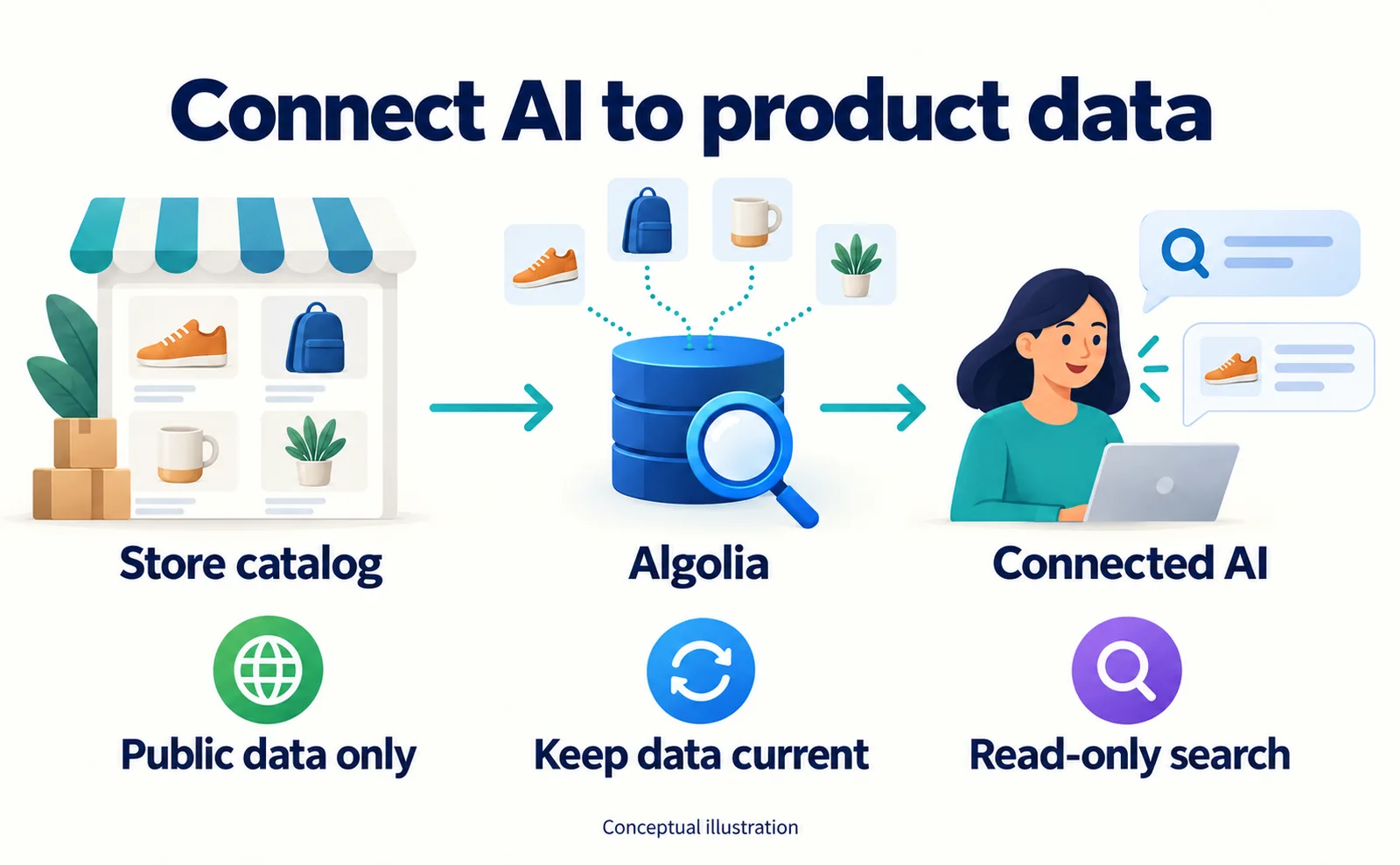
Algolia MCP: Let Connected AI Search Your Product Data
Prepare product data, create an Algolia Public MCP URL, connect a compatible AI client and test prices and availability. Understand the limits of read-only search.
Published
Connecting AI and the web
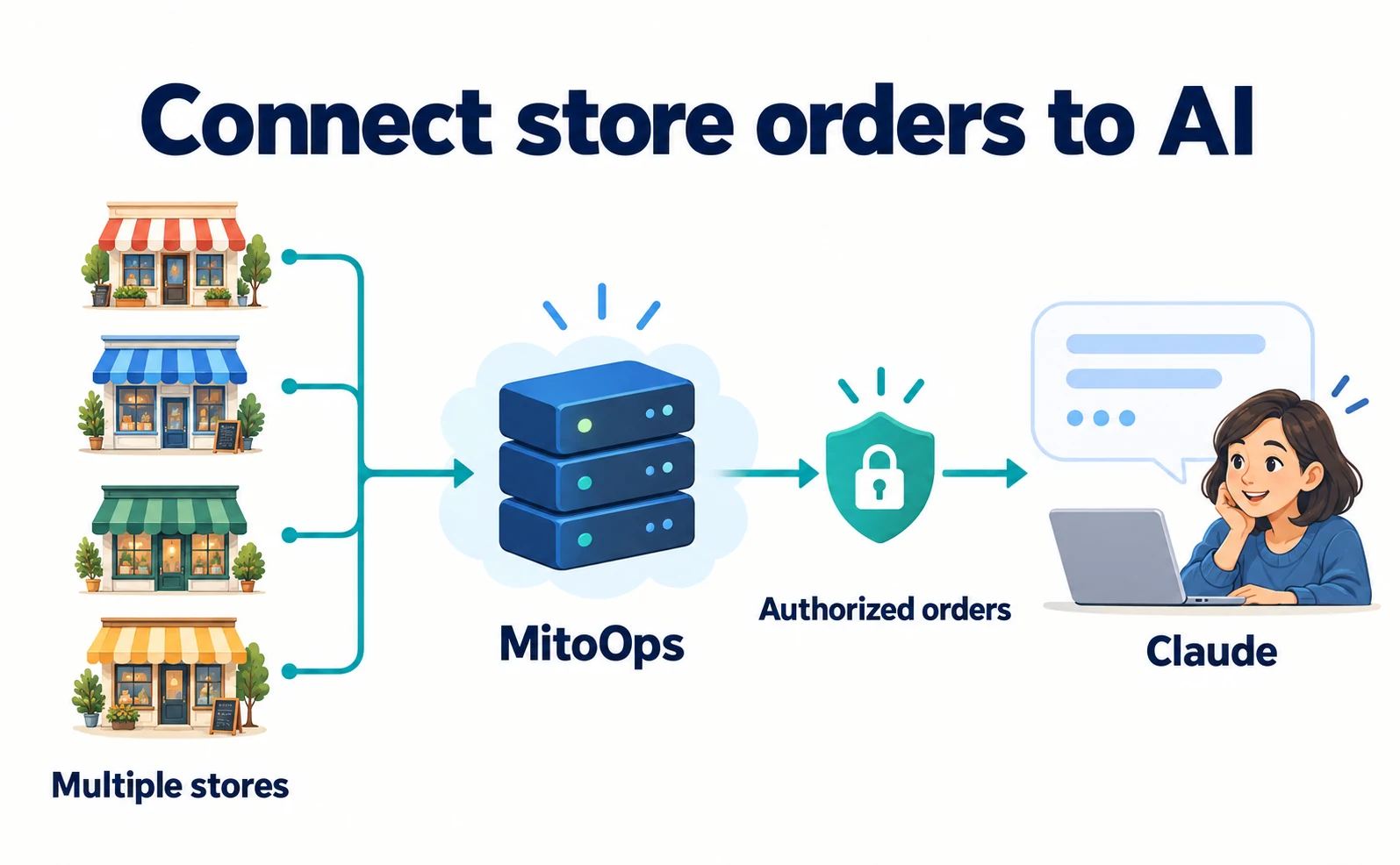
Four stores in one Claude conversation: a MitoOps MCP case
See how a four-store business connected Claude to order data, then follow a limited read-access trial with prompts, checks and current-documentation caveats.
Published
Connecting AI and the web
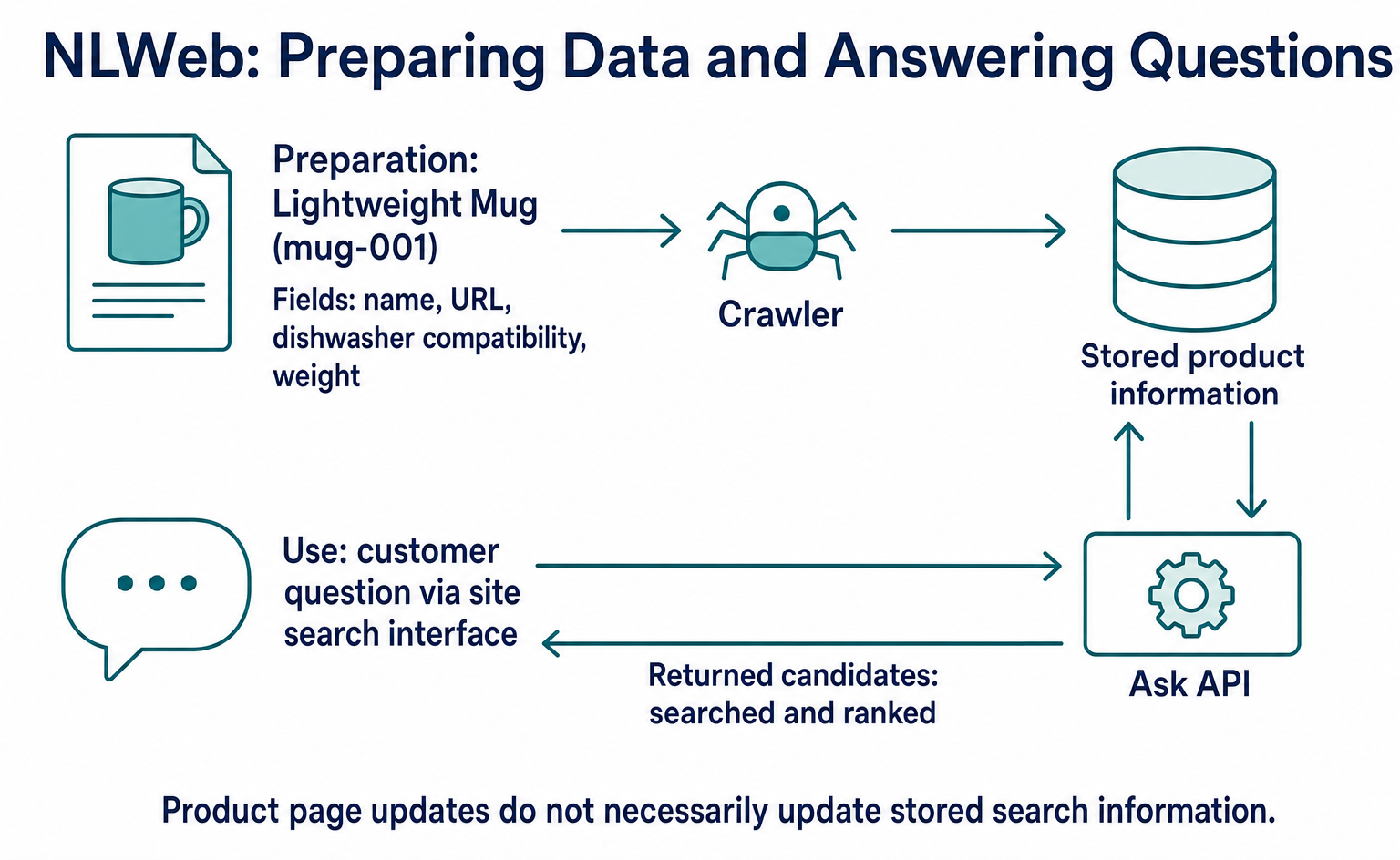
What Is NLWeb? Finding Site Products and Articles in Natural Language
NLWeb helps developers build search that accepts needs and conditions in everyday language. Follow one product from data preparation to search results using a pinned Ask Agent version, and learn how search differs from ordering and payment.
Published