Algolia MCP: Let Connected AI Search Your Product Data
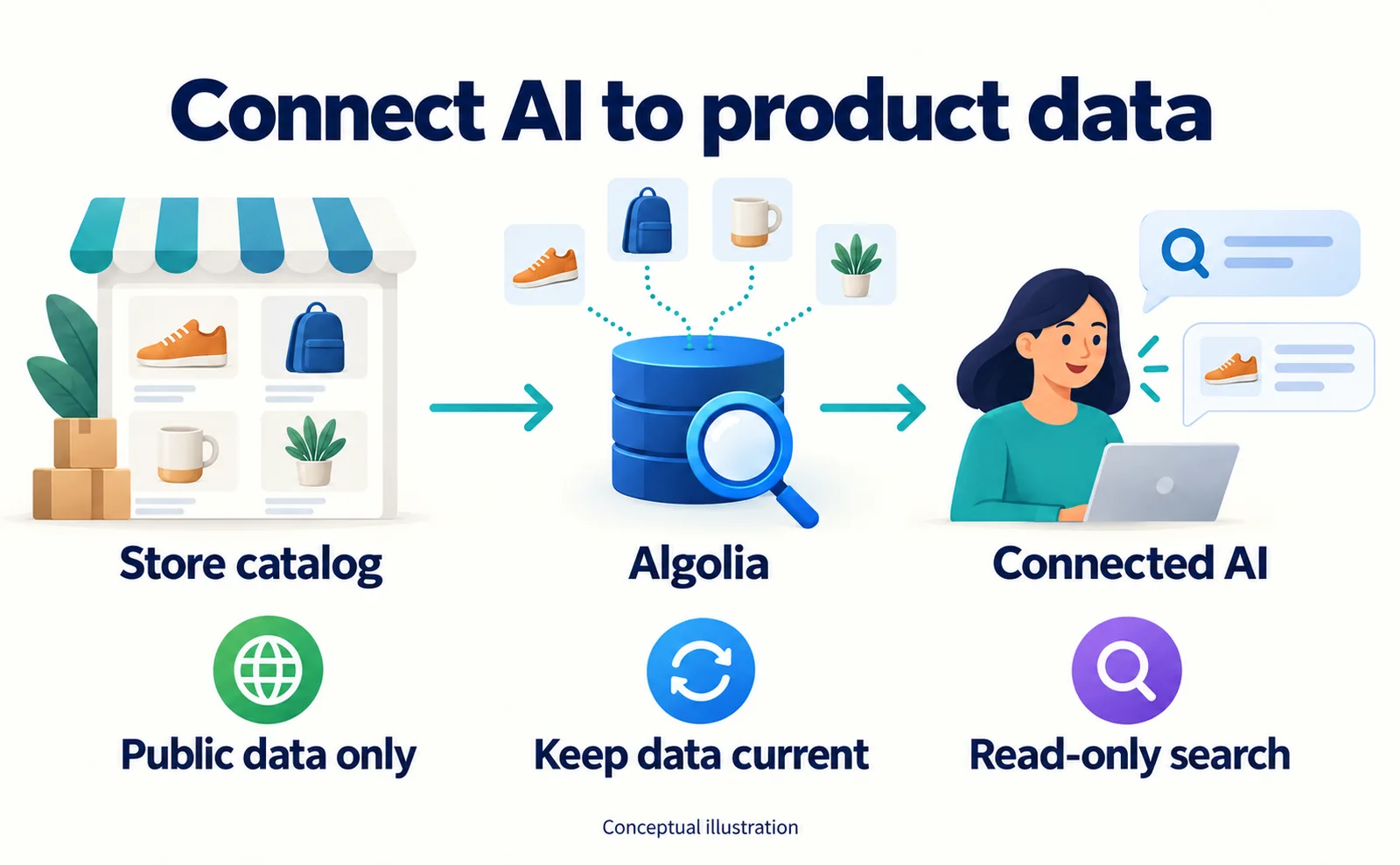
Prepare product data, create an Algolia Public MCP URL, connect a compatible AI client and test prices and availability. Understand the limits of read-only search.
Algolia's MCP integration lets a connected AI assistant search your product data. It can support answers grounded in catalog information, but it does not register your products for every ChatGPT user or automatically provide checkout.[1][2]
Algolia announced its production MCP offering on September 15, 2026. For an independent storefront, the practical opportunity is a product assistant connected to data the business controls. This guide explains the preparation and testing work, using documentation checked on September 19.
Understand the two things you are connecting
Algolia is a search service. An index is a collection of searchable records inside it; here, it does not mean inclusion in Google's index. MCP is a shared way for an AI application to call an external tool.[2]
Your store supplies product data to Algolia. A connected assistant searches that data and uses the result in an answer. Freshness depends on your updates reaching the search data.
Algolia distinguishes Public MCP, for selected data exposed to external or customer-facing assistants, from Productivity MCP, for internal use governed by a user's permissions. Current documentation describes both as read-only. Record changes happen elsewhere.[2][4]
For a customer-facing product assistant, start by evaluating Public MCP. Keep internal analytics as a separate use case so you can decide what data each audience should access.
1. Choose one question and one product
The exercise below is our proposed test, not a production implementation supplied by Algolia.
For a bag retailer, choose a question such as “Do you have a lightweight commuting backpack?” Open the product administration screen and identify a suitable item. Record its identifier, weight, price, currency, and availability.
An illustrative record might look like this. The item and price are fictional; the custom fields are not a universal required schema:
{
  "objectID": "BAG-01",
  "name": "Commuting backpack",
  "price": 8800,
  "currency": "JPY",
  "weight_grams": 650,
  "in_stock": true
}
Use a stable identifier to distinguish similar products. Decide which fields the assistant may receive. Customer information, buying costs, and internal notes do not belong in a public product collection.
Also decide which system owns price and stock, who maintains the update process, and how you will detect an update failure. Uploading a record once does not keep it current.
2. Check the search data before adding AI
You need an Algolia application with populated product data. Existing users can open the dashboard; new users should review account setup, commercial terms, and the data-import approach with their implementation owner.[3]
An application is the Algolia management unit containing the relevant settings and indices. Confirm which application and index are intended for this experiment.
Find the selected product in Algolia and compare it with the store's administration screen. Check identifiers, variants, price, and availability before evaluating any generated answer.
| Finding | Investigate |
|---|---|
| Product missing | Import completion, index selection, identifier |
| Old price | The update path from the store to Algolia |
| Wrong availability | Stock mapping and the latest update time |
| Internal information exposed | Selected fields and access scope |
Correct a data problem at its source. A prompt that tells the assistant to “be accurate” cannot repair an outdated catalog.
3. Create the connection
Follow the Public MCP guide to select the application and indices, describe them, save the server, and copy its URL. The documented address pattern is:[3]
https://{APP_ID}.algolia.net/mcp/1/{UNIQ_ID}/mcp
Copy the issued address rather than inventing the placeholder values. This is a tool connection address, not your public product-page URL.
The documented Public MCP setup does not require separate client authentication. Select only data suitable for the intended audience. Do not expose an internal index simply because it is convenient.[3]
4. Connect an assistant and inspect its result
Use an MCP-compatible environment. Algolia documents adding a custom connector in Claude and entering the issued URL. Availability of that interface can depend on the account and organization permissions.[3]
Ask the test question. For verification, request that the assistant use returned price and stock information and clearly identify missing fields. This is our suggested testing instruction.
The documented search tool is named algolia_search_{index_name}.[3] Where the client exposes execution details, check which tool ran and what record it returned. Compare the identifier, price, and availability with the final answer.
A plausible response alone is not proof that the assistant used the connection. Save the tool result as well as the answer when your testing environment permits it.
5. Change a test record and check the full update path
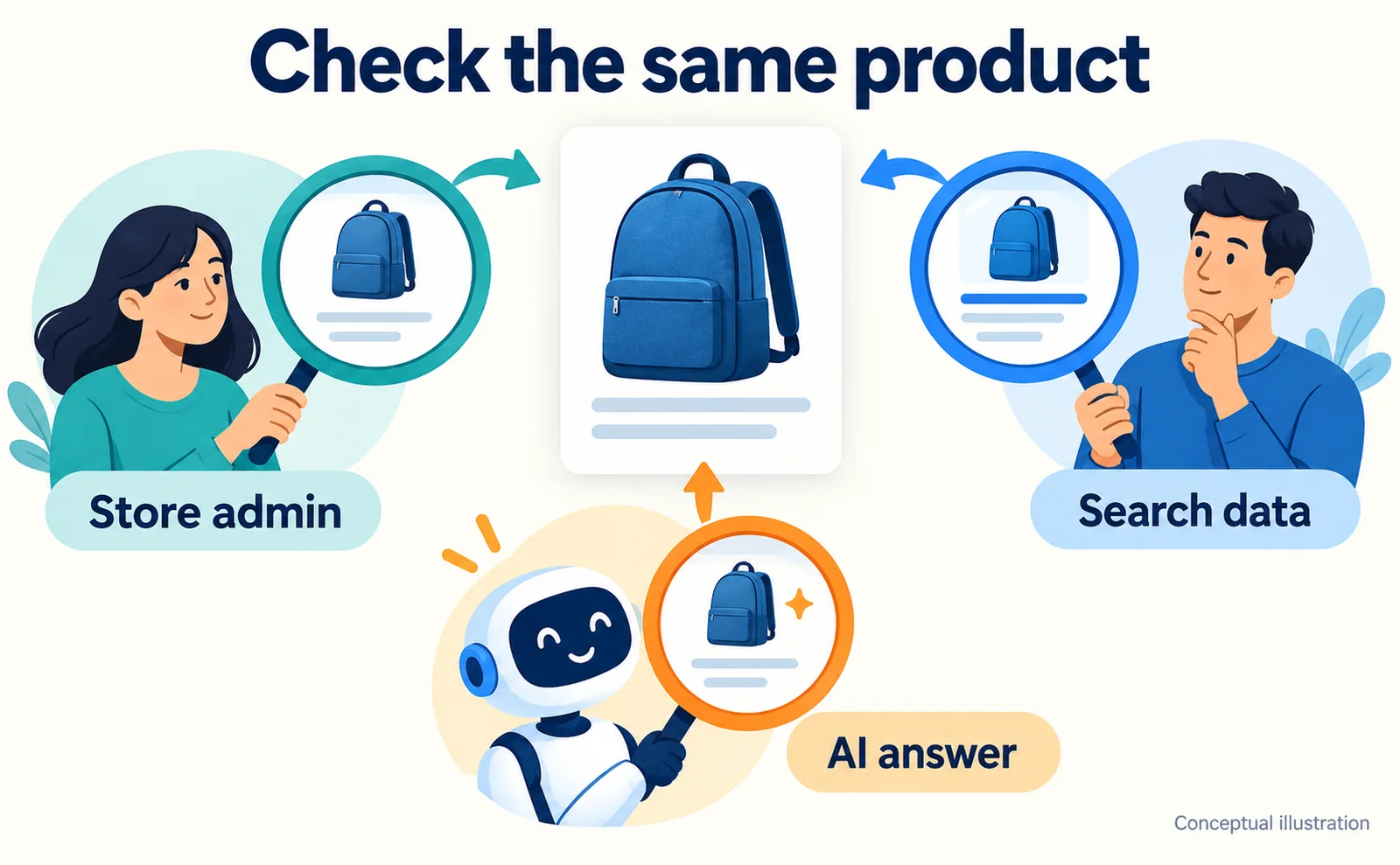
Use a development or test dataset rather than changing a live selling price for an experiment.
- Mark the test item unavailable in the source system.
- Run the agreed update process and confirm the change in Algolia.
- Start a fresh conversation and repeat the question.
- Record the source-change time, update completion, and answer time.
If Algolia still has the old value, investigate synchronization. If Algolia is current but the answer is not, inspect the client conversation and its handling of results.
Also ask for a product you do not sell. The assistant should not confidently invent a matching item. Write down the acceptable behavior for missing products, unsupported variants, and incomplete information before expanding the test.
Test enough examples to expose the problems your customers actually encounter. Include a normal product, a variant, an unavailable item, and a question with no supported answer. These are our recommended scenarios, not a formal Algolia certification procedure.
Search is one part of a buying experience
A read-only product connection does not create orders or accept payment.[2] Once answers are reliable, decide whether to send buyers to the existing product page or build a separately supported checkout connection.
Public MCP calls count toward Algolia usage.[3] Evaluate those costs together with the assistant provider's charges and your data-update work. Agree on a test period and operating limits before exposing the experience to a larger audience.
AgentSignal's free AIO check can help you examine the public product page. It does not replace the catalog synchronization and tool-execution tests above. Keep the web-page review and the MCP test results separate so you know which part needs improvement.
The first milestone is not “our catalog is connected.” It is one repeatable question answered with the correct product, current information, and a clear next step for the shopper.
FAQ
- Q. Does this list products for all ChatGPT users?
- No. It connects an AI client to configured Algolia data through MCP.[2][3]
- Q. Will stock always be current?
- The store still needs a reliable update process into Algolia. The connection alone does not synchronize inventory.
- Q. Can it create orders or take payment?
- The current MCP documentation describes read-only tools. Checkout needs a separate integration.[2][4]
Sources
- [1] Algolia Launches Production-Grade MCP for Agentic Commerce (Algolia) — accessed 2026-09-19
- [2] Model Context Protocol (Algolia) — accessed 2026-09-19
- [3] Public MCP (Algolia) — accessed 2026-09-19
- [4] Productivity MCP (Algolia) — accessed 2026-09-19
About the author
Shogo MizushimaCEO of kairos Inc. / AgentSignal Developer
Develops AgentSignal, a tool for measuring AI crawler visits and AI-referred traffic, and diagnosing AIO readiness. Writes about measurement and practical improvements for AI search using observed data.
Related articles
AI shopping and booking
PayPal's WebMCP Test: Checkout Around Twice as Fast
Understand PayPal's small WebMCP checkout benchmark, buyer approval, Store Sync eligibility questions, and practical tests for stock changes and cancellations.
Published
AI shopping and booking
Coach Comes to Gemini Checkout: What Merchants Can Learn
Explore Tapestry's US Gemini checkout launch, Google Pay approval and merchant preparation. Check current markets, catalog readiness and UCP onboarding requirements.
Published
Connecting AI and the web
WebMCP forms can now pass: reading the Lighthouse 13.5 audit changes
Lighthouse is a tool for auditing websites. This update makes a site's form coverage for WebMCP easier to interpret in the audit output.
Published