Four stores in one Claude conversation: a MitoOps MCP case
See how a four-store business connected Claude to order data, then follow a limited read-access trial with prompts, checks and current-documentation caveats.
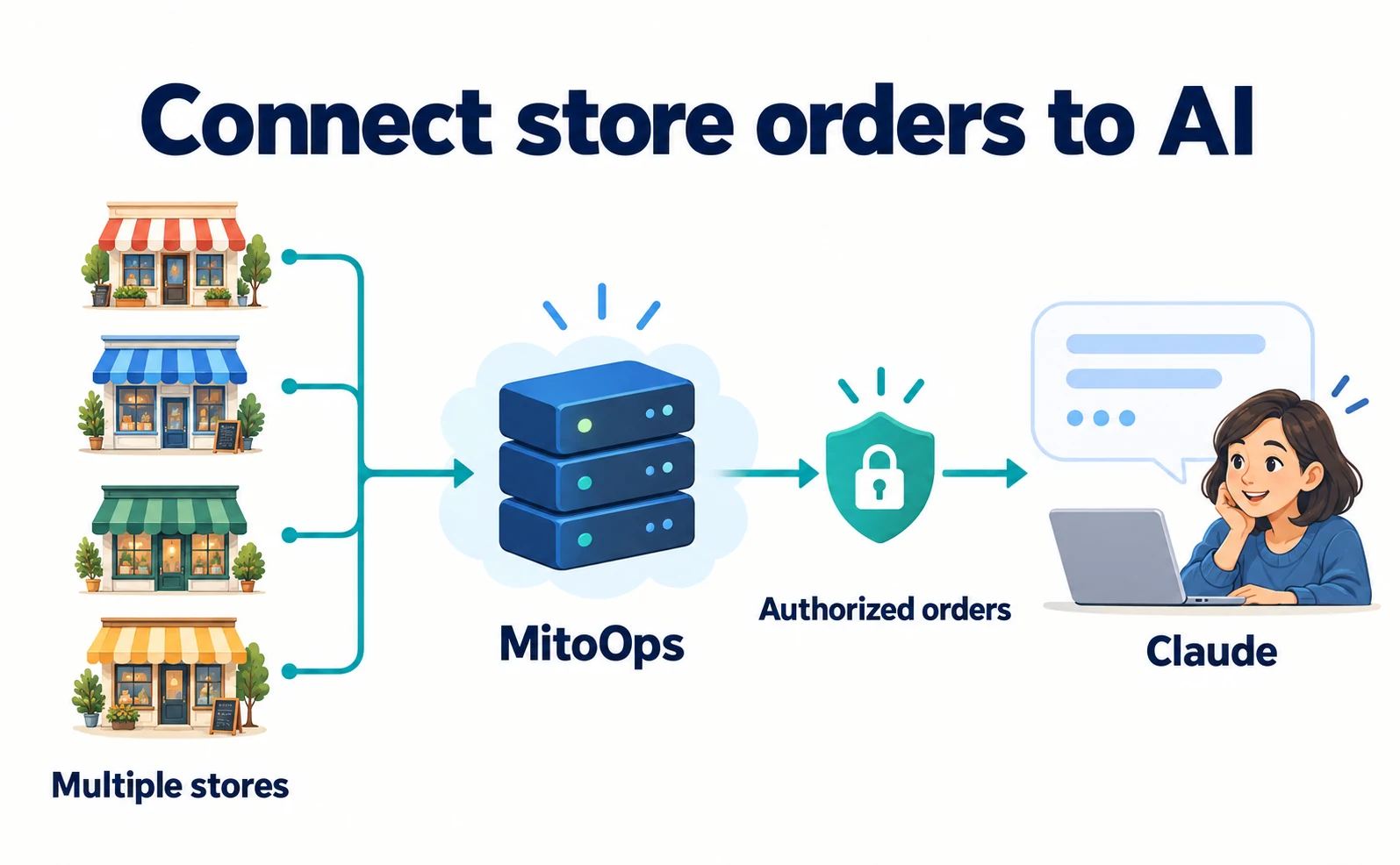
MitoOps describes a four-store ecommerce test in which Claude retrieved a seven-day window of orders and summarized activity by store. Instead of exporting a fresh file for every conversation, the AI could read data through an authorized connection.[1]
Running several stores can make a simple question—how many orders did each store receive last week?—surprisingly laborious. An AI summary is less helpful if the files are outdated or every store’s fields require another explanation.
MCP, the Model Context Protocol, is a shared way for an AI application to call external tools. Here it provides access to operational order information. It is not a method for registering products in ChatGPT search.
The source case was published on September 2, 2026, not today. We checked current documentation on September 18 and distinguish the original test from the considerations for a new trial.
Connect store records to Claude through MitoOps
MitoOps is an ecommerce operations service that brings store information together. The featured retailer, Mitochondriak, operates Slovak, Czech, Polish and international storefronts. This is the provider’s report about an operation it is involved in, not an independently verified outcome study.[1]
Stores first supply data to MitoOps; Claude then connects to MitoOps. Pasting a public store URL into a conversation does not grant access to private orders.
With orders collected in one operational system, the AI can request information through a consistent interface. The connection can be limited to particular stores and information categories.[2]
Before deciding what to connect to Claude, establish where the authoritative order records are. AI cannot repair a store’s missing synchronization simply by asking another question.
The original case and current tool list differ
The September 2 article describes six read-only tools. The documentation checked on September 18 lists a broader interface, including analytics and inventory.[1][2]
It also contains inconsistent descriptions: its tool table includes automation-draft and coupon-writing operations, while another section says writing is limited to a draft. The material does not justify calling the entire current interface read-only.[2]
This guide therefore limits the trial to reading stores and orders. Do not grant unnecessary modification permissions. Neither the original six-tool limit nor universal availability of every current listed feature should be assumed.
A request in the prompt not to change data is not a substitute for restricting the actual connection permissions.
1. Verify the source records first
Sign in to your MitoOps account. This trial is for a user with connected stores and a plan that includes API and MCP access. An API is a defined interface for software to request data or operations.[1]
Compare one recent order in MitoOps with its record in the original ecommerce system. Check its identifier, date and products. This is our suggested trial procedure: it helps distinguish an existing synchronization gap from a later AI error.
If the stores are not connected, first establish compatibility and the import method. A successful four-store case does not mean any custom ecommerce site can connect unchanged.
In Settings → API & MCP, locate the endpoint for your own account. An endpoint is the address the AI application contacts. Use the address shown there rather than copying another account’s example.[2]
2. Add the connector and select the access scope
A Claude connector links the application with an external service. Open Claude and navigate to Customize → Connectors. Team or organizational use may require an owner to add and authorize the connector first.[3][4]
- Choose Add custom connector and name it MitoOps.
- Enter the endpoint obtained from your account.
- Add it and select Connect to open the MitoOps sign-in.
- Review the stores and information categories requested.
- Authorize only what is needed, then enable the connector for the conversation.[2][3]
This sign-in-and-consent approach is called OAuth. It does not require pasting the store password into the conversation.[4]
For the initial trial, focus on stores_list and orders_list. Their permissions are stores:read and orders:read; read means permission to retrieve information.[2]
If the later task requires financial totals, check the separate permissions for that information. Start with order records without automatically exposing customer identities or purchase costs. Select access based on the work, rather than checking every box.
3. Ask which stores are accessible
Begin by checking scope before requesting financial analysis. This is a suggested prompt to adapt:
List the store names and store codes accessible through MitoOps.
Use the connected data and do not invent stores that are unavailable.
Do not modify orders or operate coupons.
Compare the returned stores with the permission selection. If a store is missing, check both authorization and source synchronization. Do not interpret absence as zero sales.
Then request a short period from one store. The following is a September 2026 example, not an actual result. Replace the store-code placeholder with your own code:
For store code [our store code], examine orders from September 1
through September 7, 2026. State the date/time basis used.
Provide a table that lets us verify order identifiers, dates and count.
If the listing is incomplete, do not label the count as the full total.
Do not include customer names or email addresses.
If monetary values are unavailable, do not estimate them.
These are our proposed prompts, not a reproduction of Mitochondriak’s actual conversation. They make the store, period and evidence behind the answer inspectable.
4. If the count differs, inspect the scope before the arithmetic
Open the same store and period in MitoOps. Compare the count and several order identifiers with the answer. Fluent prose does not establish that the correct period or complete dataset was used.
| Difference | Check next |
|---|---|
| A store is missing | Store authorization and synchronization |
| Boundary-day orders differ | Time basis and inclusive date boundaries |
| The count is low | Whether the remaining listing was retrieved |
| Orders appear but amounts do not | Financial permissions and returned fields |
| Different currencies are combined | Separate currency totals before conversion |
Euros and Polish złoty cannot simply be added as one revenue figure. Keep separate totals first. If conversion is needed, agree on the rate and date.
Cancellations and refunds also affect the meaning of order counts and recognized sales. Expand the question only after understanding the retrieved fields. If costs are missing, profit remains unknown rather than something to estimate silently.
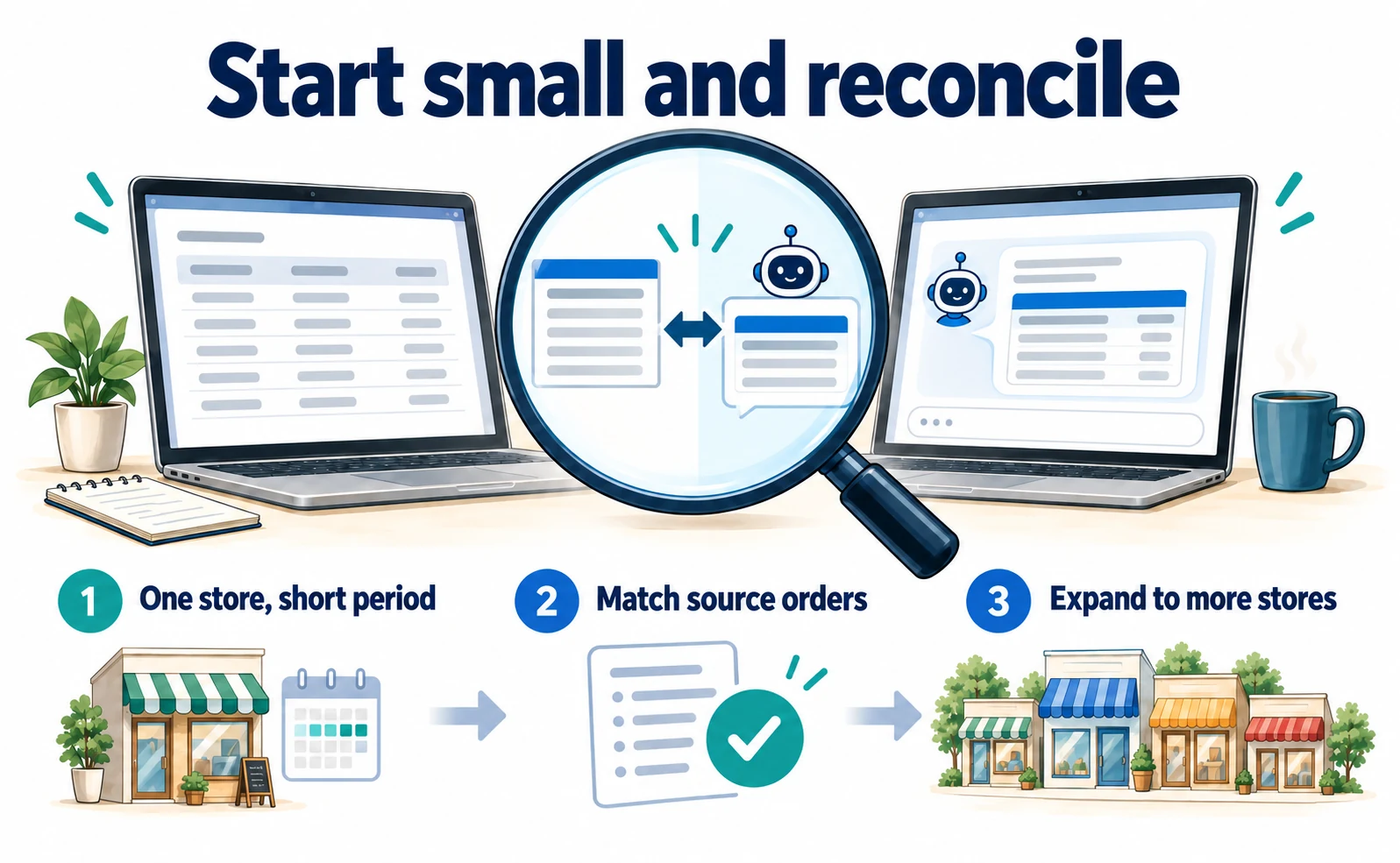
The initial trial is complete when records for the specified store and period can be reconciled with the source. Preserve those checks when expanding to four stores. If time savings matter, measure the new workflow against your previous process rather than borrowing an unreported benefit from this case.
Operational MCP and public product discovery serve different purposes
This case helps staff investigate private operational data. It differs from earning product recommendations in a public AI answer or completing purchases on a consumer’s behalf.
What MCP can do depends on the tools a service exposes. Determine whether the connection reads information, discovers products or permits changes. MitoOps documents revocation under Settings → API & MCP when access is no longer needed.[2]
For AI-discoverable content, the LogoClothz case examines product questions and links. For receiving orders through an external AI purchasing flow, see Worldline’s UCP support. The appropriate connection depends on the business problem being solved.
FAQ
- Q. Does this register products with ChatGPT?
- No. This case concerns staff reading operational order data, not public product discovery.
- Q. Is the entire current interface read-only?
- The current documentation also lists write-related tools and contains inconsistent descriptions. This trial is limited to reading stores and orders.
- Q. Can I use the AI totals without checking?
- First reconcile the same store and period with the source, checking completeness, dates, currencies and permissions.
Sources
- [1] How to Connect Claude to Ecommerce with MCP: MitoOps × Mitochondriak Case Study (MitoOps) — accessed 2026-09-18
- [2] MCP interface (MitoOps) — accessed 2026-09-18
- [3] Use connectors to extend Claude’s capabilities (Anthropic) — accessed 2026-09-18
- [4] Get started with custom connectors using remote MCP (Anthropic) — accessed 2026-09-18
About the author
Shogo MizushimaCEO of kairos Inc. / AgentSignal Developer
Develops AgentSignal, a tool for measuring AI crawler visits and AI-referred traffic, and diagnosing AIO readiness. Writes about measurement and practical improvements for AI search using observed data.
Related articles
Case studies and research
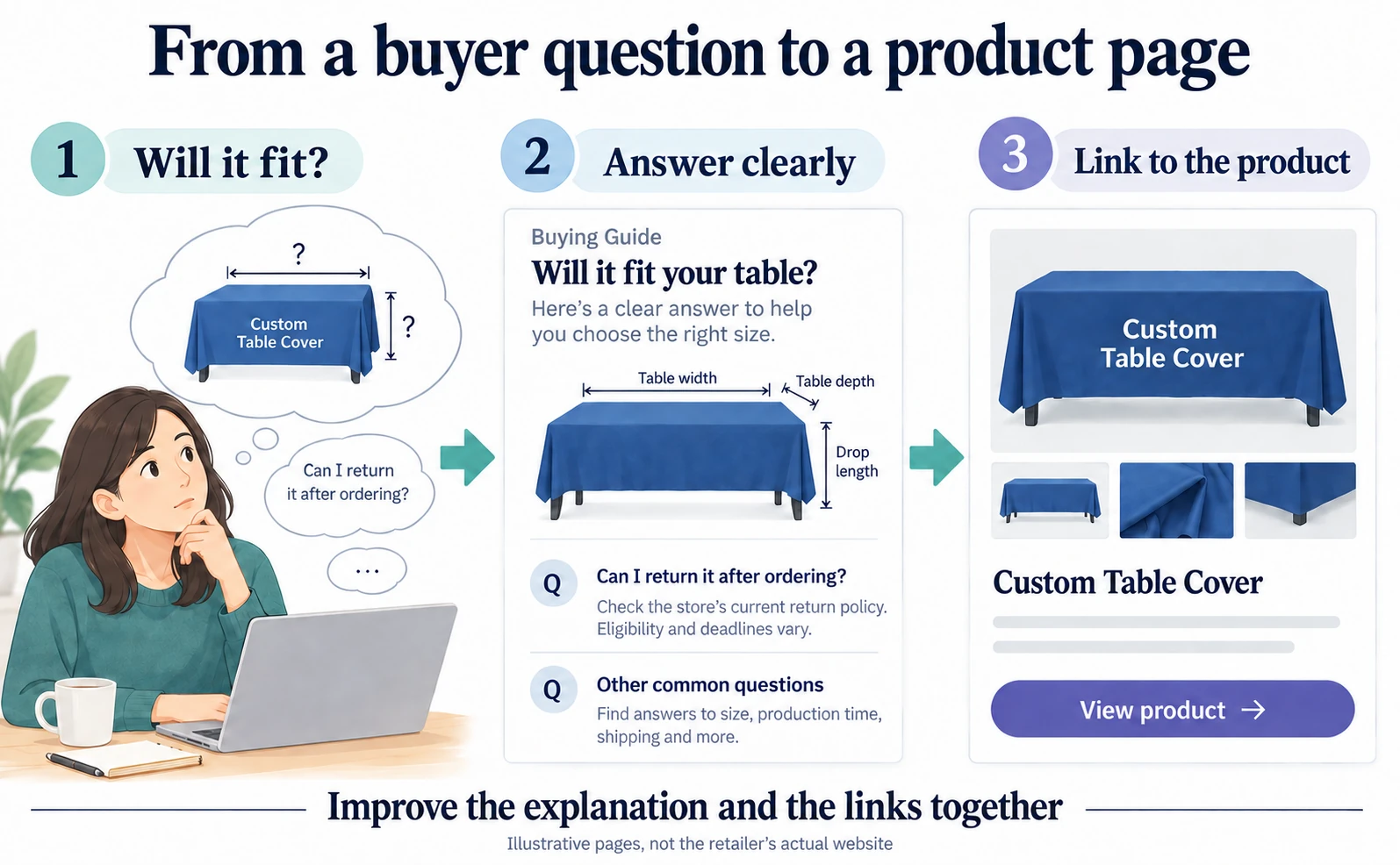
AIO case study: LogoClothz’s AI referral revenue grew 2.2×
LogoClothz reported about 2.2× tracked AI referral revenue. Explore its answer-first articles and link repairs, then improve one product page with verified answers, working links and separate checks for recommendations and purchases.
Published
AI shopping and booking
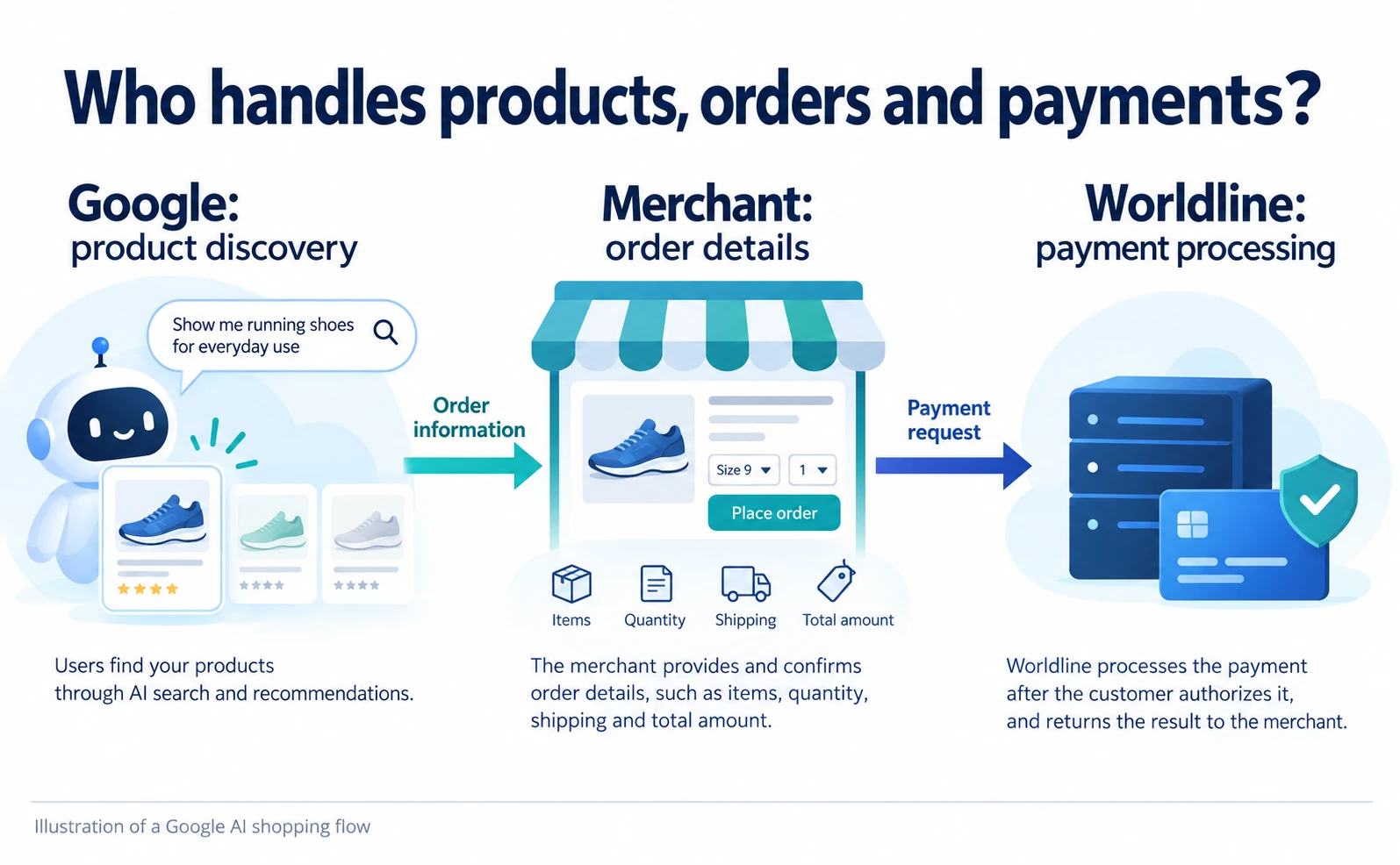
Worldline UCP payments: what an online store must prepare
Follow Worldline’s UCP payment flow from product discovery to checkout, buyer approval and payment processing. Understand what the merchant still implements, the documented beta status and the eligibility questions to ask before integration.
Published
Connecting AI and the web
What Is WebMCP? How AI Operates Websites and Current Support
WebMCP tells AI which actions a website offers, such as product search and adding items to a cart. As of September 2026, it is not a formal standard. Learn about support in Chrome, Edge, ChatGPT, Cloudflare and Shopify, what to ask developers, and how to test and record actions.
Published