Coach Comes to Gemini Checkout: What Merchants Can Learn
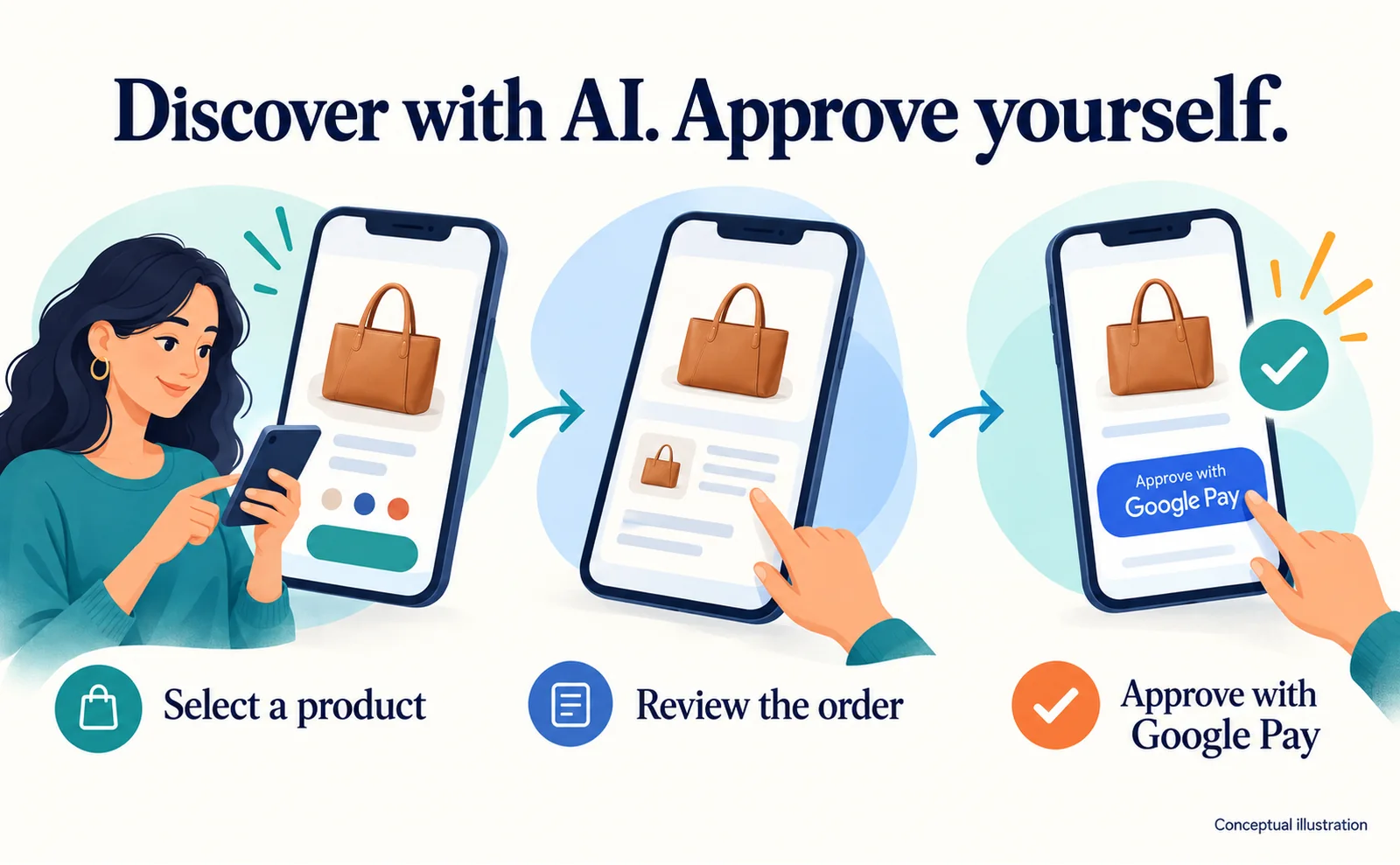
Explore Tapestry's US Gemini checkout launch, Google Pay approval and merchant preparation. Check current markets, catalog readiness and UCP onboarding requirements.
Coach and Kate Spade products can now be purchased directly in Gemini and Google Search in the US. Shoppers review the purchase and approve payment through Google Pay, with checkout connected through UCP.[1]
For an ecommerce team, this makes a familiar question concrete: after an AI recommends a product, where does the customer actually buy it? Tapestry, which owns both brands, announced this route on September 16, 2026.
This guide explains the shopping flow and how another merchant can assess readiness. It is not an announcement that every store can activate the same button today.
From a recommendation to an approved purchase
Tapestry describes an inline Buy button for eligible products in Gemini and Google Search, including AI Mode. The announced experience supports single-item checkout using Google Pay without a redirect to the store. Each transaction needs explicit consumer approval; the launch is live in the US.[1]
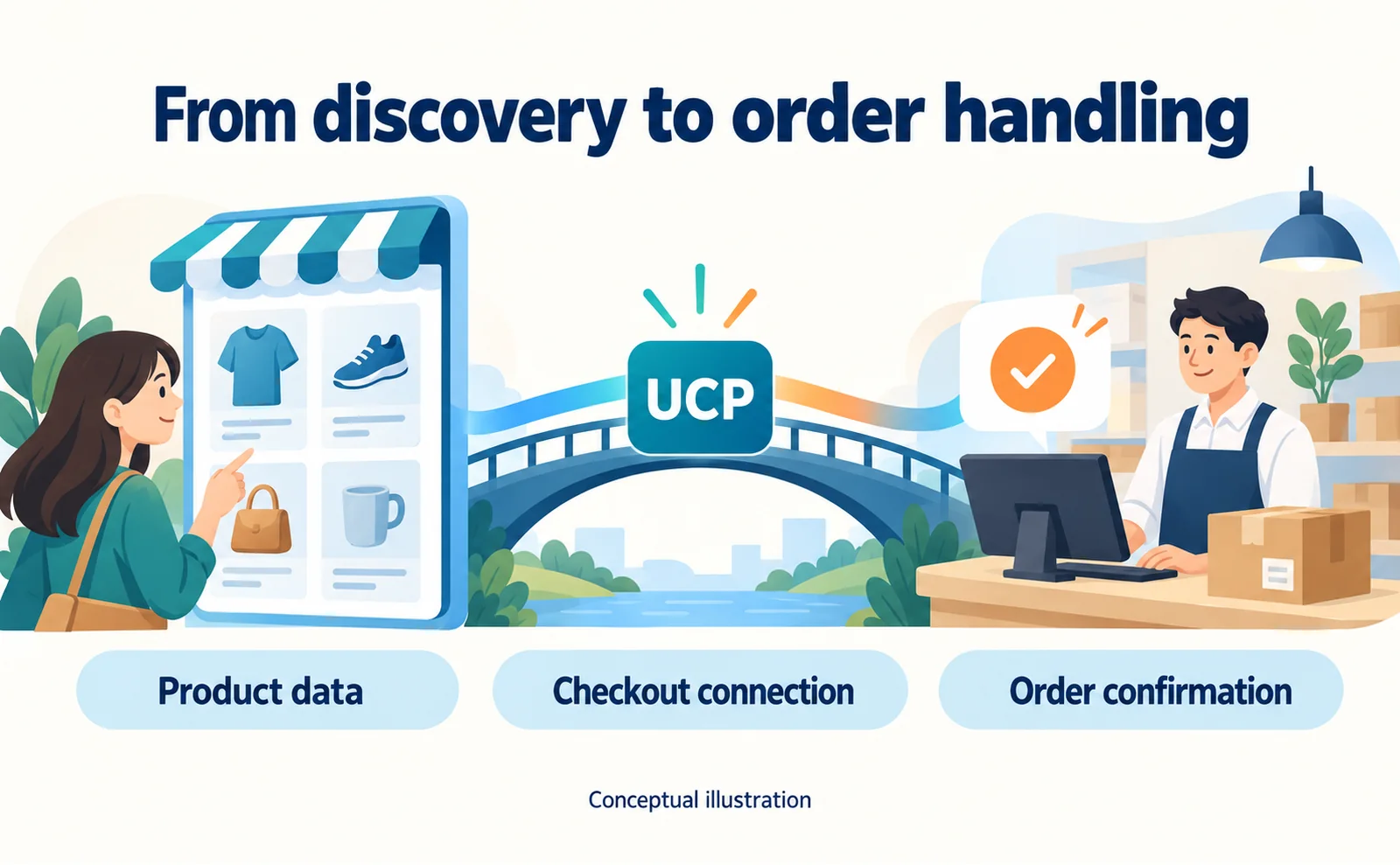
Google Pay supports payment. UCP, short for Universal Commerce Protocol, supplies common rules for the shopping systems to exchange purchase information. Customers should not need to learn the technical connection: they need to understand the item, total, destination and purchase they are approving.
We reviewed the announcement, not a completed purchase made as a US shopper. The illustration explains the flow rather than reproducing the production screens.
Product discovery and order processing need different preparation
Google Merchant Center is where a merchant supplies and manages product information for Google. Google recommends keeping that information current as part of UCP preparation.[2]
Having a product listed does not, by itself, establish a working order connection. Consider a bag sold in black and blue. The catalog may describe both, but the black option might sell out before a customer confirms the purchase. The store needs a reliable way to check the exact item being ordered.
Use three work areas to organize an internal review:
| Work area | What to check | What readiness means |
|---|---|---|
| Product information | Name, image, price and stock agree with the live offer | Customers can make an informed choice |
| Order processing | The final amount and availability can be checked and the order recorded | The store can fulfill the purchase |
| After-sales support | Cancellation, returns and contact routes are clear | Customers know where to get help |
This is an editorial planning checklist, not Google's approval criteria. Start with one real product, including its variants, to identify a specific gap before estimating a full integration project.
Check the current market availability first
As checked on September 19, 2026, Google's Merchant Center onboarding help describes a gradual US rollout, with Australia and Canada to follow next year.[2]
The UCP interest form asks whether the business fulfills from within the US, Canada or Australia. Its separate list of countries a merchant is interested in fulfilling from includes Japan. A country appearing in that preference list does not establish current availability there.[3]
Before considering development, record your actual shipping origins, sales destinations, Merchant Center account, order system and available implementation team. A company with an overseas warehouse should still confirm the applicable requirements rather than assuming that the warehouse alone establishes eligibility.
Follow the official onboarding route, with one point to clarify
Google's onboarding help describes technical implementation, the interest form, then selection and Merchant Center onboarding. It also describes a sandbox—a test environment—for validating the integration.[2]
The form, however, includes a commitment to start implementation within 30 days after selection.[3] Those descriptions do not express the development timing consistently. Confirm with Google how much implementation your business must complete before applying. Neither text means that submitting a form immediately enables live checkout.
1. Compare one Merchant Center product with the live store
Open Merchant Center and select a product that is currently for sale. Compare it with the customer-facing page: price, availability, image and return information should tell the same story.
Also identify who owns updates. If the catalog and warehouse teams use different systems, find out how a stock change reaches the catalog. Adding another sales channel before resolving an update gap can spread the same outdated information further.
2. Establish what your commerce provider will handle
Google directs merchants using a third-party platform or service provider to ask that provider about its UCP integration plans.[2]
Ask about your actual contract and markets, the work the provider covers, and the work that remains with your team. A broad announcement of support is not a project plan for your account.
For a custom-built store, follow the developer documentation linked from Google's onboarding help. An API is a system-to-system interface for exchanging information such as order details. Publishing a page that describes UCP does not create those interfaces or connect them to fulfillment.
3. Prepare the information requested in the form
The official form asks for business and contact details, the Merchant Center account ID, store URLs, offer volume and implementation plans.[3] An account ID identifies the Merchant Center account; it is not the address of the store.
Assign an owner to any unanswered item before submission. We inspected the public form but did not submit an application. Acceptance and access to onboarding remain separate from expressing interest.
4. Test the order record, not just the success screen
Before live transactions, agree on the test environment, stop procedure and acceptance criteria. The following are proposed checks, not reported Tapestry test results:
| Scenario | Expected check |
|---|---|
| Ordinary purchase | The store records the right item, quantity, total and destination |
| Item sells out before confirmation | An unavailable item does not become a confirmed order |
| Customer withdraws payment approval | The purchase is not recorded as paid |
| A notification arrives again | The system does not create a duplicate order or charge |
The exact tests available depend on the integration. Keep evidence from the order system as well as the buyer-facing experience.
Measure the new route without assuming a sales uplift
Tapestry's announcement establishes a new purchase route. It does not provide an attributable revenue uplift or conversion-rate improvement.[1]
For your own rollout, separate AI recommendations, visits to the store and purchases completed inside the AI experience. Website traffic alone will miss orders that never visit the website.
AgentSignal can help with the website side: start with the free AIO check, then use the tracking-tag guide to set up visit measurement. Orders completed inside an AI service must also be checked in the relevant commerce or payment records.
The useful first decision is whether your markets, catalog and order operations are ready for this route. Resolve those three questions before committing to a checkout implementation.
FAQ
- Q. Is this available in every country?
- The September 19 help describes gradual US availability, with Australia and Canada next year. An interest-form country choice is not proof of current eligibility.[2][3]
- Q. Does uploading products enable checkout?
- Product data alone does not complete the order integration or Google's onboarding process.[2]
- Q. Did the launch increase sales?
- The announcement does not provide revenue or conversion uplift data.[1]
Sources
- [1] Shoppers Can Now Buy Coach and Kate Spade Products in the Gemini App and Google Search, Including AI Mode (Tapestry) — accessed 2026-09-19
- [2] How to onboard to the UCP integration hub in Merchant Center (Google) — accessed 2026-09-19
- [3] UCP Integration Interest Form (Google) — accessed 2026-09-19
About the author
Shogo MizushimaCEO of kairos Inc. / AgentSignal Developer
Develops AgentSignal, a tool for measuring AI crawler visits and AI-referred traffic, and diagnosing AIO readiness. Writes about measurement and practical improvements for AI search using observed data.
Related articles
AI shopping and booking
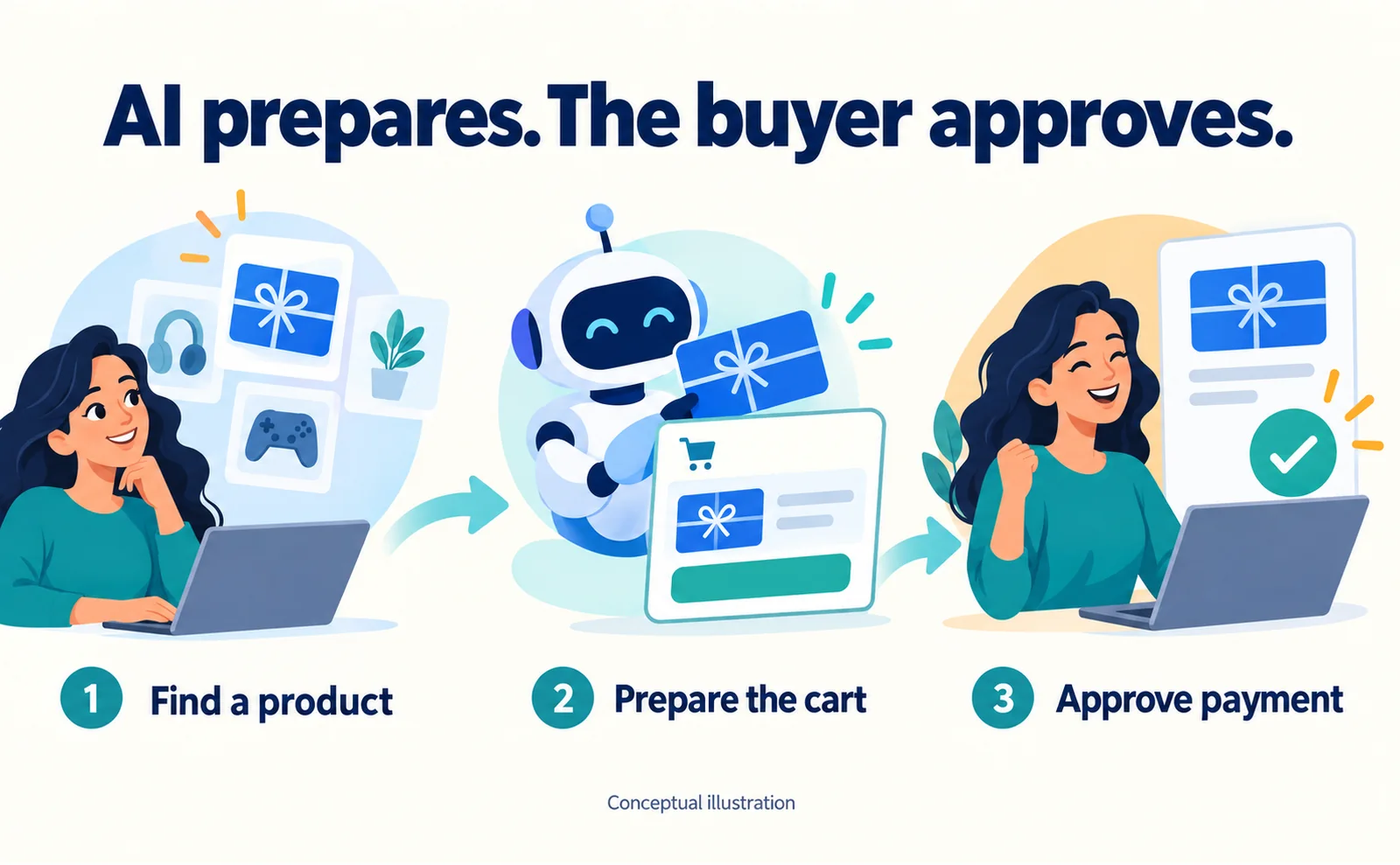
PayPal's WebMCP Test: Checkout Around Twice as Fast
Understand PayPal's small WebMCP checkout benchmark, buyer approval, Store Sync eligibility questions, and practical tests for stock changes and cancellations.
Published
Connecting AI and the web
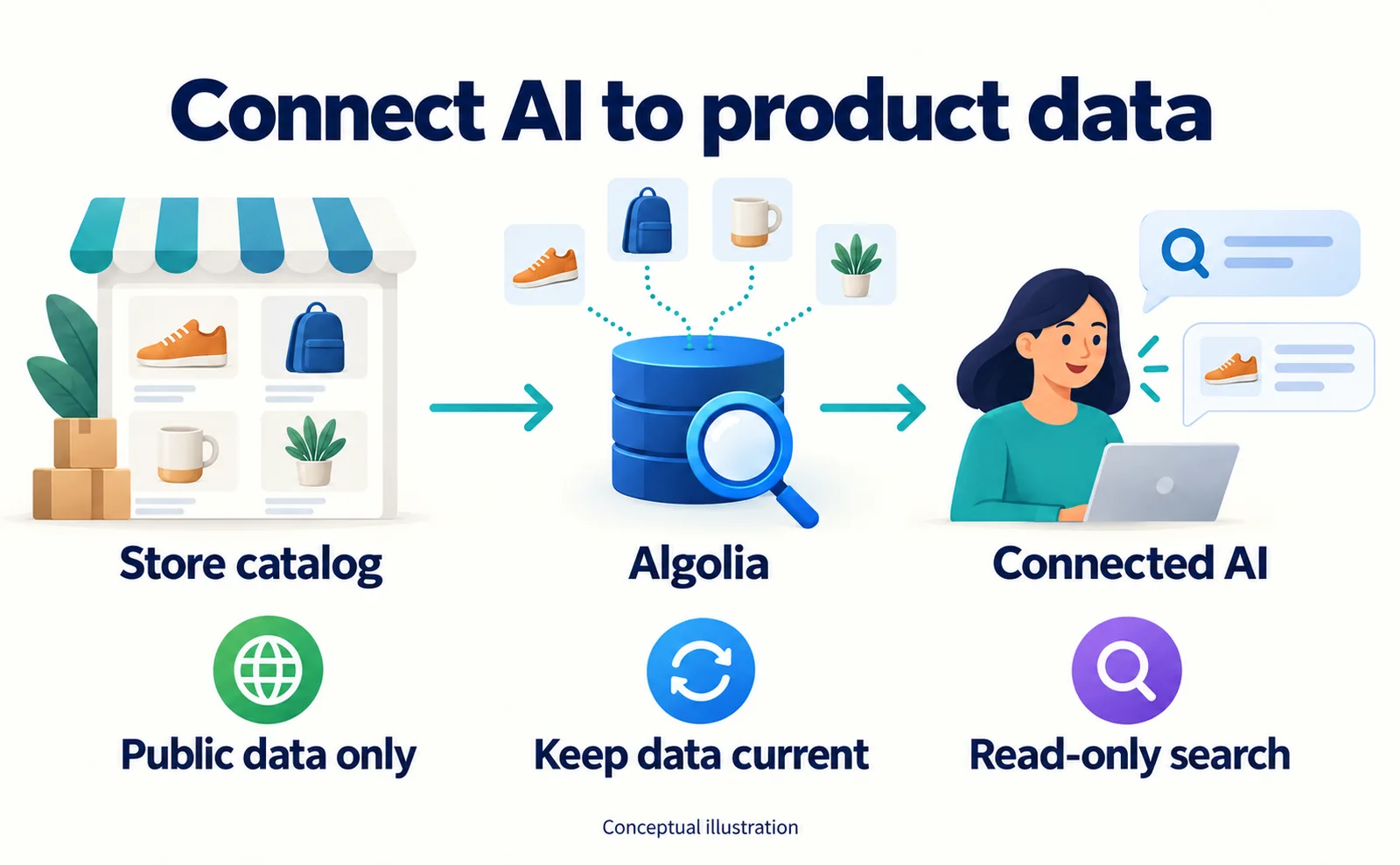
Algolia MCP: Let Connected AI Search Your Product Data
Prepare product data, create an Algolia Public MCP URL, connect a compatible AI client and test prices and availability. Understand the limits of read-only search.
Published
AI shopping and booking
51% of US consumers use AI shopping tools. How much has product selection changed?
That does not mean AI placed 51% of orders. It is the share of US consumers who reported using at least one AI-powered shopping tool during the past month.
Published