PayPal's WebMCP Test: Checkout Around Twice as Fast
Understand PayPal's small WebMCP checkout benchmark, buyer approval, Store Sync eligibility questions, and practical tests for stock changes and cancellations.
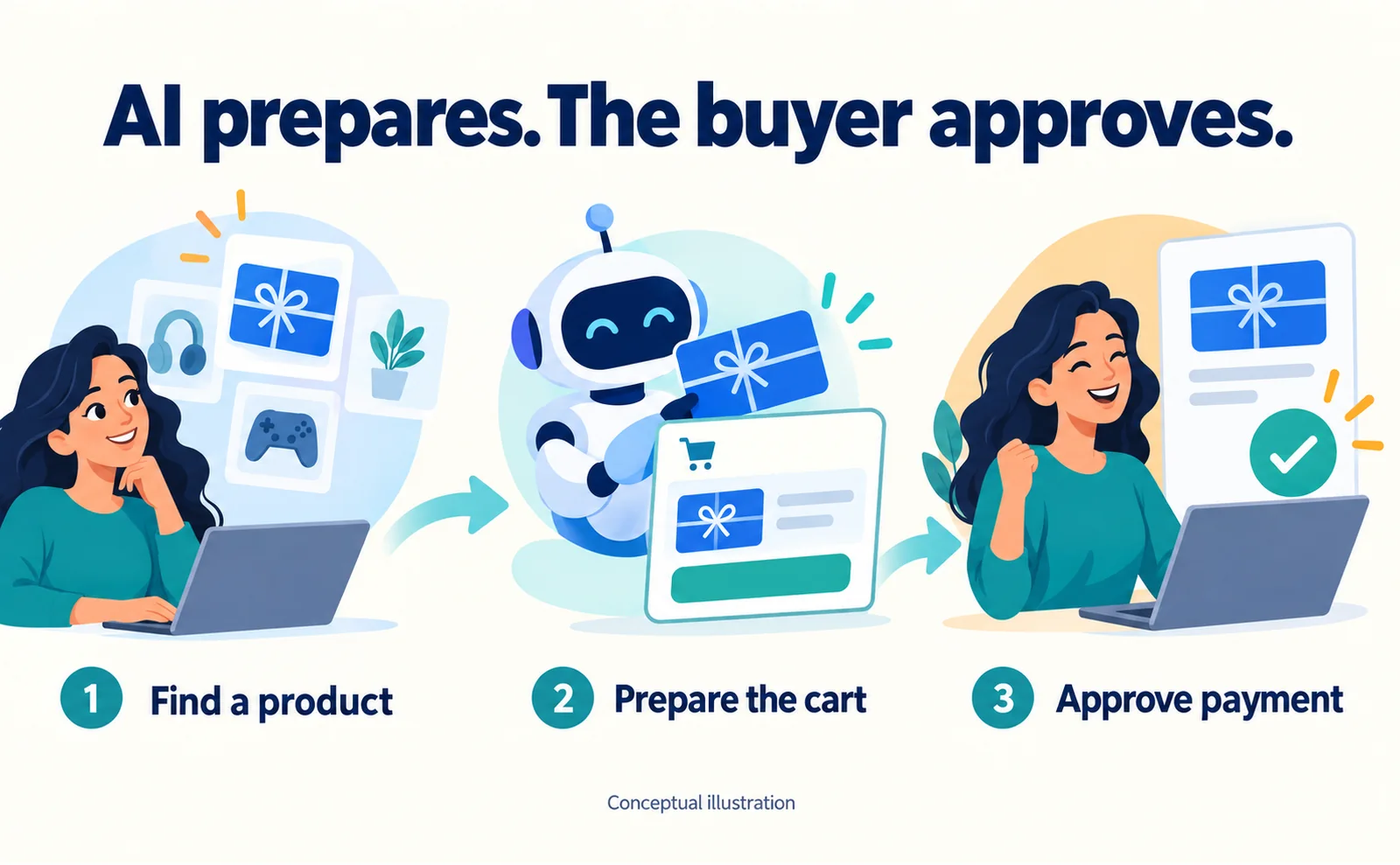
PayPal reports roughly twice-as-fast checkout at the median in a small internal WebMCP test. The assistant helped prepare the purchase; the buyer still approved payment. This is a test result, not evidence that merchants doubled their sales.[1]
If your store already accepts PayPal, the practical question is whether you can try this with your own catalog. A payment button alone does not answer that question. You need to establish eligibility, the shopping flow you want to support, and how you will check that an order actually reached your business.
This guide separates the September 16 announcement from our recommended preparation work. Availability was checked on September 19, 2026.
What changes during a purchase?
WebMCP is a proposed way for websites to expose functions to compatible AI assistants. Instead of relying entirely on interpreting a page, an assistant can use explicitly defined operations. In PayPal's described flow, the assistant finds products and prepares the cart before handing the buyer to PayPal to review and authorize payment.[1]
For a merchant, the useful question is whether customers can reach the correct purchase with fewer failures. Speed is only one part of that. An assistant that selects the wrong size quickly has not improved the buying experience.
Consider a store selling several versions of a product. Your acceptance test should identify the selected version, check that the cart contains it, and verify that the final confirmation preserves it. This is our proposed test, not a claim about a particular merchant's implementation.
Read the benchmark without turning it into a forecast
PayPal's test used a gift-card purchase in a test storefront. The company reports three structured tool calls rather than more than 30 interface interactions, alongside the median completion-time improvement. It explicitly describes the benchmark as small and indicative.[1]
A physical product can introduce shipping, variants, availability changes, and other work. You cannot multiply your current revenue by this speed improvement or treat it as a delivery estimate for your integration.
What you can reuse is the comparison method. Define the same starting point and endpoint before comparing two flows. Does the clock stop at the approval screen or when an order number exists? Record that definition before testing, so a shorter route is not mistaken for a faster version of the same task.
Check your route into the program
The announced WebMCP capability is optional and limited to Store Sync customers. Store Sync is PayPal's product, cart, and order integration service; Agent Ready addresses payments in AI experiences.[1][2]
Ask your payments owner which PayPal services the business currently uses and whether it has a PayPal account manager. Prepare the selling country, fulfillment location, product types, storefront software, and one representative public product page.
If you do not have an existing contact, the official PayPal page includes a Store Sync sales form. It asks for business and contact information, including the website and country. Submitting an inquiry is not the same as activating the WebMCP feature.[3]
Ask explicitly about your country's eligibility, supported browser and assistant combinations, integration work, commercial terms, and the testing process. Do not assume that accepting PayPal today means every new AI feature is available under your current contract.
Prepare one product before discussing a full rollout
The following is our recommended preparation exercise, not a list of PayPal's mandatory application fields.
Open your normal product administration screen and choose one actively sold item. Record its identifier, price, availability, and variants. A product identifier or SKU helps distinguish items with similar names.
Open the matching customer-facing page separately. Use the public product address, not its editing screen. Compare the details a customer can see with the information in the administration screen.
| Check | Record | If there is a mismatch |
|---|---|---|
| Product identity | Identifier, public URL, selected variant | Resolve differences in size or color before testing |
| Availability | Stock status and purchase controls | Explain backorders, preorders, or discontinued items |
| Total payable | Price and conditions for extra charges | Check when shipping and other charges become visible |
| After-sale help | Return conditions and contact route | Make the information reachable after purchase |
Assign an owner and a check date to unresolved items. This gives the integration team a known reference rather than an instruction to “make the store AI-ready.”
It also reveals a common problem: two teams may believe different values are current. Decide which system owns the selling price and inventory before adding another interface that reads those values.
Test what happens when the buyer cannot finish
After eligibility is confirmed, use the testing environment and instructions supplied by PayPal. Avoid using real customer orders for an integration experiment.
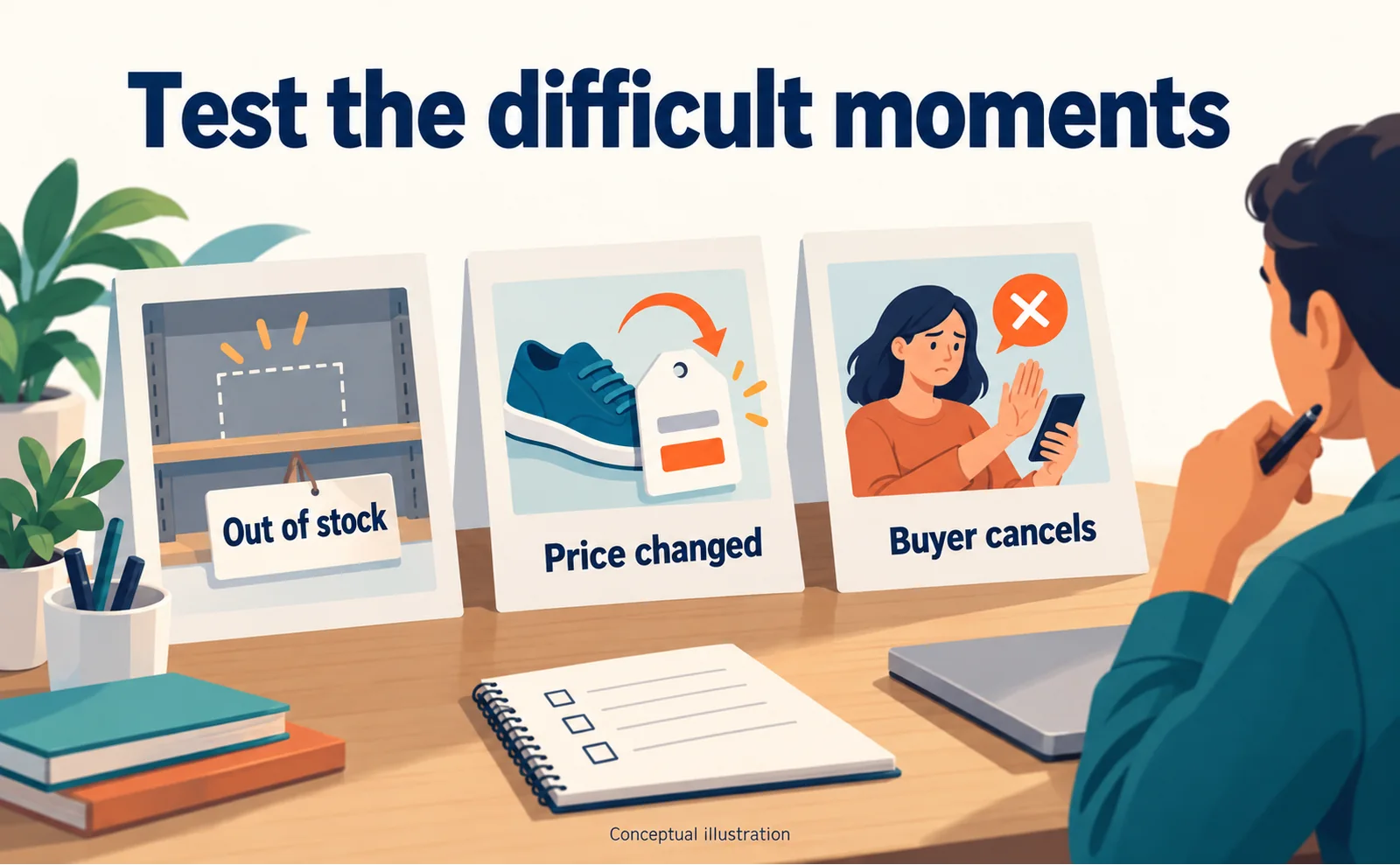
Our suggested checks cover more than a successful purchase:
| Scenario | What to verify |
|---|---|
| Item unavailable | The assistant does not promise that it can be bought |
| Price changes after cart creation | The buyer sees the final amount before approving |
| Buyer declines approval | The experience does not describe the purchase as complete |
| Connection fails | The team can determine whether an order exists and detect duplicates |
| Multiple variants | The chosen version matches throughout the flow |
For each test, save the item, instruction, time, environment, displayed outcome, and order identifier where one exists. A success message in a conversation is not sufficient evidence that the merchant received an order.
The reverse also matters: a stopped conversation does not prove that no order was created. Check the order system before retrying a failed-looking purchase. Agree with the integration team on how to handle uncertain outcomes.
When something fails, locate the failing stage. Was product information wrong before the assistant used it? Did the assistant choose the wrong option? Did checkout lose the selected option? This produces a repairable issue instead of the vague conclusion that “AI checkout does not work.”
Where AgentSignal fits
For an initial public-page check, enter the product URL in AgentSignal's free AIO check. AIO means improving how a website can be understood and surfaced in AI search. Review the actual findings before deciding what to change.
The check does not apply to PayPal for you, enable WebMCP, or certify order processing. Those steps require the provider's onboarding and the transaction tests described above.
If you also want to observe visits, start with the tracking-tag installation guide. Keep visit records separate from order records. The commercial question is whether the people who reach the store complete useful actions, not merely whether an assistant could open a page.
Your first deliverable can be small: one verified product, one eligibility inquiry, and a written definition of a successful test purchase. That gives you a concrete basis for deciding whether to proceed.
FAQ
- Q. Does a PayPal button enable this?
- The announcement describes optional WebMCP support for Store Sync merchants. An existing button alone does not establish access.[1]
- Q. Is it available to every merchant?
- Eligibility, markets and commercial terms need confirmation for the business. We did not verify universal availability.
- Q. Does twice as fast mean twice the revenue?
- No. The reported result concerns checkout speed in a small test, not merchant revenue.[1]
Sources
- [1] WebMCP is here: PayPal is helping every merchant become agent-ready (PayPal) — accessed 2026-09-19
- [2] Agentic commerce services overview (PayPal) — accessed 2026-09-19
- [3] PayPal Agentic Commerce Services (PayPal) — accessed 2026-09-19
About the author
Shogo MizushimaCEO of kairos Inc. / AgentSignal Developer
Develops AgentSignal, a tool for measuring AI crawler visits and AI-referred traffic, and diagnosing AIO readiness. Writes about measurement and practical improvements for AI search using observed data.
Related articles
Connecting AI and the web
Algolia MCP: Let Connected AI Search Your Product Data
Prepare product data, create an Algolia Public MCP URL, connect a compatible AI client and test prices and availability. Understand the limits of read-only search.
Published
AI shopping and booking
Coach Comes to Gemini Checkout: What Merchants Can Learn
Explore Tapestry's US Gemini checkout launch, Google Pay approval and merchant preparation. Check current markets, catalog readiness and UCP onboarding requirements.
Published
AI shopping and booking
51% of US consumers use AI shopping tools. How much has product selection changed?
That does not mean AI placed 51% of orders. It is the share of US consumers who reported using at least one AI-powered shopping tool during the past month.
Published