What Is Google AI Mode? What Changes for Business Website Visibility and Traffic
Google AI Mode is a Search feature that answers questions needing deeper exploration or comparison with AI responses and supporting links. Learn how it differs from AI Overviews, when business sites can appear, how to check impressions in Search Console, and how to read traffic.
Google AI Mode is a Google Search feature that answers questions needing deeper exploration or complex comparison with an AI response that links to supporting websites. Businesses do not need special optimization for it. Pages that are indexed and eligible to appear in Google Search with a snippet can be candidates; the conditions are explained below.
This article is for a marketer whose manager asks, “Does Google’s AI Mode affect our site? Do we need to do anything?” It focuses on how business websites are featured, measured, and visited, not on how people use AI Mode.
The following is based on Google’s official documentation as checked on September 23, 2026.
What is Google AI Mode?
AI Mode answers questions that would otherwise take several searches, returning an AI-generated response with links to related sites. Google says it is particularly helpful for queries that need further exploration, reasoning, or complex comparisons [1].
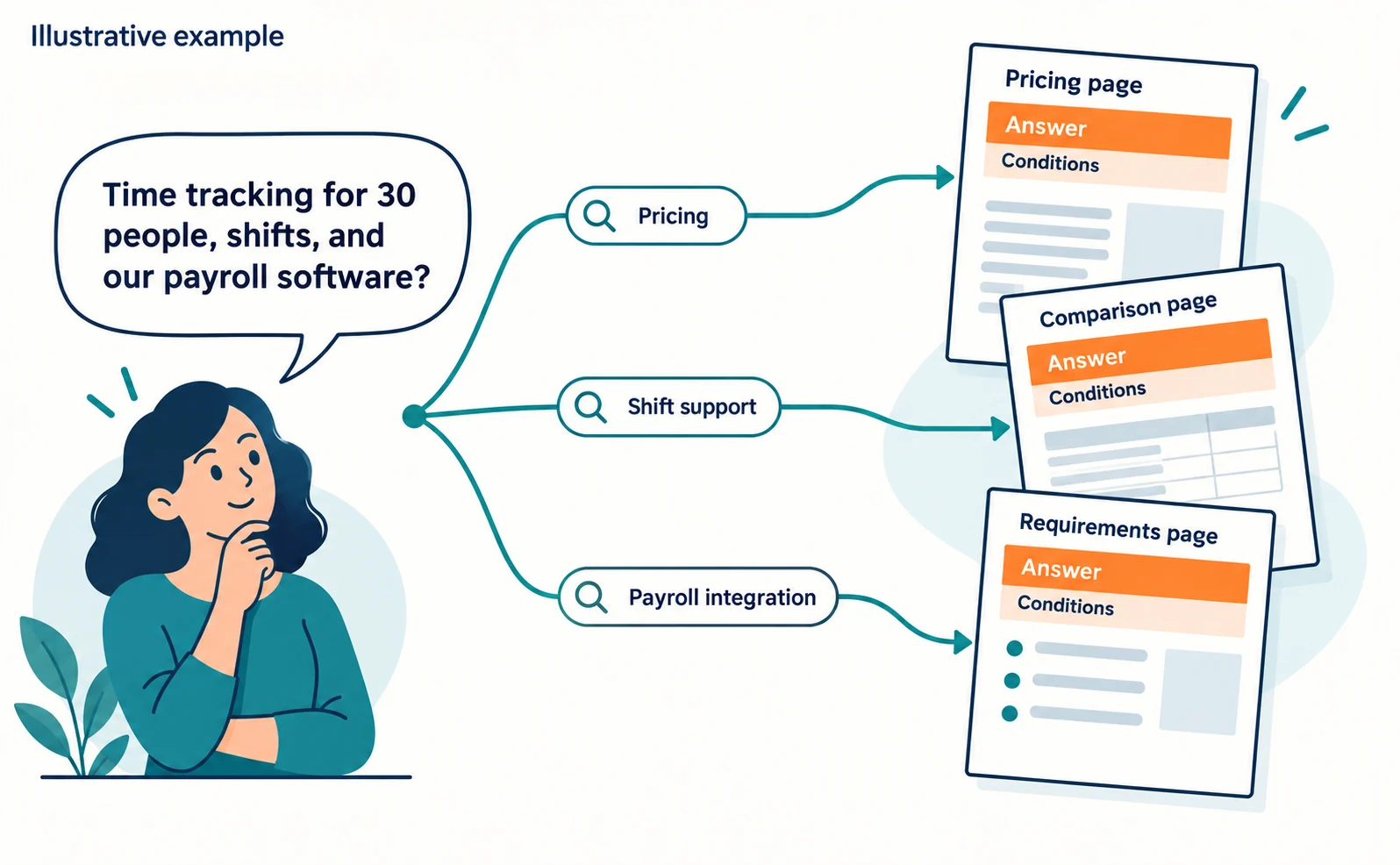
For example: “Which time-tracking tool for a 30-person company supports shift work and connects to our payroll software?” Instead of searching separately for pricing, features, and integrations, a person can ask all at once.
A similar feature is AI Overviews, which shows an AI summary within regular search results. Google says AI Overviews appear only when its systems judge them additive to classic Search, so they often do not appear [1].
| Point | AI Overviews | AI Mode |
|---|---|---|
| Where it appears | Within regular search results | A Search feature that returns an AI response with links |
| Suited to | Getting the gist of a complex topic | Questions needing exploration or comparison |
| Links | Sites related to the response | Sites supporting the response |
The two may use different models and techniques, so the responses and links they show will vary [1]. Appearing in one is not evidence of appearing in the other.
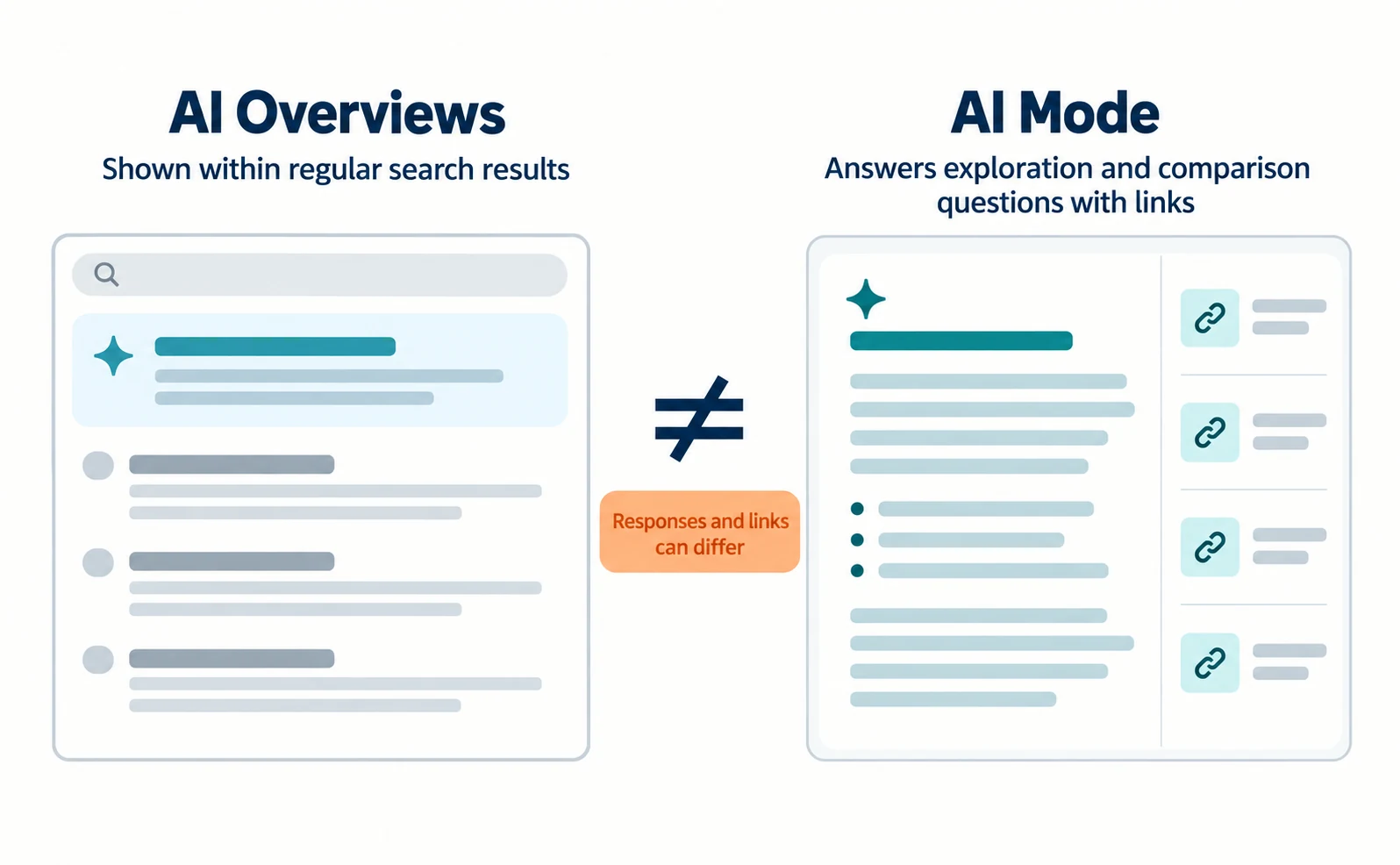
Check directly in Google Search whether AI Mode appears in the countries and languages your customers use.
When business websites can appear in AI Mode
There are no additional technical requirements for AI Mode. A page must be indexed and eligible to appear in Google Search with a snippet. [1]
Google says you do not need to create new machine-readable files, AI text files, or special markup to appear in AI Mode [1]. Even when requirements are met, inclusion is not guaranteed [1].
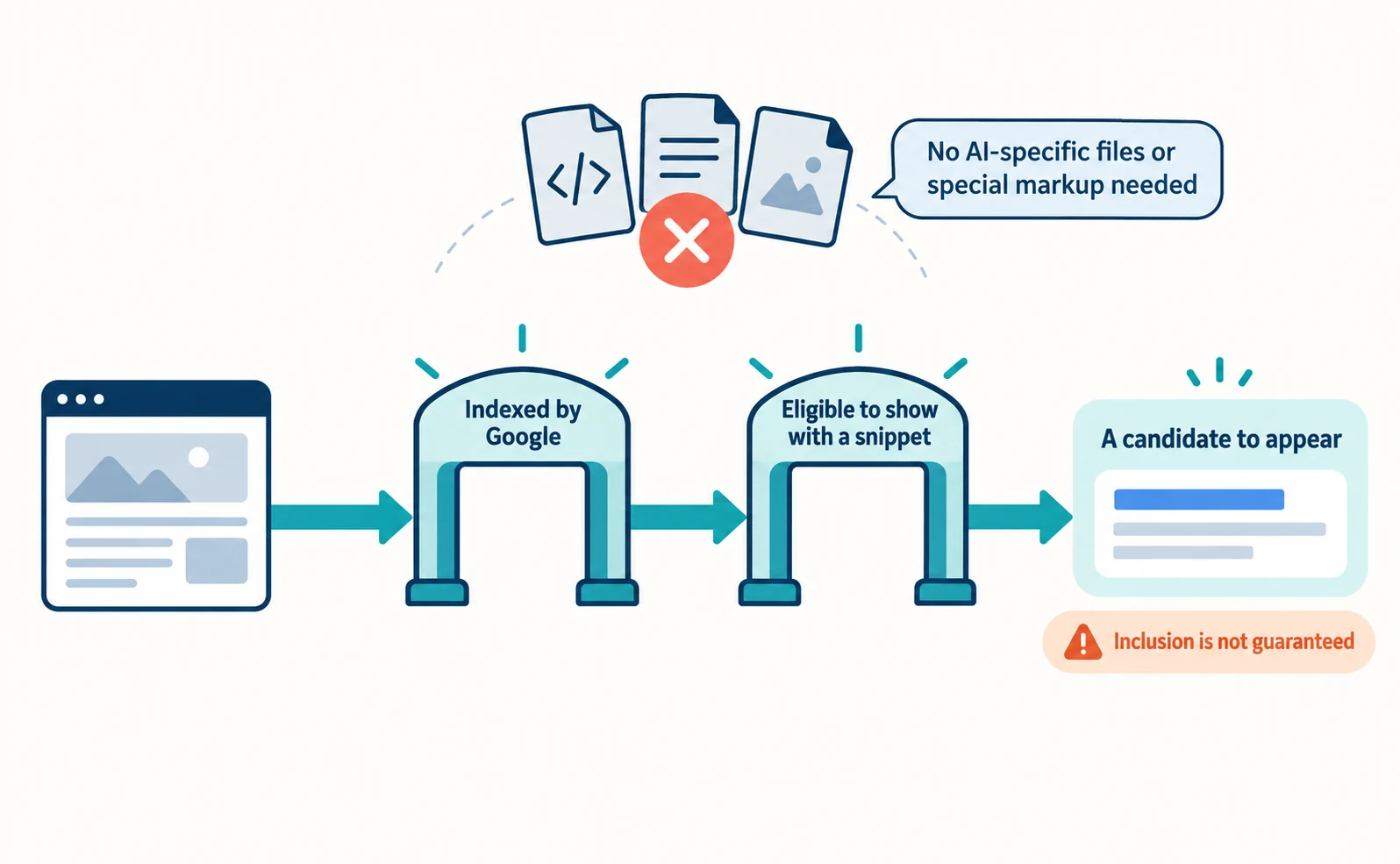
So start by checking the basics [1].
- Crawling is not blocked by robots.txt or by server or hosting settings
- Important content is available as text, not only in images
- Internal links let people and crawlers reach the page
- Structured data (markup that describes page content to machines) matches the visible text
robots.txt is a file that tells crawlers which URLs they may access. It is not a way to hide pages from search results [2]. To keep a page out of search, use another method such as noindex [2].
If you want to limit what information is shown from your pages in AI features, the controls are nosnippet, data-nosnippet, max-snippet, and noindex [1]. These also affect regular search results, so decide which pages they apply to before asking your web team.
How AI Mode changes traffic to business websites
Whether traffic to your site rises or falls cannot be decided in general. Record your own impressions and link visits, then judge.
Some people will get their answer from the AI response and not open a site. On the other hand, Google says AI Mode can show a wider and more diverse set of links than a classic web search, creating new opportunities for discovery [1].
Which effect applies to you depends on your industry and the kinds of questions asked. Do not use other companies’ numbers as a forecast; use the method in the next section to check your own changes.
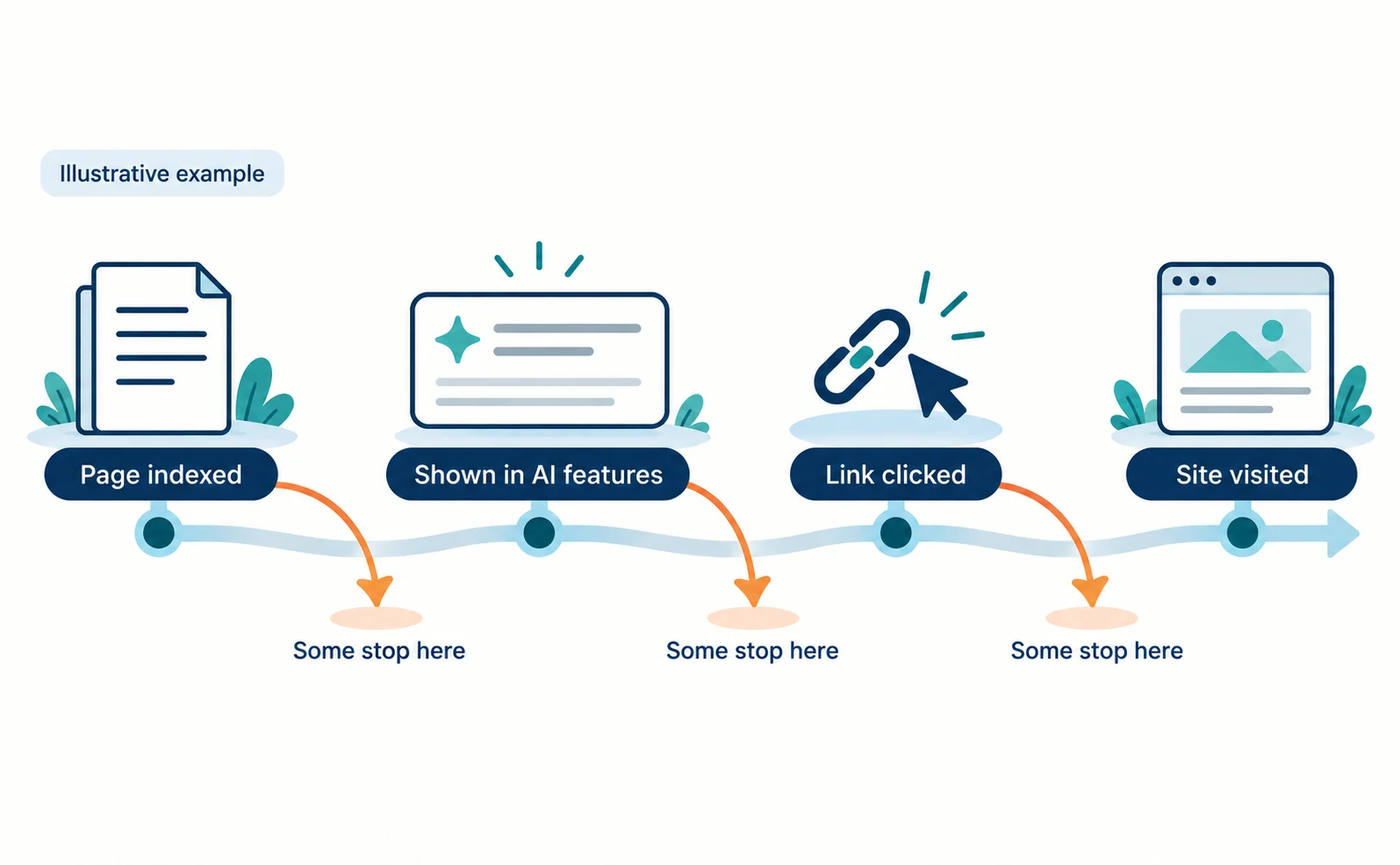
As the diagram shows, there are several stages between indexing and a visit, and meeting one condition does not guarantee the next stage. Where things stall determines what to work on next.
Check AI Mode impressions in Search Console
Search Console’s Generative AI performance report shows how often links to your pages appeared in AI Mode and AI Overviews. [3]
Search Console is Google’s free tool for checking how your site appears in Google Search. The report rolled out to all websites worldwide on August 31, 2026 [4].
- In Search Console, select your site.
- Open the report from the link on the Generative AI performance report help page.
- Select Pages and list the pages with the most impressions. You can also view impressions by country and device [3].
The help page says the report includes impressions from both AI Overviews and AI Mode [3]. It does not describe a way to view AI Mode alone. So report the figure as “impressions in Google’s AI features,” not “AI Mode impressions.”
The help page also describes impressions as the metric and does not describe a clicks metric [3].
Read impressions and visits separately
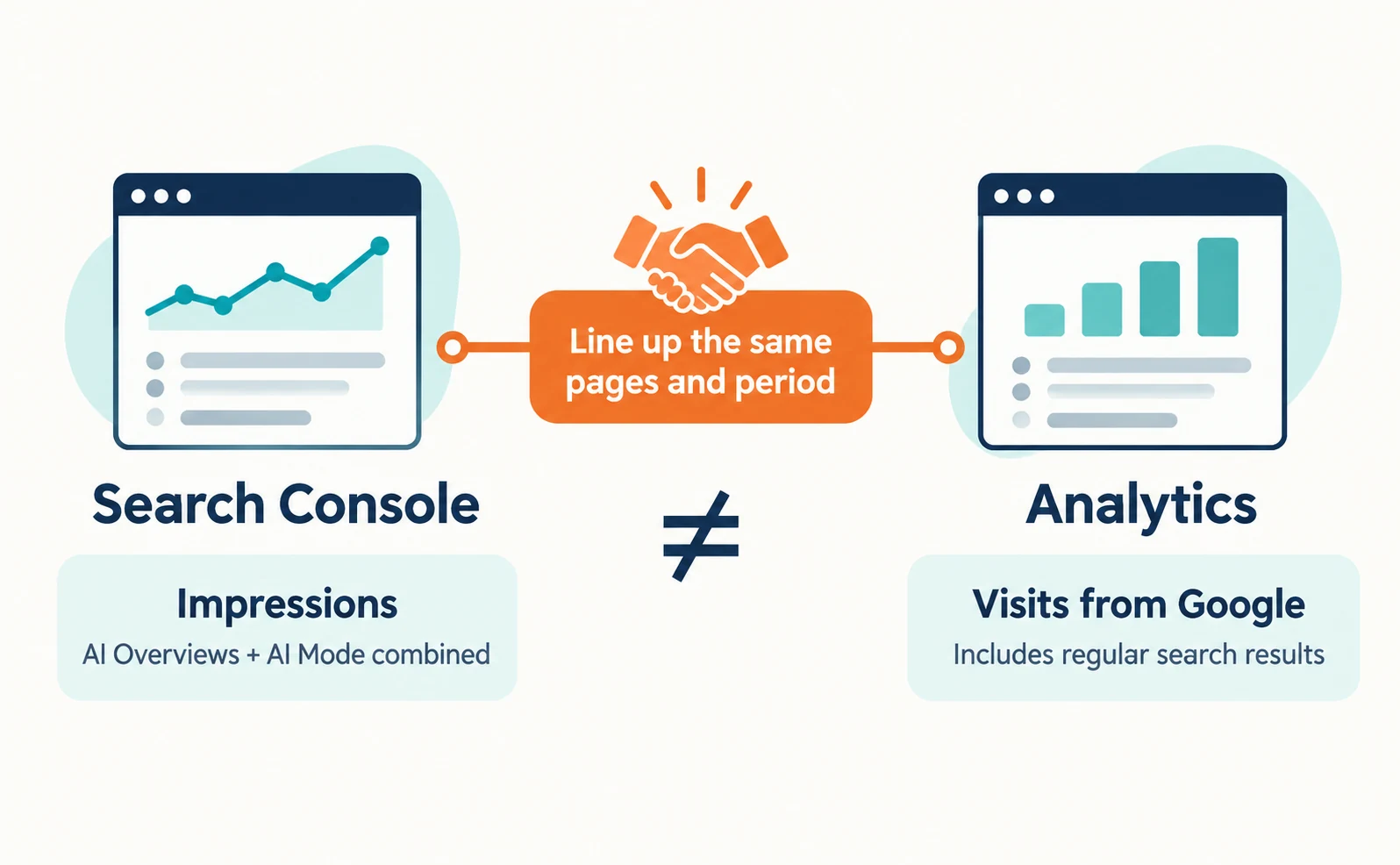
Impressions count how often a link was shown, not how many people visited. Check visits in your analytics for the same period and pages.
Here is a sample tracking table. The numbers are hypothetical, for illustration only.
| Page | Period | Impressions in AI features | Visits from Google | Inquiries |
|---|---|---|---|---|
| Pricing page | Sep 1–30 | 1,200 | 300 | 6 |
| Case study page | Sep 1–30 | 400 | 150 | 2 |
You cannot conclude from this table that “300 of 1,200 impressions were clicked.” Visits from Google also include people arriving from regular search results.
In a month where impressions rise but visits do not, the AI response may be answering the question. Reread the page shown to check that its explanation is accurate and that it gives readers reasons to keep reading, such as the conditions they need to decide.
Dates in the report are in Pacific Time [3], which can differ from your analytics time zone. Comparing longer periods, such as months, reduces the effect of that shift.
Pages to review with AI Mode in mind
Start with pages that answer complex, condition-heavy questions. Pricing, comparison, and implementation-requirement pages are the first candidates.
AI Mode may issue multiple related searches to build a response [1]. This is called query fan-out. For the time-tracking question above, pages answering pricing, shift support, and payroll integration could each become source material.
| Page | Example customer question | What to review |
|---|---|---|
| Pricing | “How much per month for 30 people?” | Prices by team size and conditions for extra fees |
| Comparison | “Does it suit shift-based workplaces?” | Conditions where it fits and where it does not |
| Requirements | “Does it work with our payroll software?” | Supported integrations and required setup |
On each page, give the answer in the first paragraph and place conditions nearby. That reduces misunderstandings whether the text is excerpted by AI or read by a person.
The mechanism of query fan-out is explained in Ranking First but Not Cited by AI? How Query Fan-Out Works, and AI Overviews is covered in SGE Is Now AI Overviews.
Steps for recording AI answers to chosen questions in AgentSignal are in How to Use AI Optimization. However, answers from Gemini or other AI services are not the actual AI Mode interface. Check AI Mode visibility with the Search Console report and real search results.
FAQ
- Q. Are AI Mode and AI Overviews the same thing?
- No. AI Overviews shows an AI summary within regular search results, while AI Mode answers questions needing exploration or comparison with supporting links. They may use different models and techniques, so responses and links vary.
- Q. Do we need special settings to appear in AI Mode?
- Google says there are no additional technical requirements. Pages that are indexed and eligible to show with a snippet can appear, but inclusion is not guaranteed.
- Q. Can Search Console show impressions for AI Mode alone?
- The generative AI report includes impressions from both AI Mode and AI Overviews, but as of September 23, 2026, the help page does not describe a way to separate AI Mode.
Sources
- [1] AI features and your website (Google Search Central) — accessed 2026-09-23
- [2] Introduction to robots.txt (Google Search Central) — accessed 2026-09-23
- [3] Generative AI performance report (Search) (Search Console Help) — accessed 2026-09-23
- [4] Introducing Search Generative AI performance reports in Search Console (Google Search Central Blog) — accessed 2026-09-23
About the author
Shogo MizushimaCEO of kairos Inc. / AgentSignal Developer
Develops AgentSignal, a tool for measuring AI crawler visits and AI-referred traffic, and diagnosing AIO readiness. Writes about measurement and practical improvements for AI search using observed data.
Related articles
AIO and AI search
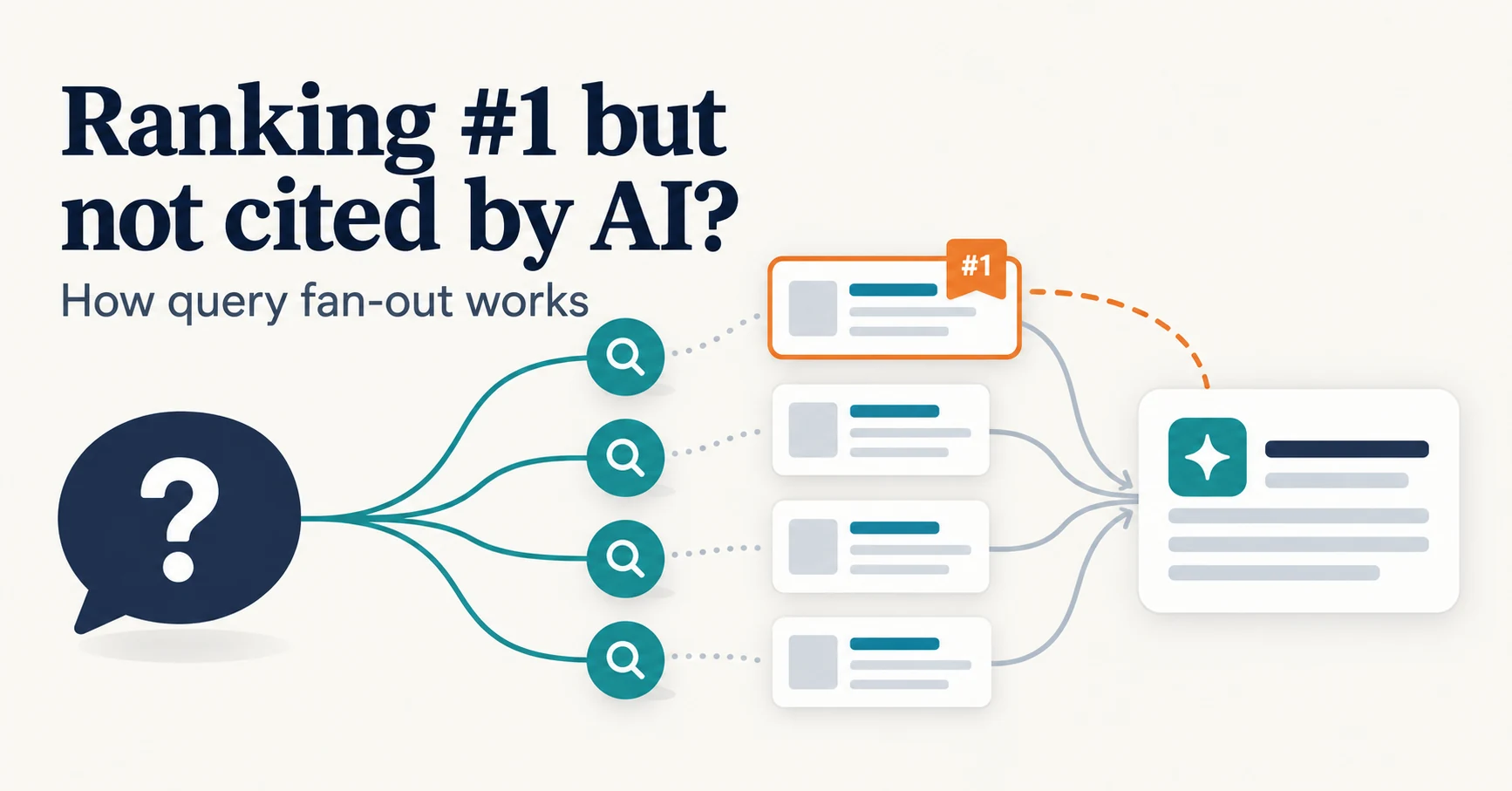
Ranking First but Not Cited by AI? How Query Fan-Out Works
Query fan-out is a technique in which AI may run several related searches to answer one question. Learn why a first-place page may not be cited, which related questions your pages should answer, and what you can observe in Search Console and Bing.
Published
AIO and AI search
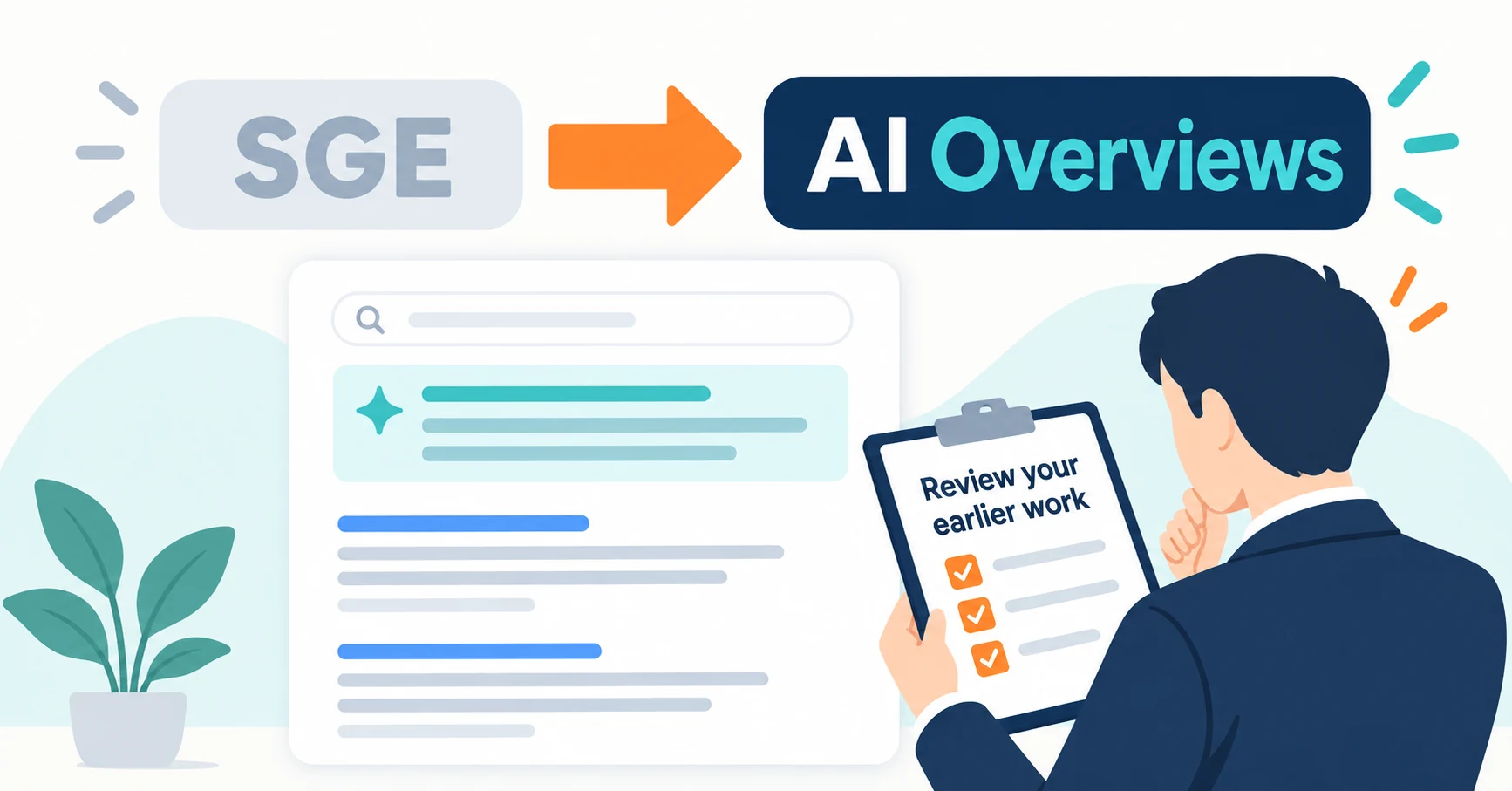
What Are AI Overviews? How to Review Your Former SGE Work
AI Overviews are AI-generated summaries shown in Google Search. Learn how they relate to the former SGE trial, how they differ from AI Mode, why no extra requirements apply, how to review earlier work and how to check the Search Console generative AI report.
Published
AIO and AI search
What Is AIO? Its Two Meanings and Where to Start with AI Optimization
AIO has two meanings: work to get your company featured in AI answers, and Google Search’s AI Overviews. Learn how it relates to SEO, what to confirm in a proposal, what Search Console and Bing reports show, and your first tasks.
Published