What Are AI Overviews? How to Review Your Former SGE Work
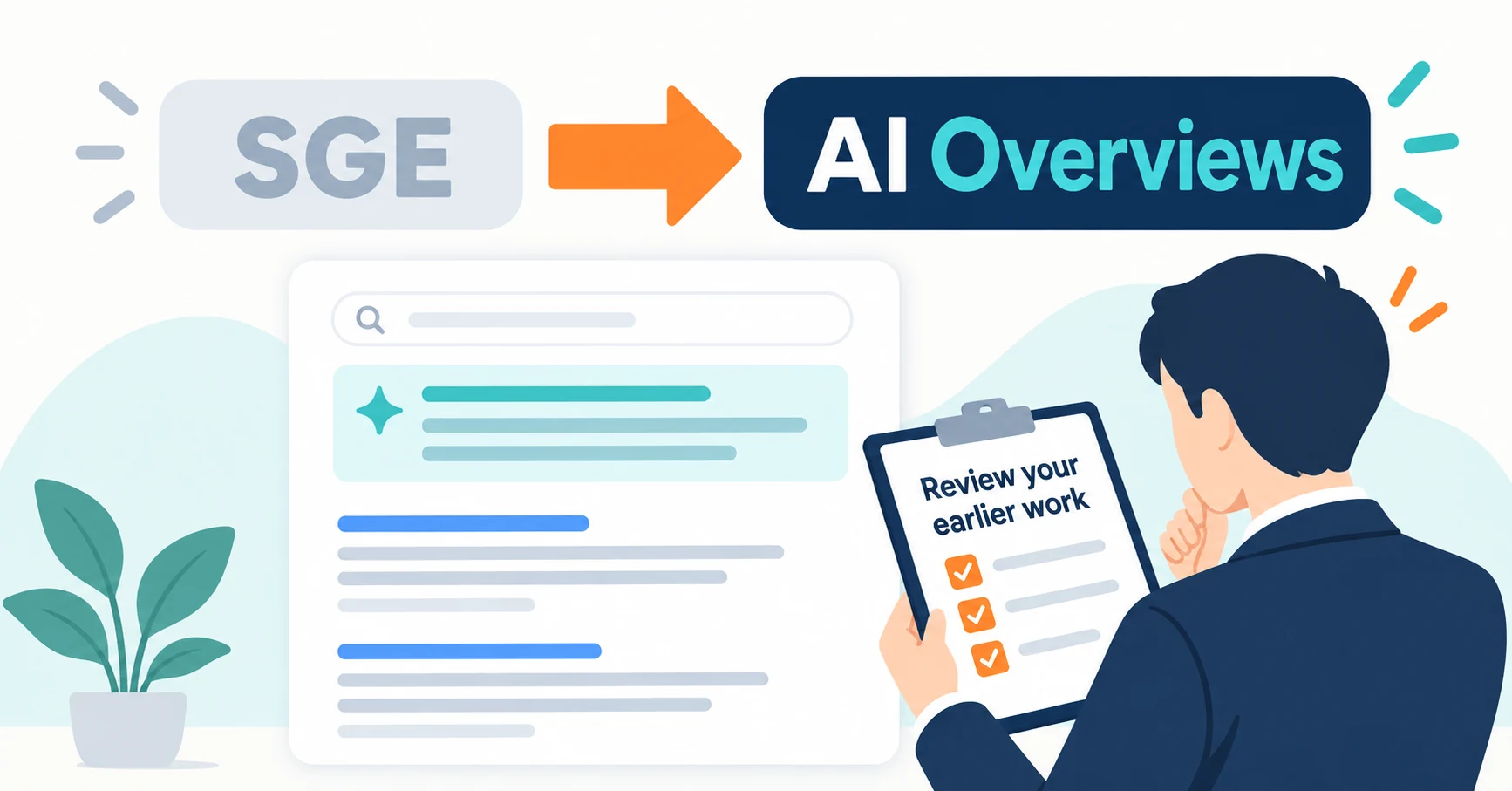
AI Overviews are AI-generated summaries shown in Google Search. Learn how they relate to the former SGE trial, how they differ from AI Mode, why no extra requirements apply, how to review earlier work and how to check the Search Console generative AI report.
AI Overviews (shown as “AIによる概要” in the Japanese interface) are AI-generated summaries with supporting links that appear in Google Search results. “SGE,” a name you may still hear, was what Google called this experience while it was being tested.
In 2024, some companies did “SGE optimization” by rewriting headings as questions or adding FAQs. Is the same work still right today, and where can you check whether your pages appear?
This article first explains what AI Overviews are. It then covers the conditions for appearing, how to review earlier work, how to check Search Console and how to restrict display. It is based on official Google information checked on September 23, 2026.
What AI Overviews are: AI summaries in Google Search
AI Overviews summarize the key points of complex questions and show links for further reading in search results. Google says they appear only when its systems judge them to add value beyond classic results, so many searches do not show them [1].
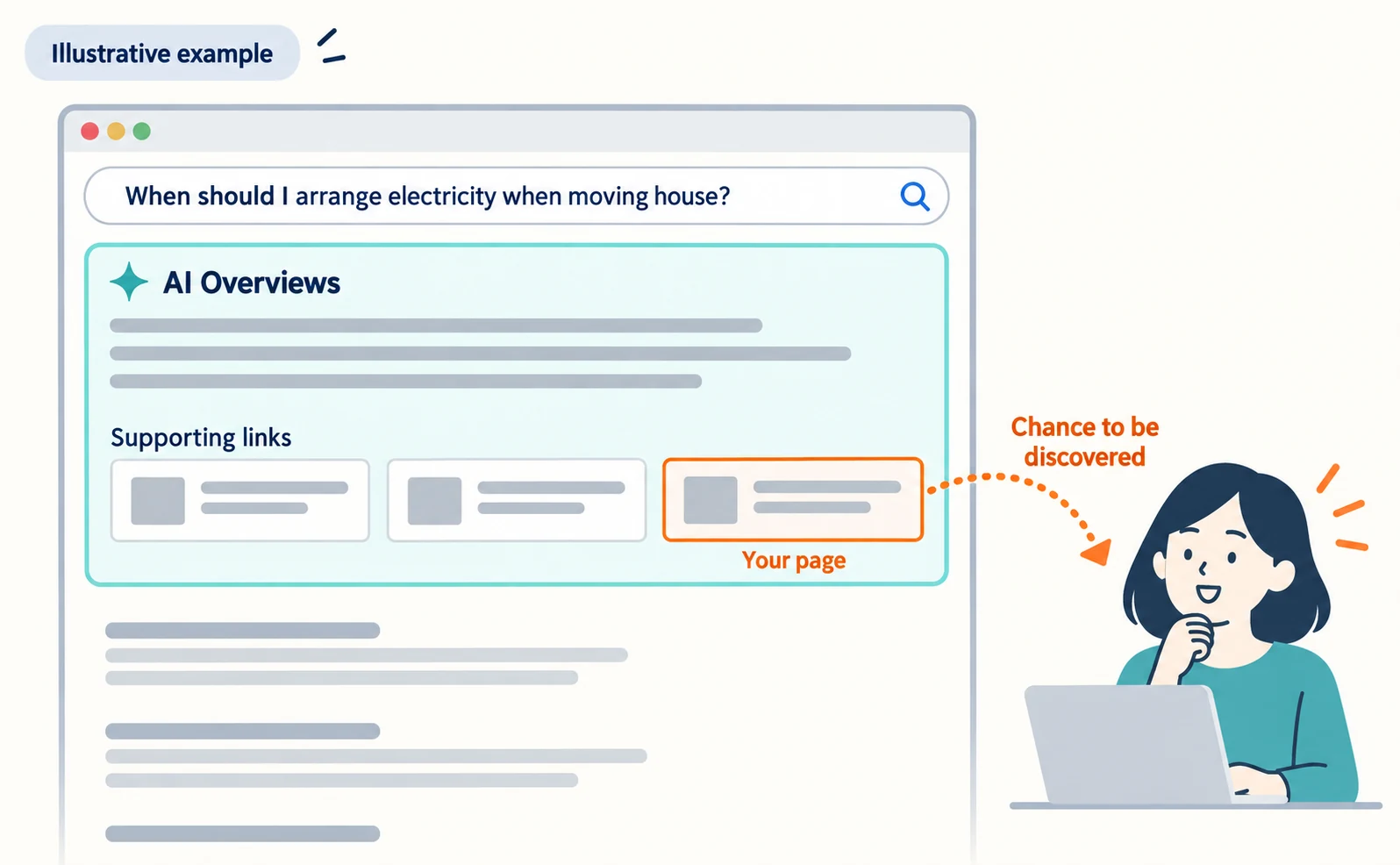
Suppose someone searches “When should I arrange electricity when moving house?” A summary of the timing may appear at the top of the results, with links to the sites it drew on. If your page is chosen as one of those links, the searcher gains a chance to discover your business.
The naming changed in this order:
| Date | Event |
|---|---|
| August 30, 2023 | A Japanese-language SGE (Search Generative Experience) trial began in Search Labs in Japan [4] |
| May 14, 2024 | After the Search Labs experiment, AI Overviews began rolling out to everyone in the US [5] |
| August 15, 2024 | Google announced expansion to six countries, including Japan, rolling out over several weeks [6] |
| September 9, 2025 | Google announced the gradual rollout of AI Mode in Japanese [7] |
| August 31, 2026 | Search Console’s generative AI report rolled out to all sites [2] |
In internal documents, writing “AI Overviews (formerly SGE)” helps colleagues who know the old name. For how the similar abbreviation “AIO” relates, see What Is AIO? Its Two Meanings and Where to Start.
How AI Mode differs
AI Mode is a separate interface for researching with follow-up questions, distinct from AI Overviews. It is opened from the AI Mode tab on the results page [7].
AI Overviews appear within regular results. AI Mode suits comparisons and questions with many conditions that benefit from conversational follow-up [1].
Both may use “query fan-out,” which splits a question into subtopics and runs multiple searches [1]. See How Query Fan-Out Works for details. Because they may use different models and techniques, the answers and links they show can differ [1].
You do not need separate preparation for each. The regular search basics in the next section apply to both.
Conditions for appearing in AI Overviews: no additional technical requirements
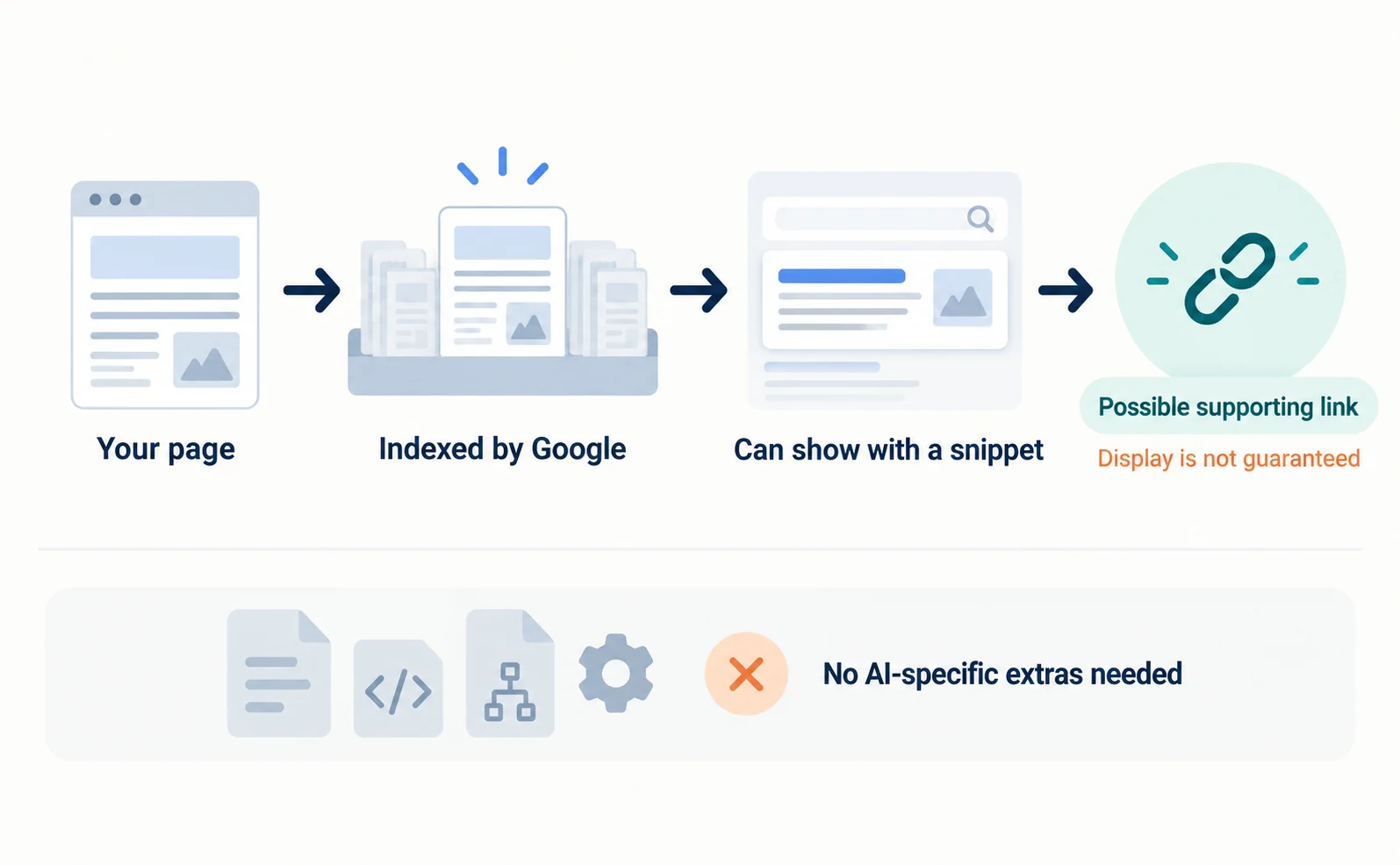
Google says there are no additional technical requirements for appearing in AI Overviews or AI Mode. If a page is indexed and eligible to be shown in Search with a snippet (a short description), it can be a supporting link [1].
Meeting the conditions does not guarantee display [1]. Nor do you need new AI files, special markup or dedicated structured data [1].
What to check is the same as for regular search:
| What to check | Where to look | Who to ask |
|---|---|---|
| Can Google read the page? | robots.txt or CDN settings do not block Googlebot | Site development or maintenance team |
| Is a “do not index” setting left behind? | The page has no noindex | Site development or maintenance team |
| Is the page easy to find on the site? | Related pages link to it | Content owner |
| Is important information written as text? | Prices and conditions are not shown only in images | Content owner |
| Does structured data match the page? | It does not describe information users cannot see | Site development or maintenance team |
Structured data adds machine-readable details about page content. Google asks you not to describe information that is not visible to users [10].
Note that robots.txt manages crawling. It is not a way to keep a page out of Google results [11]. Use noindex or another method for that.
Reviewing earlier SGE work for today’s AI Overviews
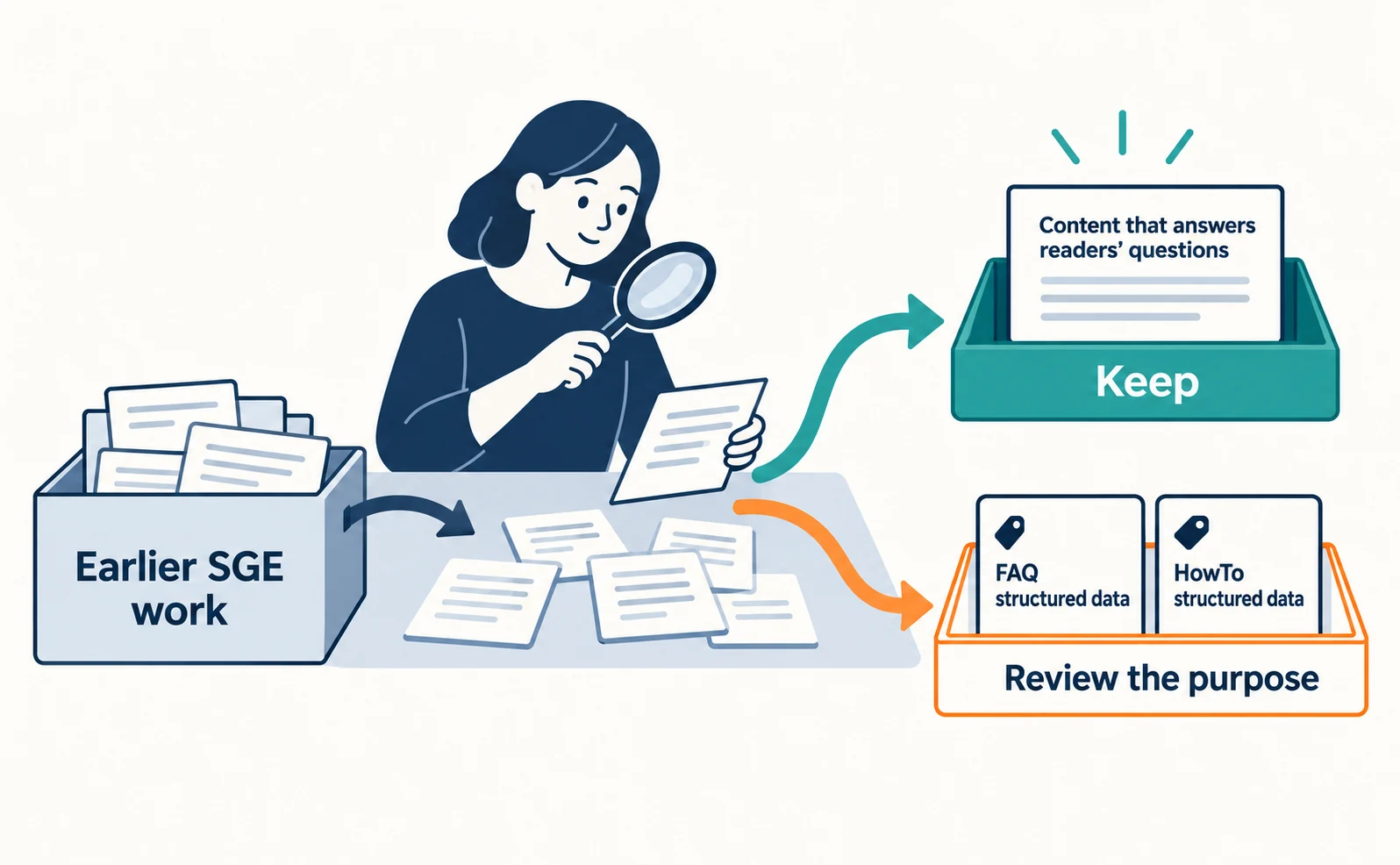
Keep content that answers readers’ questions, and review settings aimed at particular search displays by checking whether those displays still exist. The name change alone is no reason to redo the work.
Common tasks from around 2024 fall into these groups:
| Earlier task | Current status | Next step |
|---|---|---|
| Question headings with answers below | Keep | Check that conditions and exceptions follow the answer |
| Adding FAQ structured data | Review the purpose | FAQ rich results no longer appear from May 7, 2026 [9]. Keep visible FAQs if they help readers |
| Adding HowTo structured data | Review the purpose | HowTo rich results ended on September 13, 2023 [8] |
| AI-specific files such as llms.txt | Not needed for Google Search | Google states they do not affect Search visibility or rankings [9] |
| Allowing Google-Extended | Not a setting for AI Overviews | Decide separately as a setting for training in other systems [1] |
Unused structured data does not cause problems for Search, so there is no need to remove it in a hurry [8]. Before deleting it, ask whether it has other uses or conflicts with the page.
If your agency reported only “SGE optimization completed,” ask for a list of the pages and changes. Asking “Which text was improved for readers?” and “Which settings targeted a search display?” makes the review scope clear.
Checking AI Overviews impressions in the Search Console generative AI report
You can see how often your pages appeared in AI Overviews and AI Mode in Search Console’s Generative AI performance report. Google announced it in June 2026 and rolled it out to all websites worldwide on August 31, 2026 [2].
Search Console is a free tool showing how your site appears in Google Search. You need an account with a verified property.
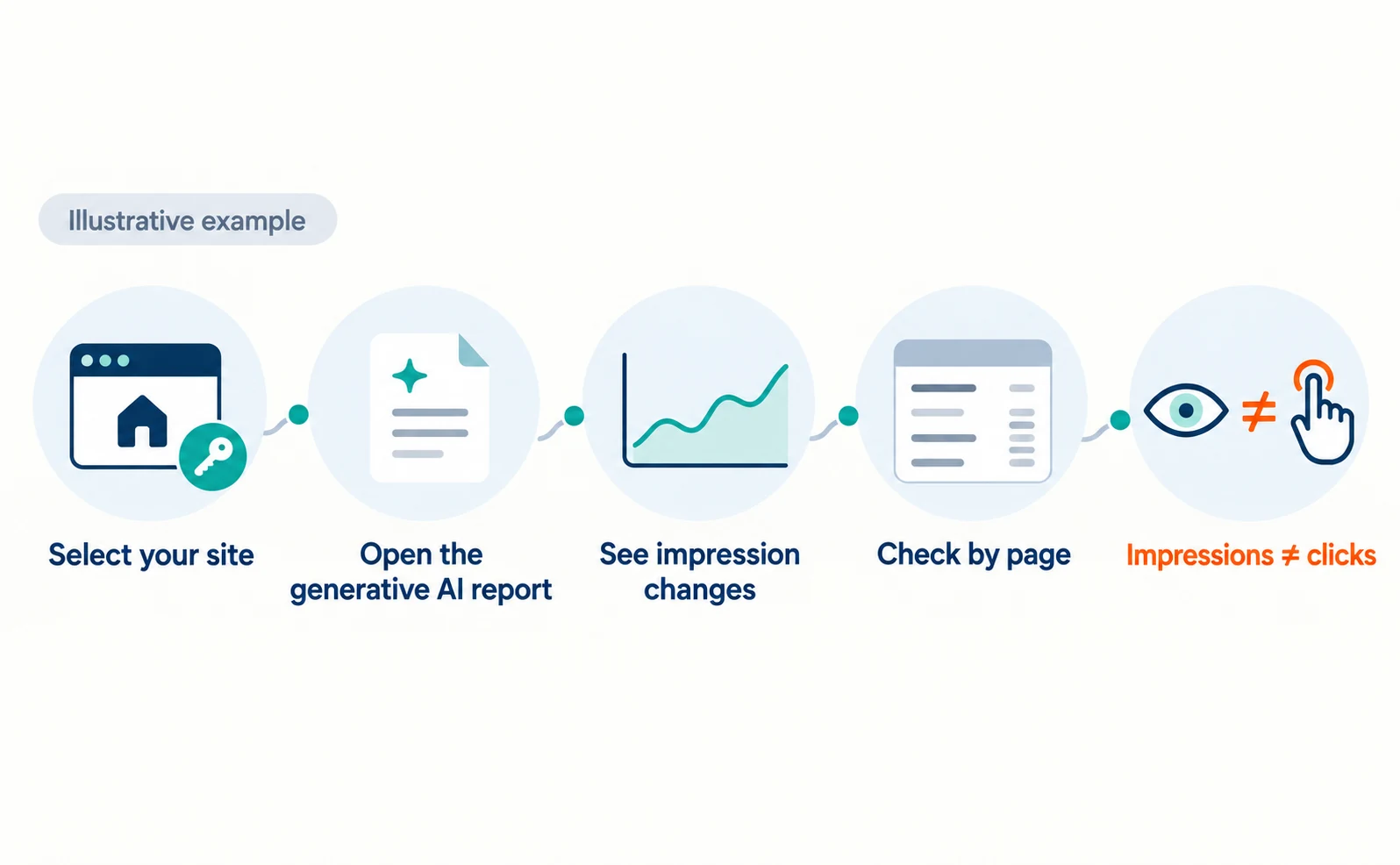
Follow these steps:
- Open Search Console and select your site.
- Open the report via “Open the Generative AI performance report” in the help article [3].
- Use the chart to see how impressions changed over the period.
- In the table’s Pages tab, check which pages have the most impressions and export them.
- Compare by Countries, Devices and Dates as needed [3].
Impressions count how often links to your site were shown in generative AI features [3]. They are not readers or clicks. As of September 23, 2026, the help article describes impressions as the metric. Check the latest help article for how clicks and other metrics are handled. Google has mentioned adding metrics over time [2].
This report covers Search. Discover has its own generative AI report, and the device breakdown is available for Search results [2][3].
Keep these points in mind:
- The chart aggregates by property and the page table by page, so totals can differ [3].
- Pages are counted under their canonical URL [3].
- Dates use Pacific Time [3].
- Values shown as “~” or “-” become 0 when exported [3].
- Search Labs experiments are not included [3].
If you cannot find the report, it may still be rolling out, or your site may not have enough impressions in generative AI features [3].
AgentSignal’s AI Citation Rate asks ChatGPT, Gemini and other AIs your registered questions and counts citations. It does not measure Google’s AI Overviews interface itself. Use this report for AI Overviews impressions.
Settings if you do not want content used in AI Overviews
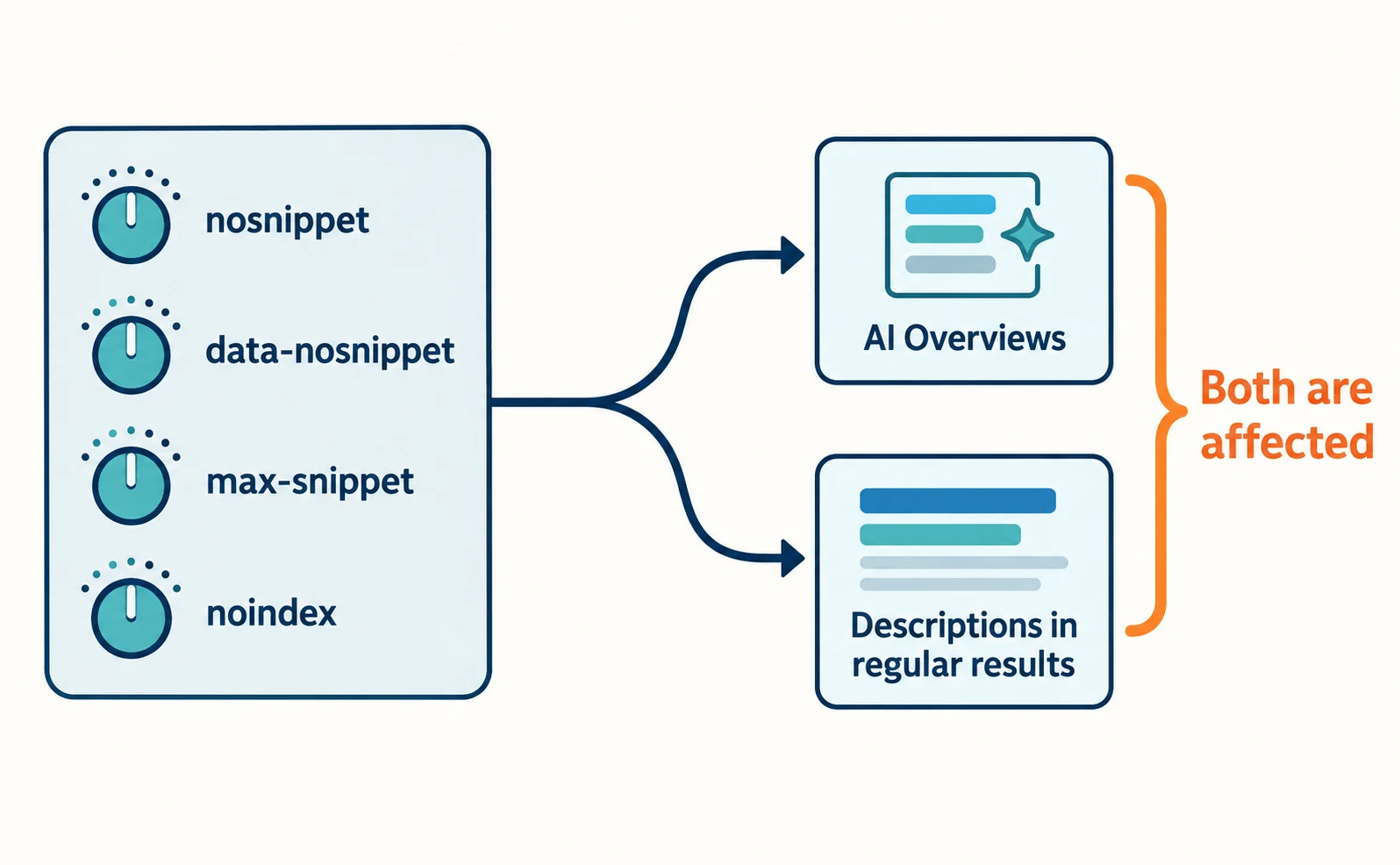
To limit what appears from your pages in AI Overviews, use the same controls as regular search: nosnippet, data-nosnippet, max-snippet and noindex. Google explains that because AI is built into Search, these are the controls to use [1].
Each does the following:
| Setting | What changes |
|---|---|
| nosnippet | No description of the page is shown in results |
| data-nosnippet | A marked section is not used in descriptions |
| max-snippet | Sets a maximum length for descriptions |
| noindex | The page is not shown in results |
These also affect descriptions in regular results. They do not stop only the AI summary while leaving regular results unchanged.
Google-Extended limits training and grounding (using content to support answers) in some of Google’s other systems [1]. It is not a way to stop AI Overviews.
When requesting a change, give the page URL, the scope to restrict and the reason. If content still appears afterward, use the URL Inspection tool to confirm the setting is in the HTML Googlebot received [1]. Recrawling can take from several days to several months [1].
When deciding your policy, How AI Crawlers Differ may also help.
FAQ
- Q. Are SGE and AI Overviews different things?
- They belong to the same line of features. SGE was the name used while Google tested the experience in Search Labs, and AI Overviews began its general rollout in May 2024. The Japanese interface shows it as “AIによる概要.”
- Q. Can I see clicks in the Search Console generative AI report?
- As of September 23, 2026, the help article describes impressions as the metric. We could not find a description of clicks. Google has mentioned adding metrics over time, so check the latest help article when you use the report.
- Q. Do I need special files or structured data to appear in AI Overviews?
- Google says no. A page must be indexed and eligible to show with a snippet. Even when it meets these conditions, display is not guaranteed.
Sources
- [1] AI features and your website (Google Search Central) — accessed 2026-09-23
- [2] Introducing Search Generative AI performance reports in Search Console (Google Search Central Blog) — accessed 2026-09-23
- [3] Generative AI performance report (Search) (Search Console Help) — accessed 2026-09-23
- [4] 生成 AI による検索体験 (SGE) のご紹介 (Google Japan Blog) — accessed 2026-09-23
- [5] Generative AI in Search: Let Google do the searching for you (Google) — accessed 2026-09-23
- [6] New ways to connect to the web with AI Overviews (Google) — accessed 2026-09-23
- [7] Google 検索における「AI モード」を日本語で提供開始 (Google Japan Blog) — accessed 2026-09-23
- [8] Changes to HowTo and FAQ rich results (Google Search Central Blog) — accessed 2026-09-23
- [9] Latest documentation updates (Google Search Central) — accessed 2026-09-23
- [10] Introduction to structured data markup in Google Search (Google Search Central) — accessed 2026-09-23
- [11] Introduction to robots.txt (Google Search Central) — accessed 2026-09-23
About the author
Shogo MizushimaCEO of kairos Inc. / AgentSignal Developer
Develops AgentSignal, a tool for measuring AI crawler visits and AI-referred traffic, and diagnosing AIO readiness. Writes about measurement and practical improvements for AI search using observed data.
Related articles
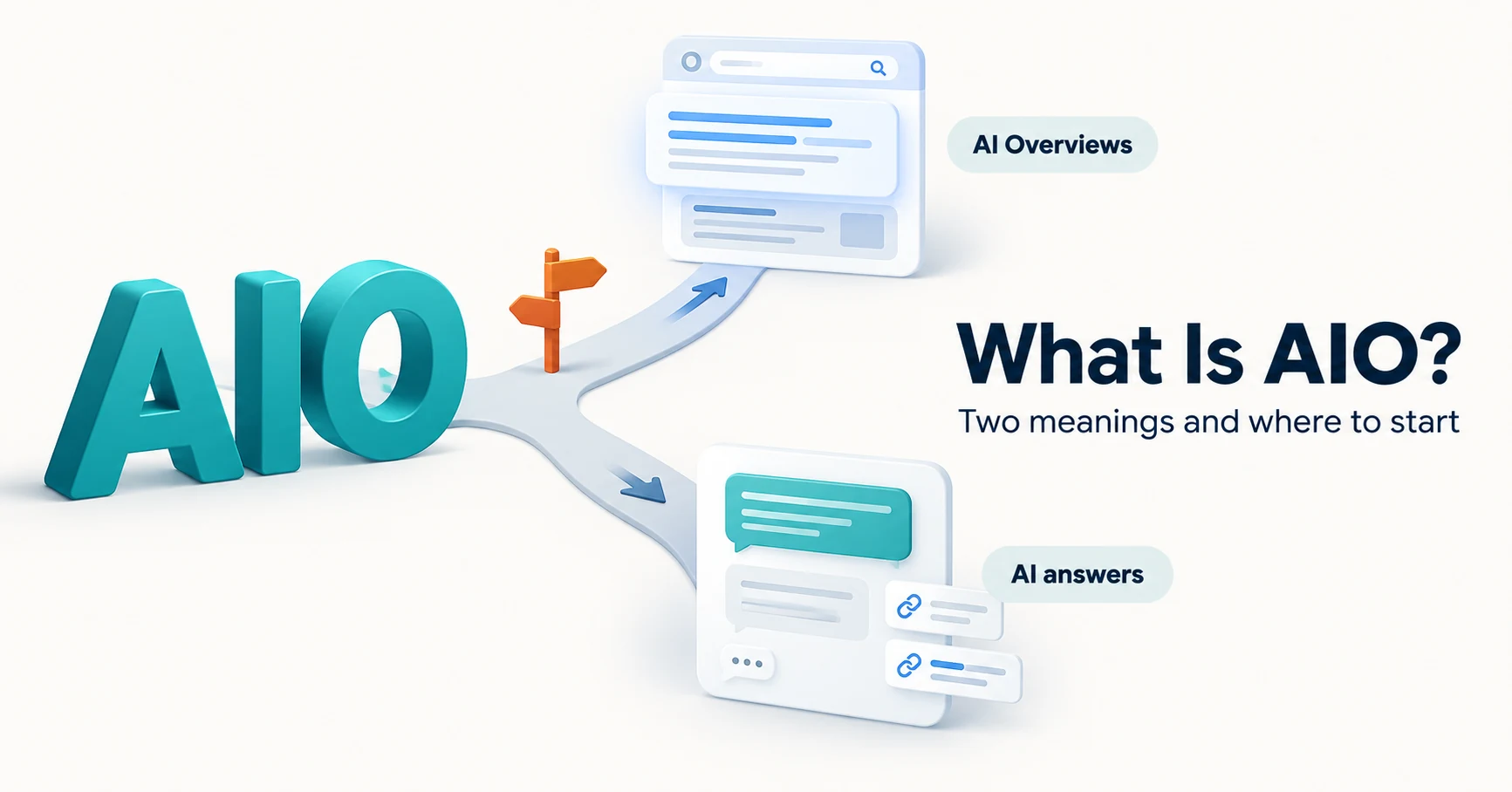
AIO and AI search
What Is AIO? Its Two Meanings and Where to Start with AI Optimization
AIO has two meanings: work to get your company featured in AI answers, and Google Search’s AI Overviews. Learn how it relates to SEO, what to confirm in a proposal, what Search Console and Bing reports show, and your first tasks.
Published
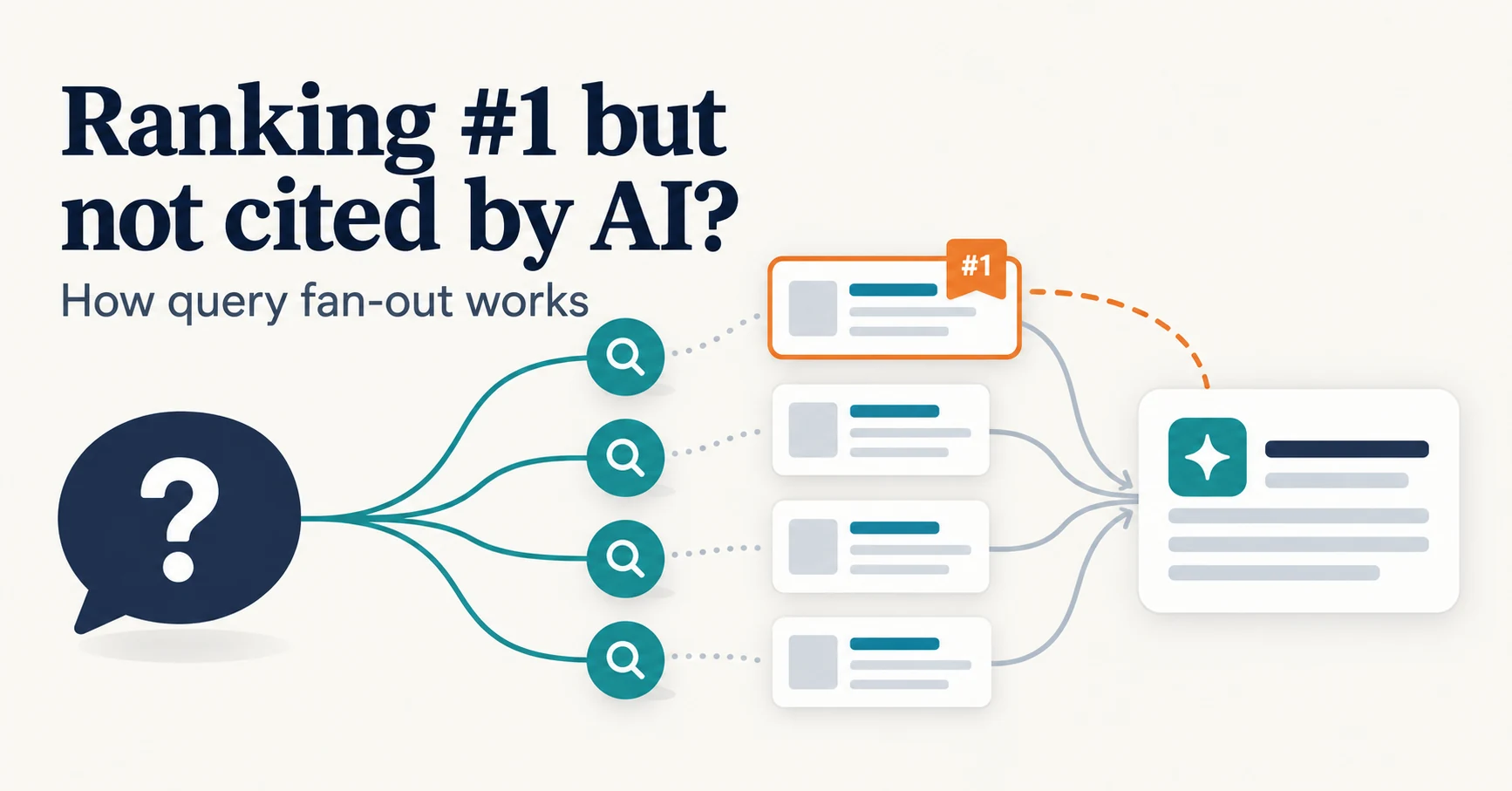
AIO and AI search
Ranking First but Not Cited by AI? How Query Fan-Out Works
Query fan-out is a technique in which AI may run several related searches to answer one question. Learn why a first-place page may not be cited, which related questions your pages should answer, and what you can observe in Search Console and Bing.
Published
Measurement and site improvement
What Are AI Crawlers? Why Blocking GPTBot Doesn’t Remove You from ChatGPT Search
AI crawlers are programs AI companies use to read public web pages. Learn how GPTBot differs from OAI-SearchBot, how Google-Extended works, why visits can continue after a robots.txt block and how to choose settings by purpose.
Published