Claude and Higgsfield: combine Seedance footage, images and music

Connect Claude to Higgsfield, request a Seedance character clip and combine footage, music and graphics in Remotion. Includes CLI and MCP setup.
A person appears, speaks, and the video ends with an animated service interface. That result may involve several different tools.
Showhey shared a setup combining Claude Code, Higgsfield’s Seedance, image generation and Lyria through Gemini, and Remotion. Creator’s breakdown
This guide explains the roles, then provides a setup for connecting Higgsfield, obtaining a short character clip and adding music and graphics. It uses official instructions checked September 27, 2026, rather than reconstructing undisclosed creator settings.
Reference video using this combination
{{tweet:https://x.com/showheyohtaki/status/2103552919249563691}}
The steps below are a suggested workflow based on public information, not the creator’s undisclosed prompts or production settings.
The Claude and Higgsfield production workflow
Claude coordinates the work; Higgsfield generates images and footage. With separate music and interface tools, the process becomes three stages: assets, moving scenes and editing.
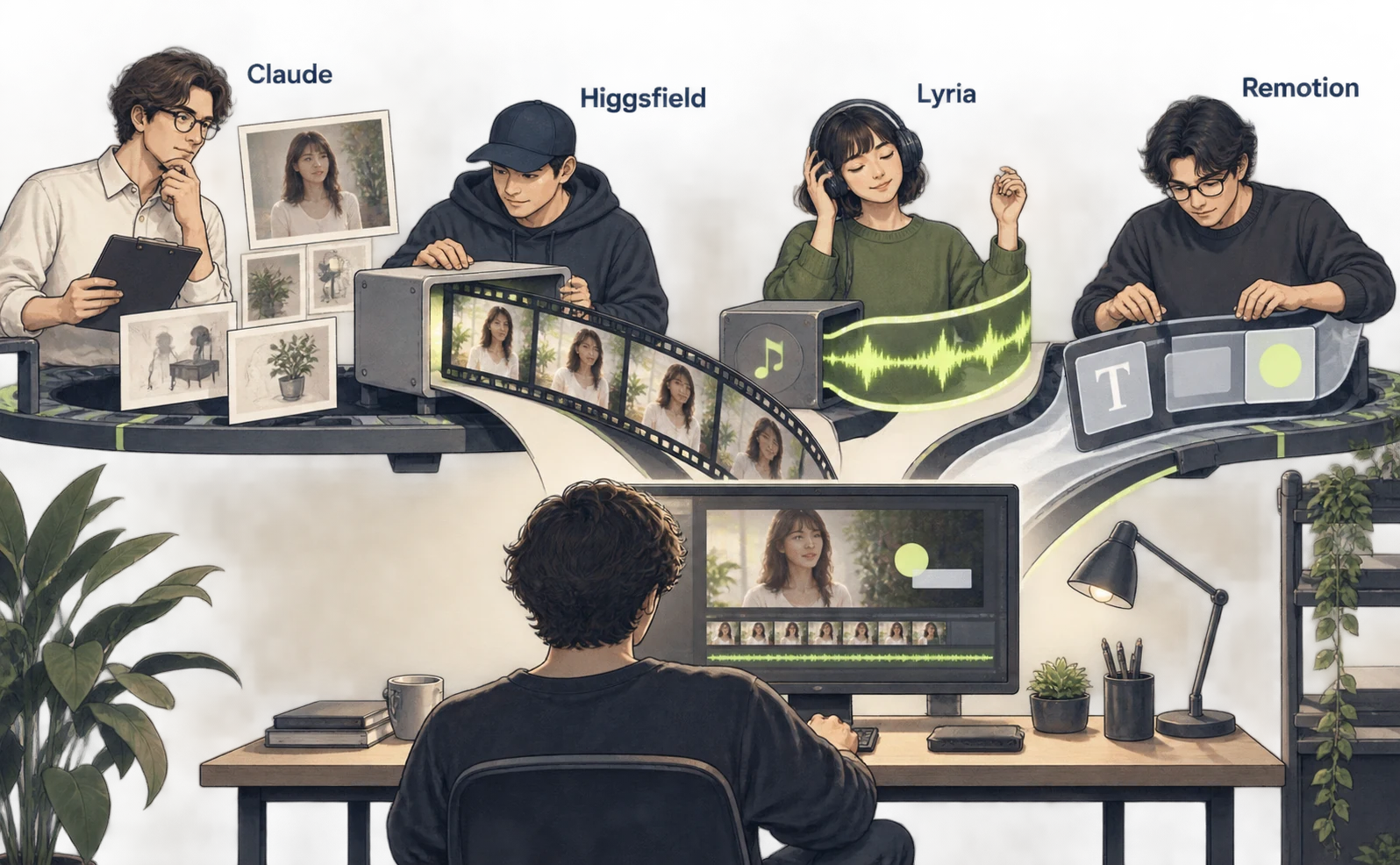
| Stage | Tools named in the public example | Output to pass onward |
|---|---|---|
| Character and set images | Nano Banana Pro through Gemini API | Images |
| Footage and voice | Seedance 2.5 through Higgsfield | Video |
| Background music | Lyria 3.5 through Gemini API | Audio |
| Interface motion | Remotion | Composition code or footage |
This table describes the creator’s reported setup. A first trial does not need every service automatically connected. Here we start with one Higgsfield scene, save approved assets and move into editing.
Prepare Claude Code, Node.js and an active paid Higgsfield account with usage available. Remotion is used later. The following route uses the officially documented CLI; it does not assume the original creator used the same connection.
Run these commands in a terminal and complete sign-in in the browser that opens. Official CLI instructions
npm i -g @higgsfield/cli
higgsfield auth login
npx skills add higgsfield-ai/skills
Start Claude Code and ask it to retrieve your Higgsfield balance and recent generations without generating anything new. A real tool call returning account information confirms the connection.
Turn a character image into a Seedance clip with sound
Approving a character image first lets you check appearance and clothing before generating motion. Seedance 2.5 is documented as supporting audio synchronized with video. Official model guide
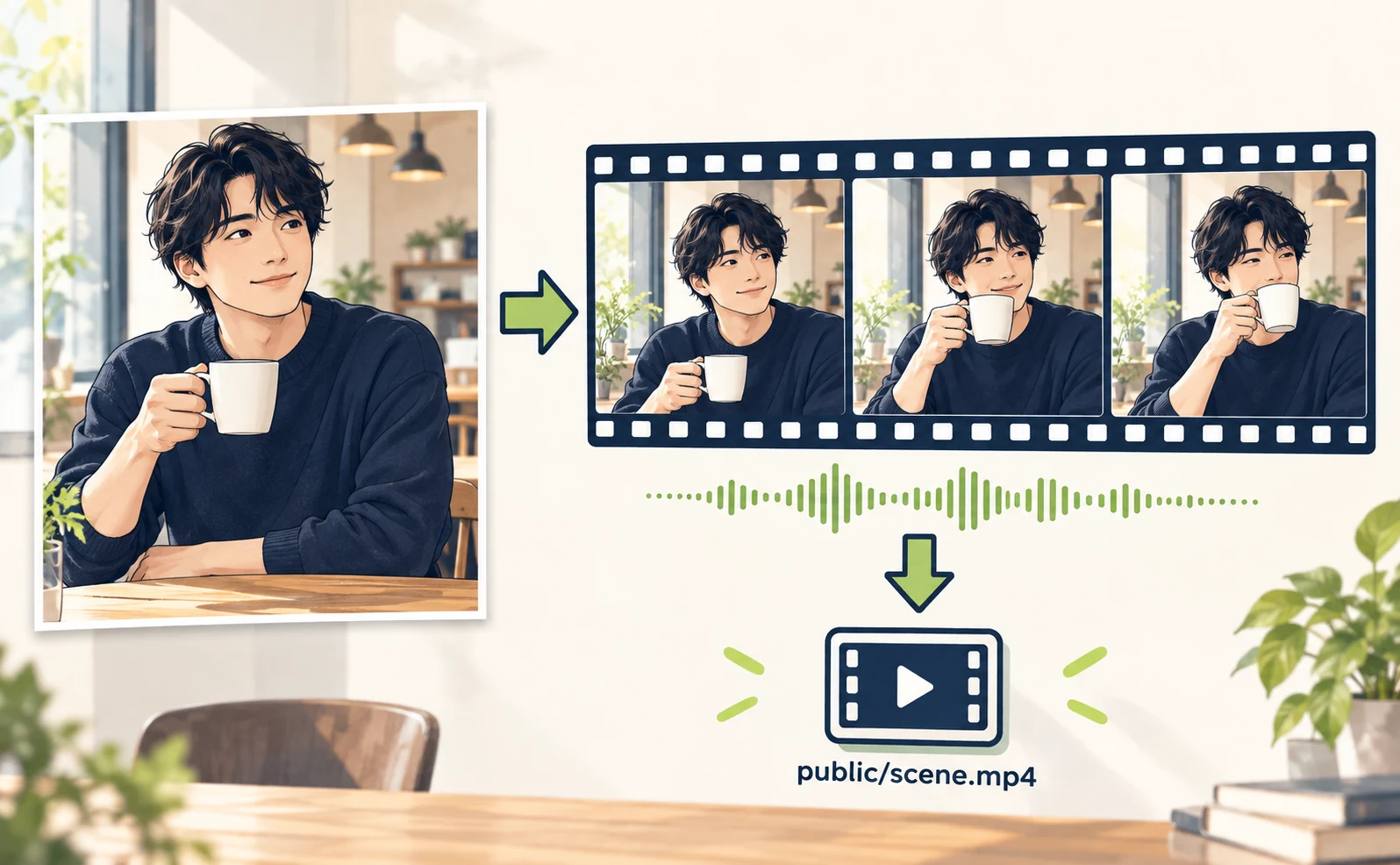
Give Claude this proposed image request. If the requested model is unavailable, have it present alternatives instead of silently generating with another model.
I want one Higgsfield image of a
fictional adult holding a plain white
mug in a cafe.
Landscape 16:9, natural light, navy
clothing, no text or logos.
Check whether Nano Banana Pro is
available and show the credit
conditions.
Wait for confirmation, then generate
exactly one image.
After approving the image, identify that asset explicitly by attachment or the returned asset ID:
Use the approved image as a reference
for one Seedance 2.5 video.
The person slightly raises the cup and
smiles. Fixed camera.
Requested format: 16:9, 5 seconds.
Spoken line: “Time for a little break.”
No background music. First check
supported duration, resolution and audio
settings
for this connection and show the actual
generation conditions.
After approval, generate once and check
that job until it finishes.
Return its generation ID and download
link.
Five seconds and the spoken line are requested trial settings. If the connection supports different options, adjust before generation. Play the result independently and inspect the face, hands, cup, lip movement and spoken words.
Save the clip as public/scene.mp4 in the Remotion project. If a generation is still processing, check the same job ID before requesting another one; another request may start another generation.
Combine Lyria music and Remotion graphics
Once footage and music are ready, Remotion aligns them and adds final text or graphics. This separates asset generation from editing the explanation.
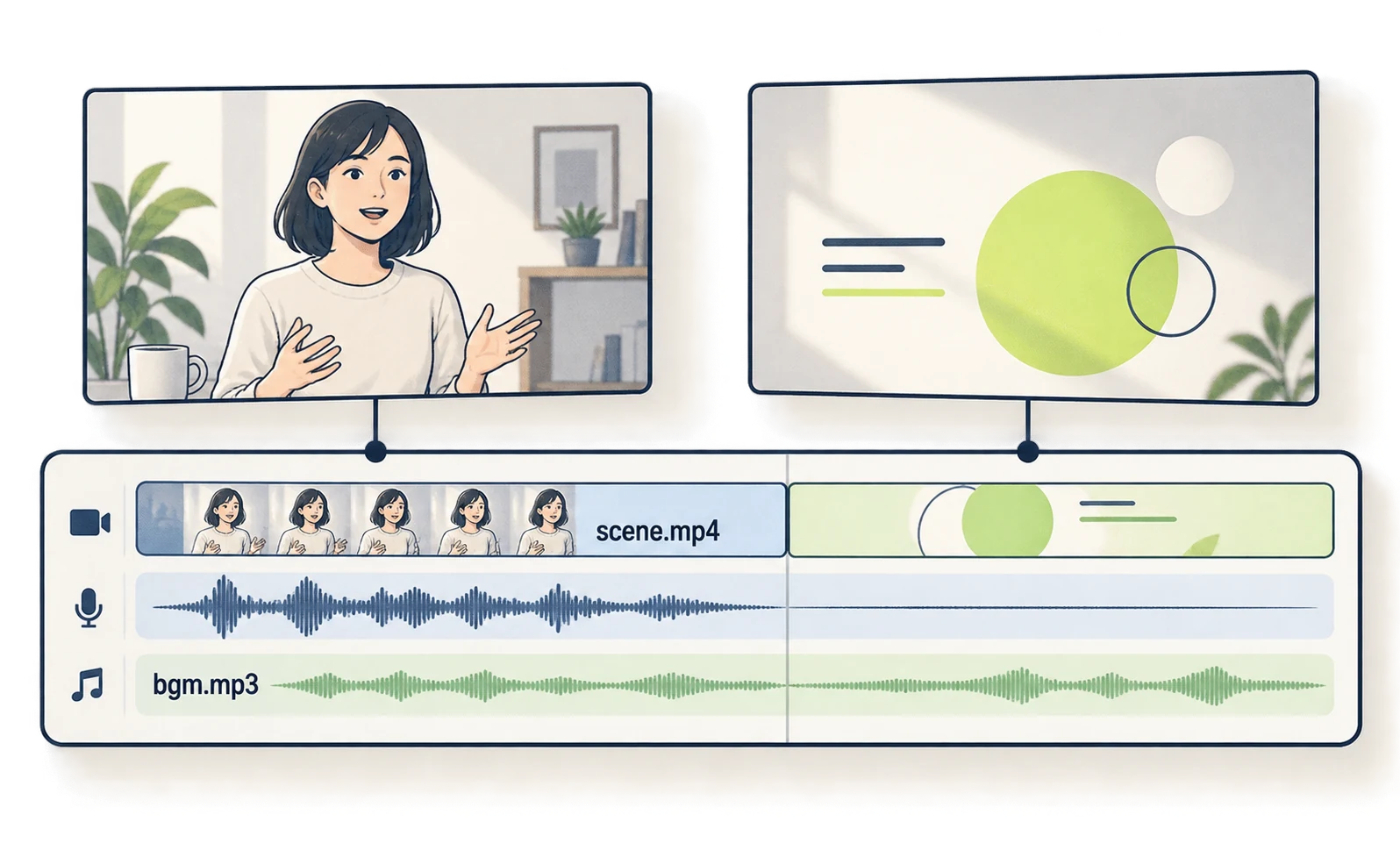
Follow the Lyria MP3 setup to create music in Gemini and save it as public/bgm.mp3. Install Remotion using this guide.
Open Claude Code in the project containing those assets and request:
/remotion-best-practices
Use public/scene.mp4 and public/bgm.mp3
for a 10-second introduction.
Composition ID: CafeDemo. Size:
1920×1080. Rate: 30fps.
Use the character clip for the first 5
seconds. Preserve its voice
and keep the background music quieter
than the speech.
For the final 5 seconds, show “Time for
a break.” with simple circular graphics.
Do not present the graphics as a real
app screen or customer result.
No new asset generation. Plan first,
then build and preview after approval.
Return the entry file and render
command.
If the project uses src/index.ts, render after review with:
npx remotion render src/index.ts CafeDemo out/cafe-demo.mp4
Play out/cafe-demo.mp4 and check speech audibility and the transition between halves. When adapting this to a real product, compare the generated product’s appearance with the actual item too.
Higgsfield MCP setup and generation credits
In browser-based Claude, use a custom MCP connector instead of the CLI. You do not need to install both routes just to make one work.
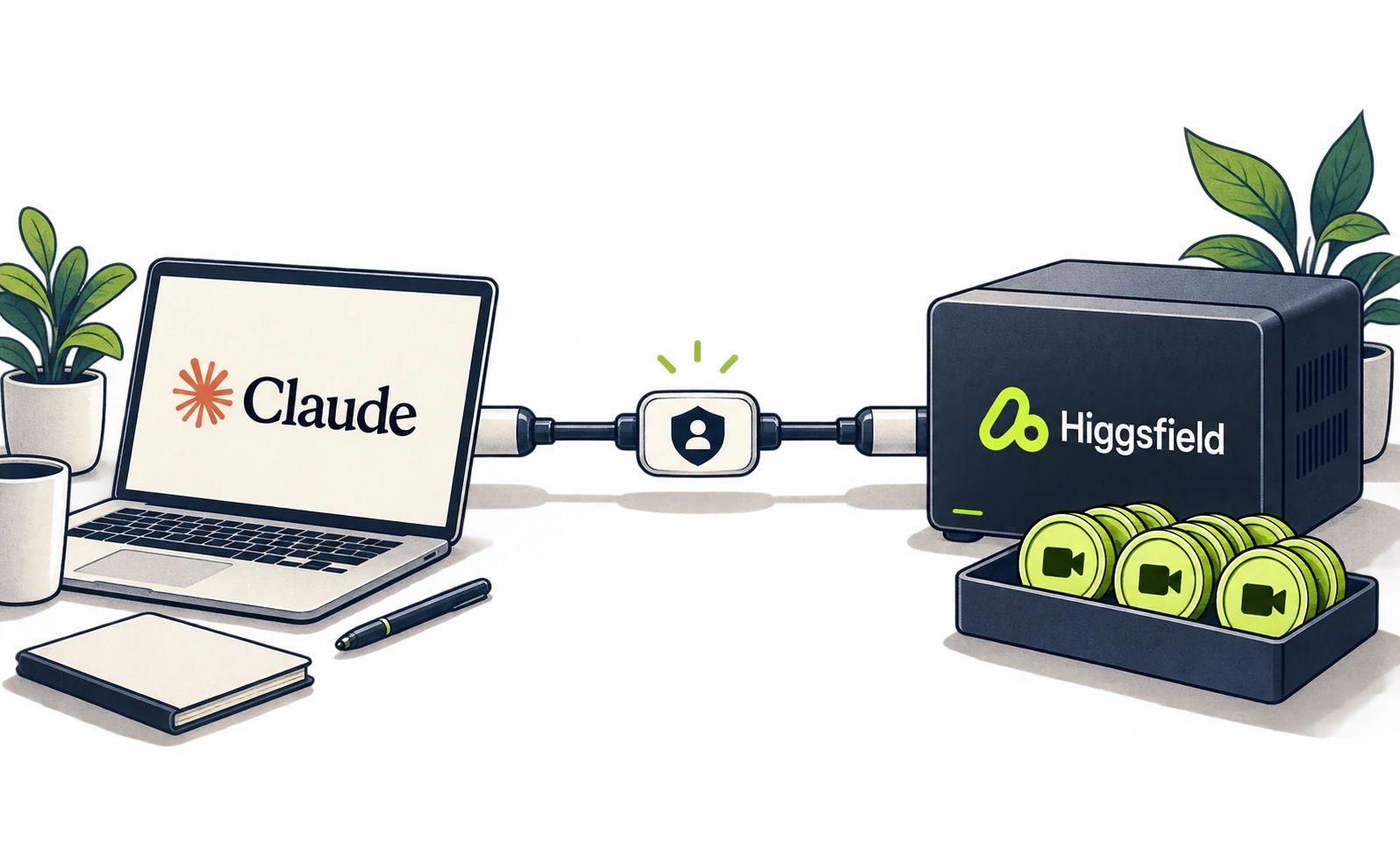
In Claude, open Settings → Connectors → Add custom connector. Name it Higgsfield, enter the URL below, connect and complete Higgsfield authentication. Test a balance request in a new chat. Official connection guide
https://mcp.higgsfield.ai/mcp
Generation consumes Higgsfield credits. Not typing an API key does not mean free generation. Model, resolution and duration affect the conditions, so check them before the first clip.
| Symptom | What to check |
|---|---|
| No account information | Authentication and connector activation |
| Requested model unavailable | Availability through this connection route |
| Generation appears unfinished | The existing job ID and status |
| Different person or product | Reference asset, result and specific scene to revise |
Save approved images and footage, then distinguish changes that only need editing from those needing regeneration. If text is the main subject, a code-based workflow may fit the job better.
Sources
- [1] Creator’s breakdown — accessed 2026-09-27
- [2] Official CLI instructions — accessed 2026-09-27
- [3] Official model guide — accessed 2026-09-27
- [4] Official connection guide — accessed 2026-09-27
About the author
Shogo MizushimaCEO of kairos Inc. / AgentSignal Developer
Develops AgentSignal, a tool for measuring AI crawler visits and AI-referred traffic, and diagnosing AIO readiness. Writes about measurement and practical improvements for AI search using observed data.
Related articles

Case studies and research
Claude video generation: seven Opus 5.5 workflows compared
Compare seven Claude video workflows. Start with motion graphics written by Claude Code alone, with no external video generation or MCP, then find setup guides for HyperFrames, Remotion, image animation, Higgsfield, HeyGen and ElevenLabs.
Published
Case studies and research
Claude Code and HyperFrames: make a video and add Lyria music
Set up Claude Code and HyperFrames, add Lyria music, preview a composition and export an MP4 with commands and a 15-second starter prompt.
Published

Case studies and research
Claude and Remotion: make visuals and sound with code
Install the Remotion plugin for Claude Code, build a text-and-shapes video, add a Node.js sound cue and render an MP4. Includes paths and troubleshooting.
Published