Claude and Remotion: make visuals and sound with code
Install the Remotion plugin for Claude Code, build a text-and-shapes video, add a Node.js sound cue and render an MP4. Includes paths and troubleshooting.
Text moves, a diagram expands, and a sound lands exactly with the motion. Claude Code and Remotion let you design this kind of video with code.
One public example also generated sound in Node.js. This guide takes you from plugin installation to a silent prototype, one sound effect and an MP4 export.
The setup is based on official documentation checked September 27, 2026. Our prompts are proposed exercises, not a tested reconstruction of the creator’s finished video.
Reference video using this combination
{{tweet:https://x.com/_nogu66/status/2103665780160421939}}
The steps below are a suggested workflow based on public information, not the creator’s undisclosed prompts or production settings.
How Remotion creates a video from code
Remotion uses React to describe the text and graphics visible at each point in a video. Claude Code can write and revise that composition.
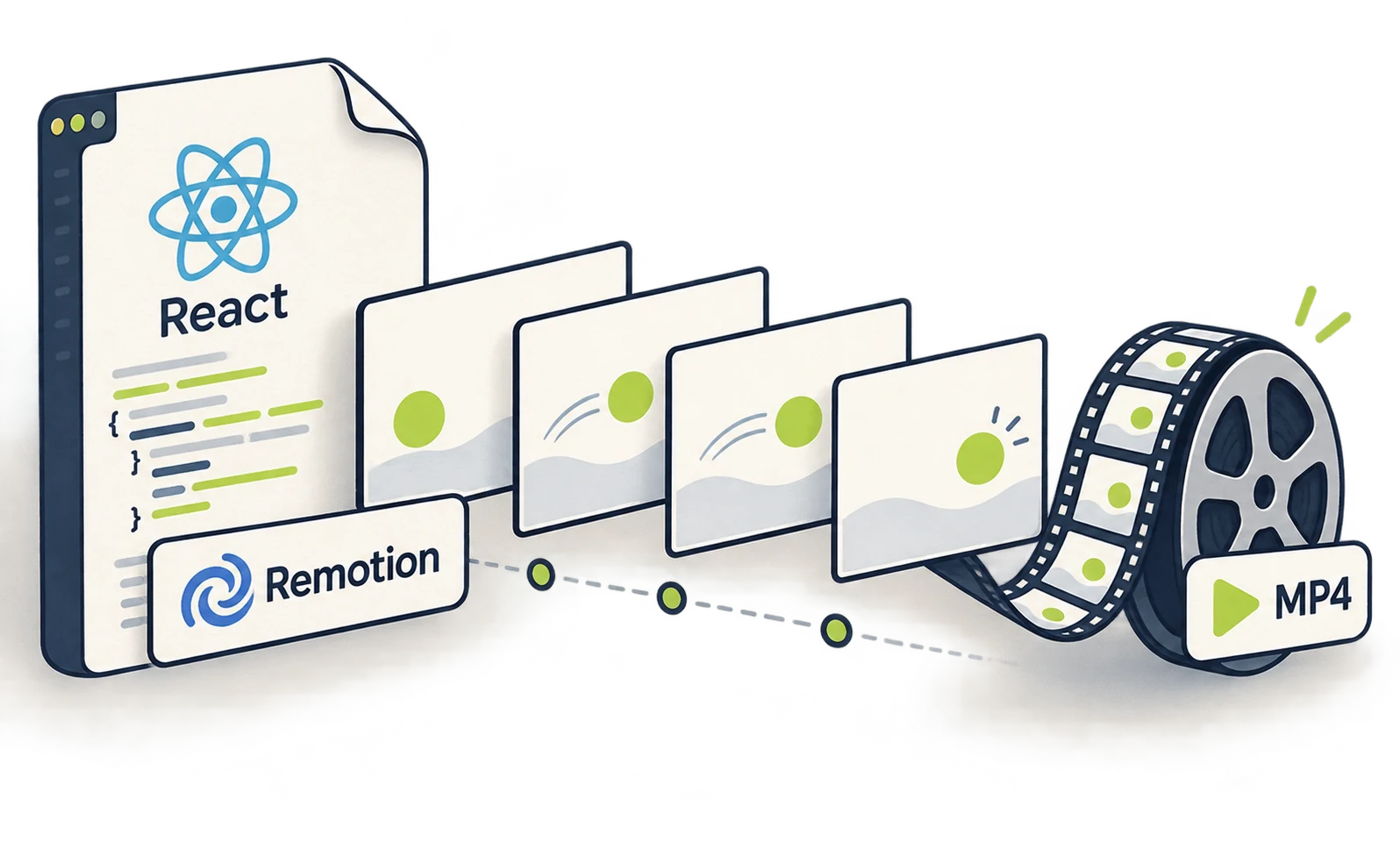
Nogu’s public example uses Remotion and Node.js. The creator describes building visuals and audio with code, rather than receiving a completed clip from a video model. Creator example
Prepare Claude Code and Node.js first. If needed, use the Claude Code setup guide and Node.js downloads. Check installation with claude --version and node --version.
Install the official Remotion plugin in a terminal. Plugin documentation
claude plugin marketplace add remotion-dev/claude-code-plugin
claude plugin install remotion@remotion
Restart Claude Code, then launch it in a new working folder. remotion-first is simply the folder name for this exercise.
mkdir remotion-first
cd remotion-first
claude
Ask Claude to build Remotion text, shapes and particles
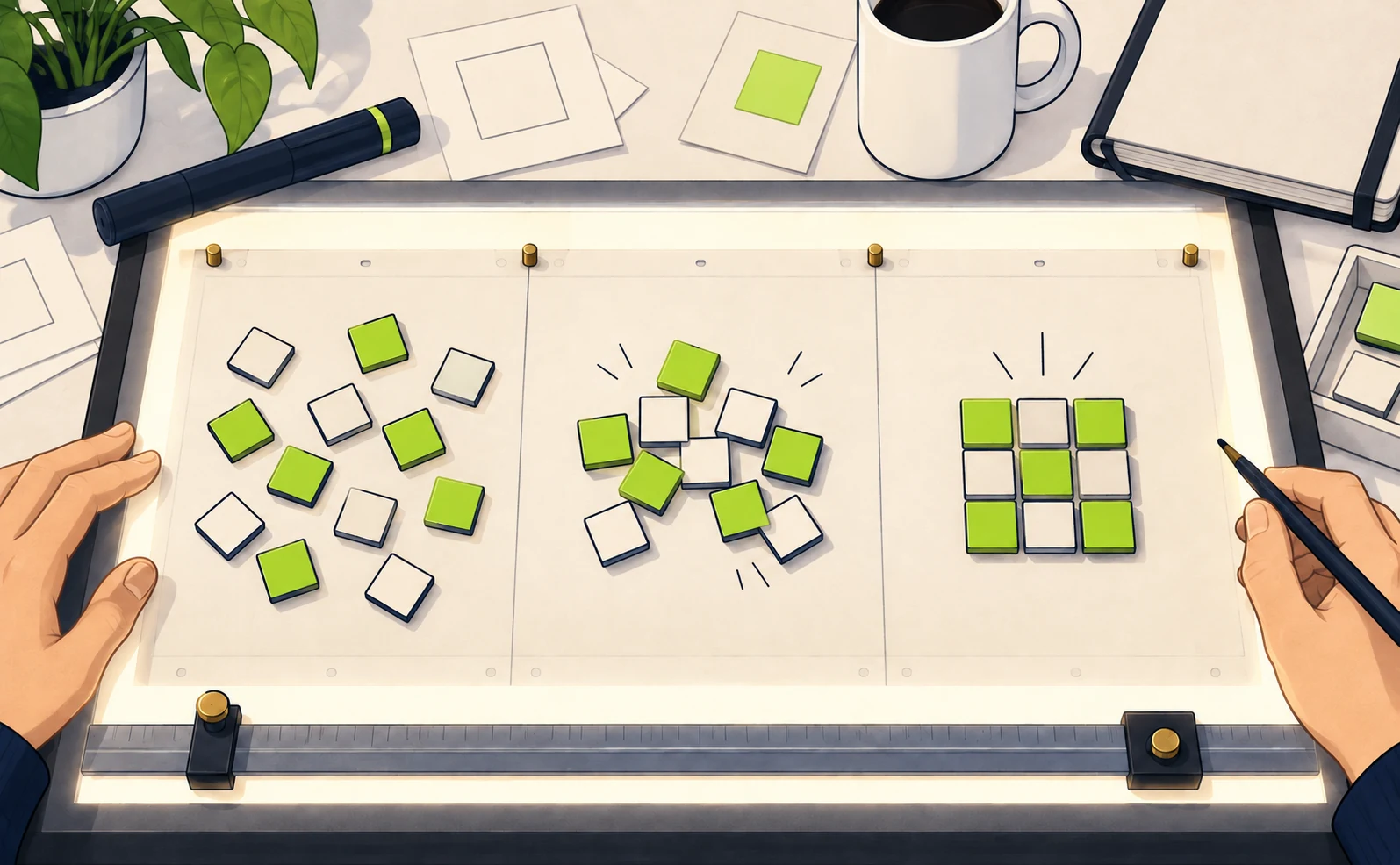
Begin with a short composition containing only text and shapes. Specify its name, duration, dimensions and scenes so the result has clear review criteria.
Paste this into Claude Code in the empty folder. Keep important existing files outside this exercise project.
/remotion-best-practices
Create a new Remotion project in this
empty folder.
Composition ID: Demo. Duration: 15
seconds. Size: 1920×1080. Rate: 30fps.
0–5 seconds: Show “Scattered
information” and three squares. Move the
squares toward the center and finish
aligning them at second 5.
5–10 seconds: Hold the aligned squares
in a readable, still layout.
10–15 seconds: Show “Organized in one
place.” in large type.
Use a navy background, white and lime.
No image, video or audio APIs.
Show the storyboard before
implementation. After approval,
install the dependencies and build it.
Base animation on frame numbers so
seeking gives consistent results.
Return the actual entry-file path,
preview command and render command.
After approving the plan and completing the build, open Studio with the command Claude reports. If the entry file is src/index.ts, the command is: Studio reference
npx remotion studio src/index.ts
Select Demo in the browser and test playback and seeking. If a scene breaks only when you jump to a time, ask Claude to derive its state from the frame number instead of elapsed playback time.
Add particles or complex backgrounds after the basic version works. Establishing readable timing and layout first helps keep decorative effects from overwhelming the explanation.
Generate sound in Node.js and align it with Remotion
A code-generated sound starts as numerical waveform data, saved into an audio file and placed at a chosen video time. One short effect is an easier first exercise than composing an entire score.
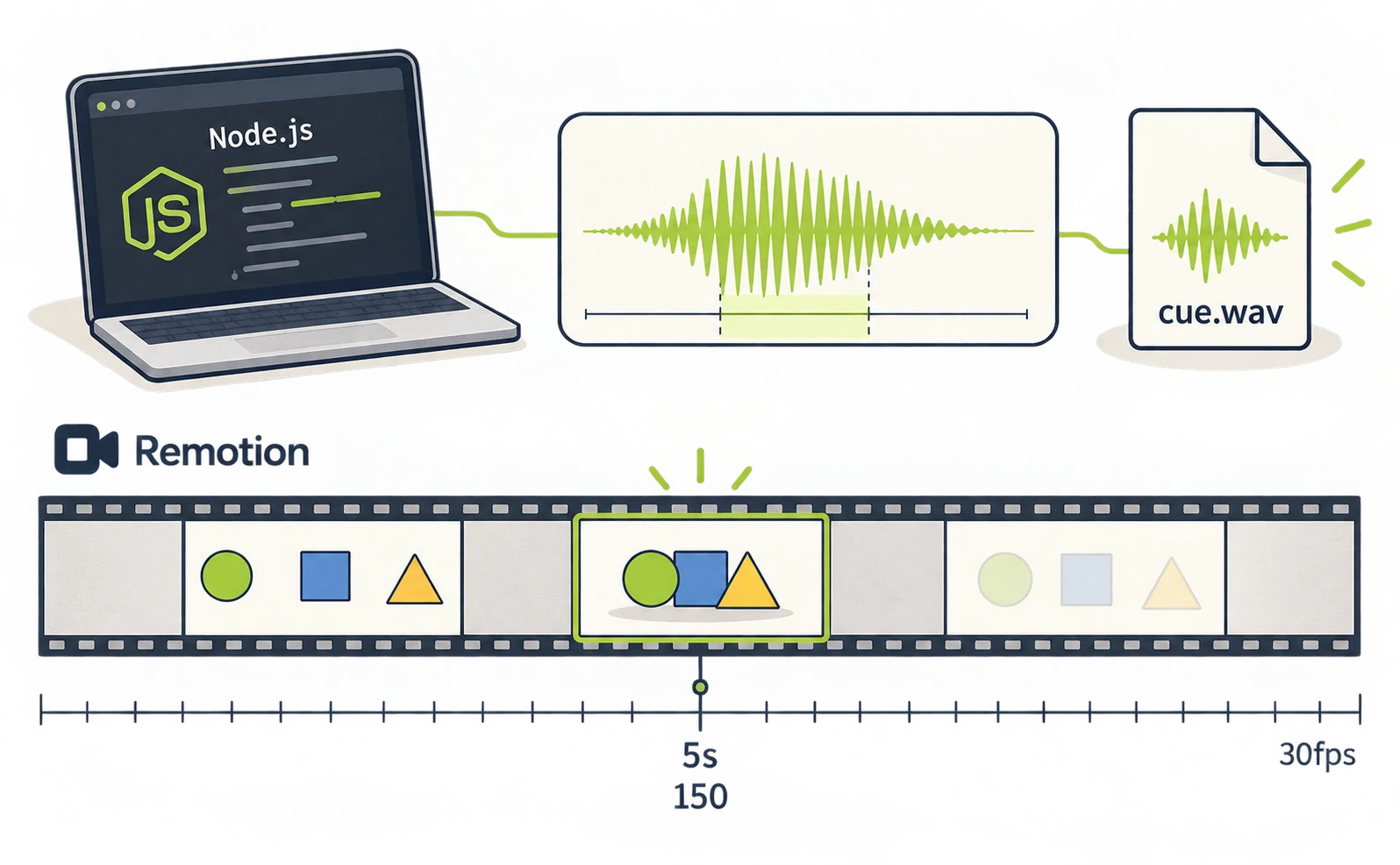
For a soft sound when the shapes align, try the following. This is a production proposal, not a guarantee of a particular audio quality.
Use Node.js, without an external API, to
generate one soft electronic cue.
It should last 0.3 seconds and play once
when the shapes align at second 5.
Use smooth onset and release and avoid
clipping.
Save the script as
scripts/make-sound.cjs and the audio as
public/cue.wav.
Load the WAV in Remotion and play it at
second 5.
Use audio components compatible with
this project's package versions
and check for type errors.
Listen to the WAV on its own, then check the timing in Studio. At 30fps, second 5 begins at frame 150. Ask Claude to verify that picture and sound use the same timeline origin.
For missing audio, check the file exists and plays independently. Also establish whether the issue affects only the browser or the exported video. Remotion audio guide
Export the Remotion video and check licensing
Rendering specifies an entry file, a Composition ID and an output path. If the project uses src/index.ts and Demo as requested, run: Render reference
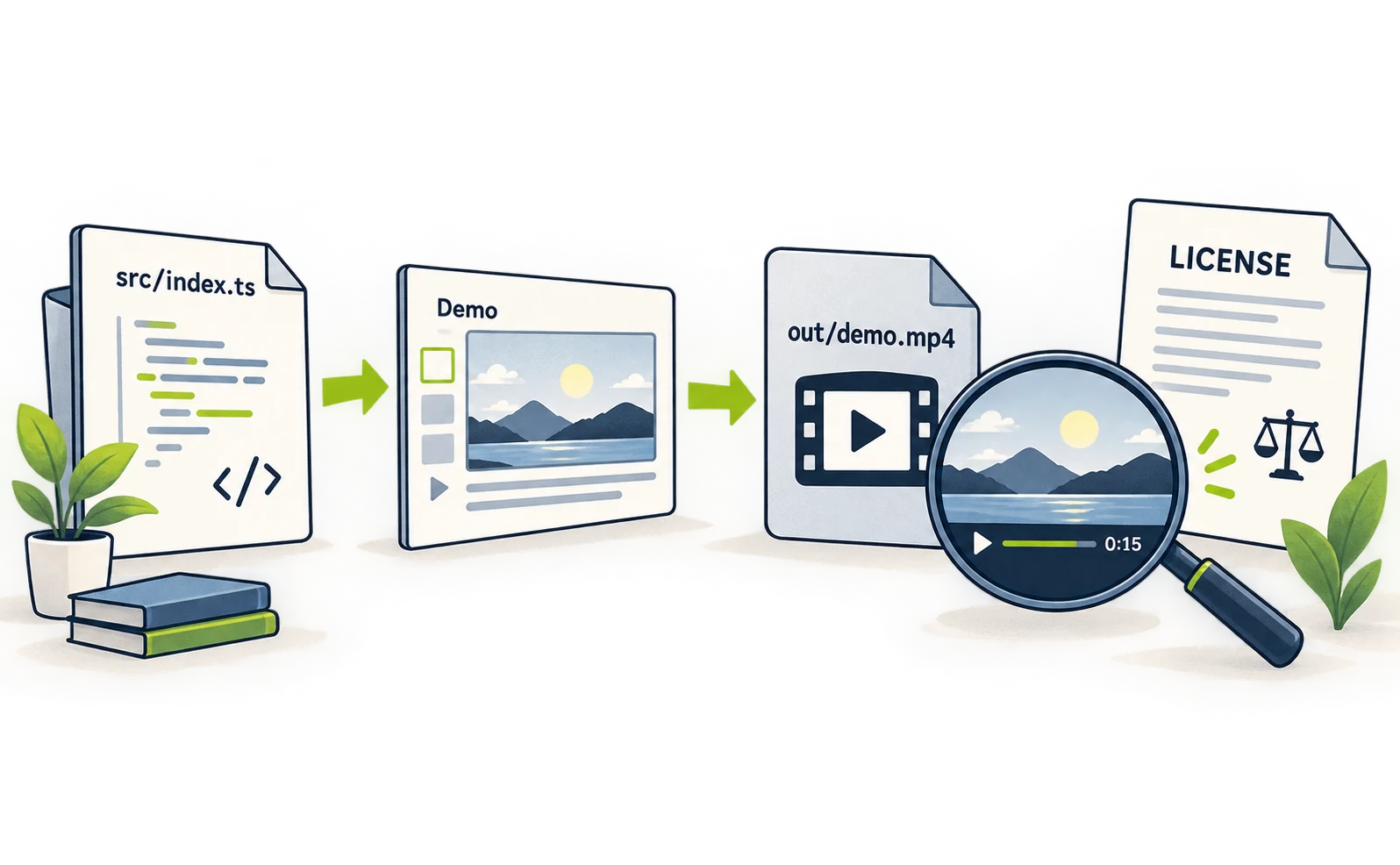
npx remotion render src/index.ts Demo out/demo.mp4
If the project uses different paths or IDs, substitute the actual values. Open out/demo.mp4 and check its 15-second duration, uncropped text and the cue at second 5.
| Problem | First check |
|---|---|
| Composition not found | Does the specified ID match Studio? |
| Missing picture or audio | Do file locations and references match? |
| Unexpected font | Can the production environment load the font? |
| One scene looks wrong | Does seeking to that frame reproduce it? |
Remotion licensing is separate from Claude billing. The current license checked for this article covers individuals and certain small organizations, including for-profit organizations with up to three employees, under its free tier. Other organizations need a company license. A forthcoming version change is also announced; check the license for the version you use before commercial production.
For the first project, establish three things: the visuals animate without external assets, the cue can be added, and the MP4 plays correctly. Then add photographs and more complex effects. This makes it easier to identify which stage introduces a problem. Compare the other Claude video patterns before choosing your production setup.
Sources
- [1] Creator example — accessed 2026-09-27
- [2] Claude Code setup guide — accessed 2026-09-27
- [3] Node.js downloads — accessed 2026-09-27
- [4] Plugin documentation — accessed 2026-09-27
- [5] Studio reference — accessed 2026-09-27
- [6] Remotion audio guide — accessed 2026-09-27
- [7] Render reference — accessed 2026-09-27
- [8] license for the version you use — accessed 2026-09-27
About the author
Shogo MizushimaCEO of kairos Inc. / AgentSignal Developer
Develops AgentSignal, a tool for measuring AI crawler visits and AI-referred traffic, and diagnosing AIO readiness. Writes about measurement and practical improvements for AI search using observed data.
Related articles
Case studies and research
Claude video generation: seven Opus 5.5 workflows compared
Compare seven Claude video workflows. Start with motion graphics written by Claude Code alone, with no external video generation or MCP, then find setup guides for HyperFrames, Remotion, image animation, Higgsfield, HeyGen and ElevenLabs.
Published
Case studies and research
Claude Code and HyperFrames: make a video and add Lyria music
Set up Claude Code and HyperFrames, add Lyria music, preview a composition and export an MP4 with commands and a 15-second starter prompt.
Published
Case studies and research
Animate images with Claude, GPT Image and ElevenLabs
Create artwork with GPT Image, animate it with Claude and add ElevenLabs narration. Follow asset paths, transparency checks, MCP setup and export steps.
Published