Claude and ElevenLabs: connect MCP for images, voice and video
Set up ElevenLabs MCP in Claude, prepare images, footage, narration and music, then finish in Studio. Includes connection commands and output checks.
One screen for images, another for voice, another for video. ElevenLabs MCP is an option for reducing those handoffs.
Connect Claude to ElevenLabs, request images, footage, voice and music, then review the generated assets while finishing the piece. This guide provides the connection command and a first short-video exercise.
The setup follows official documentation checked September 27, 2026. It is our proposed production design, not a report of executing and testing every tool.
What ElevenLabs MCP can generate
ElevenLabs MCP connects assistants such as Claude to generation tools. Its September 2026 announcement describes image, video, voice, music and sound effects through one connector. Official announcement
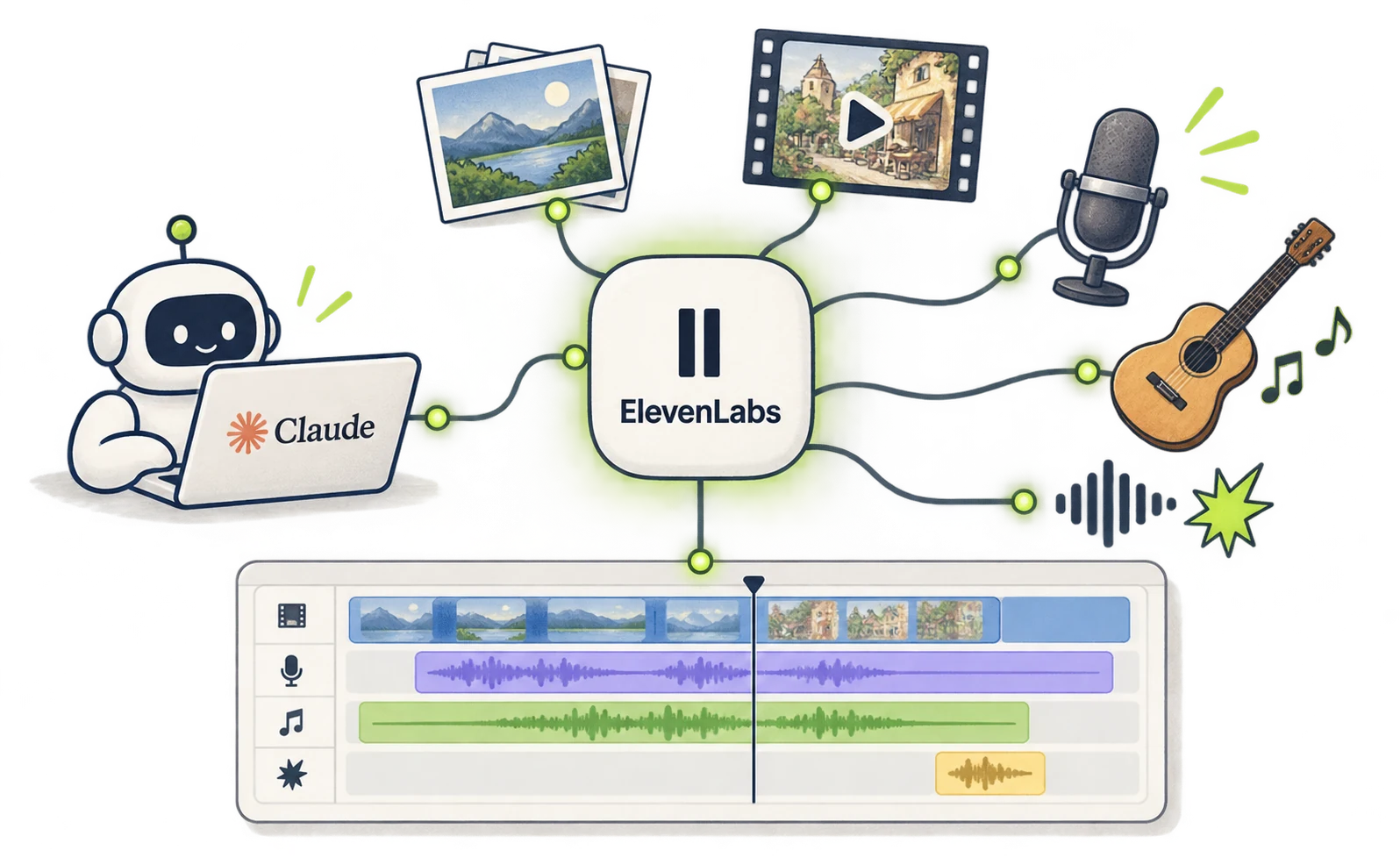
Treating ElevenLabs only as narration software misses this option. However, a connection does not establish that every model has identical availability or usage conditions in your account.
This exercise introduces a fictional cafe. Prepare an ElevenLabs account and either Claude with connector access or Claude Code.
Define the asset count first: one clip, one voice track and one music track. Reviewing each before advancing makes it easier to revise only the part that failed.
Connect Claude and ElevenLabs with account authentication
The current hosted MCP uses ElevenLabs account authentication. It is a different installation route from the older local MCP server that requires an API key. Official connection page
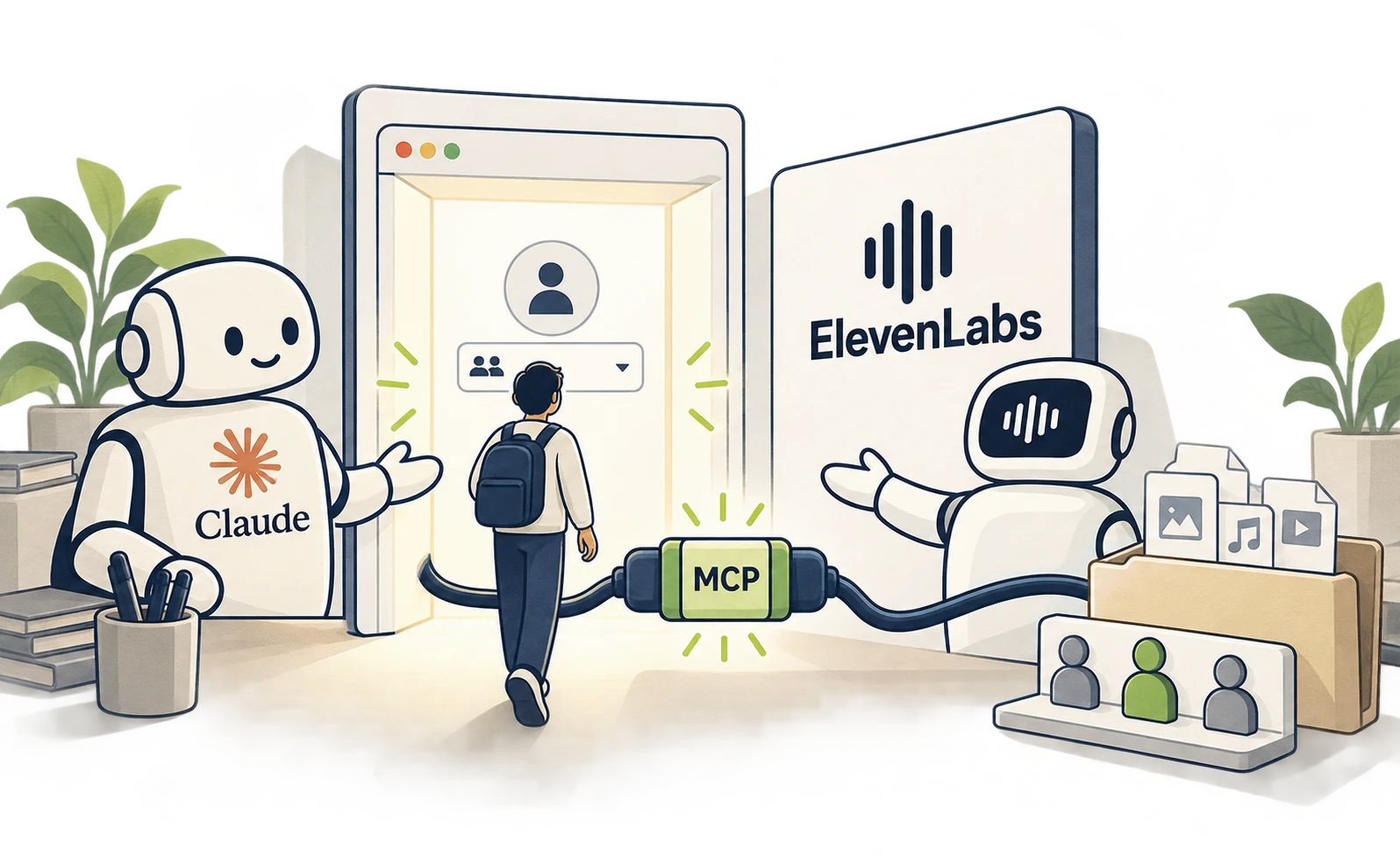
In browser or desktop Claude, open Settings → Connectors, browse the directory and connect ElevenLabs. Verify the account and workspace during authentication. Hosted MCP setup
For Claude Code, run this in a terminal in your working folder:
claude mcp add --transport http elevenlabs https://api.elevenlabs.io/v1/mcp
claude
Inside Claude Code, open /mcp and finish ElevenLabs authentication. After checking the connection, ask:
Inspect the image, video, speech and
music tools available
through this ElevenLabs connection. Show
the models available
in this workspace and the permissions
required.
Do not generate new assets during this
check.
If creative tools are missing, check workspace permissions and whether the connector is enabled. If the answer is only a general description, ask whether it is based on the actual connected tools.
Generate assets and finish the video in Studio
For a first video, approve the image, turn it into footage, then add voice and music. Even one combined request can specify review points between stages.
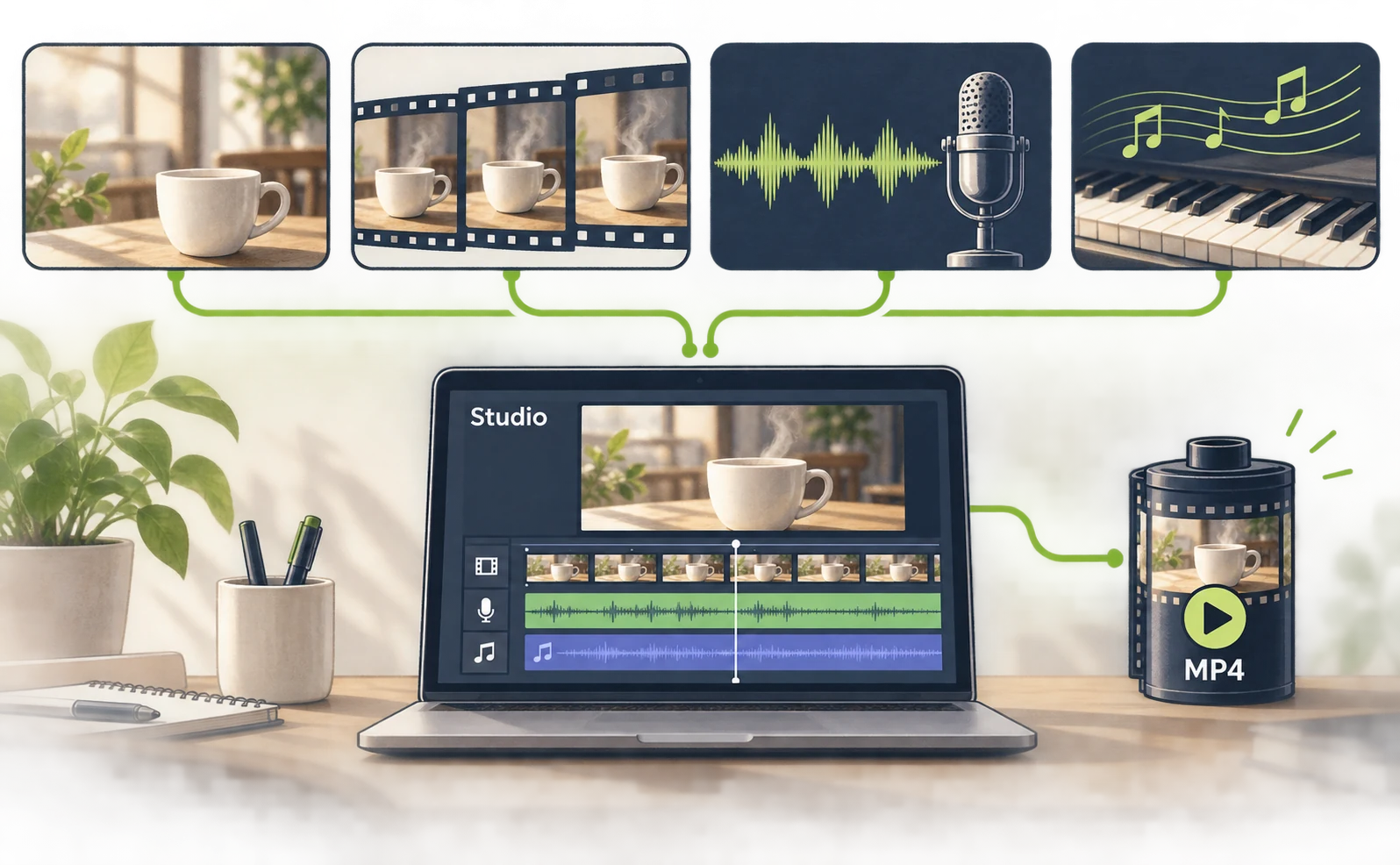
Paste this proposed exercise into Claude. Replace the subject and script for your own project.
Make a short ElevenLabs introduction for
a fictional cafe.
Target: landscape 16:9, about 10
seconds, English.
This is not an advertisement for a real
business.
1. One image of a cafe table and plain
white cup in morning light.
2. One short clip based on that image,
with gently moving steam.
3. One calm narration: “Take a small
breath in a busy morning.”
4. One restrained piano music track,
without vocals.
First show model candidates, supported
lengths and usage conditions.
Wait for image approval before making
footage. Generate each asset once.
Report unavailable features before
running an alternative.
Return all completed asset IDs and links
in a list.
Check atmosphere and unwanted text in the image, cup shape and movement in the clip, and pronunciation in the voice. Identify the problematic asset before requesting a complete remake.
The official workflow saves generations to the ElevenCreative workspace and supports finishing in Studio. Open the asset links and inspect footage, voice and music on the timeline. Studio
Review the assembled piece in this order:
- Does the whole spoken line fit within the video?
- Can the music be lowered while preserving the atmosphere?
- If captions are present, do they match the speech?
- Is the last word audible before the ending?
Review the completed Studio project and export it. Check the available video format and destination, then open the saved file. Downloading an audio asset alone is not the same as completing a video.
For external editing, keep files separate—for example, scene.mp4, voice.mp3 and bgm.mp3. For precise code-based placement, pass them into the Remotion workflow.
Check ElevenLabs allowances and decide what to combine
A working connection and sufficient generation allowance are different requirements. Account authentication without an API key still operates under the service’s plan and model conditions.
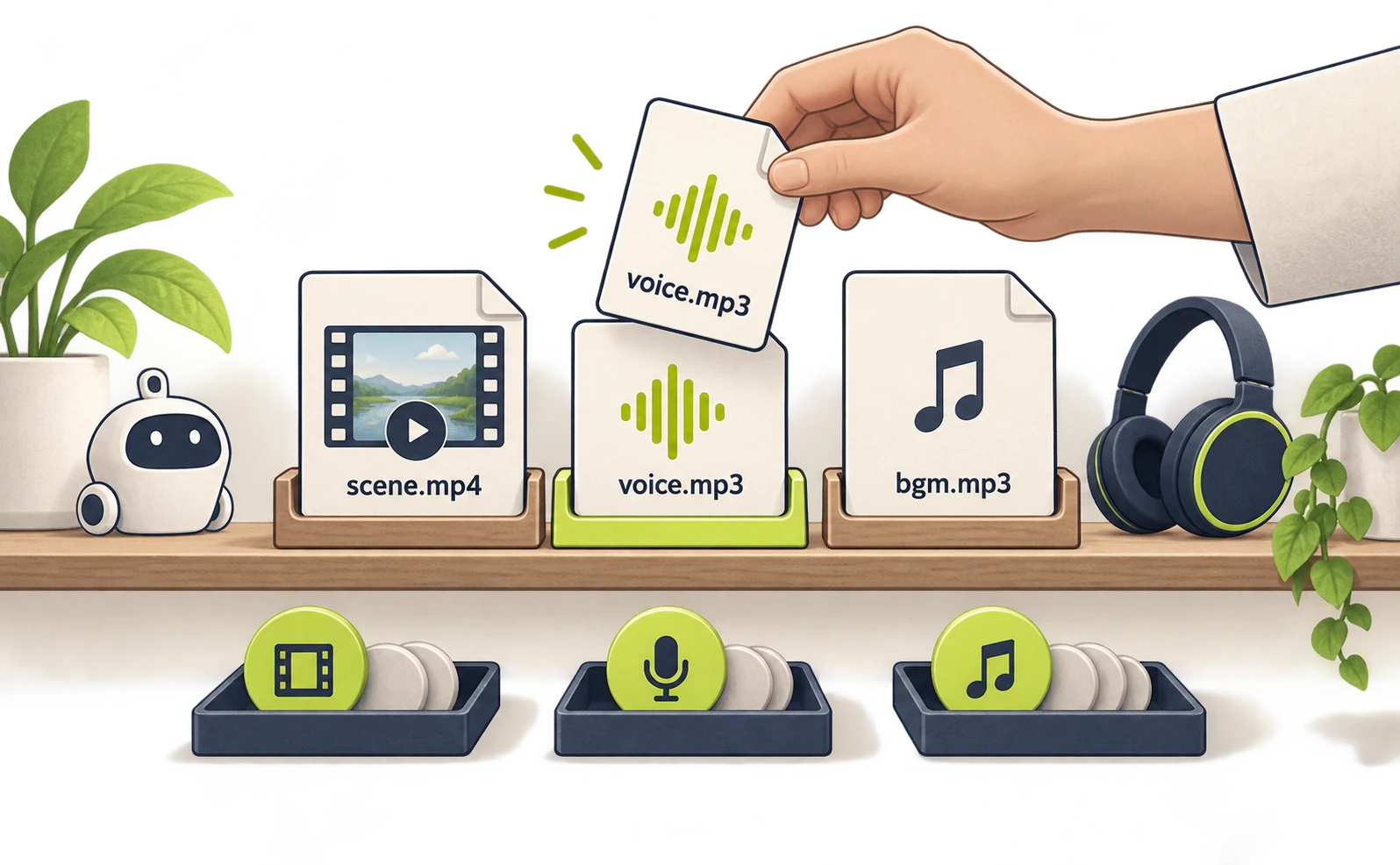
Record asset types and generation counts during the trial. If you later need to revise only the voice, that record helps determine whether footage needs to be generated again. ElevenLabs pricing
| Symptom | Next place to check |
|---|---|
| Authentication fails | /mcp and the browser account |
| No image or video tools | Connector permissions and workspace |
| Generation is rejected | Model availability and remaining allowance |
| An asset is missing in editing | Its ID, link and saved location |
| The export contains only audio | Studio project contents and output format |
This setup is worth trying when consolidating voices and asset creation is useful. Compare Higgsfield when a particular footage model matters, and HyperFrames or Remotion when detailed text and graphic animation matters.
The first milestone is a saved file that plays picture and voice together from beginning to end. Use the six-pattern comparison to choose the setup that fits the intended video.
Sources
- [1] Official announcement — accessed 2026-09-27
- [2] Official connection page — accessed 2026-09-27
- [3] Hosted MCP setup — accessed 2026-09-27
- [4] Studio — accessed 2026-09-27
- [5] ElevenLabs pricing — accessed 2026-09-27
About the author
Shogo MizushimaCEO of kairos Inc. / AgentSignal Developer
Develops AgentSignal, a tool for measuring AI crawler visits and AI-referred traffic, and diagnosing AIO readiness. Writes about measurement and practical improvements for AI search using observed data.
Related articles
Case studies and research
Claude video generation: seven Opus 5.5 workflows compared
Compare seven Claude video workflows. Start with motion graphics written by Claude Code alone, with no external video generation or MCP, then find setup guides for HyperFrames, Remotion, image animation, Higgsfield, HeyGen and ElevenLabs.
Published
Case studies and research
Claude Code and HyperFrames: make a video and add Lyria music
Set up Claude Code and HyperFrames, add Lyria music, preview a composition and export an MP4 with commands and a 15-second starter prompt.
Published
Case studies and research
Claude and Remotion: make visuals and sound with code
Install the Remotion plugin for Claude Code, build a text-and-shapes video, add a Node.js sound cue and render an MP4. Includes paths and troubleshooting.
Published