Muse expands into a business AI agent: advertising analysis and Shopify connections explained
Understand Meta’s Muse for Small Business announcement, its advertising and Shopify connections, a sample analysis prompt and availability checks.
Checking advertising results, social engagement and store orders can mean moving between several dashboards before the real analysis begins.
Meta’s September 29, 2026 announcement of Muse for Small Business extends its AI agent into this kind of business work. It describes connections to Instagram, Meta advertising and outside services including Shopify.[1]
The change is the use of connected business information to support tasks beyond a general conversation. This article separates the announcement from practical preparation suggestions. Information was checked on September 30, 2026.
What the business expansion changes for the Muse AI agent
The announcement adds capabilities and connections aimed at small businesses. Its focus moves from personal tasks toward work involved in running a store or business.[1]
Who Muse for Small Business is designed for
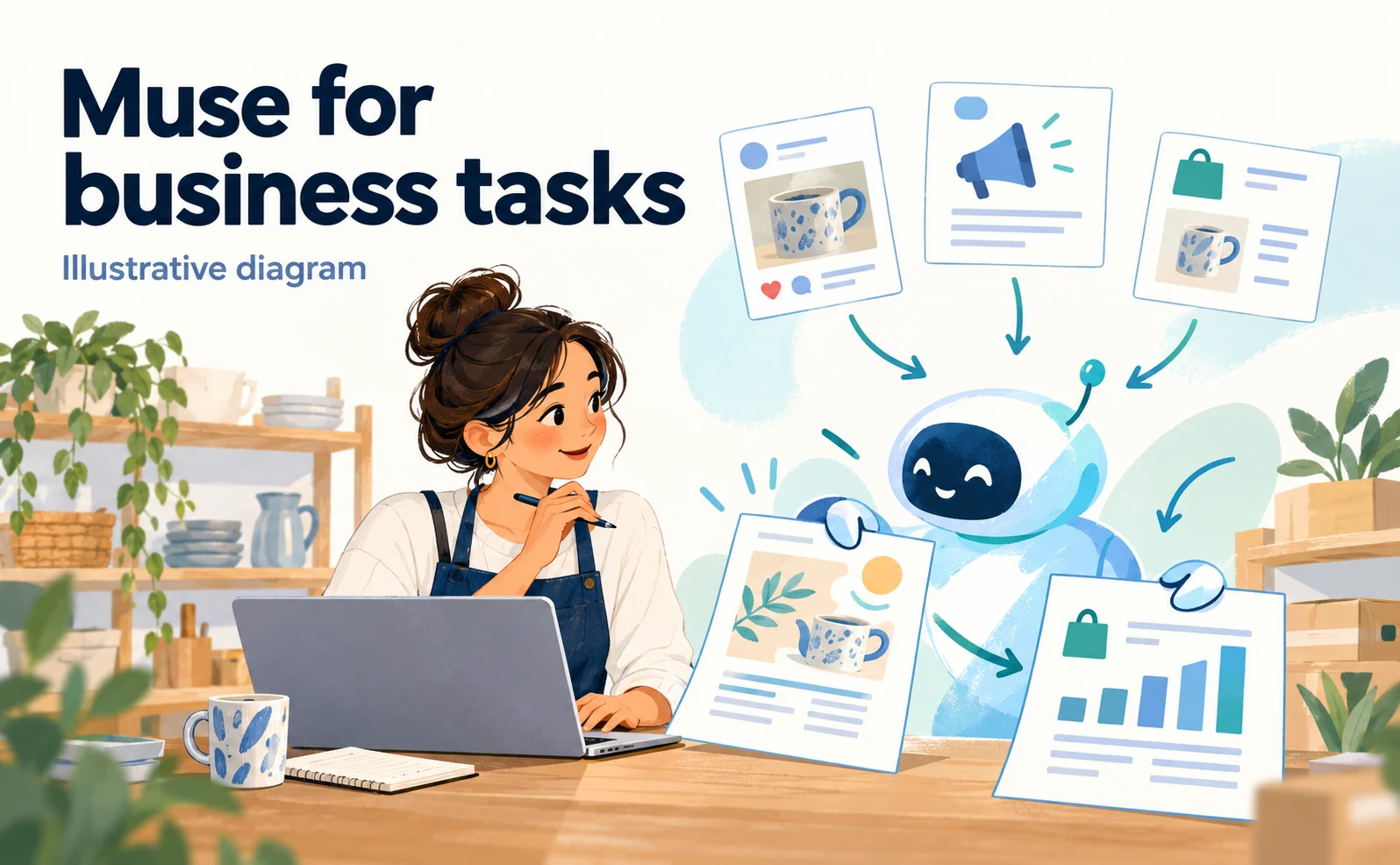
The intended users are small-business operators handling several responsibilities, such as marketing, store operations and administration. Meta describes giving Muse a goal and using connected services to support analysis and proposed work.[1]
A small homeware store, for example, might find that the products attracting social engagement differ from its best sellers. Bringing those records together could help the owner investigate the difference.
Engagement does not establish the cause of a sale. Keep post reactions, ad clicks and orders as separate measures when asking for analysis. For a first trial, define a concrete deliverable, such as a one-page review of last month’s marketing, rather than asking the agent to run the business.
What this announcement adds to a basic Muse introduction
The new focus is business data and connected accounts. Adopting the agent means deciding which account it reads, what it drafts and where a person reviews the result.
Connecting an advertising account does not necessarily reveal store profit. Product costs and returns may live elsewhere. Start with the information needed for the task, rather than the number of services you can connect.
For the underlying concept, see our introduction to Meta Muse. This article focuses on the additional business workflow announced in September.
The Instagram, advertising and Shopify information Muse connects
It helps to distinguish connections used for marketing analysis from those used for store operations. A first trial does not need every available service.
Instagram insights and Meta advertising accounts
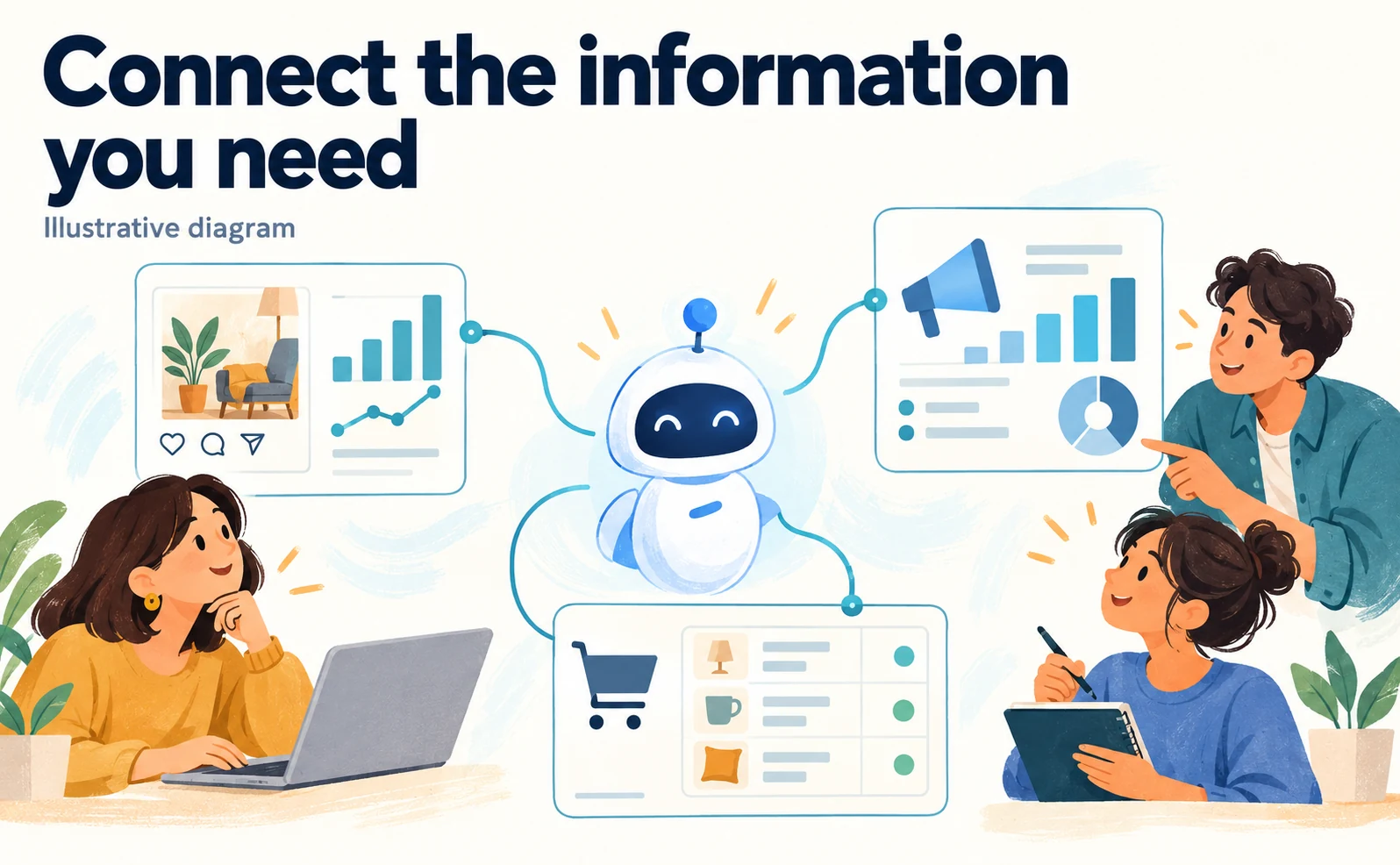
The announcement identifies Instagram professional-account insights, Facebook Pages and Meta ad accounts among the available connections.[1]
Before trying the feature, identify the account and reporting period. If a company operates several brands, avoid combining one brand’s advertising costs with another brand’s orders.
| Decision | Example for a homeware store |
|---|---|
| Scope | Brand A’s domestic accounts |
| Period | Last completed month and the month before it |
| Measures | Impressions, clicks, spend and recorded purchases |
| Deliverable | Changes and questions needing investigation |
| Excluded actions | Publishing ads or changing budgets |
Check the first result against the original dashboards, including dates and units. That establishes which parts of the output can be relied on in later reviews.
External services including Shopify and Stripe
Meta names Shopify, Stripe, Canva and Klaviyo among external connections and directs users to the connection list in Muse’s app settings.[1]
Confirm what each connection can read and change. Access to an order list is different from permission to edit a product. Write down the data needed, whether changes are necessary and who owns the approval.
Where an account manages multiple stores, check the selected scope. Begin with a small comparison, such as retrieving an order count for a completed period and checking it against the store admin. Missing data should remain labeled as missing rather than being estimated without a basis.
An example marketing task for the Muse AI agent
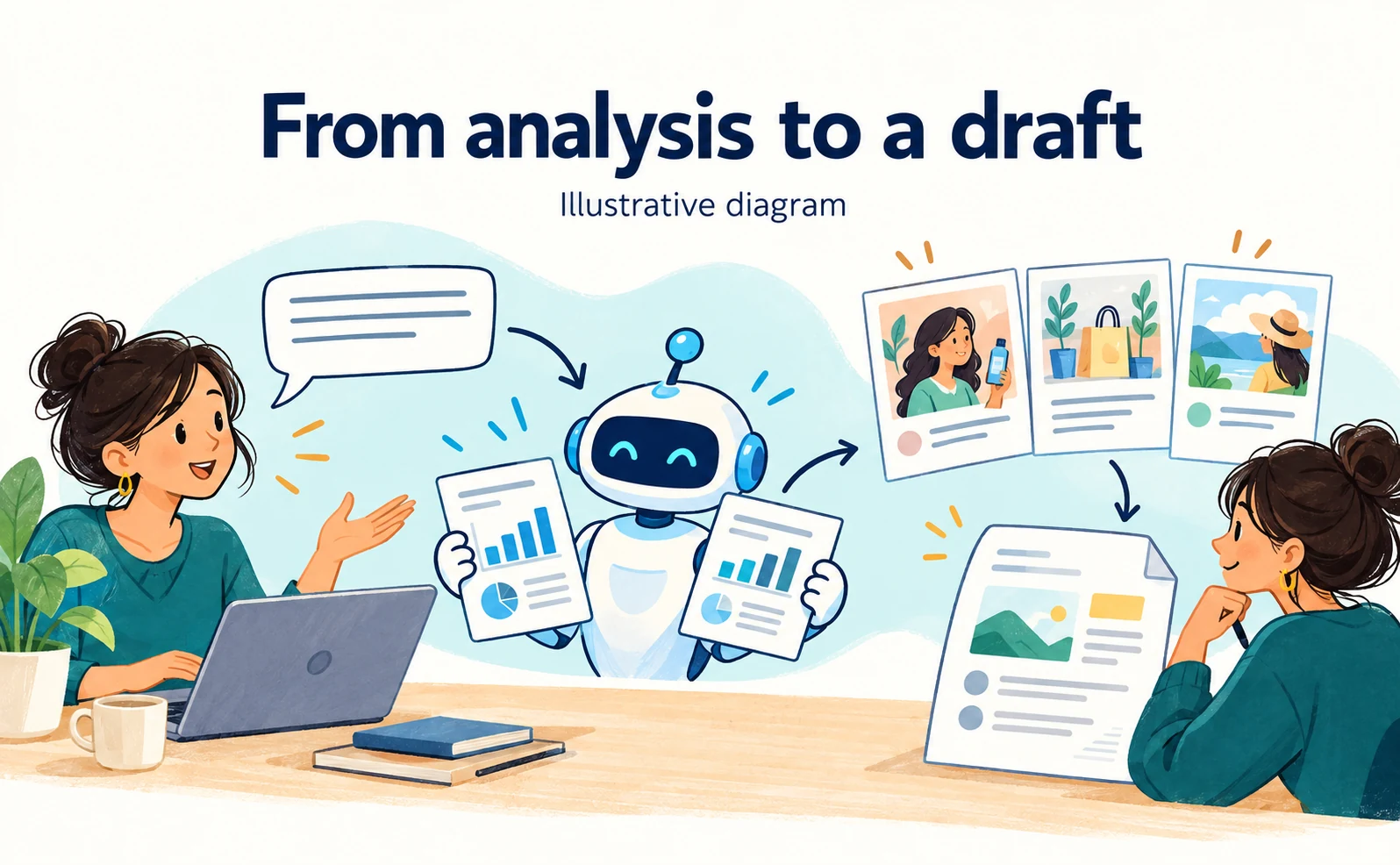
A useful request defines its purpose, period, measures, deliverable and approval boundaries. The prompt below is an original example for readers; we have not run it in Muse or measured its effectiveness.
Move from advertising analysis to campaign proposals
After confirming access to the required data, enter a request such as this in your conversation with Muse:
Review last month's marketing for Brand A.
Use the connected Instagram, Meta advertising and Shopify accounts.
Compare the last completed month with the previous month using consistent metrics.

Return:
1. The accounts and dates used.
2. Changes in impressions, clicks, advertising spend and purchases.
3. Verified observations, separated from hypotheses.
4. Three campaign ideas to test next.
5. Materials and human reviewers needed for each idea.

Label unavailable figures as unavailable.
Prepare drafts only. Do not publish ads, change budgets or send anything externally.
Replace “Brand A” with the intended business and use complete dates where needed. Review whether the response distinguishes observed data from suggestions. An ad attracting clicks is not necessarily the ad producing the most profit.
Human approval before publishing, sending or spending
Meta says publishing, sending and spending require user approval.[1] Requesting an analysis is therefore separate from authorizing a campaign launch.
Define the reviewer and what they check. For an ad, that may include copy, image, destination, audience, budget and dates. For an email, check recipients, message, attachments and send time.
After an authorized action, inspect the destination service as well as the agent’s report. A completed draft, a scheduled item and a live publication are different states, and team members should know which has been reached.
Muse availability and checks before adoption
The announcement identifies the United States and Canada as the launch regions. Access from Japan and the availability of individual connections under a particular contract require separate confirmation.[1]
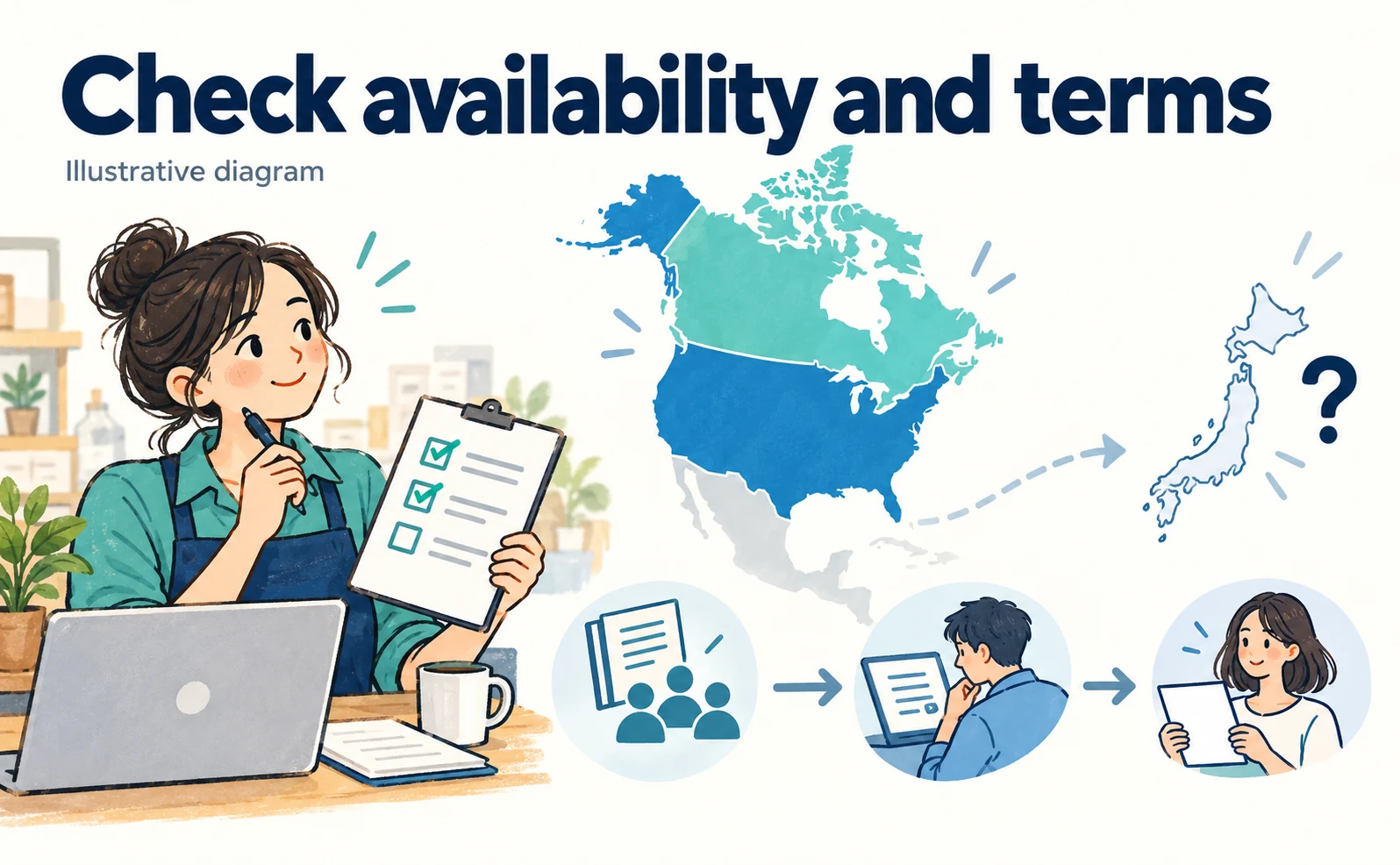
US and Canadian availability versus the position in Japan
An overseas launch does not establish immediate access for every Japanese business. Check the official availability information, account requirements and the features actually shown in your account.
Preparation can begin even before access is available. List service owners, account names, recurring reports and publication approvers. If an agency manages advertising while internal teams manage the store and social channels, check whether their reporting dates and metric definitions match.
That work can improve reporting regardless of whether Muse is adopted. Do not insert an assumed Japanese launch date where no date has been announced.
Verify connections, permissions and pricing through official channels
Start from Meta’s announcement and check the connections in Muse settings. We have not connected a business account to test the interface, so this article does not invent button names or a precise screen sequence.
Confirm supported services, read and write permissions, required plans, usage limits and disconnection options. Any trial allowance does not make the connected services or advertising spend free.
A useful first milestone is a reviewable analysis for one brand and one period. If testing time savings, measure data collection, drafting, corrections and review together. Define the information the AI may use and the output a person must approve before extending the workflow.
FAQ
- Q. Is Muse for Small Business available in Japan?
- The announcement names the United States and Canada. Check official regional availability and your account before assuming access from Japan.
- Q. Will an analysis request automatically publish an ad?
- Meta says publishing, sending and spending require approval. Specify analysis and drafting limits in your request and review any proposed external action.
- Q. What is a useful first trial?
- Prepare a reviewable analysis for one brand and one completed period, identifying accounts, changes and missing data.
- Q. Was the sample prompt tested in a live Muse account?
- No. It is an original practical example, not a tested workflow or measured result. Verify available connections and permissions first.
Sources
- [1] The Future Is for Everyone: Muse for Small Business (Meta) — accessed 2026-09-30
About the author
Shogo MizushimaCEO of kairos Inc. / AgentSignal Developer
Develops AgentSignal, a tool for measuring AI crawler visits and AI-referred traffic, and diagnosing AIO readiness. Writes about measurement and practical improvements for AI search using observed data.
Related articles
AI shopping and booking
Product descriptions and FAQs for AI commerce: what BigCommerce and Feedonomics announced
Explore the BigCommerce and Feedonomics enrichment announcement, from descriptions and FAQs to human review, language support and adoption questions.
Published
AI shopping and booking
Who authorized the AI purchase? IDEMIA’s agentic commerce payment announcement explained
Understand IDEMIA’s agentic commerce payment announcement: authentication, spending limits, consent evidence and questions for your payment provider.
Published
AI shopping and booking
What Is Meta Muse? What the AI Agent Can Do and Whether It's Available in Japan
Meta Muse is Meta's personal AI agent that shops, books, and creates documents when you ask in its app or WhatsApp.
Published