What Is IndexNow? How to Use It, Set It Up and What Notifying Bing Tells You
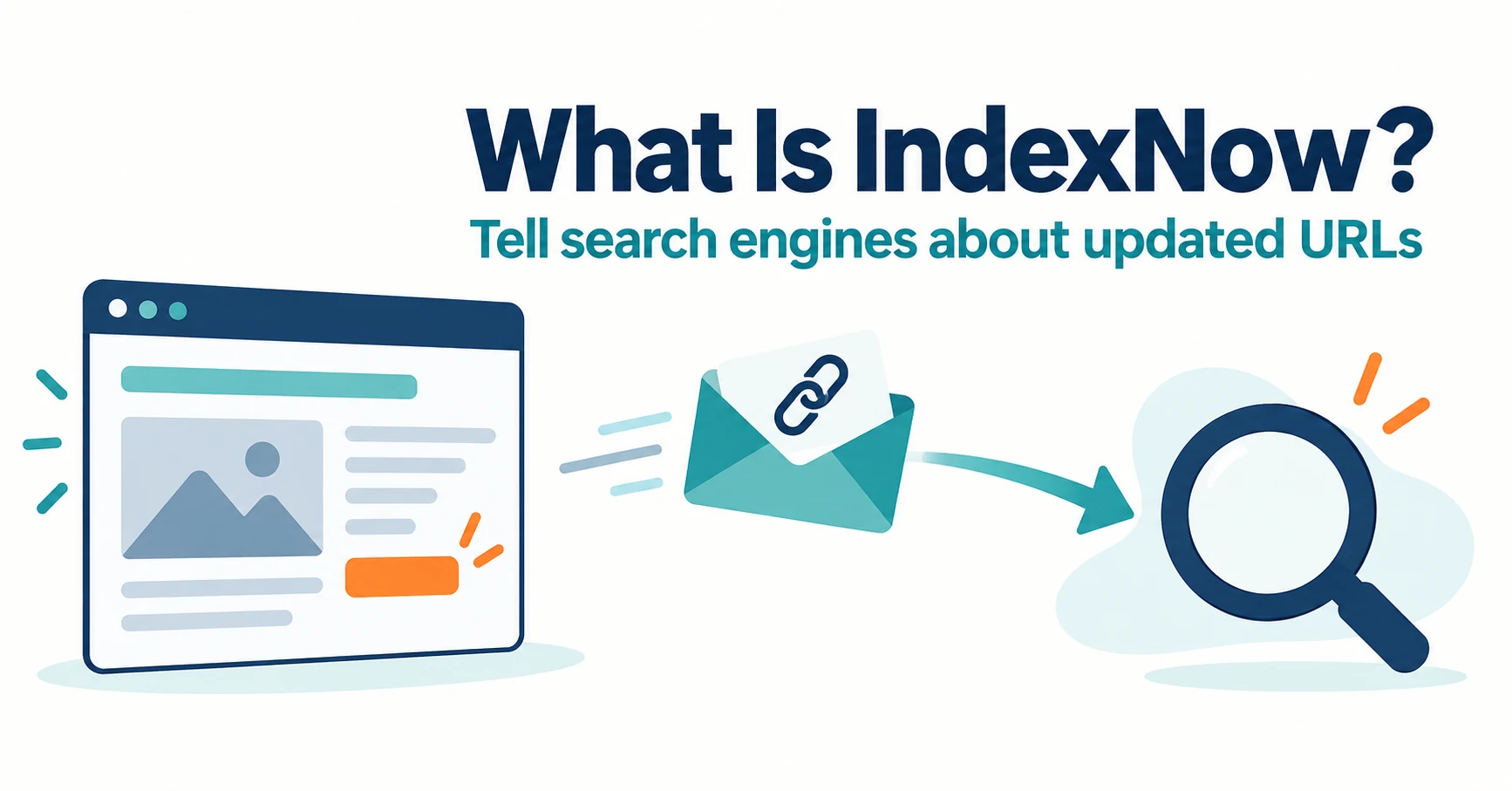
IndexNow notifies Bing and other participating search engines about updated URLs. Microsoft describes it as a way to keep information fresh across search and AI answers. Learn how to check existing integrations, publish a key, submit URLs, read response codes and check AI citations afterward.
IndexNow is a way to notify Bing and other participating search engines when a page URL is added, updated or deleted. Microsoft presents it as a way to keep information fresh across Bing search and AI answers. A notification prompts retrieval; it does not guarantee inclusion or citation in AI answers.[1][3]
If you change prices or stock and worry that Bing’s AI answers might keep showing old information, this guide explains what IndexNow is, how to set it up and what to check afterward. Information was checked on September 23, 2026.
What IndexNow is: a way to tell search engines about updated URLs
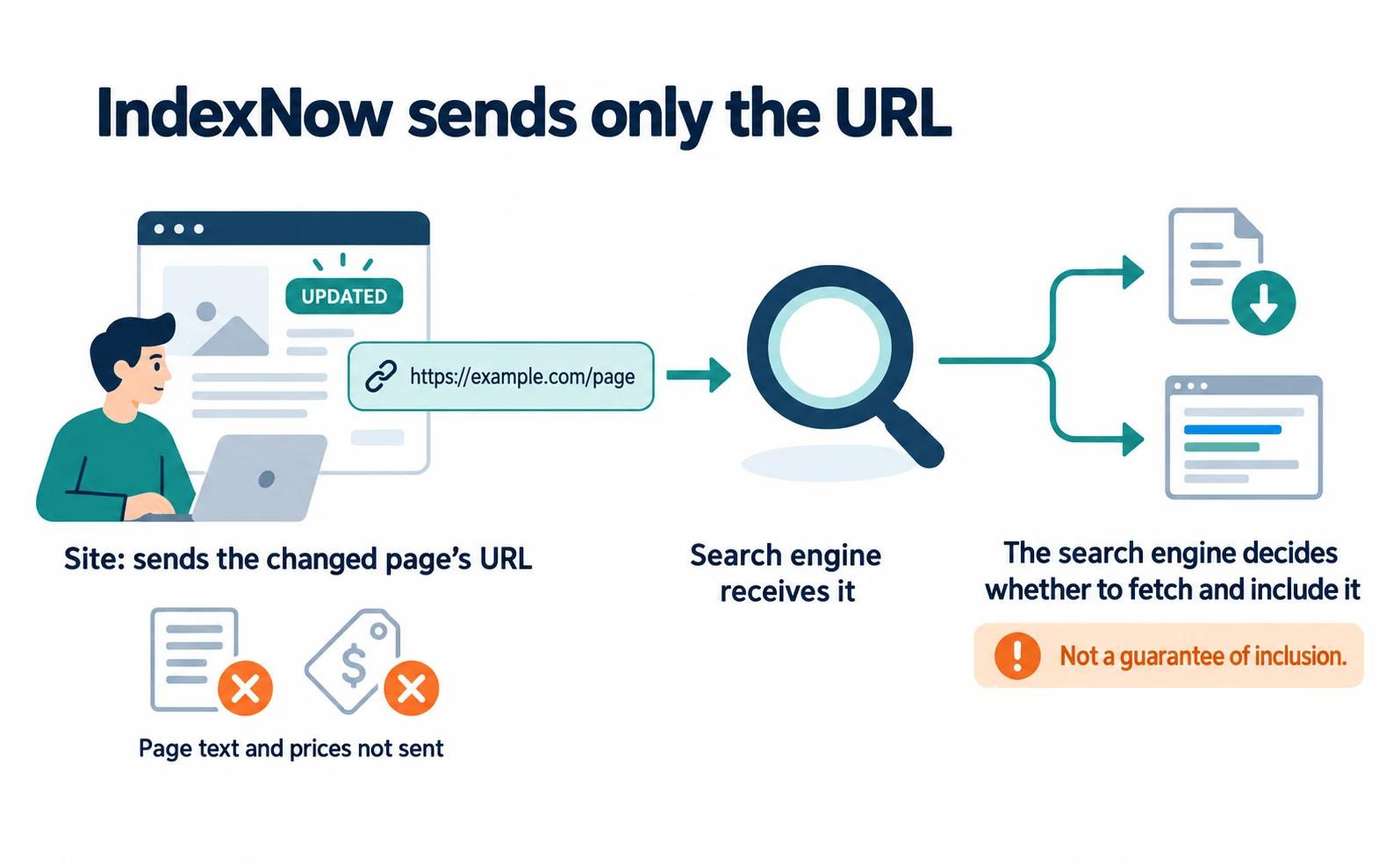
With IndexNow, your site sends the location of a changed page, its URL. It does not send the page text or price values themselves.[1]
The search engine then decides whether to fetch the page and include it in results. The official FAQ says submission does not guarantee immediate indexing.[2]
Submitting to one participating endpoint shares the notification with the other participating search engines. Bing’s endpoint is https://www.bing.com/indexnow.[2]
Google is not listed among the participating endpoints in the FAQ. For Google, keep using sitemaps. The IndexNow FAQ also recommends using IndexNow and sitemaps together.[2]
| When to notify | Example (fictional mug product page) |
|---|---|
| A page was added | A new product page was published |
| A page was updated | Stock changed from “Out of stock” to “In stock” |
| A page was deleted | The discontinued page now returns 404 or 410 |
Source: our fictional examples based on the notification cases in [2]
How IndexNow relates to Bing’s AI answers
In February 2026, Microsoft described IndexNow as a way to keep information fresh across search and AI experiences.[3]
The explanation appears in the post introducing AI Performance in Bing Webmaster Tools. Bing Webmaster Tools is Microsoft’s free tool for site owners to see how Bing handles their site.
The post says accurate, up-to-date content matters for inclusion and citation in AI-generated answers. It then says IndexNow notifies participating search engines of additions, updates and removals, helping AI systems reference the most current version of a page.[3]
In other words, IndexNow is a quick way to say “this page changed; please read the new version.”
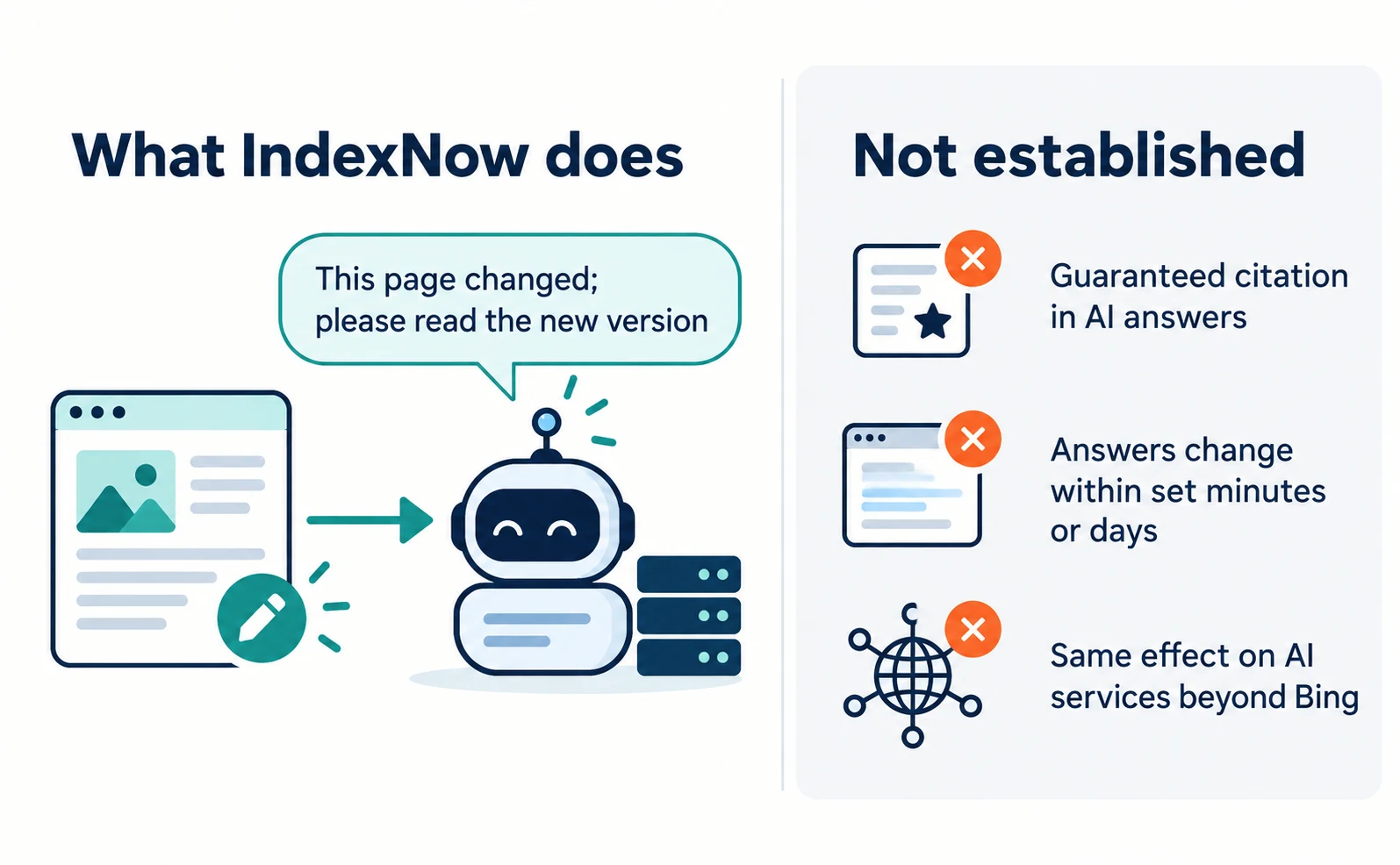
It does not establish that:
- a notification guarantees citation in Bing’s AI answers
- answers change within a set number of minutes or days
- other AI services respond in the same way
No timing for updates is published. The explanation concerns Bing and its partners, so keep it separate from how other AI services work.
Checking existing CMS integrations before setting up IndexNow
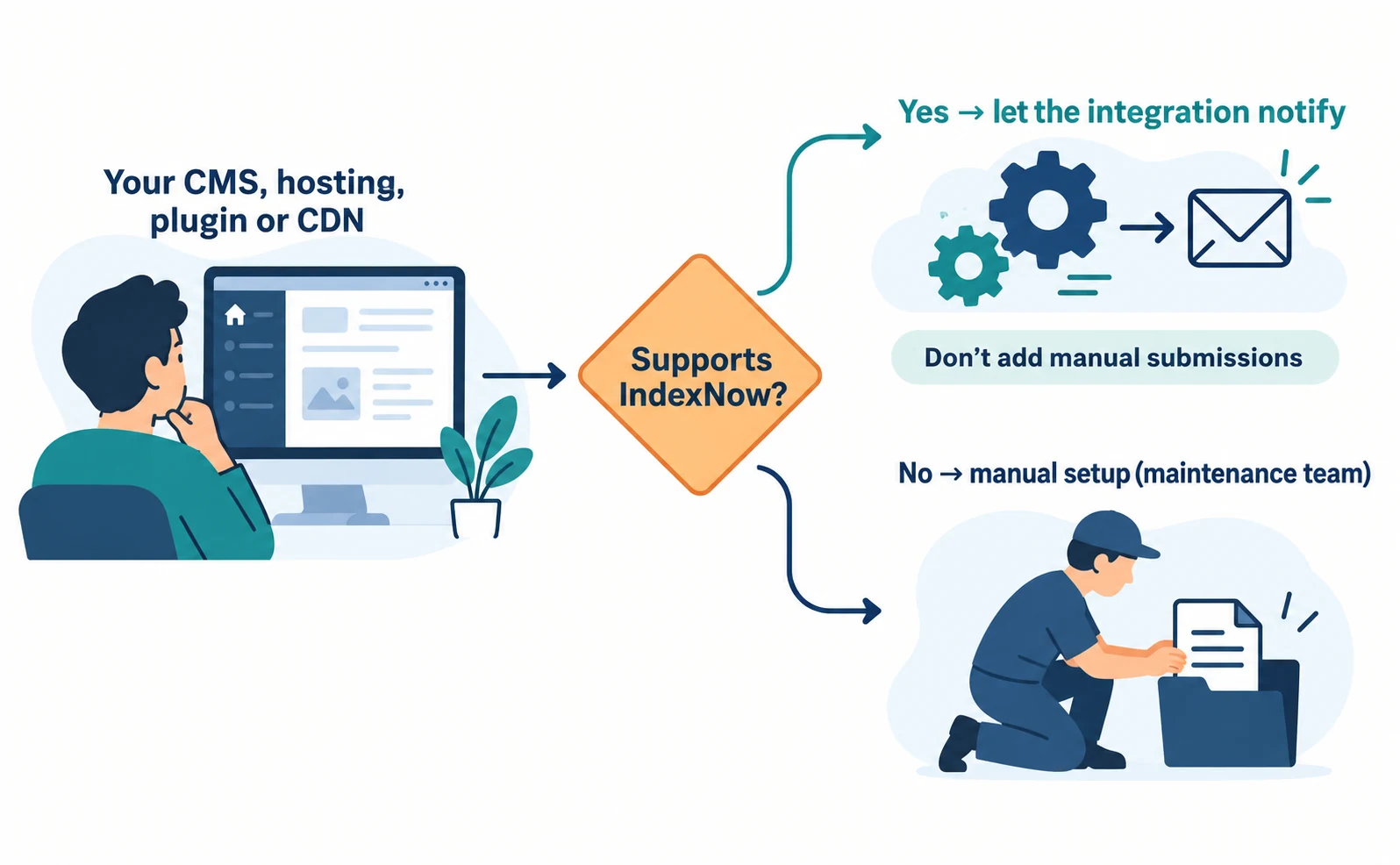
Before publishing a key yourself, check whether your CMS, hosting provider, SEO plugin or CDN already supports IndexNow.
A CMS is the system you use to create and publish pages. The official FAQ lists WordPress, Shopify, Wix, Joomla! and Drupal among platforms with native or plugin support, and Cloudflare among CDNs.[2]
If an integration sends notifications automatically, you may not need to create a key or submit URLs yourself.[2]
- Search for “IndexNow” in your service’s official help.
- Check whether support is built in or needs a plugin.
- If it is already enabled, check whether it records which changes were sent and what responses came back.
Settings locations vary by service. If an integration is already running, adding manual submissions can send the same URLs repeatedly. Decide which method will handle notifications.
If no integration exists and you can publish files on your site, continue with manual setup. Publishing files and running commands is work for your site maintenance team.
Publishing an IndexNow key and submitting URLs
For manual setup, create a key, publish a text file with the same name at your site’s root and submit the changed URLs.
The key is a string that lets search engines confirm the sender manages the site. It must be 8–128 characters and may use letters, numbers and hyphens.[1]
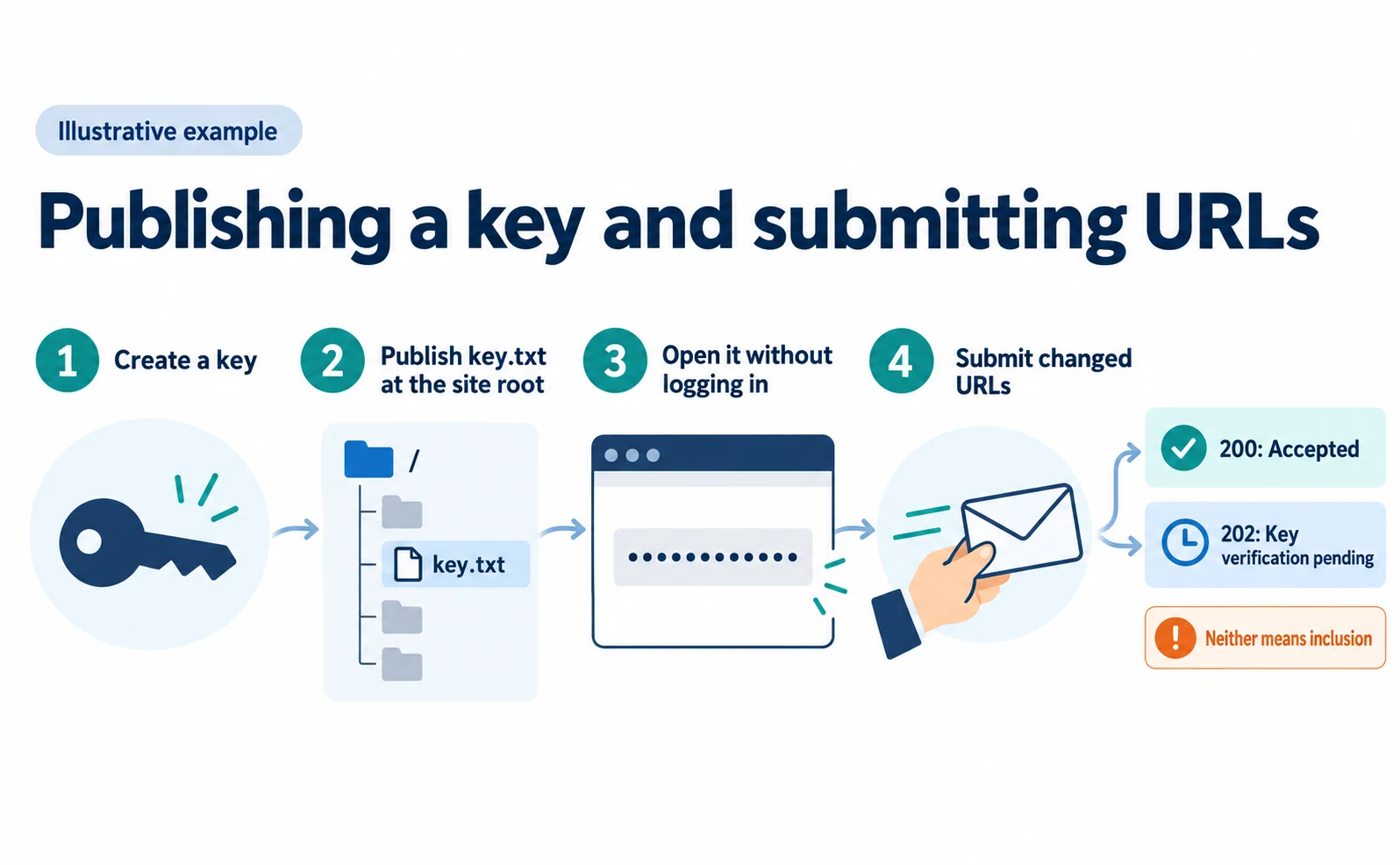
- Create a key. This example uses
0123456789abcdef0123456789abcdef. Generate your own for real use. - Create a text file. Name it
your-key.txt, put only the key inside and save it as UTF-8.[1] - Publish it at the root. Example:
https://www.example.com/0123456789abcdef0123456789abcdef.txt.[1] - Open it without logging in. If the browser shows only the key, you are ready.[2]
www.example.com and shop.example.com are treated as separate hosts, and each needs its own key file.[2]
Next, put the changed URLs into JSON, a data format that pairs field names with values. Here is an illustrative example.[1]
{
  "host": "www.example.com",
  "key": "0123456789abcdef0123456789abcdef",
  "urlList": [
    "https://www.example.com/products/mug-001"
  ]
}
Put only the host name in host and complete URLs starting with https:// in urlList. One submission can contain up to 10,000 URLs.[1]
The maintenance team saves the JSON as indexnow.json and sends it to Bing’s endpoint with the command below. Running it sends an external notification, so do not run it with the sample values.
curl -i -X POST 'https://www.bing.com/indexnow' \
  -H 'Content-Type: application/json; charset=utf-8' \
  --data-binary '@indexnow.json'
Avoid resubmitting every unchanged URL daily. Submit a URL only when it changes meaningfully, and wait at least five minutes before resubmitting it.[2]
What response codes mean
200 means accepted and 202 means key verification is pending. Neither means inclusion in search results or AI answers.[1]
| Response code | Meaning | Next step |
|---|---|---|
| 200 | URL accepted | Record the date, URL and code |
| 202 | Received; key verification pending | Do not record verification as complete |
| 400 | Invalid format | Review the JSON structure and field names |
| 403 | Invalid key | Check the file is public and its content matches |
| 422 | URLs do not belong to the host, or the key format does not match | Align host with the URLs’ host |
| 429 | Too many requests | Wait for Retry-After and reduce frequency |
Source: our table based on [1][2]
Checking Bing AI visibility after notifying
Check separately in Bing Webmaster Tools AI Performance whether Bing’s AI answers cite your page.
AI Performance launched as a public preview in February 2026. It shows how often your pages are displayed as sources in Microsoft Copilot, AI-generated summaries in Bing and select partner experiences.[3]
| Item | What it shows |
|---|---|
| Total citations | How often your content appeared as a source in AI answers during the period |
| Page-level citations | Which URLs were cited most |
| Grounding queries | Phrases the AI used when retrieving your content (a sample) |
| Trends | How citation activity changed over time |
Source: our table based on [3]
In June, Citation Share, your share of all citations shown for a specific grounding query, and Compare, which overlays an earlier period, were added in preview. Citation Share is not a ranking or traffic share and does not expose competitor domains.[4]
After notifying, compare the updated page’s citation trend before and after the change date. Microsoft notes that citation patterns also shift with model changes, competing content and user demand.[4] Do not attribute an increase to IndexNow alone.
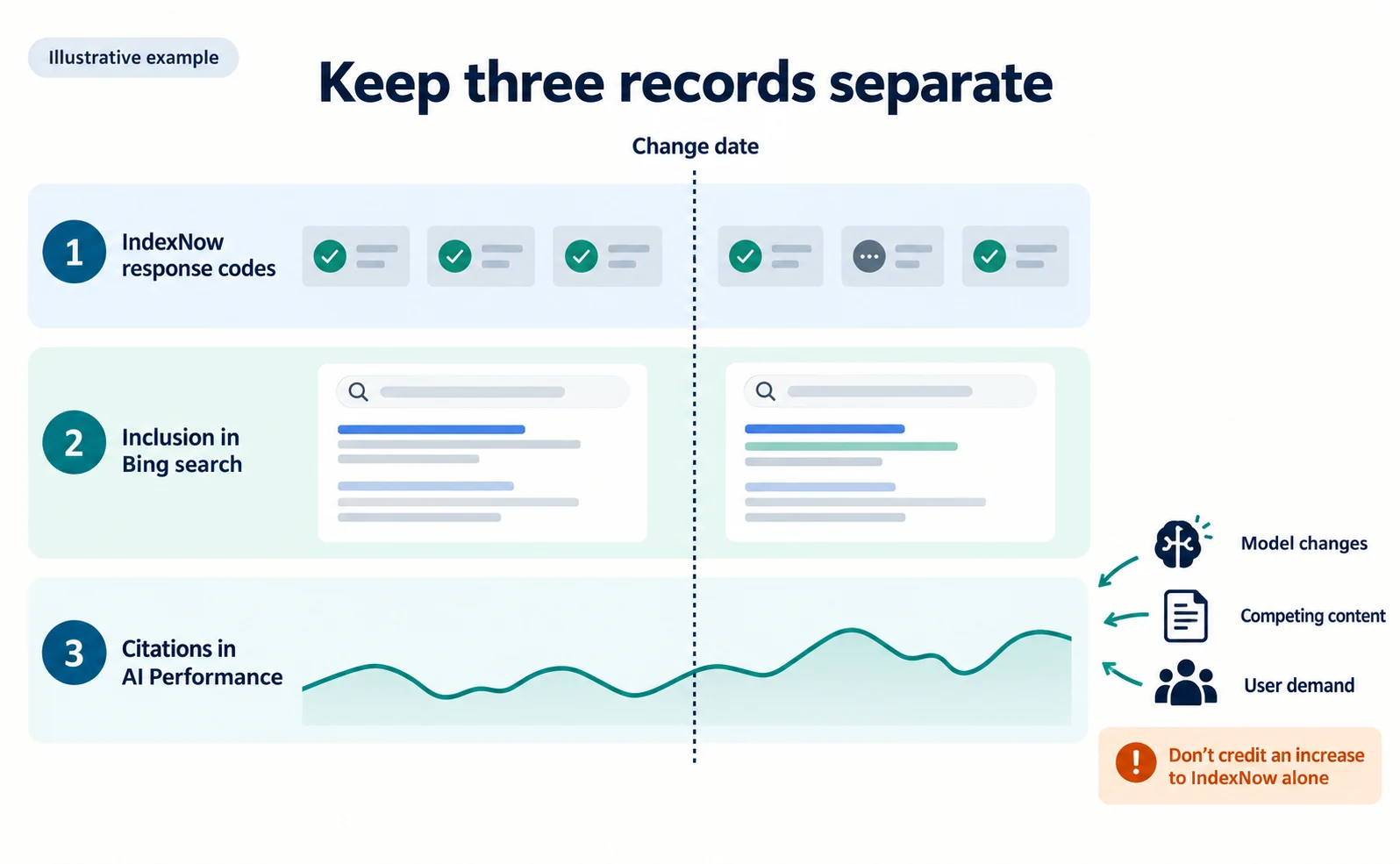
Keep three separate records: IndexNow response codes, inclusion in Bing search and citations in AI Performance. For AI visits more broadly, see how AI crawlers differ, and for the overall approach, see what AIO is.
FAQ
- Q. Does IndexNow notify Google too?
- Google is not listed among the participating endpoints in the official FAQ. For Google, use sitemaps and the other methods Google documents.
- Q. If I get a 200 response, will my page appear in Bing’s AI answers?
- A 200 means the URL was accepted. Bing then decides whether to fetch the page and use it in search results or AI answers.
- Q. Do I have to publish a key myself?
- Not always. If your CMS, hosting provider, SEO plugin or CDN supports IndexNow, it may send notifications automatically. Check its official help first.
Sources
- [1] IndexNow Documentation (IndexNow) — accessed 2026-09-23
- [2] IndexNow FAQ (IndexNow) — accessed 2026-09-23
- [3] Introducing AI Performance in Bing Webmaster Tools Public Preview (Microsoft Bing) — accessed 2026-09-23
- [4] New AI Visibility Insights in Bing Webmaster Tools: Intents, Topics, Citation Share, Compare (Microsoft Bing) — accessed 2026-09-23
About the author
Shogo MizushimaCEO of kairos Inc. / AgentSignal Developer
Develops AgentSignal, a tool for measuring AI crawler visits and AI-referred traffic, and diagnosing AIO readiness. Writes about measurement and practical improvements for AI search using observed data.
Related articles
Measurement and site improvement
What Are AI Crawlers? Why Blocking GPTBot Doesn’t Remove You from ChatGPT Search
AI crawlers are programs AI companies use to read public web pages. Learn how GPTBot differs from OAI-SearchBot, how Google-Extended works, why visits can continue after a robots.txt block and how to choose settings by purpose.
Published
AIO and AI search
What Is AIO? Its Two Meanings and Where to Start with AI Optimization
AIO has two meanings: work to get your company featured in AI answers, and Google Search’s AI Overviews. Learn how it relates to SEO, what to confirm in a proposal, what Search Console and Bing reports show, and your first tasks.
Published
AIO and AI search
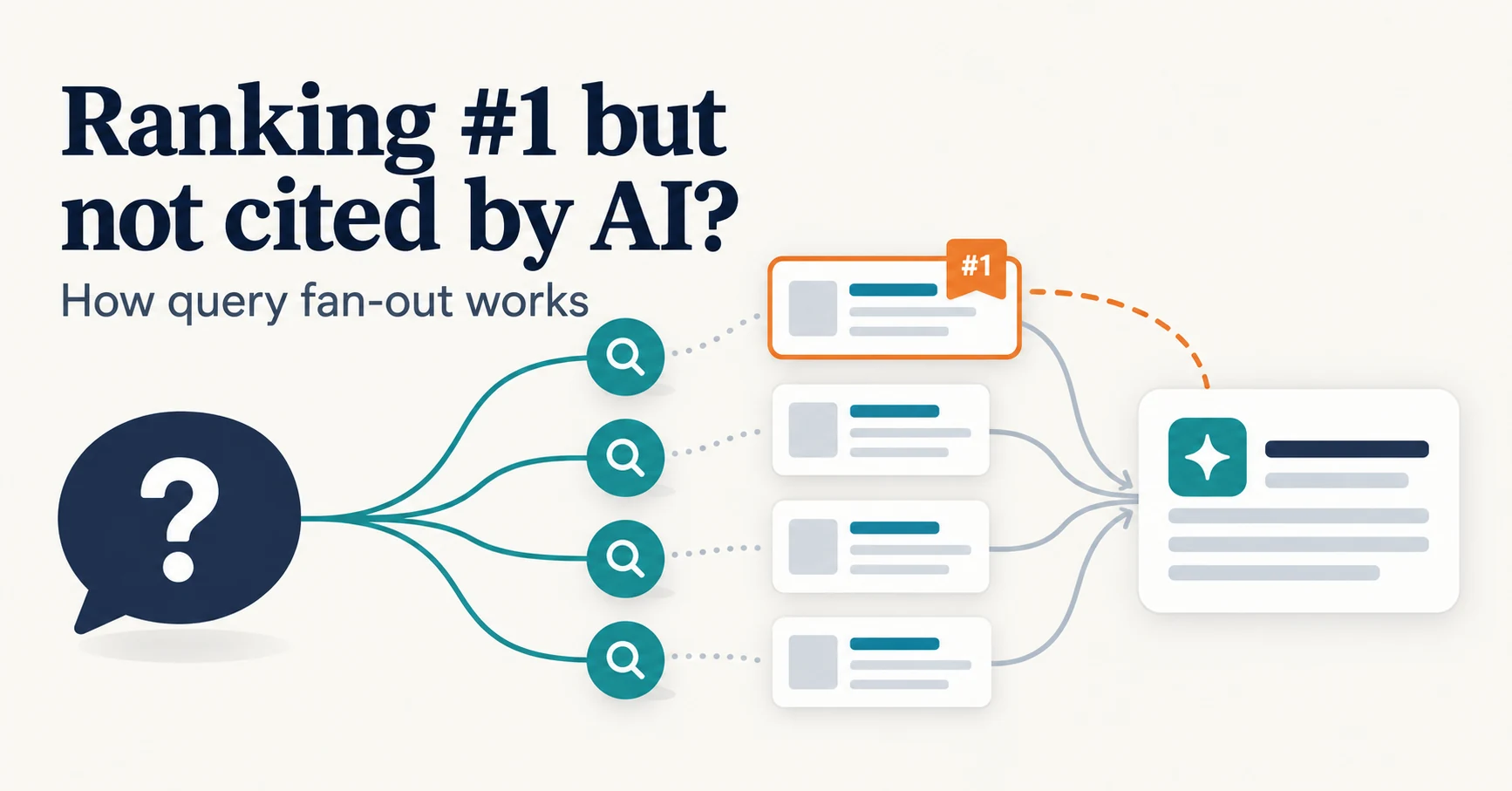
Ranking First but Not Cited by AI? How Query Fan-Out Works
Query fan-out is a technique in which AI may run several related searches to answer one question. Learn why a first-place page may not be cited, which related questions your pages should answer, and what you can observe in Search Console and Bing.
Published