What Happens After an AI Order? How UCP Shares Shipping and Refund Updates
Learn how UCP’s Order capability shares post-purchase shipping and refund updates with AI services. Follow public specification examples covering partial shipments, notification destinations, order retrieval, and the difference between returns and refunds.
After a customer buys a product through an AI interface, who answers when they ask, “When will it arrive?” or “Has my money been refunded after the return?” Stores need more than a way to accept orders. They also need a way to tell the AI service what has happened at the store.
UCP (Universal Commerce Protocol) is a common set of rules that lets stores and shopping services, including AI services, exchange information about product selection and purchases. Its Order capability handles orders after a purchase is confirmed. It specifies how to share what was bought, how it will be delivered, and what happened afterward.[1]
This article is for e-commerce site operators considering sales through AI. It follows one order to explain which shipping and refund tasks remain with the store and what information goes to the AI service. The specifications were checked on September 12, 2026, using version 2026-08-25. This is not a guide to signing up for a particular AI service.
Connect store order records to the AI interface where the customer shopped
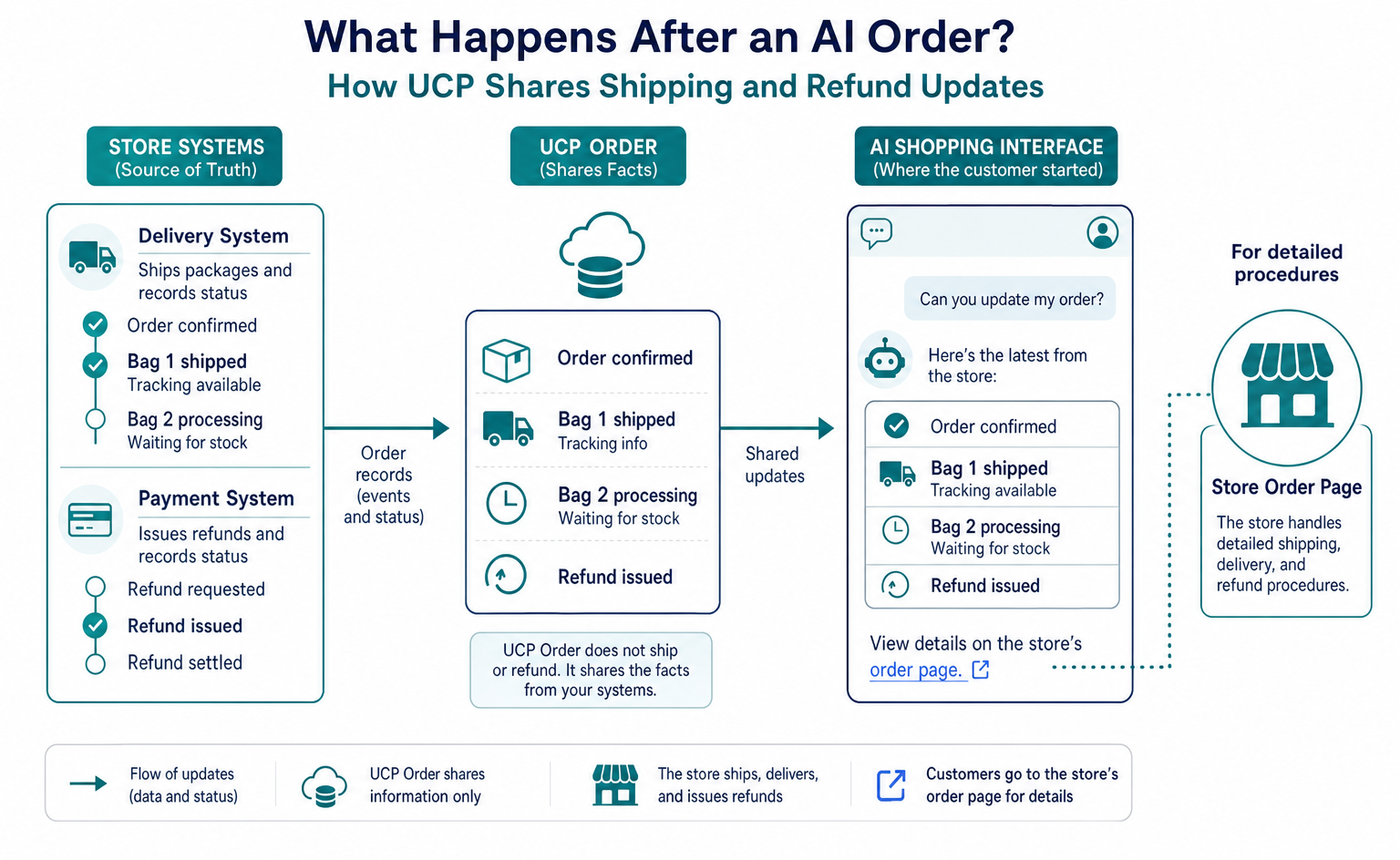
Suppose a customer buys two bags through an AI shopping interface. The store ships one first, while the other is waiting for stock. If the AI service only knows that the order was initially confirmed, it cannot give an accurate answer when the customer asks for an update.
UCP’s Order capability is used to update store order records and share them with the other party. The store’s delivery system moves the package, and the store’s payment system issues the refund. Order shares the facts about what happened in those systems.[1]
For customers, this could make it easier to check subsequent updates from the interface where they started shopping. For stores, it provides a consistent format for information sent to the AI service. Benefits such as the percentage reduction in customer inquiries need to be verified in the store’s own operations after implementation.
Separate preparation is needed before AI can recommend products. For the starting point for purchase integration with Google, see the guide to selling products through Google AI. The rest of this article assumes that the store has connected to the relevant service and an order has been placed.
Link the order ID to the checkout ID
Checkout is used for information during the purchase process, while Order is used for a confirmed order. Checkout covers the steps from selecting products and a delivery address to checking the amount and completing the purchase.[1]
The order contains an id, which is the order ID, and a checkout_id, which identifies the original checkout process. These let the AI service match the purchase it handled with the order the store accepted.[1][2]
The following excerpt is for illustration. The products, order IDs, and addresses are fictional. A complete order also requires fields such as the specification version, line items, fulfillment information, and totals. These four fields alone are not what would actually be sent.
{
  "id": "order-bag-001",
  "checkout_id": "checkout-bag-001",
  "permalink_url": "https://shop.example.com/orders/order-bag-001",
  "currency": "USD"
}
permalink_url is the address of the store’s order page. shop.example.com is an illustrative address, not a site to open and use. An implementation returns a page on the store’s own site where that specific order can be checked correctly.[2]
Directing someone to this address is not the same as making order details public. An order page containing information such as an address needs a way to verify the buyer’s identity. When an AI service retrieves order data, the store must also authenticate the requester and check that it has permission to view that order.[1]
Keep delivery plans separate from actual shipping events
An order’s fulfillment contains information about delivering the products. Within it, expectations holds plans and commitments, while events holds what actually happened.[1]
For example, “Scheduled to ship tomorrow” is different from “Handed to the carrier.” If a planned shipment is described as already shipped, the customer may try to track a package that cannot yet be found.
In the fictional order for two bags, if only one has shipped, the quantity should make that clear. In the line-item quantities, total represents the current quantity ordered, while fulfilled represents the quantity already fulfilled, such as by shipping. In this case, total is 2 and fulfilled is 1.[1]
| What the store confirmed | Example of information shared with the AI service |
|---|---|
| An order for two bags was confirmed | The order ID and a product quantity of two |
| Only one bag was handed to the carrier | The relevant line item, a quantity of one, and a shipping record |
| The shipping schedule for the remaining bag changed | An update to the remaining delivery plan |
| The package was delivered to the customer | A record showing delivery |
The specification gives examples of fulfillment events such as shipped for shipment and delivered for delivery. It also includes fields for a tracking number and tracking URL. The date field represents when the event occurred, not merely when the notification was created.[1]
Knowing that “one of two items has shipped” lets the AI service avoid describing the entire order as complete. Keeping quantities, events, and plans separate makes it possible to communicate these in-progress states.
The store can send updates, and the AI service can retrieve them
When an order’s state changes at the store, the store can notify the connected AI service. This notification is called a webhook. It lets the party making the change send an update without requiring the other party to ask repeatedly.[1]
The AI service provides the notification destination. Under the specification, the store finds it in the other party’s webhook_url setting, shared during connection setup. Simply placing a notification-like URL on a store’s product page does not connect the store to any AI service it chooses.[1]
The store sends the complete current order information, not a short note containing only the changed fields. Even when just one bag has shipped, the update includes line items and fulfillment information to show which order it describes and that order’s current state.[1]
The AI service can also retrieve information from the store. With REST—a method of making requests to web addresses in a defined way—it retrieves the current order information using GET /orders/{id}. GET is a request to retrieve information, and {id} is where the relevant order ID goes.[2]
In this example, the AI service requests /orders/order-bag-001 from the connected store’s API. An API is an interface through which programs exchange order data. The store checks that the requester may view this order before returning it. The public specification also defines errors for cases such as a nonexistent order or insufficient permission.[2]
The specification recommends using notifications for routine updates and retrieving orders when needed to check them against existing records. Both methods must be implemented with parties whose connection details and permissions have been verified.[1]
Separate accepting a return from completing a refund
Even if a bag has arrived back at the store, the money may not yet have been refunded. Combining the package’s state and the payment process into one field can lead to an incorrect “Refunded” message.
UCP can hold records of changes in adjustments, separate from fulfillment. These represent post-purchase changes such as refunds, returns, and cancellations. type identifies the kind of change, while status identifies its processing state.[1][3]
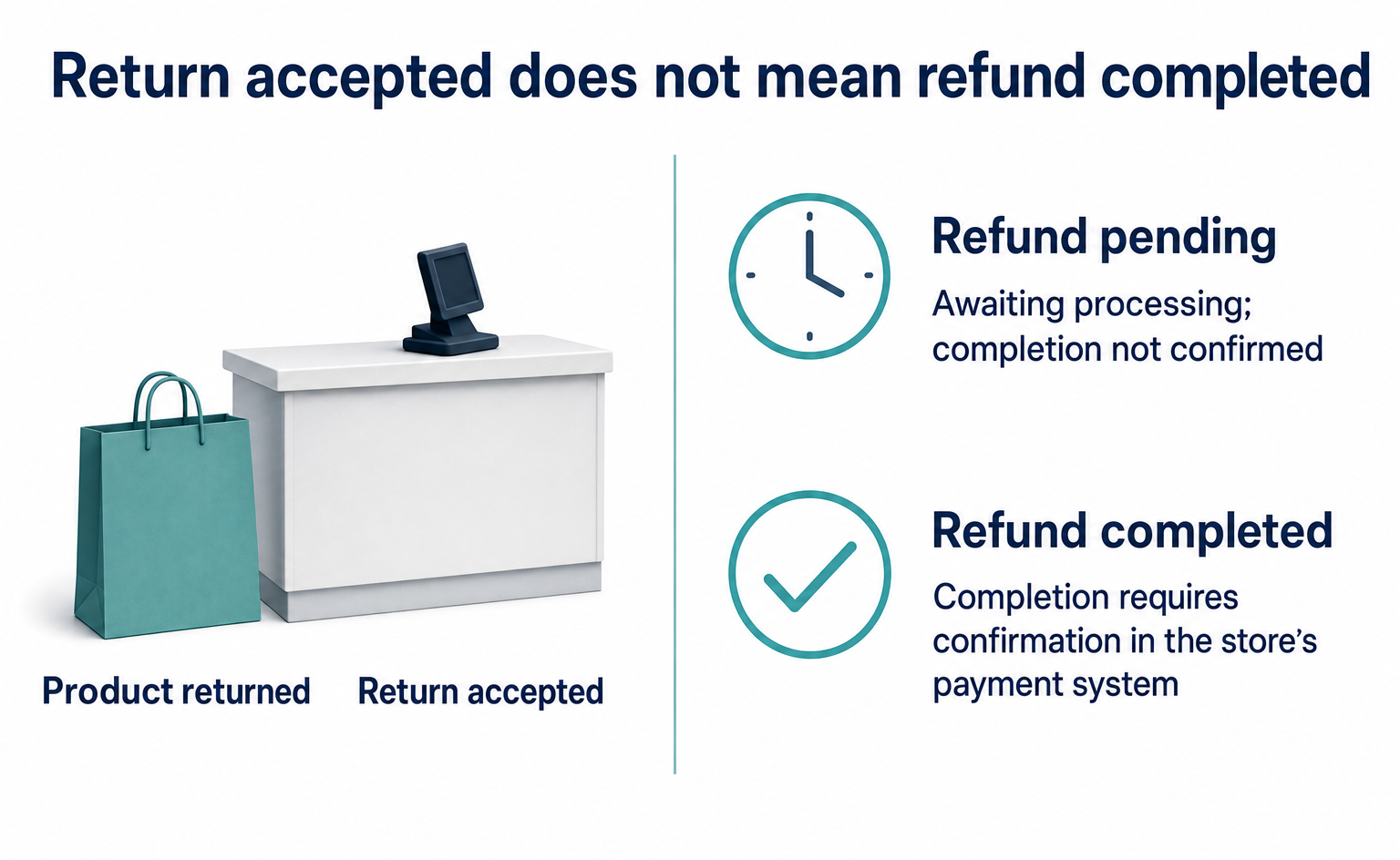
The following fictional example shows how to read a single refund record. It is an example of an entry in the complete order’s adjustments, not a command sent to a refund API.[3]
{
  "id": "refund-bag-001",
  "type": "refund",
  "occurred_at": "2026-09-12T03:00:00Z",
  "status": "pending",
  "description": "返品を確認し、返金処理の完了を待っている"
}
refund means a refund, and pending means it is awaiting processing. occurred_at is the date and time of the event associated with this record. The example uses Coordinated Universal Time, corresponding to noon on September 12, 2026, in Japan Standard Time.
At this point, the AI can report that “the refund is pending.” The store checks the result in its payment system and records the appropriate state: completed for completion or failed for failure. It should not simply change the displayed state to completed without confirming the actual movement of funds.[3]
In other words, having refund fields in Order does not mean that UCP carries out the refund itself. The store still needs separate return acceptance conditions and operating procedures for deciding whether to issue refunds.
Verify the sender and order before trusting a notification
The recipient of an order notification checks that it came from the connected store and that its contents were not changed in transit. UCP webhooks require the store to attach a digital signature and the recipient to verify it.[1][4]
A digital signature is calculated information attached to a message to verify its sender and contents. Writing “This is from the legitimate store” in the message body is not enough to distinguish it from another sender making the same claim.
In this exchange, Signature contains the signature value, Signature-Input identifies what was signed, and Content-Digest contains a value used to check whether the body has changed. These are HTTP headers: information fields sent alongside the body.[4]
Besides checking that the signature is valid, the recipient checks whether that store is authorized to handle the order. Connection testing also includes checking that repeated notifications are not processed multiple times and that an older state does not overwrite a newer record.
This article checks partial examples against the published data formats. It does not perform signature generation or verification, interoperability testing with AI services, or actual shipping or refund processing. This distinction matters: a matching format does not, by itself, mean that live transactions are possible.
When deciding whether to implement it, check which post-purchase records you can share
Store operators should look beyond the label “UCP compatible” and ask how accurately they can share their current records. Apply the checks to real operations: Can order IDs be matched? Can partial shipments be represented? Can pending refunds be distinguished from completed ones?
For example, if it takes time for a warehouse’s shipment confirmation to reach the store’s system, faster AI notifications alone will not make accurate information available sooner. The store also needs to check how its own records get updated.
The specification also recommends directing customers to the store’s permalink_url for detailed order information and post-purchase actions. Rather than forcing everything to happen through AI, it connects customers to the place with reliable order records and procedures.[2]
Customers still want updates after a product has been sold. Order is a way for stores and AI services to share the information needed to answer those questions. Its role is to communicate the state the store has confirmed accurately, without blurring responsibility for shipping and refunds.
FAQ
- Q. Does Order handle shipping or refunds on the store’s behalf?
- Actual shipping and refunds are handled through the systems the store uses. Order is a capability for sharing those records with the AI service.[1]
- Q. Should the notification destination be created on the store’s domain?
- Order webhook notifications go from the store to the AI service. The recipient provides the notification destination, which the store checks in the connection settings. The store provides the order retrieval API.[1][2]
Sources
- [1] Order Capability(2026-08-25版) (UCP) — accessed 2026-09-12
- [2] Order REST Binding(2026-08-25版) (UCP) — accessed 2026-09-12
- [3] Adjustment reference(2026-08-25版) (UCP) — accessed 2026-09-12
- [4] Message Signatures(2026-08-25版) (UCP) — accessed 2026-09-12
About the author
Shogo MizushimaCEO of kairos Inc. / AgentSignal Developer
Develops AgentSignal, a tool for measuring AI crawler visits and AI-referred traffic, and diagnosing AIO readiness. Writes about measurement and practical improvements for AI search using observed data.
Related articles
AI shopping and booking
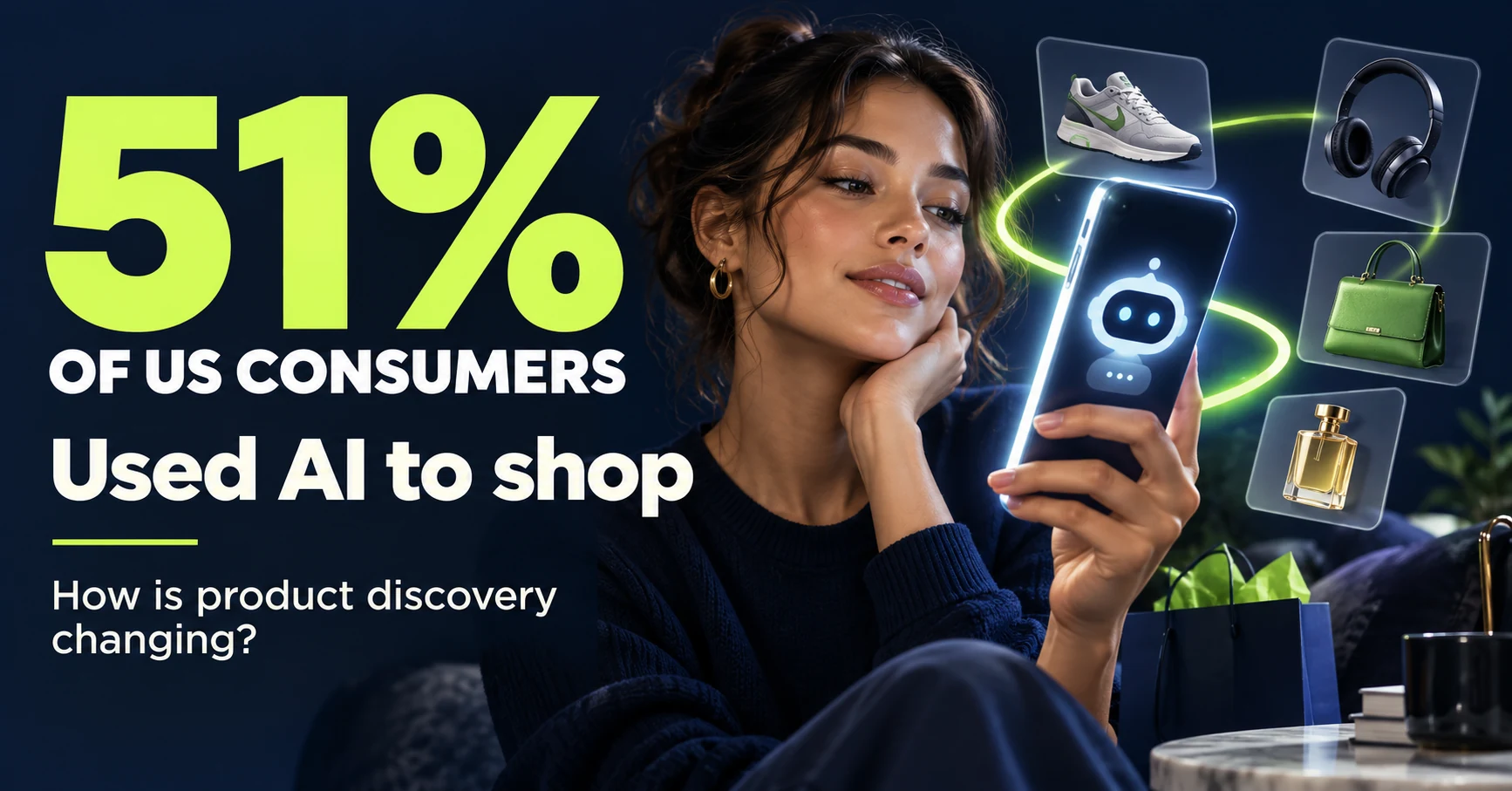
51% of US consumers use AI shopping tools. How much has product selection changed?
That does not mean AI placed 51% of orders. It is the share of US consumers who reported using at least one AI-powered shopping tool during the past month.
Published
AI shopping and booking
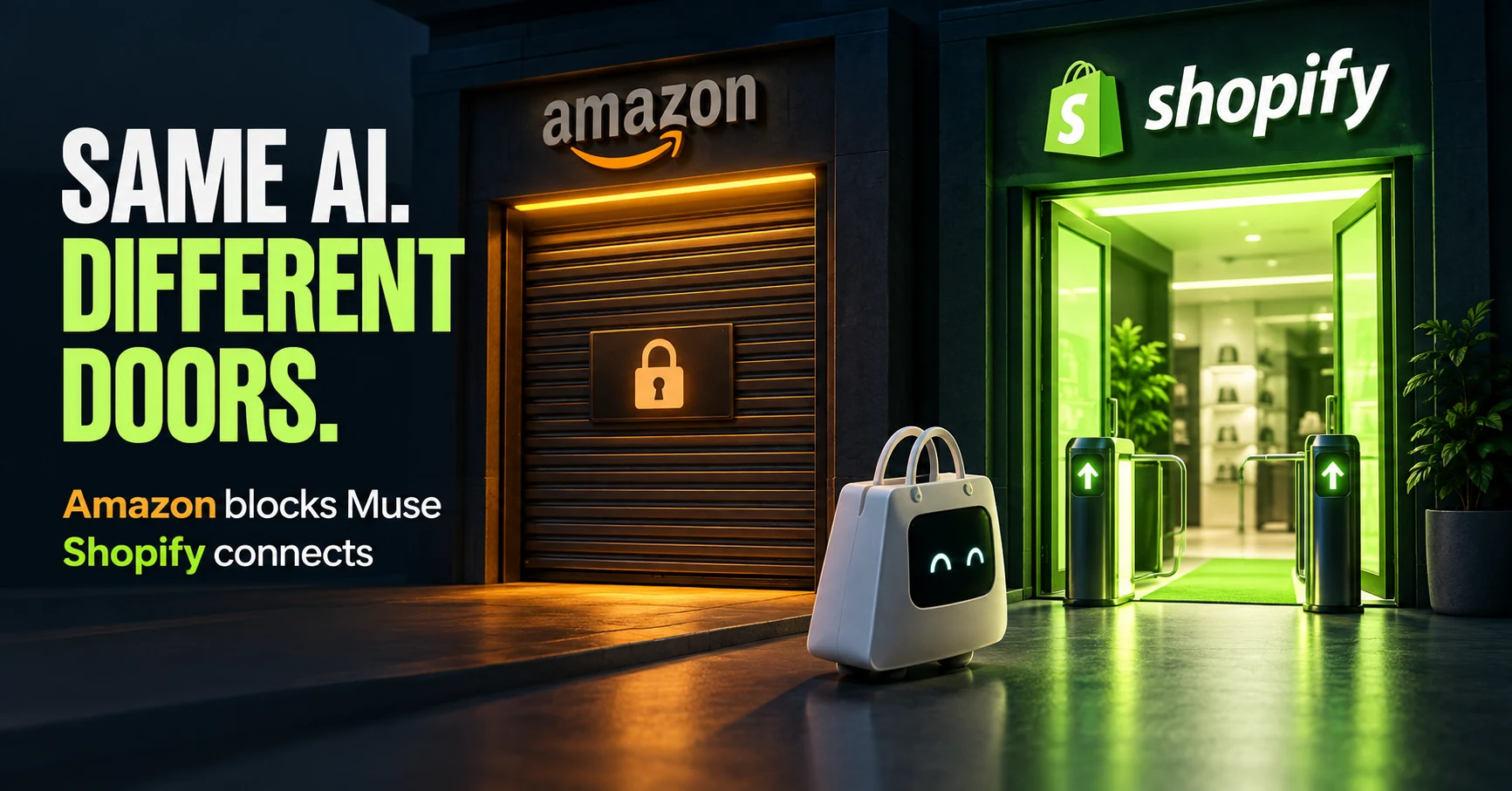
Same AI, different doors: why Amazon blocked Muse while Shopify offers a connection
Amazon has reportedly blocked Meta's AI agent, Muse. Meanwhile, Shop's official help lists Muse as an example of a supported AI platform.
Published
AI shopping and booking
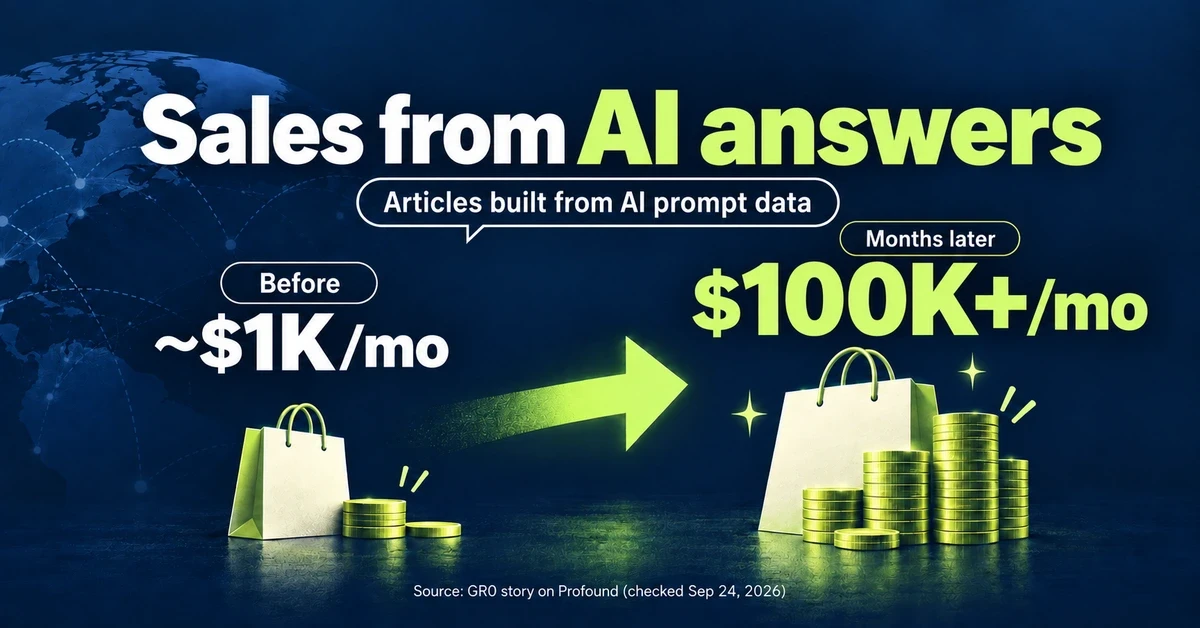
From about $1K to over $100K a month: What did an overseas brand write to grow sales from AI search?
GR0 reports that a beauty and wellness brand's monthly sales through AI answers grew from about $1,000 to over $100,000 within months. The brand chose article topics based on AI prompt data. Here is the case in brief, plus three steps to check your own product pages.
Published