AIO case study: Mito Red Light reports 200% growth in monthly AI revenue. Improve product information first

Understand Mito Red Light’s reported 200% monthly AI revenue growth, then improve product descriptions, specifications and FAQs with a Shopify review workflow.
Want shoppers to discover your products through AI search? Start by reading one product page as a customer would, before commissioning more articles.
GR0 reports that Mito Red Light increased monthly revenue attributed to large language models (LLMs) by 200% since January. LLMs power services such as ChatGPT. The case describes work intended to improve discovery and business results from AI traffic.[1]
The published account does not establish a formula for reproducing that growth. It does offer a useful starting question: does your product page answer what someone needs to know before buying?
This guide explains the reported result, then provides a practical workflow for product descriptions, specifications and FAQs, including publishing checks in Shopify. Instructions reflect official documentation checked on September 30, 2026. The practical examples are our suggestions for readers, not reconstructions of Mito’s content or admin settings.
AIO case study: Mito Red Light reports 200% growth in monthly AI revenue
The figures come from GR0’s case study. Several activities ran together, so the revenue change cannot be assigned to a product-description edit alone.

The AI discovery problem Mito Red Light faced
GR0 describes a business that needed better insight into traffic and revenue associated with AI search. It was difficult to see how discovery in AI answers contributed to commercial results.[1]
Your store may face a similar measurement problem when new referral sources appear in analytics but nobody checks whether those visits lead to purchases. Before editing content, establish whether visits and completed orders can be measured separately.
This article does not assess the health effects of the products in the case study. Its subject is ecommerce information and the measurement of AI-related outcomes. Where specialist product claims are involved, collect approved documentation and identify someone qualified to verify it before drafting.
What a 200% increase in monthly AI revenue means
A 200% increase means the increase itself is twice the starting value. Under consistent measurement, the final value is three times the original. For example, growth from $100 to $300 is a 200% increase. Those amounts illustrate the calculation; they are not Mito’s revenue.
The source says “since January” but does not clearly specify the starting year, ending month or absolute revenue for this metric. Monthly AI-attributed revenue is also different from total company revenue.[1]
When using a percentage in your own report, include the metric, period and comparison. A large percentage does not reveal the starting revenue or profitability. Use your own baseline when planning an experiment rather than treating this result as a forecast.
Content, product information and external mentions were part of the work
The published approach includes content aligned with purchase intent, external links, Reddit activity and improvements to key pages. This was not a controlled test of product descriptions alone.[1]
For a store beginning its own work, improving information you control and earning external coverage involve different owners and checks. Starting everything at once can make it hard to see what has actually been completed.
The workflow below focuses on product information that a team can review using its existing documents and store admin. It does not prescribe external posting or link acquisition as a requirement for matching Mito’s result. Begin with one page that answers real buying questions, then observe what happens.
Separate the reported campaign from your own product-page experiment
The following process is an editorial recommendation inspired by the case. The public source does not reveal GR0’s exact drafts, question lists or configuration steps.
Your first deliverable is one verified product description and its review record. A product owner should be able to approve the facts, and a shopper should be able to understand the relevant conditions from the page.
| Deliverable | What to check |
|---|---|
| Opening description | Product type and intended use |
| Specification table | Dimensions, materials and compatibility |
| FAQ | Specific answers to buying questions |
| Change record | Previous wording, publication date and reviewer |
Complete these for one product before applying the process elsewhere. More words alone are not a completion criterion.
Choose a product page for your first AIO improvement
Choose a product you expect to keep selling, with current documentation and an available reviewer. A popular product with unverified specifications first needs a documentation check.
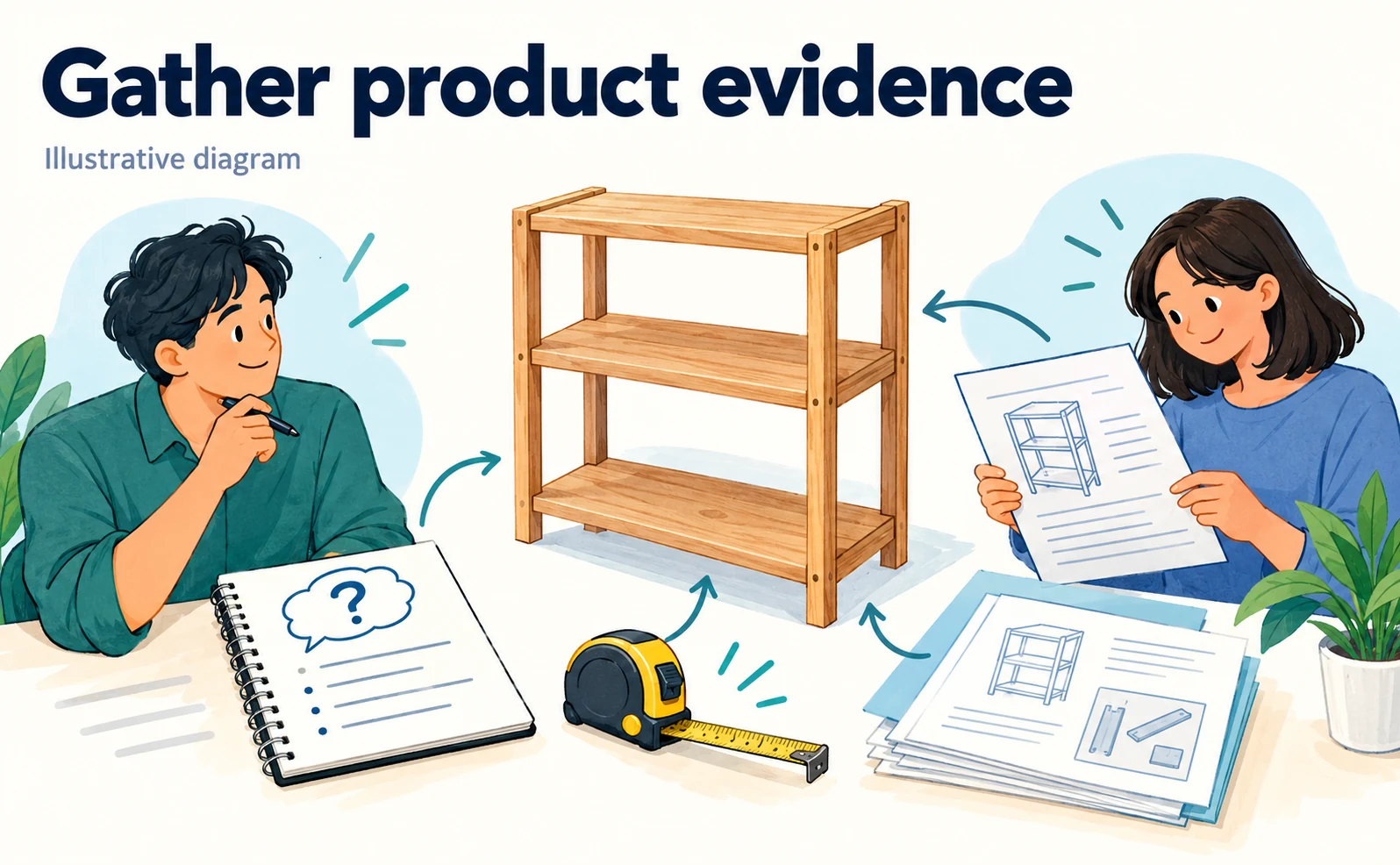
Connect the product you want to sell with a customer question
Write down one thing a shopper needs to know. “Increase revenue” is a business objective, but it does not define the information a page must provide.
For a storage shelf, possible questions include whether it fits a space, whether assembly is required and whether existing boxes fit inside it. These are hypothetical examples; use enquiries and sales conversations to identify the questions relevant to your store.
| Customer question | Information needed on the page |
|---|---|
| Will it fit the space? | External dimensions and required clearance |
| Can I assemble it? | Assembly requirements, tools and instructions |
| Will my belongings fit? | Internal dimensions and shelf spacing |
Prioritize questions that recur or prevent a buying decision. People looking at the same product can need very different answers.
Collect descriptions, specifications and customer enquiries
Gather the current page, latest specification sheet, instructions and recurring enquiry topics. Check the model number and revision date of each source.
A similar product name can hide a different size or an older model. Include the model identifier in your working folder so that information from different products is not mixed together.
Use enquiry records to understand questions, without copying customers’ names, addresses or order numbers into drafts or AI prompts. A working sheet can begin with four columns: field, verified value, source and verification date.
If documents disagree, ask the product owner to resolve the discrepancy. Do not choose whichever value makes the description more attractive. Keep unresolved items marked as unverified.
Group questions by use, comparison and purchase conditions
Questions become easier to organize when you distinguish intended use, differences between products and purchase conditions.
For a shelf, “Can I use it in the kitchen?” concerns use. Choosing between two widths concerns comparison. Whether it arrives assembled concerns purchase conditions. Each may need a different location on the page.
Place important measurements in a specification table, detailed installation guidance behind a clearly labeled manual link, and short recurring questions in an FAQ. This helps readers find an answer without working through one long paragraph.
Before drafting, assign every question a destination. If two sections would repeat the same answer, choose one primary location and link or refer to it where necessary.
Leave unverified performance claims out of the draft
Do not publish capabilities or effects absent from approved documentation, even if an AI tool produces convincing wording. Replacing a missing figure with “high performance” or “long lasting” does not resolve the evidence gap.
For example, describing a shelf as suitable for heavy items implies a load-bearing capability even without a number. Confirm the manufacturer’s specification first. Include conditions such as whether the limit applies per shelf or to the whole unit.
During review, highlight adjectives. Can “lightweight” be replaced with a verified weight, or “compact” with dimensions? If the value is unavailable, do not invent a number to make the writing appear precise.
Write product descriptions that answer AI search and shopper questions
Explain the product, its intended use and the conditions that matter before purchase. The aim is understandable information, rather than a special writing style for AI.
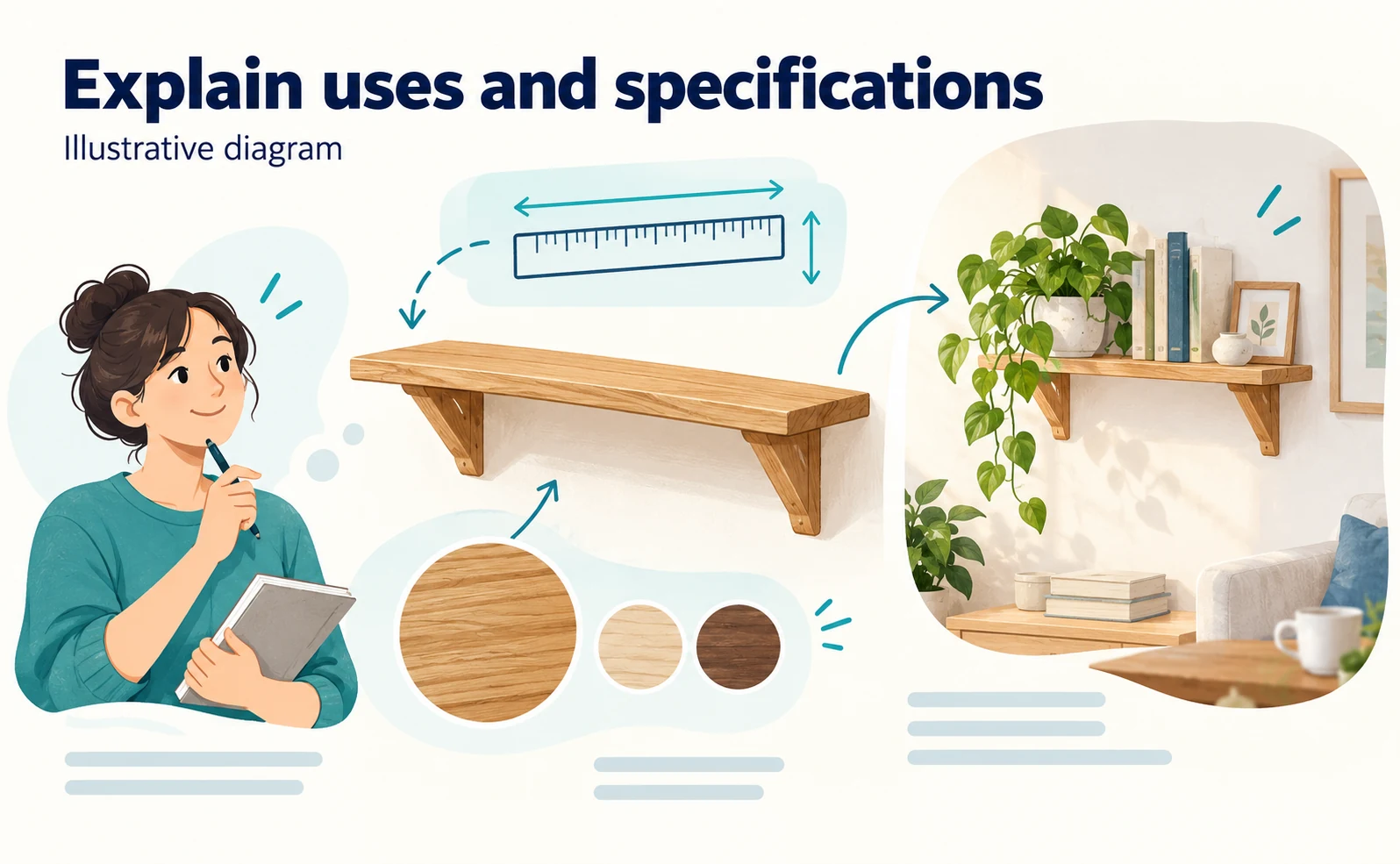
Include product type and meaningful differences in the name
A product name should identify the item using its type, model or relevant variation. Filling it with search terms can make identification harder.
“Wooden storage shelf, model A, 60 cm wide” gives a shopper more to compare than “Popular and convenient storage.” This is a naming example, not an edit to a real product listing.
Check naming rules before changing anything. A model identifier may connect the page to inventory and order management. Distinguish the official name, storefront display name and search title, then add useful information without disrupting those roles.
Explain the intended use in the opening paragraph
The first paragraph should say what the product is and what it is for. A lengthy company introduction delays the answer shoppers came to find.
Use the following as a writing template, replacing every bracketed item with verified information:
[Product name] is a [product type] for [intended use].
It has [verified feature] and suits [relevant selection condition].
Before ordering, check [size, compatibility or other limitation].
Choose a detail that helps someone make a decision, rather than inserting the same vague benefit into every product. Ask a colleague unfamiliar with the item to read the opening. They should be able to explain what is being sold and what they need to check.
Present dimensions, materials and compatibility in a table
Use consistent units for information people compare. Select the fields relevant to the product, such as dimensions, weight, materials, compatible models and included parts.
| Field | Review point |
|---|---|
| Dimensions | Order of width, depth and height; units |
| Weight | Main item only or accessories included |
| Materials | Differences between components |
| Compatibility | Models, sizes or installation conditions |
| Included items | Accessories pictured but sold separately |
Start with two columns so the table remains manageable on a phone. If comparing several products side by side, inspect the actual mobile layout. Check any converted units against the original source before publication.
Explain limitations and differences from other products
State verified restrictions alongside suitable uses. An indoor-only product should not be described or pictured in a way that implies outdoor suitability.
When comparing variants, explain the condition that changes the choice. A smaller model may fit limited space; a larger one may provide more storage. Base the distinction on specifications rather than declaring one universally superior.
Open every comparison link and check that it leads to the current product and intended variation. Useful restrictions support purchase decisions as well as discovery. Do not associate a product with an unsupported use simply to appear in more AI answers.
Add product FAQs as part of your AIO work
FAQs should answer specific questions left after reading the description and specifications. They do not need to repeat the whole page in question form.
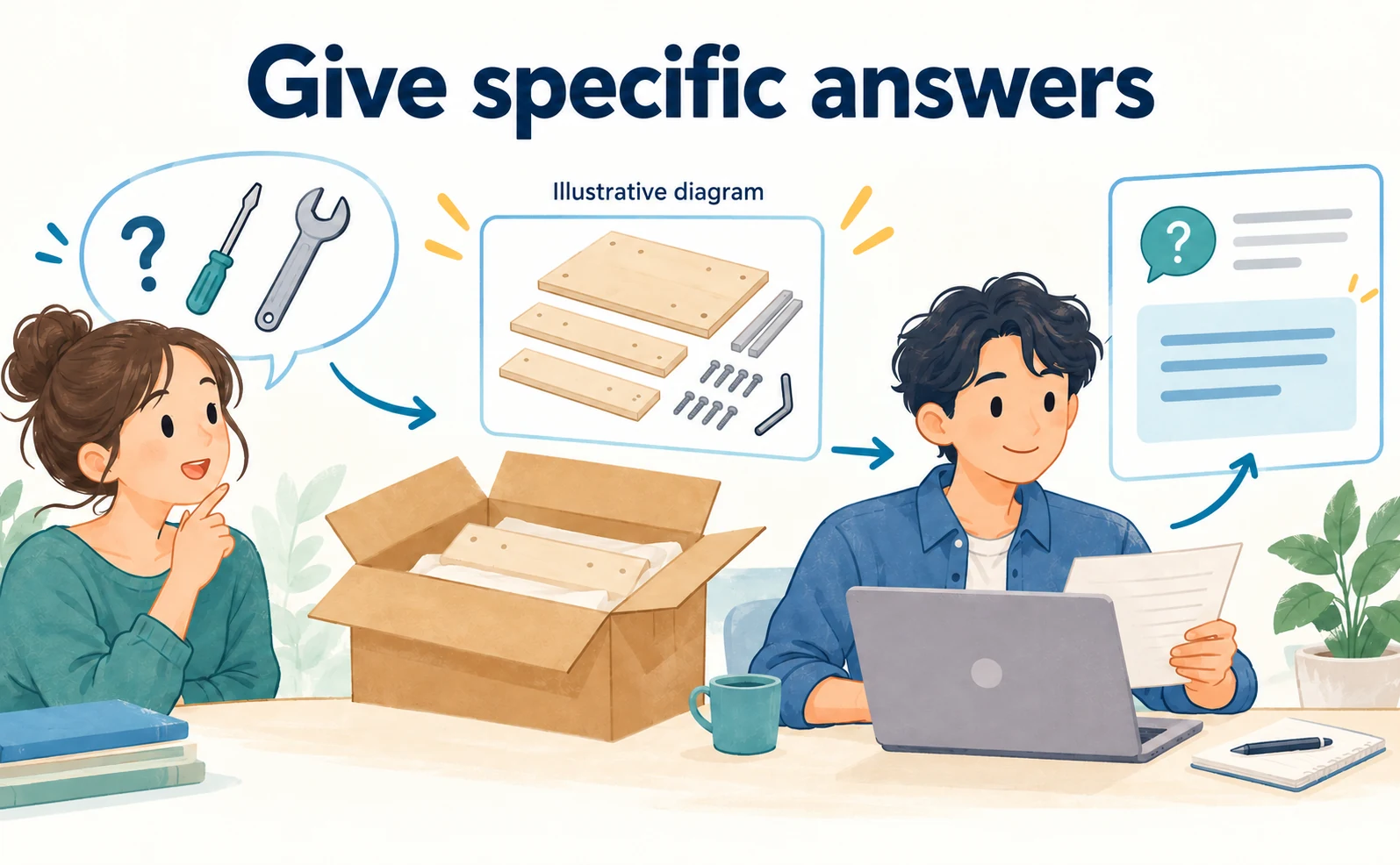
Start with questions that customers actually ask
Ask sales and support staff which questions recur. An editor’s imagined questions can be a starting point, but should not replace evidence from customer interactions.
For a shelf, examples might concern included tools, extra shelves or wall fixing. Whether these belong in the FAQ depends on the actual product and enquiries.
Prioritize buying decisions, common misunderstandings and information currently difficult to find. For detailed store-wide shipping conditions, a short answer linked to the current policy may be more maintainable than copying the entire policy. Record a source and reviewer for each answer.
Give one clear answer to each FAQ question
Answer the question first, then add conditions or instructions. Avoid combining several unrelated issues into one response.
If the question asks whether assembly tools are included, start by saying whether they are. List anything the buyer must supply and link to the manual if needed. “Easy to assemble and useful in many spaces” does not answer the question about tools.
Read each question and answer as a pair during review. Check that the object, conditions and next action are understandable, even when the answer is more nuanced than yes or no.
Recheck answers that differ between product variants
Products in the same series may have different assembly requirements, accessories or compatible parts. Reuse the format while verifying each answer for its model.
| Information type | How to maintain it |
|---|---|
| Store-wide policy | Link to the maintained policy page |
| Series-wide information | Confirm which models it covers |
| Model-specific specification | Verify against that model’s source |
A copied “No assembly required” answer can become incorrect on a larger variant. Record which statements are shared and which require individual approval before expanding the workflow across a catalog.
Keep useful FAQ content separate from Google rich-result expectations
Readable answers on a product page and eligibility for a special search presentation are separate issues. Google’s update history states that FAQ rich results stopped appearing from May 7, 2026; the related documentation was removed in June.[4]
Do not make a special FAQ search display the promised outcome of this work. The page can still answer customer questions clearly. Google’s AI-feature guidance also explains that there is no special schema required for inclusion in those features.[3]
If technical markup is already present, ask its maintainer to review it as a separate task. Begin by making sure the visible information is accurate and useful to someone making a purchase.
Update and check product information in Shopify
The following steps use Shopify’s official product-editing documentation. They are instructions for readers, not a claim that Mito used this exact admin workflow.[2]

Open the correct product and preserve the current description
Sign in with permission to edit products. In Shopify admin, open Products, then select the intended product.[2] Check its name, model and variations before changing the description.
Save the current wording in your working folder along with the product URL and date. Retaining the original makes it easier to compare changes and restore content if a display problem appears.
Prepare the verified draft before editing the live item. This keeps product review separate from publication and reduces the chance of saving unfinished text.
Add the description, specification table and FAQ
Edit the product title and description using the fields provided in the product editor, then save when the content has been reviewed.[2] Be aware that saving changes to a published product can affect the live store.
Use headings to separate the opening explanation, specifications and questions. The exact formatting available depends on your editor and theme. Inspect a preview where available, and check how tables and links are rendered rather than assuming pasted formatting will survive.
Do not place critical compatibility or purchase conditions only inside an image. Keep them in readable page text as well.
Review the search engine listing separately
Shopify provides a separate search engine listing section for search-facing information.[2] Check it after updating the product copy; editing the description is not a reason to assume every search field is now current.
The title and description should match the product and its main buying conditions. An old model name or outdated size in these fields can create a mismatch between the result a shopper sees and the page they open.
Treat a URL change as a separate decision because it can affect existing links. If a change is necessary, include redirects and internal links in the review rather than changing the handle casually during a copy edit.
Check the saved page on a phone and a desktop
Open the storefront URL as a shopper would. Review the opening paragraph, specifications, FAQ, related links and purchasing guidance on both screen sizes.
Look for overflowing tables, small text and important facts left only in images. If an update does not appear, check the product, URL, save result, selected language and sales channel before pasting the same content into another field.
Record the URL, time, device and fixes. If the change makes the page harder to use, restore the preserved copy while investigating the display issue.
Continue improving AIO product pages with a change record
After updating one product, check factual consistency and whether shoppers can find answers. Then review visits and purchases. One AI answer immediately after publication is not enough to judge the work.

Align the product page with data sent to other platforms
Stores that send product information to marketplaces or advertising services should check those records too. An updated page and an outdated feed can contradict each other.
List the systems that manage product names, prices, availability, descriptions and images. Assign a source of truth for each field. When using Google Merchant Center, follow its product data specification, including relevant instructions for AI-generated titles and descriptions.[5]
Keep the underlying facts consistent while adapting the format to each destination’s requirements. Do not assume one block of text can be distributed unchanged everywhere.
Test whether the revised page answers the original questions
Return to the questions selected before writing. Can someone answer them using the revised page alone? Judge whether the answer is findable, rather than whether the text is longer.
Ask a colleague to locate dimensions, included items or required accessories. If they cannot find an answer, distinguish missing information from poor placement. The first may require product research; the second may require a clearer heading or table location.
Keep a short record of the question, where the reader looked, what remained unclear and the resulting edit. That gives the next revision a concrete purpose.
Measure AI visits and purchases separately
Record identifiable AI referrals, completed purchases and purchase revenue as separate measures. Appearing in an AI answer is not proof that a sale followed.
Use a fixed period and consistent classification when comparing results. Note promotions, stockouts and price changes alongside the figures. When counts are small, show the counts before the percentages: one purchase becoming two is a 100% increase, but offers limited evidence of a lasting pattern.
See our guide to AI traffic and revenue measurement for a starting workflow. Missing tracking should be labeled as unavailable, not reported as zero.
Save what the next product owner will need
Before extending the work, collect the sources, drafts, review effort and observations for the first product.
| Record | Use on the next product |
|---|---|
| Source list | Request the right documentation |
| Questions and answer locations | Identify commonly missed information |
| Before-and-after copy | Reuse useful structure |
| Publication checks | Repeat display checks consistently |
| Time spent | Plan ownership and deadlines |
Reuse the process and review criteria. Recheck each product’s capabilities and conditions against its own documentation.
The actionable lesson from Mito’s reported result is to select one page, answer real buying questions with verified information and observe the response. That creates a basis for expanding the work without treating another company’s growth rate as your own forecast.
FAQ
- Q. Does a 200% increase mean the final value doubled?
- No. Under consistent measurement, a 200% increase produces a final value three times the starting value. The case does not provide an absolute revenue figure for this metric.
- Q. How many product FAQs do I need for AIO?
- Use the questions that affect buying decisions and remain unanswered by the description. Do not target a count by repeating the same answer.
- Q. What should I check in AI-generated product copy?
- Verify the model, dimensions, materials, compatibility and included items against approved sources. Exclude unsupported capabilities or effects.
- Q. What should I save after editing a Shopify product?
- Keep the original and revised copy, sources, publication date and display checks. Compare subsequent visits, purchases and revenue using consistent conditions.
Sources
- [1] Mito Red Light case study (GR0) — accessed 2026-09-30
- [2] Adding and updating products (Shopify) — accessed 2026-09-30
- [3] AI features and your website (Google Search Central) — accessed 2026-09-30
- [4] Google Search documentation updates: FAQ rich result retirement (Google Search Central) — accessed 2026-09-30
- [5] Product data specification (Google) — accessed 2026-09-30
About the author
Shogo MizushimaCEO of kairos Inc. / AgentSignal Developer
Develops AgentSignal, a tool for measuring AI crawler visits and AI-referred traffic, and diagnosing AIO readiness. Writes about measurement and practical improvements for AI search using observed data.
Related articles

AIO and AI search
AIO case study: Rough Country reports 71% more AI referral traffic. How did it measure revenue?
Explore Rough Country’s reported 71% increase in AI referrals and $22,700 in year-to-date AI revenue, with a practical GA4 measurement and reporting workflow.
Published

AI shopping and booking
Product descriptions and FAQs for AI commerce: what BigCommerce and Feedonomics announced
Explore the BigCommerce and Feedonomics enrichment announcement, from descriptions and FAQs to human review, language support and adoption questions.
Published

AIO and AI search
LLMO case study: JDM reports 34% agency revenue growth. What did it sell to clients?
Learn from JDM’s reported 34% agency revenue growth: how to define LLMO research, page-edit deliverables, costs and monthly client reporting.
Published