How to Choose AI Tracking Prompts: A Question List Built from Customer Language and Conditions
Learn how to choose the questions you use to check whether AI answers recommend your business. Build candidates from customer language, balance them across buying stages, add conditions such as location, size and budget, decide how many to track and keep a change log.
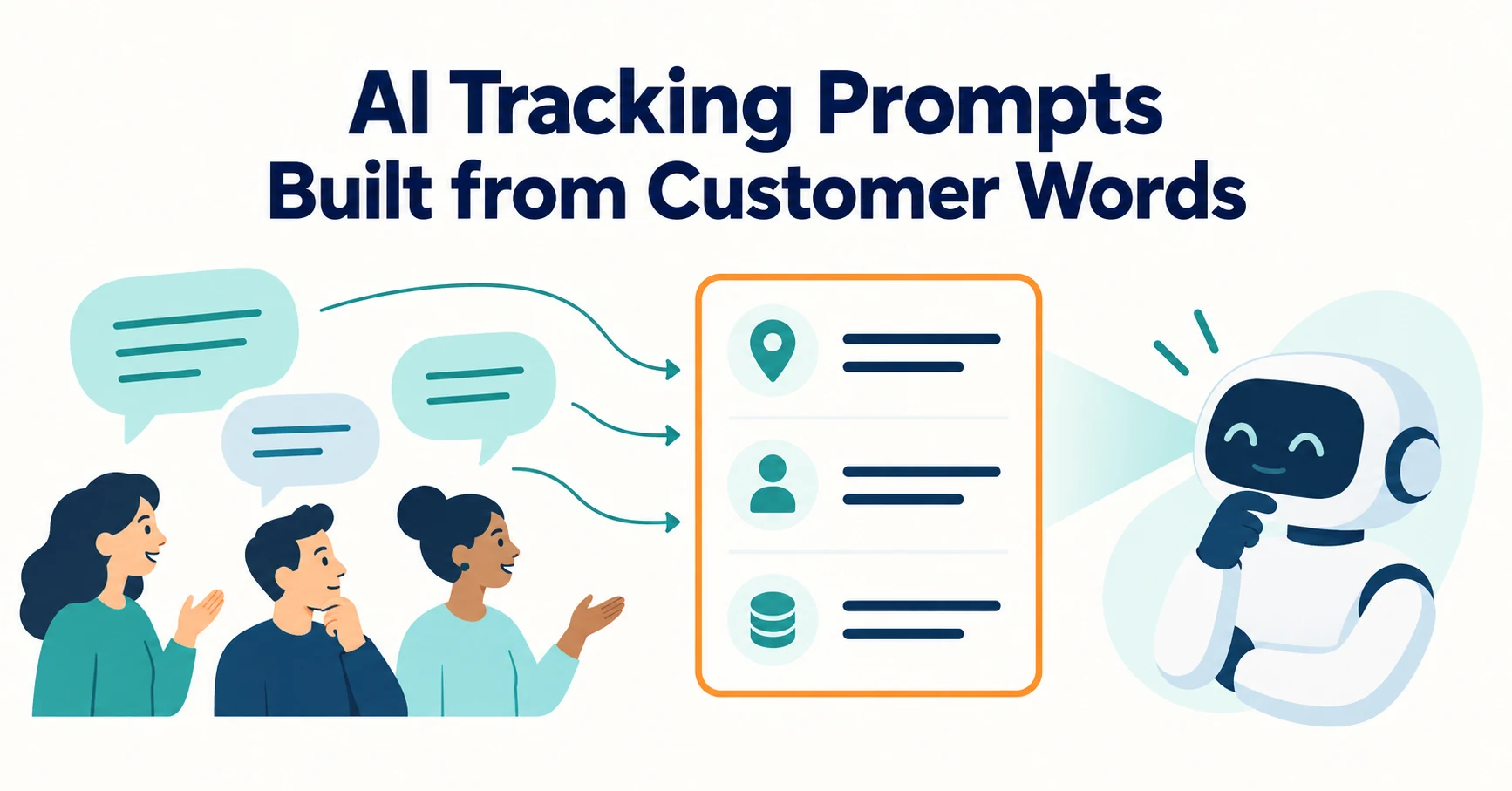
The questions you use to check whether AI recommends your business should come from the words customers actually use before buying. Then balance them across buying stages, write conditions such as location and size into the question text, and keep a record of changes.
As an illustration, imagine a fictional company that sells time-tracking software to small businesses. Its marketer is about to register questions in a tracking tool and gets stuck on “what should I enter, and how many?” We will build a question list step by step from this scenario.
Choose AI Tracking Questions from Words Customers Use Before Buying
Build candidates from questions customers raised in inquiries and sales calls, not from internal terms. Then narrow them down by checking whether your pages answer them.
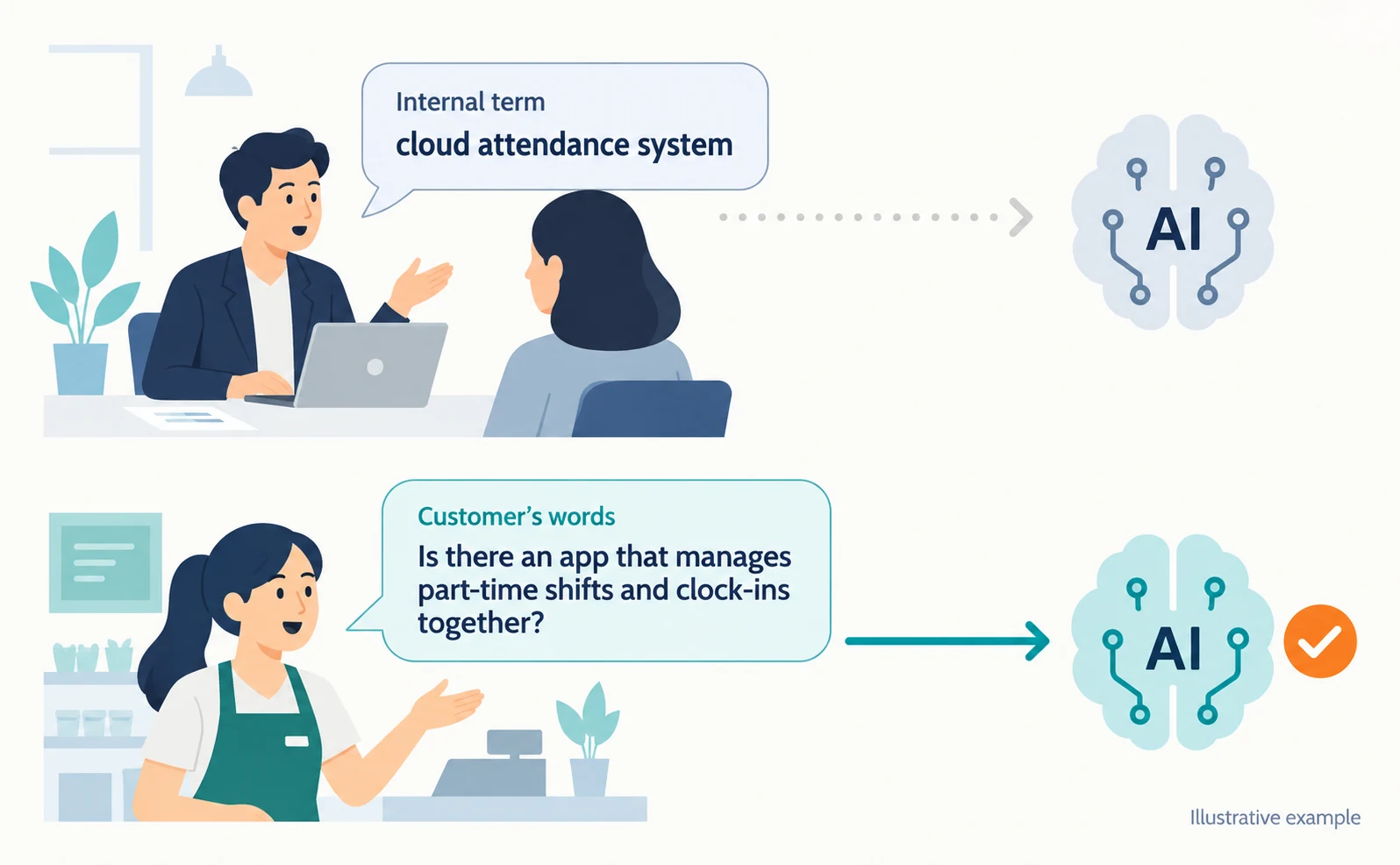
Internally you may say “cloud attendance system”, but a customer may ask, “Is there an app that manages part-time shifts and clock-ins together?” AI receives the customer’s words. If you build questions from internal jargon, you end up measuring questions nobody asks.
Gather candidates from inquiry emails, sales call notes and support requests. Remove names and contact details and write down only the question. Where to Find Article Ideas Only Your Business Can Write explains how to handle inquiry records.
For each candidate, also check whether your pages answer it. Questions with no answer on your site are likely to show “not recommended”, so record them separately as “pages to create”.
Balance Questions Across Buying Stages
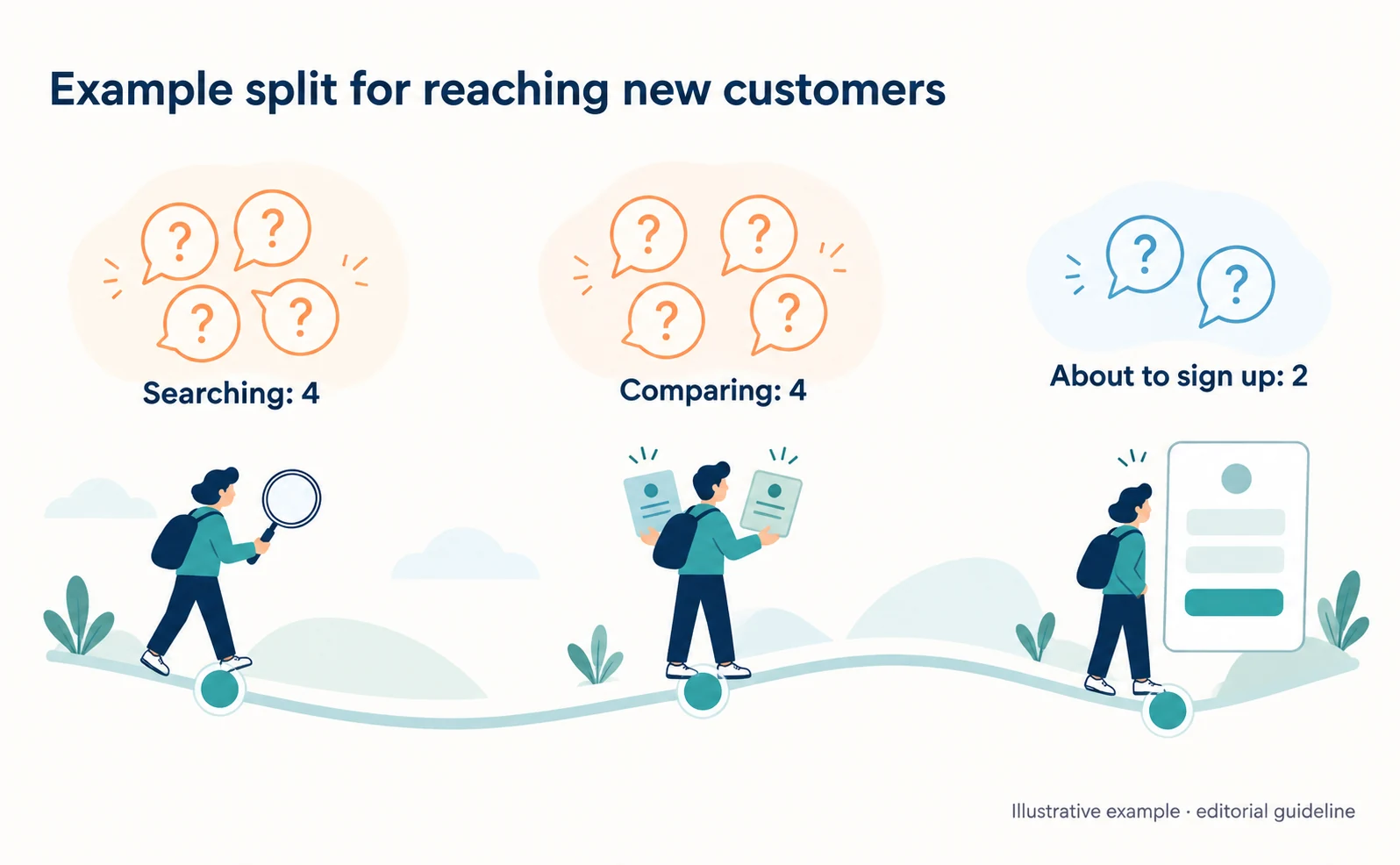
Place questions in three stages: searching, comparing and about to sign up. Adjust the number per stage to what you want to learn.
| Stage | Example question (illustrative) | What it shows |
|---|---|---|
| Searching | How can a 30-person store manage staff attendance? | Whether people who don’t know you are introduced to you |
| Comparing | What should I compare when choosing a time-tracking app? | Whether you make the shortlist and on what conditions |
| About to sign up | What are the free trial and cancellation terms for time-tracking apps? | Whether your terms are explained correctly |
If your goal is reaching new customers, weight “searching” and “comparing” more heavily. For 10 questions, you might split them 4, 4 and 2. This split is an editorial guideline, not a ratio proven to work.
The Roles of Questions With and Without Your Company Name
Use questions without your name to see introductions to people who don’t know you, and questions with your name to check accuracy. Record them separately.
If you appear for “What time-tracking app do you recommend?”, you were introduced to people who may not know you. “What does ExampleTime cost?” comes from someone who already knows your name. What matters there is whether pricing and terms are explained correctly.
If you combine both into one citation rate, branded questions push the number up and make new introductions look higher than they are.
Add Conditions Such as Location, Size and Budget to the Question
Turn differences between target customers into conditions written in the question. When conditions change, AI answers may change too.
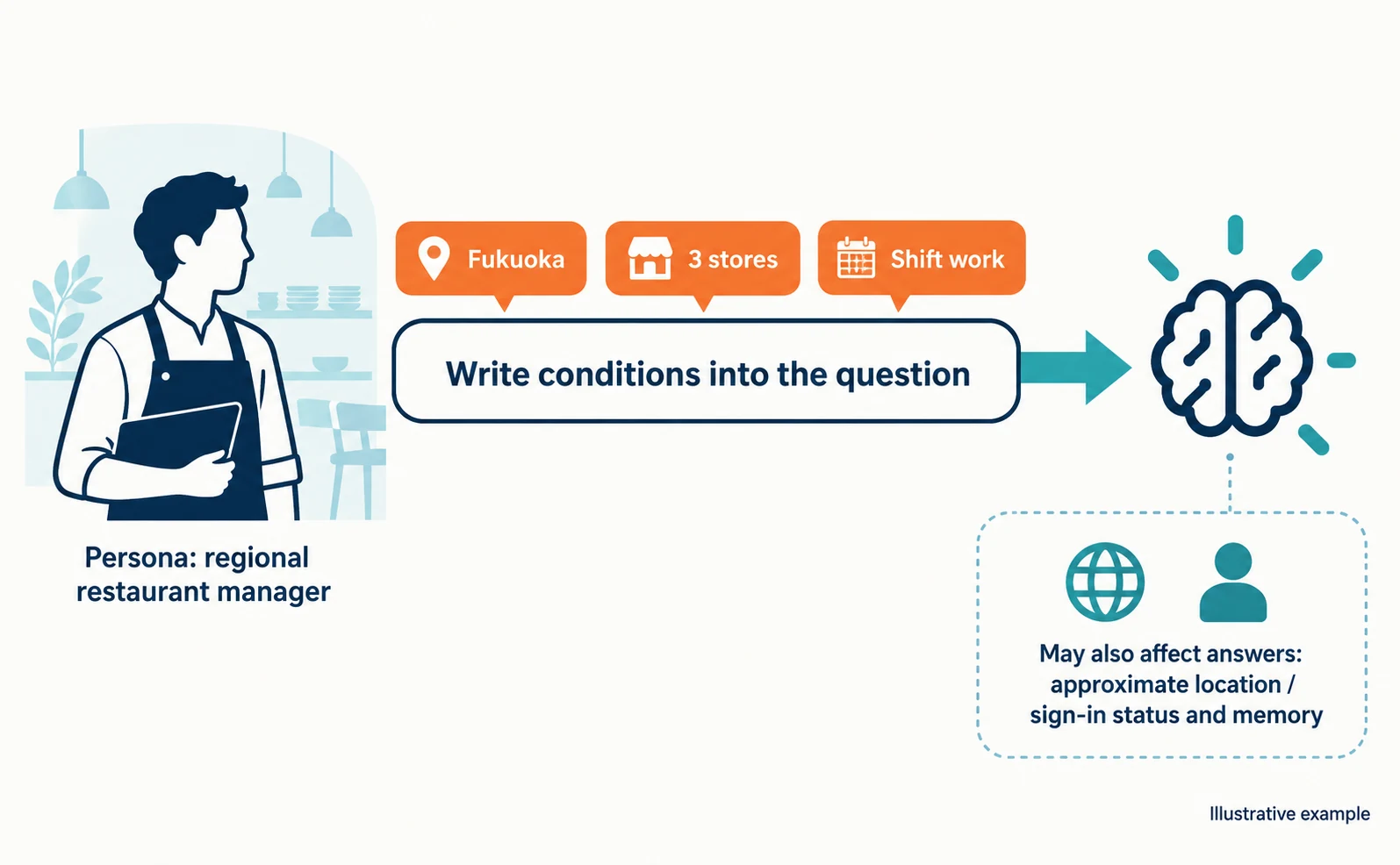
A persona such as “restaurant manager” or “office administrator” does not reach the AI by itself. Write it into the question as words about location, headcount or budget.
| Target customer (fictional) | Conditions to include | Example question |
|---|---|---|
| Regional restaurant manager | Location, number of stores, shift work | A restaurant with 3 stores in Fukuoka. Which time-tracking app handles shifts? |
| Office administrator in Tokyo | Headcount, budget | Which time-tracking tool works for 50 staff under ¥10,000 a month? |
The question text is not the only reason answers change. ChatGPT’s help explains that it may use an approximate location based on your IP address and, if enabled, saved memories when rewriting a search query. It also suggests including your city in the question for more specific local results [1]. Google’s AI Mode may also reference previous searches and activity for users 18 or older who have history and personalized recommendations enabled [2].
This means a manual check in your own account may not match what someone else sees. When checking by hand, also record whether you were signed in and your memory settings. In AgentSignal’s AI citation rate feature, the analysis language and region setting is reflected in the answer-language instruction and search region.
Change Only One Condition at a Time
Create question pairs where only one condition differs, such as location or headcount. Compare them using the same AI and the same number of runs.
“3 stores in Fukuoka” and “3 stores in Osaka” differ only by location. If you compare “3 stores in Fukuoka” with “10 stores in Osaka”, you cannot tell whether the difference comes from location or size.
Do not conclude that location caused a difference seen in a few runs. AI answers vary slightly even for the same question. Check whether the difference persists over more runs.
Decide the Number of Questions from How Often You Can Check and Your Credits
The workload grows as questions × conditions × AIs × runs. Start with a small set of important questions and decide whether to continue manually or with a tracking tool.
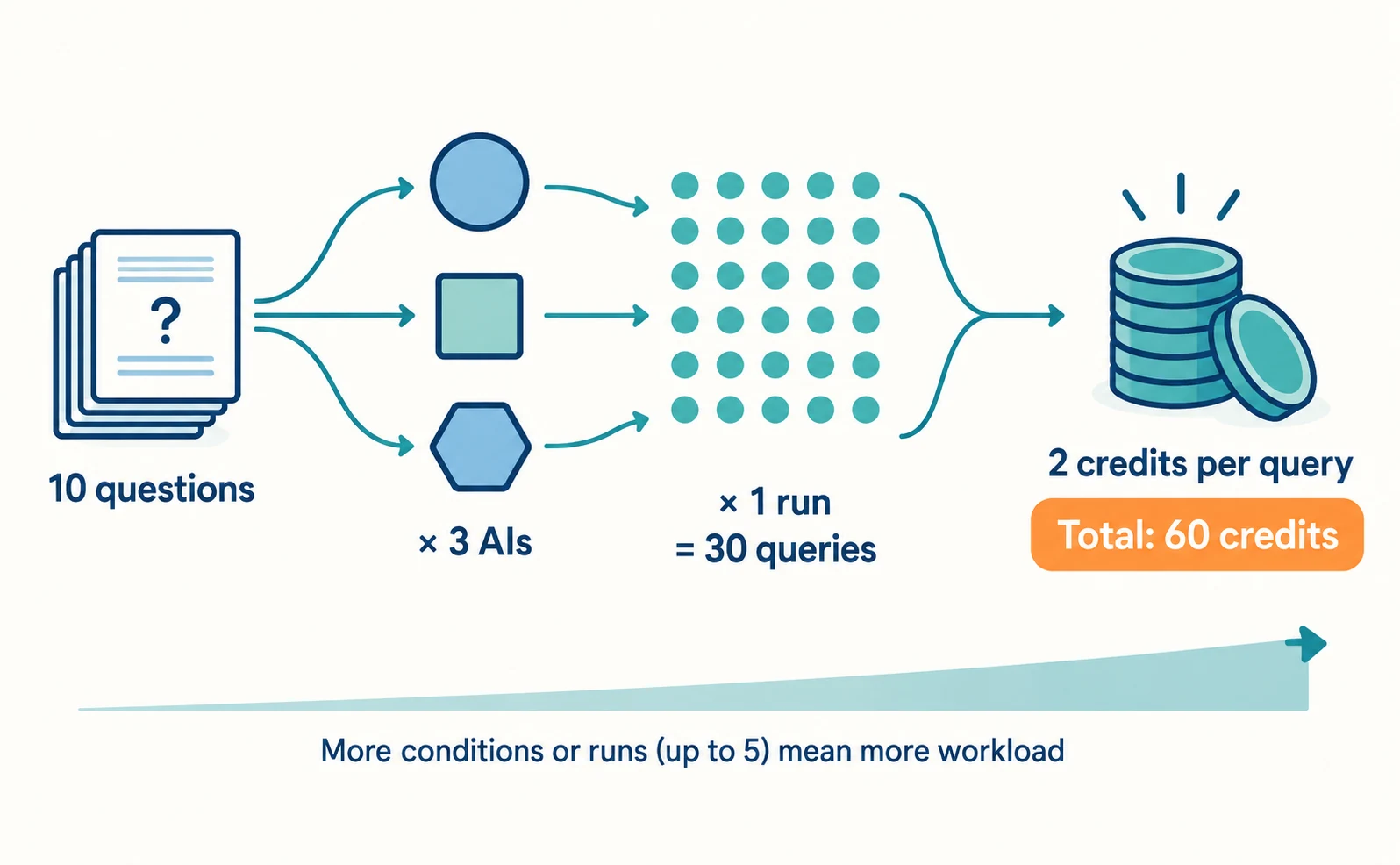
For example, checking 10 questions in 3 AIs once each means 30 queries. Adding two condition variations makes 60. Doing this by hand means entering and recording all of them each time.
In AgentSignal, each AI query uses 2 credits. 10 questions × 3 AIs × 1 run is 60 credits. You can set up to 5 runs, and credit use grows in proportion. The screen recommends choosing at least five questions to smooth out variation in answers.
A practical start is to check 5 to 10 questions once, read the results, then decide which questions to keep tracking.
Fix Your Question List and Keep a Change Log
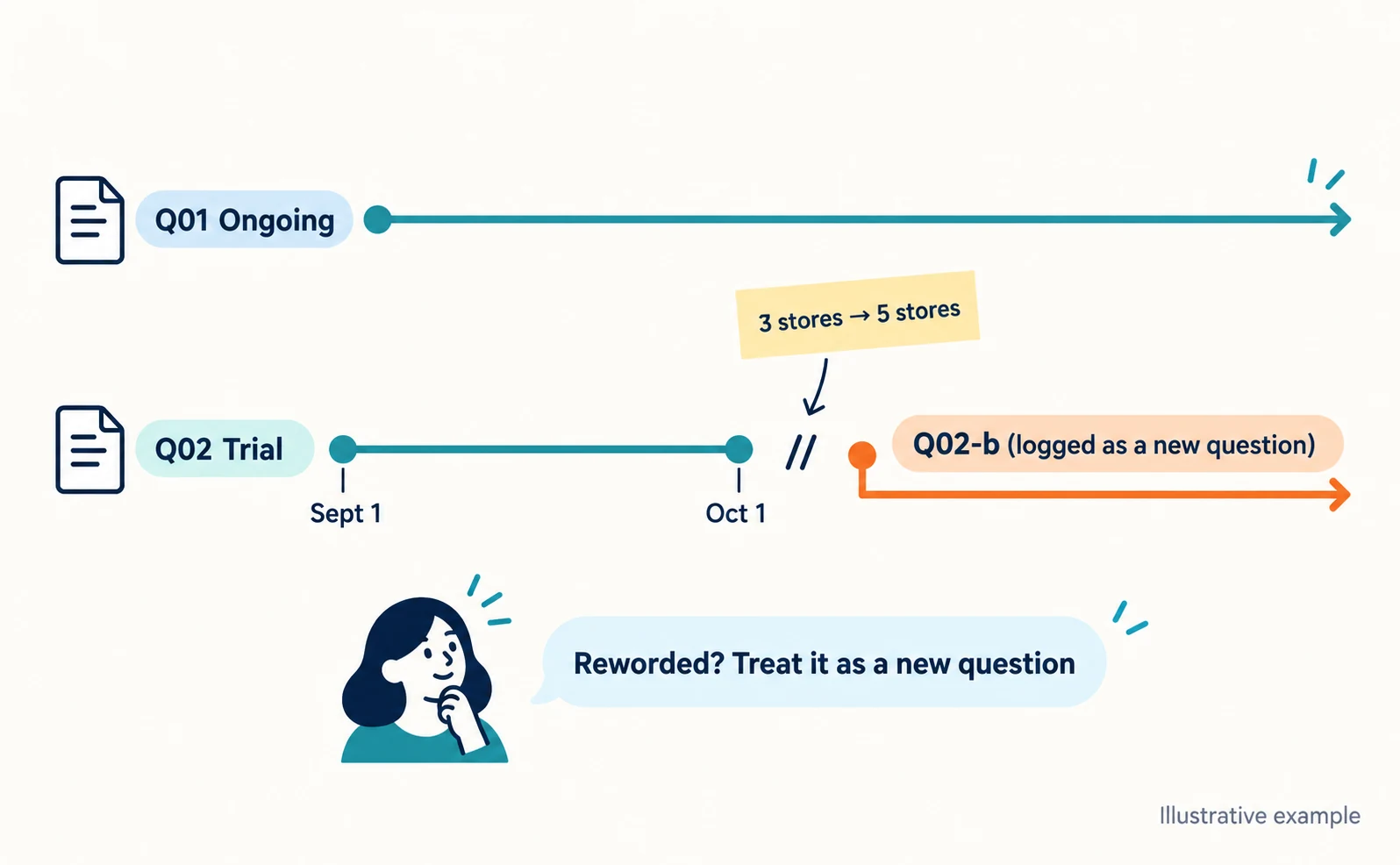
To compare with earlier results, separate ongoing questions from trial questions. When you change wording or conditions, log the date and treat it as a new question.
Even small rewording can change answers. If you compare a reworded question with last month’s results, you cannot tell whether the change came from page improvements or from the question itself.
| Question ID | Question | Conditions | Type | Start date | Change date | Reason |
|---|---|---|---|---|---|---|
| Q01 | What should I compare when choosing a time-tracking app? | None | Ongoing | Sept 1 | ― | ― |
| Q02 | A restaurant with 3 stores in Fukuoka. Which time-tracking app handles shifts? | Location, stores | Trial | Sept 1 | Oct 1 | Changed “3 stores” to “5 stores”; treated as new Q02-b |
Dates and contents in the table are illustrative. Give changed questions a new ID and keep them separate from older records.
A Caution: Tracking Questions May Appear in Search Console
One site owner reported tracking questions appearing among Search Console queries. This is a single report and has not been confirmed as a general pattern.
The site owner reported long, sentence-like queries in the Search Console query list that matched, word for word, the prompts registered in their own AI tracking tool. That tool ran Google searches to check AI Overviews. The owner stated there is currently no way to separate tracker searches from human searches in Search Console [3].
What you can do with this report is cross-check. Compare your question list with Search Console queries and mark matching long queries as “possibly from tracking”. Avoid creating new articles based on those queries alone. Ask your tracking tool’s provider whether it runs Google searches.
FAQ
- Q. Can I use AI-suggested questions as they are?
- Before using them, check whether customers actually ask them in inquiries or sales calls, and whether your pages answer them. Edit or remove candidates that do not fit.
- Q. If I reword a question slightly, can I still compare it with earlier results?
- It is safer not to. Rewording can change answers, so give it a new ID and record it as a separate question.
- Q. Do sign-in status and history change answers?
- They can. ChatGPT may use approximate location and memories, and Google’s AI Mode may use enabled history. Record your sign-in status when checking manually.
Sources
- [1] Searching the web with ChatGPT (OpenAI) — accessed 2026-09-23
- [2] Get AI-powered responses with AI Mode in Google Search (Google Search Help) — accessed 2026-09-23
- [3] Google Search Console Impressions Can Be Fake: AI Trackers Are Inflating Your Data (OptimizeCamp) — accessed 2026-09-23
About the author
Shogo MizushimaCEO of kairos Inc. / AgentSignal Developer
Develops AgentSignal, a tool for measuring AI crawler visits and AI-referred traffic, and diagnosing AIO readiness. Writes about measurement and practical improvements for AI search using observed data.
Related articles
AIO and AI search
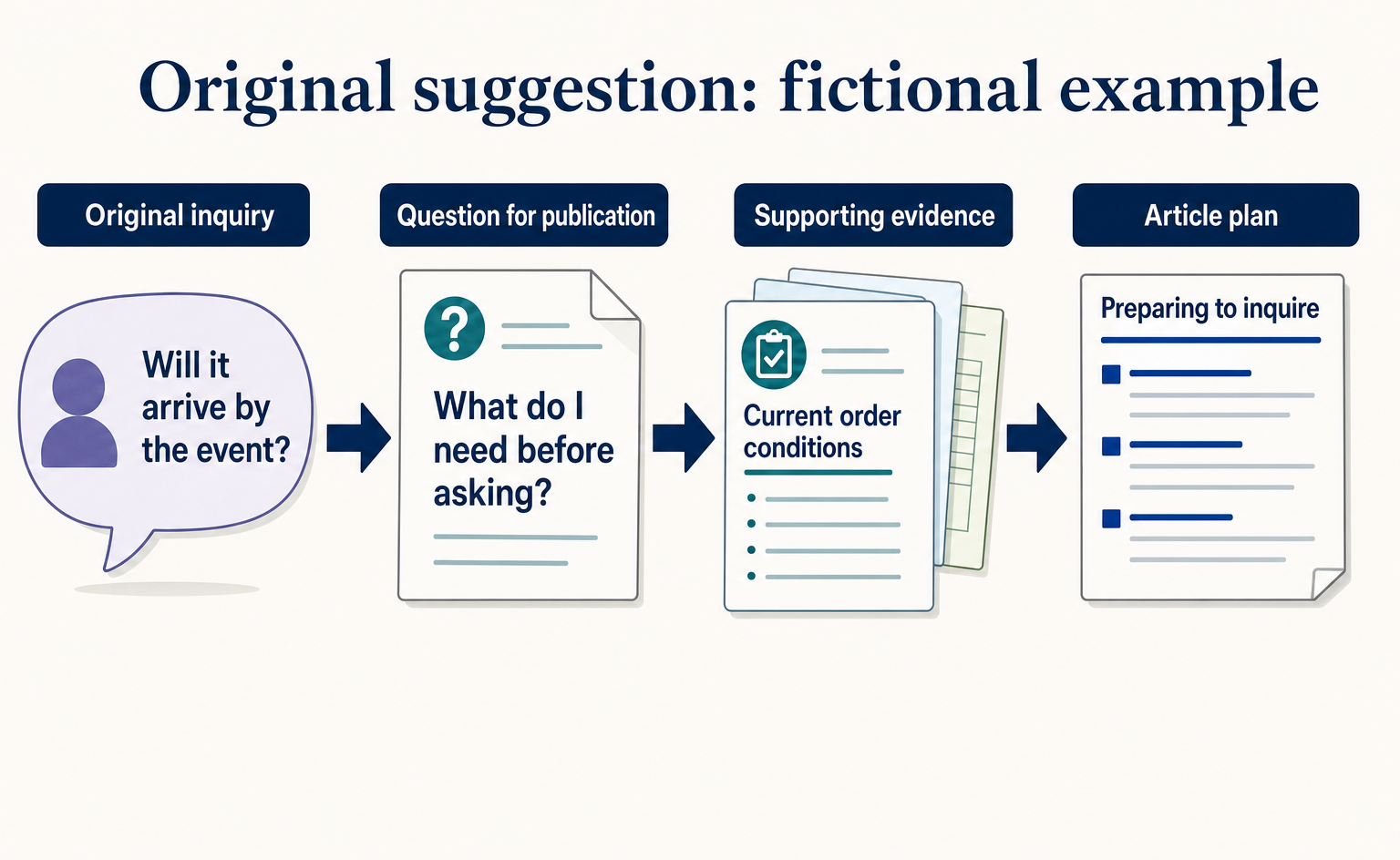
Where to Find Article Ideas Only Your Business Can Write: Start with Customer Inquiries
You do not need original research data to create useful articles. Learn how to turn customer questions, answers, and decision criteria into article plans, with worksheets and fictional before-and-after examples covering anonymization, question grouping, and evidence checks.
Published
AIO and AI search
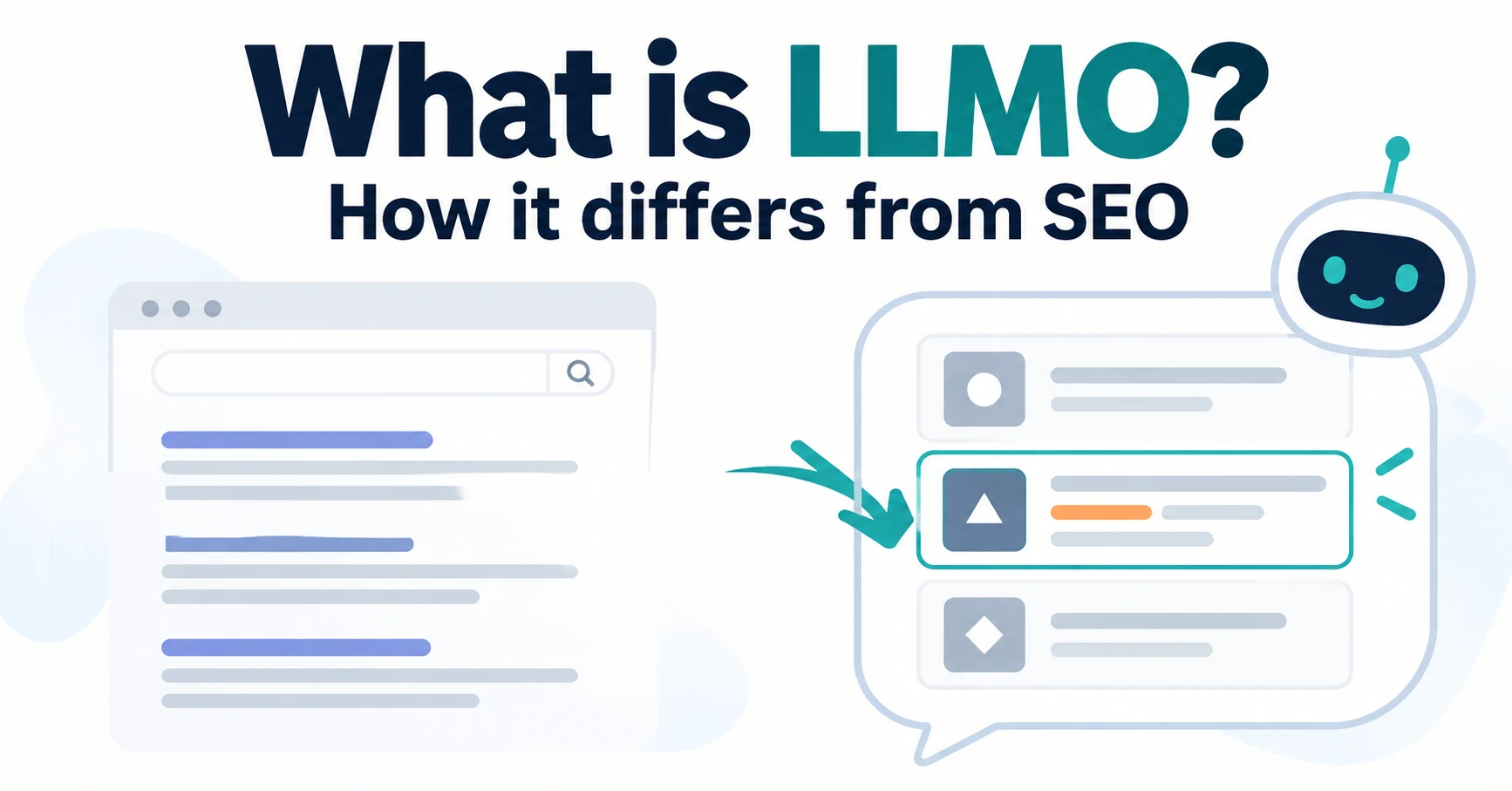
What Is LLMO? How It Differs from SEO and Why Some Say It Is Pointless
LLMO is the work of helping answers from ChatGPT and other AI find and accurately describe your company. Learn how it differs from SEO, why some call it pointless, how E-E-A-T relates, how to measure results and what to do in the first month.
Published

AIO and AI search
Airbyte reported a $100,000 ChatGPT-originated deal: the content changes behind its AIO work
Airbyte reported one $100,000 contract originating from ChatGPT. The team analyzed over 500 prompts and revised content into direct answers, lists, and steps.
Published