What Makes Writing Easy for AI to Cite? Answers, Evidence and Comparison Tables
Writing that AI can cite answers the question, states the conditions and offers verifiable evidence in the page text. No format guarantees citation. Learn to place answers, conditions, your own data and comparison tables with before-and-after examples.
Search for how to write content that AI will cite, and you will see advice such as phrasing headings as questions, adding FAQs and using more tables. Changing the format alone, however, does not guarantee a citation.
This article uses one pricing page from a fictional employee-training company to show how to write answers, conditions, evidence and comparison tables, with before-and-after examples. The company and all details are illustrative, not real.
How to Think About Writing That AI Can Cite
Writing that AI can easily cite answers the reader’s question in the page text and offers evidence the reader can verify. No special format guarantees a citation. A citation is when an AI shows a link to your page as a source for its answer.
Google says there are no additional requirements or special optimizations to appear in AI Overviews or AI Mode; the same basics as ordinary search apply. Putting important content in text is one of those basics.[1] Meeting the requirements does not guarantee inclusion.[1]
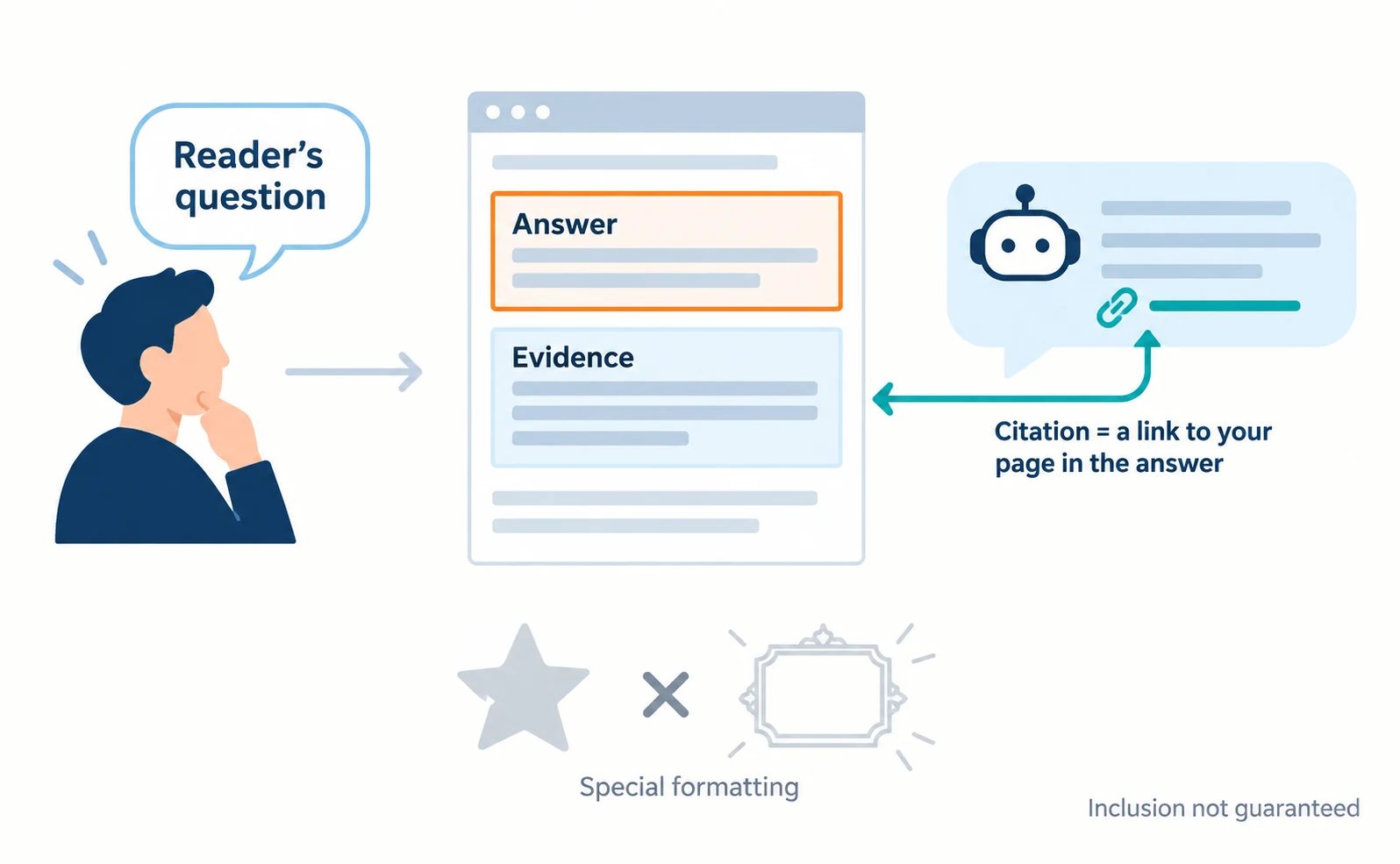
As a guide to writing, Google offers questions for checking whether content helps people. They include whether it provides original information or analysis, whether the heading accurately summarizes the content and whether it avoids exaggeration.[2]
The goal is not decoration for AI, but a page where readers can find the answer and the evidence in one read. For an overview of AI search optimization, see What Is AIO?.
Write the Answer Directly Below the Heading
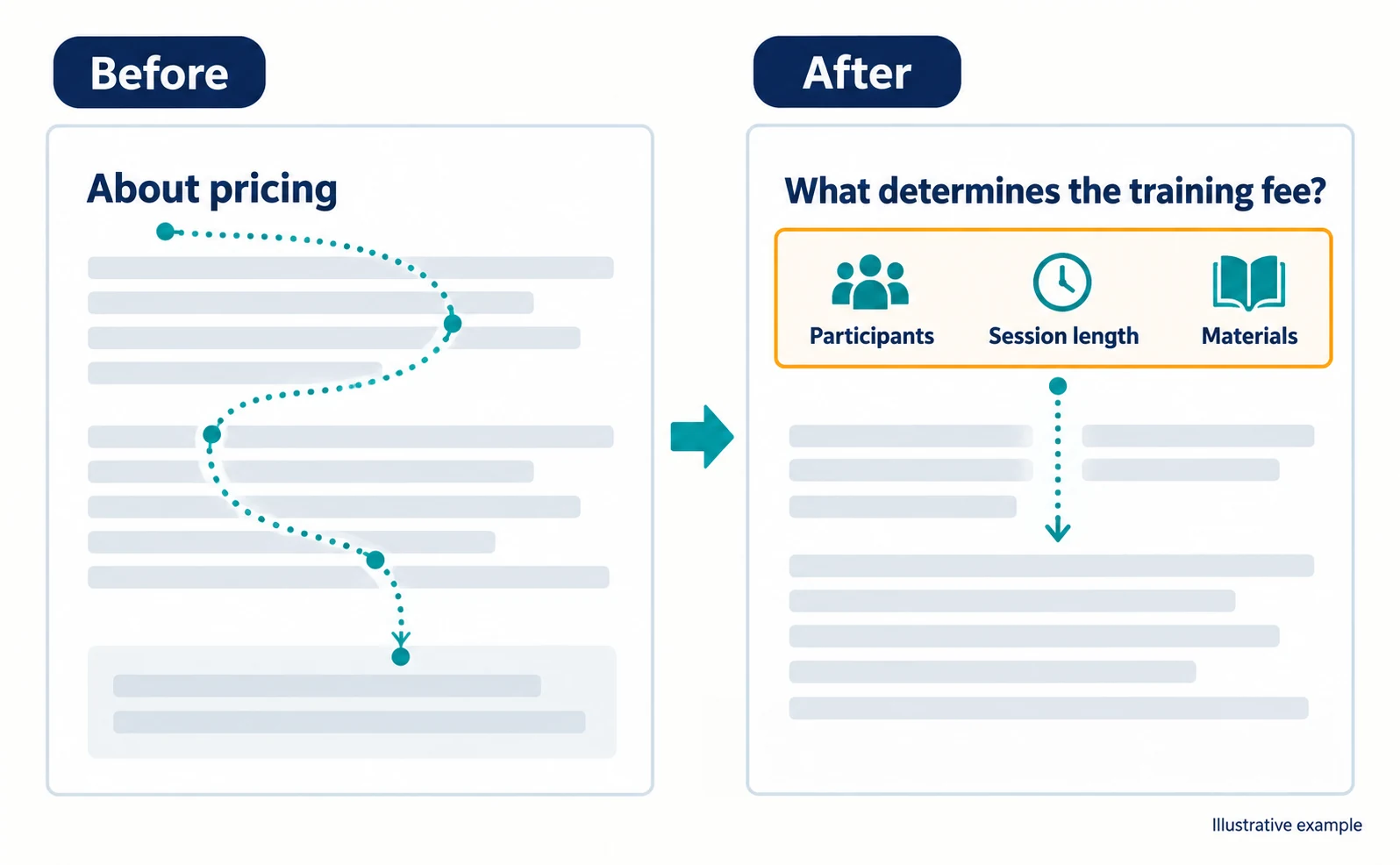
In the one or two sentences right after a heading, state what the answer is about and give the answer. When the heading and the answer are far apart, readers have to hunt for it.
| Location | Before (illustrative) | After (illustrative) |
|---|---|---|
| Heading | About pricing | What determines the training fee? |
| Sentence below | We respond flexibly to diverse needs and propose the best plan for you. | The training fee depends on three things: the number of participants, the length of the session and whether custom materials are created. |
After the change, the heading alone tells readers what the section covers, and the first sentence gives the answer. A heading need not be a question; “Three factors that set the training fee” works just as well if it makes the content clear.
Choose heading questions from ones customers actually asked in enquiries or sales conversations. Use their words, not internal jargon.
Keep Conditions and Exceptions Close to the Answer
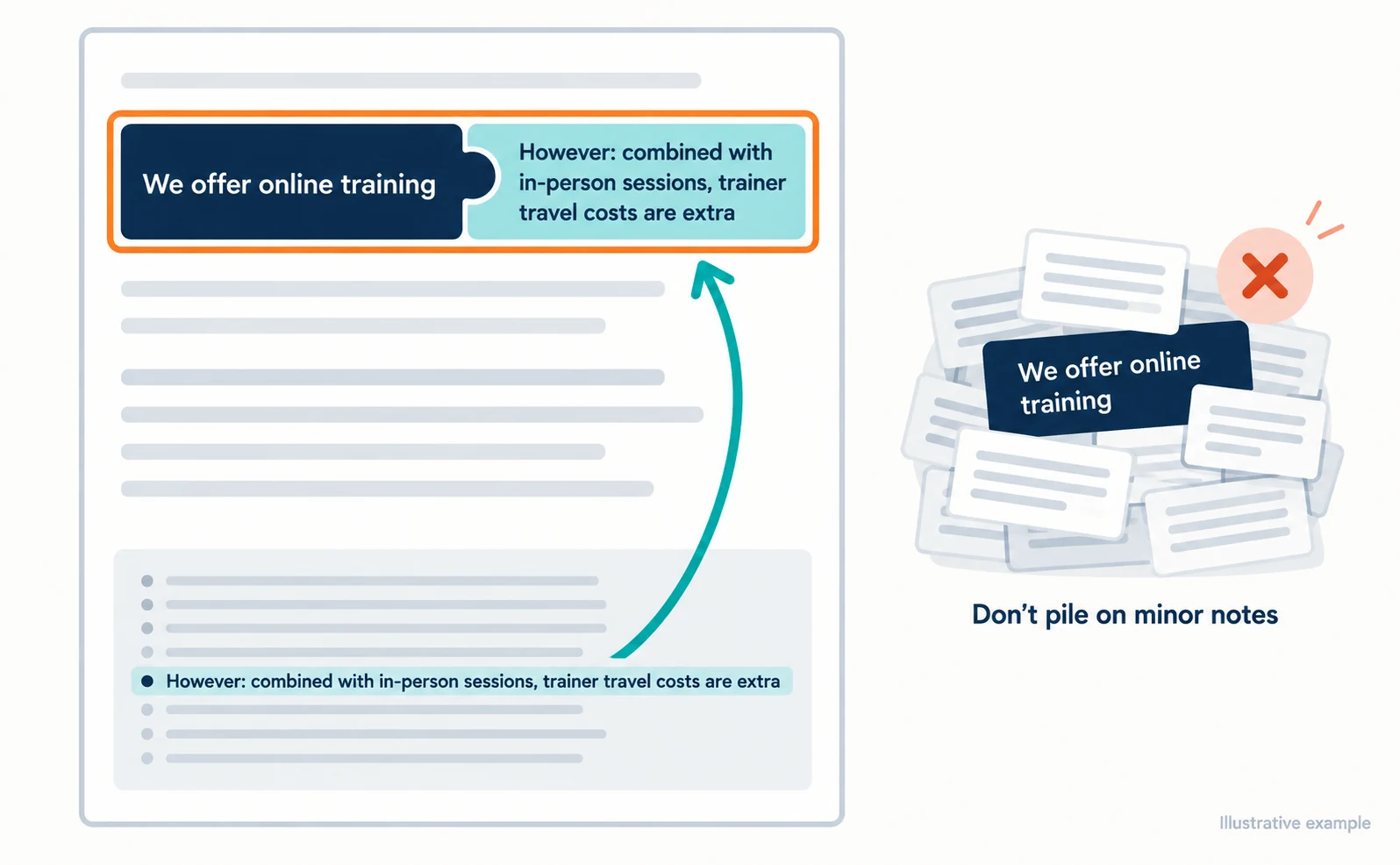
When you shorten an answer, put the conditions that change it in the same paragraph or the next sentence. If they sit only in a footnote at the bottom of the page, readers may take the answer alone and misunderstand.
| Before (illustrative) | After (illustrative) |
|---|---|
| We offer online training. (Travel cost conditions appear only in a footnote at the bottom) | We offer online training. However, if you combine it with in-person sessions, the trainer’s travel costs are charged separately. |
After “however,” include only conditions that change the meaning of the answer. A long list of minor notes buries the answer.
Do not add services you do not offer just to make the page read better. For example, write “You can consult us even if your budget is undecided” only if you actually accept such requests.
Use Your Own Data as Evidence
When you give a number, state what was counted, when and how. Do not invent numbers you have not measured.
| Item to include | Example entry (illustrative) |
|---|---|
| Subject | New-employee training run in fiscal 2025 |
| Period | April 2025 to March 2026 |
| How counted | Participants who answered the post-training survey |
| Result | ○ of ○ respondents said they could use it in their work |
Replace each ○ with your real figures. Recording numbers this way lets readers judge what range a figure covers.
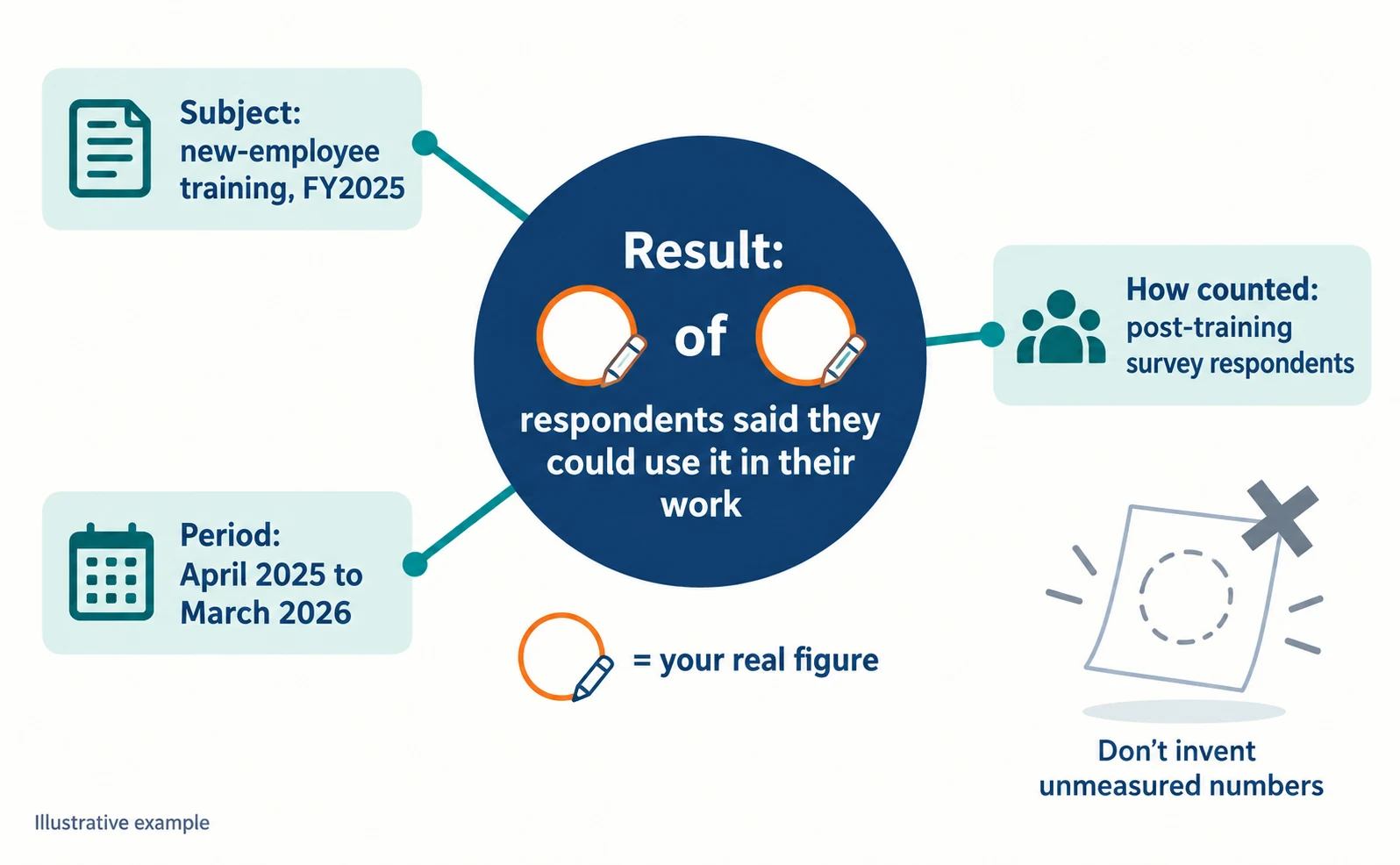
Google lists clear sourcing and showing how content was produced as signals of trustworthiness.[2] Figures you gathered yourself can be original information not found on other pages.
If you have no measured figures, describe the steps of the work or what to prepare before requesting a quote instead. That alone helps readers judge whether the service fits them.
How to Build a Comparison Table
Line items up on the same comparison axes, and add one sentence right after the table explaining how to read it. Do not lock the answer inside the table; write it in the text too.
| Point of comparison | Online training (illustrative) | In-person training (illustrative) |
|---|---|---|
| Location | Each participant’s desk | Your company’s meeting room |
| Trainer travel costs | None | Charged separately |
| Materials | Distributed as files | Distributed in print |
How to read it (example): companies with participants at several sites can compare total costs more easily with online training, which has no travel costs.
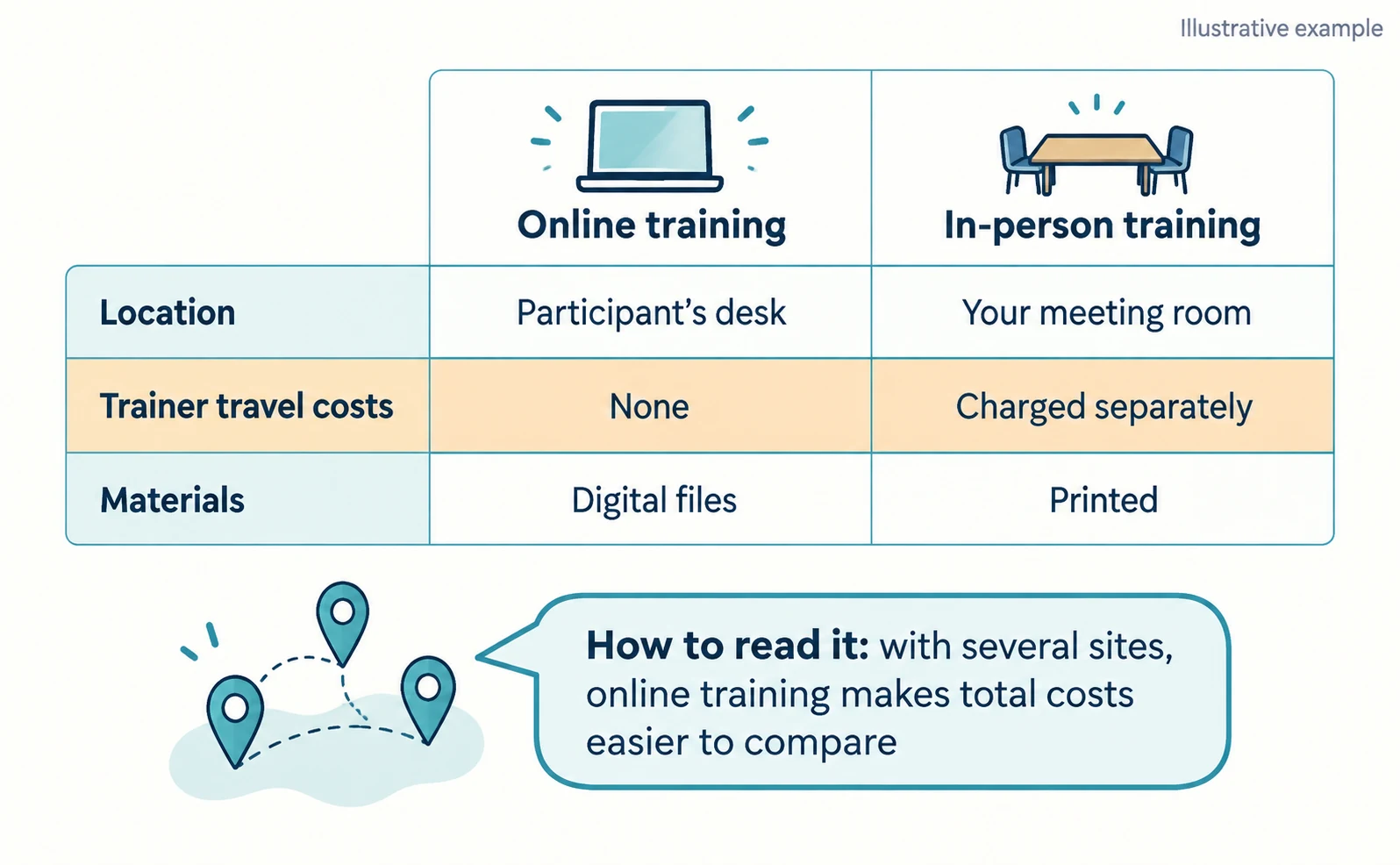
Choose comparison axes from the points readers actually weigh when choosing. Do not list only items that favor you or move unfavorable conditions to another page.
A table published only as an image cannot be read as text. Put important content in text.[1]
Keep Structured Data Consistent with the Page Text
Structured data is not required. If you use it, make it match the text visitors can see. Structured data is a set format for telling search engines about the information on a page.[3]
Google says you do not need to add special structured data for AI features.[1] If you use it, do not put information in structured data that is not shown on the page.[3]
Checks After Rewriting
After rewriting, record the page, the change date and what you changed, and look at impressions, citations and visits separately. Do not treat the writing change alone as the cause of any change in the numbers.
For Google, Search Console’s generative AI performance report lets you compare, page by page, how often links to a page appeared in AI Overviews and AI Mode.[4]
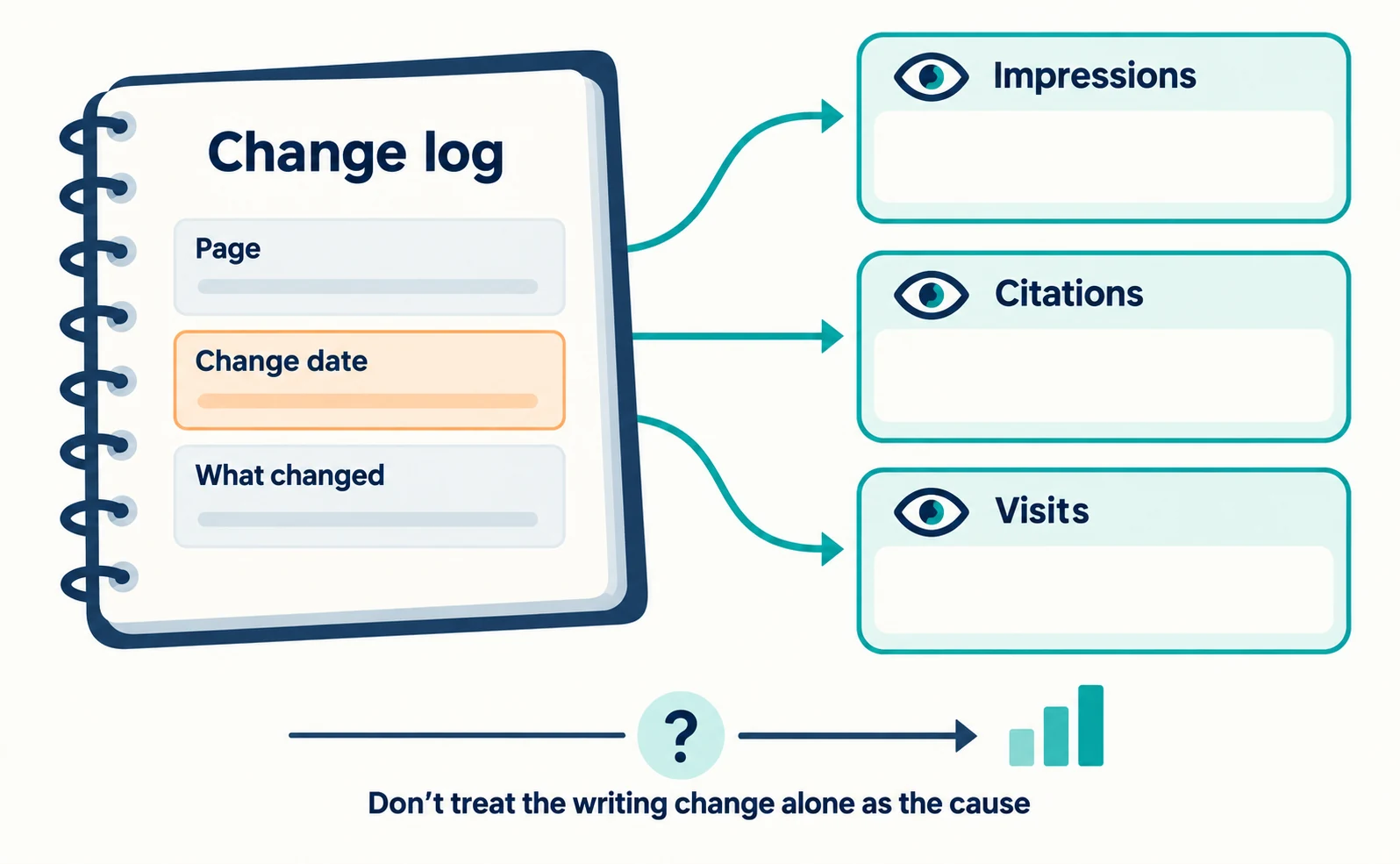
For Bing, the AI Performance report in Bing Webmaster Tools shows how your content is cited in AI answers such as Copilot. In June 2026, features including Citation Share began rolling out in preview. Citation Share is your site’s percentage of all citations shown across all sites for a specific grounding query—the search the AI used to find sources for its answer.[5]
Microsoft describes Citation Share as an observational metric, not a ranking or a share of traffic, and it does not reveal competitor domains. Citations also shift with model changes and updates to other pages.[5]
Start by choosing one page that answers a frequently asked question and rewriting the answer directly below its heading. For questions a pricing page should answer, see Five Questions Your Pricing Page Should Answer.
FAQ
- Q. Will phrasing headings as questions get my page cited?
- Citation is not guaranteed. What matters more is that the heading shows the content and the sentence below it gives the answer.
- Q. Do I need FAQ structured data?
- No. Google says special structured data is not needed for AI features. If you use it, make it match the FAQ visitors can see.
- Q. Is longer content better?
- Google says it has no preferred word count. If the answer, conditions and evidence are present, there is no need to make the page longer.
Sources
- [1] AI features and your website (Google Search Central) — accessed 2026-09-23
- [2] Creating helpful, reliable, people-first content (Google Search Central) — accessed 2026-09-23
- [3] Introduction to structured data markup in Google Search (Google Search Central) — accessed 2026-09-23
- [4] Introducing Search Generative AI performance reports in Search Console (Google Search Central Blog) — accessed 2026-09-23
- [5] New AI Visibility Insights in Bing Webmaster Tools: Intents, Topics, Citation Share, Compare (Microsoft Bing Blogs) — accessed 2026-09-23
About the author
Shogo MizushimaCEO of kairos Inc. / AgentSignal Developer
Develops AgentSignal, a tool for measuring AI crawler visits and AI-referred traffic, and diagnosing AIO readiness. Writes about measurement and practical improvements for AI search using observed data.
Related articles
Measurement and site improvement
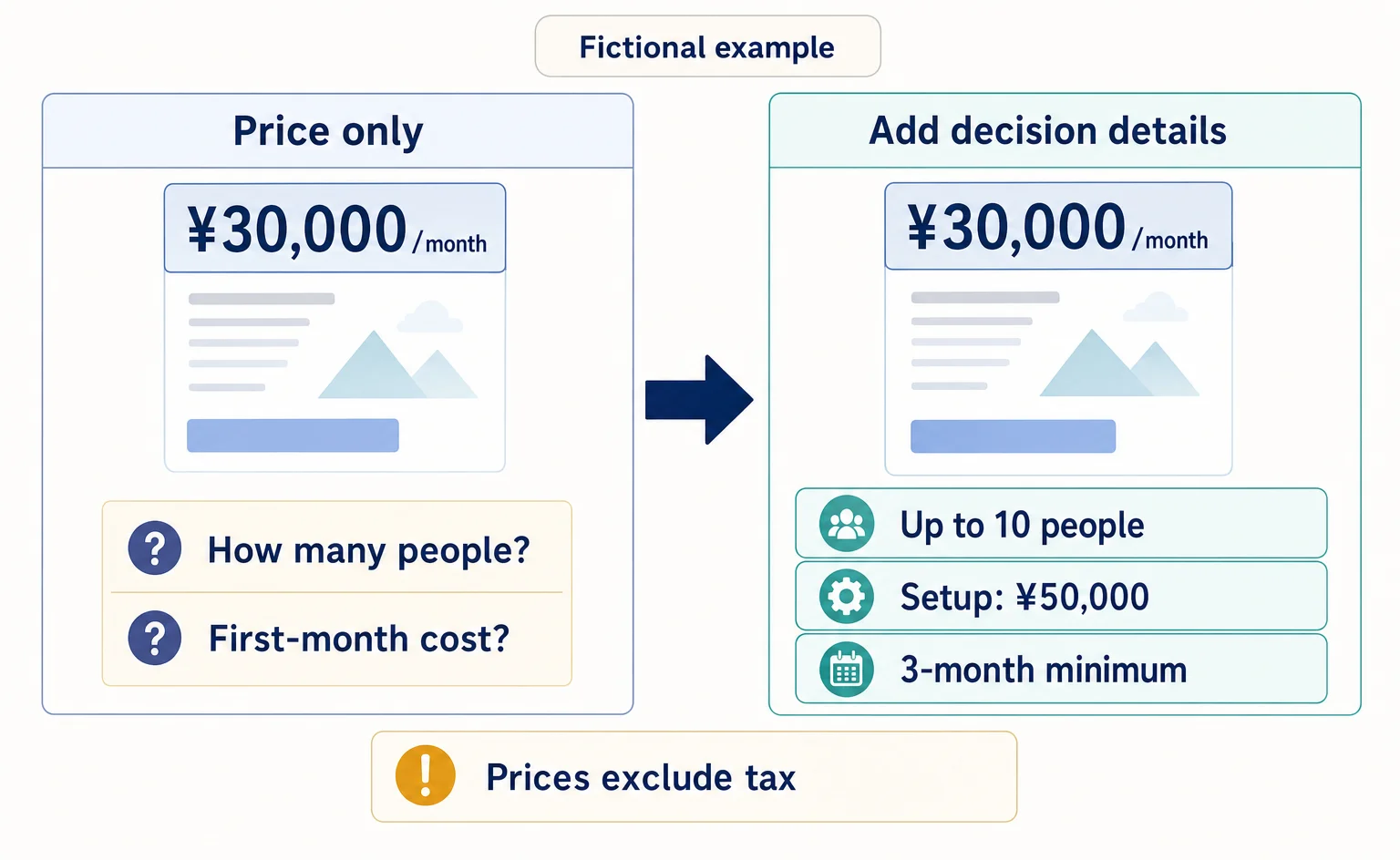
Before Adding More AI-Focused Articles: Five Questions Your Pricing Page Should Answer
Getting visits but few inquiries for your business service? Use this worksheet and a fictional before-and-after example to review what pricing includes, extra charges, cost calculations, contract terms, and what happens after someone applies.
Published

AIO and AI search
What Is AIO? Its Two Meanings and Where to Start with AI Optimization
AIO has two meanings: work to get your company featured in AI answers, and Google Search’s AI Overviews. Learn how it relates to SEO, what to confirm in a proposal, what Search Console and Bing reports show, and your first tasks.
Published
AIO and AI search
Ranking First but Not Cited by AI? How Query Fan-Out Works
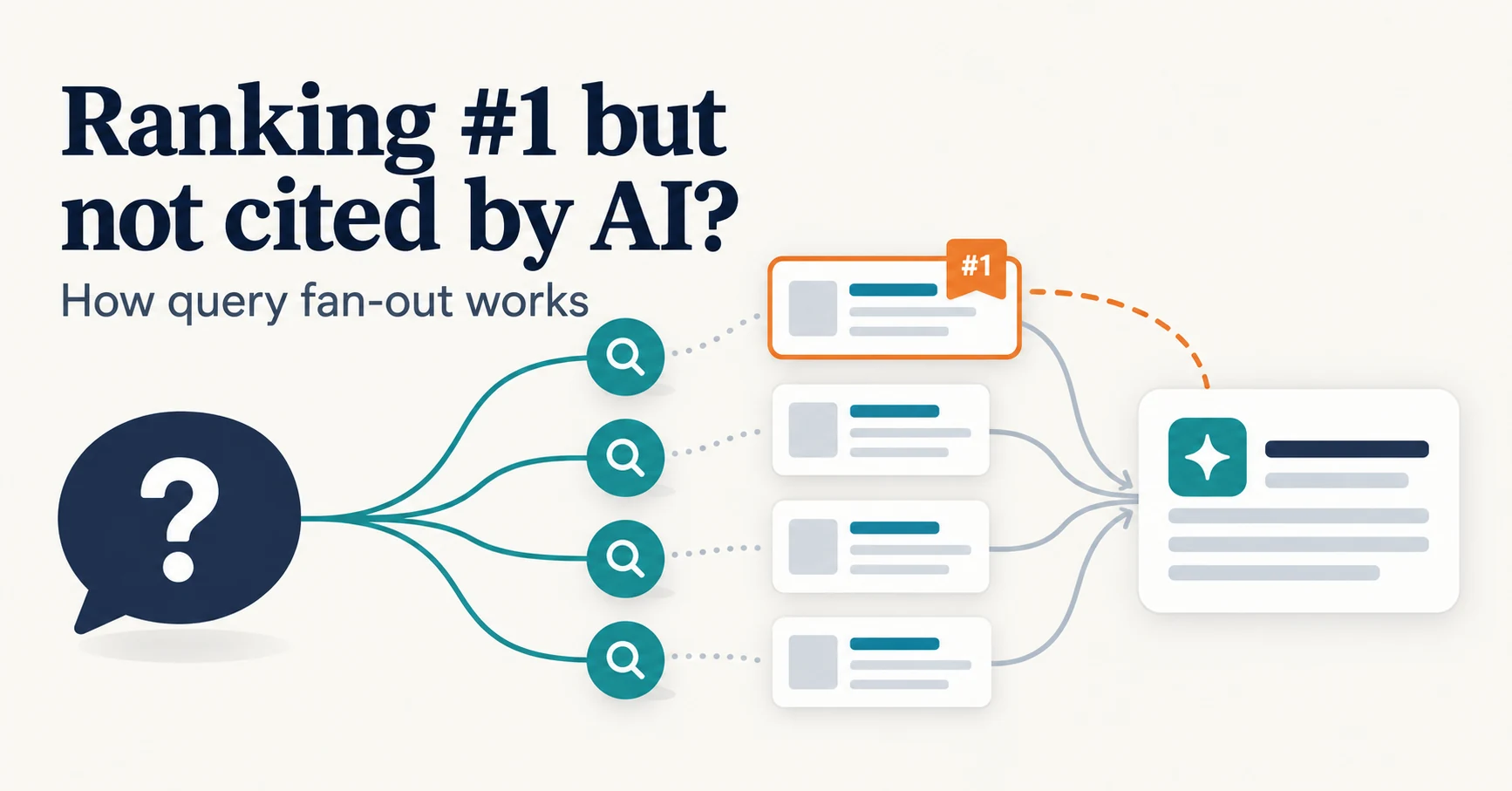
Query fan-out is a technique in which AI may run several related searches to answer one question. Learn why a first-place page may not be cited, which related questions your pages should answer, and what you can observe in Search Console and Bing.
Published