AIO for Restaurants and Local Shops: What to Check So AI Can Recommend You
When someone asks AI for a nearby pub with private rooms, will your restaurant come up? Learn which parts of your website and store listings to fix, how this relates to MEO, and how to check how AI describes you today.
The first step for a restaurant or shop that wants AI to describe it correctly is to make its website and Google Business Profile accurate and up to date. Put answers to the questions customers ask in plain text, then record AI answers and trace where any errors come from.
Suppose a customer tells you, “AI said you were open on Mondays.” That is a sign outdated information is sitting somewhere. This article is for staff at independent or small multi-location restaurants and shops. It shows where to look and in what order. Information is current as of September 23, 2026.
When Someone Asks AI, “What’s a Good Place Nearby?”
AI answers may draw on your store listings and other websites, not only your own site. So start by listing every place your store information appears.
Google says the fundamentals of ordinary search optimization still apply to AI Overviews and AI Mode. Among them, it lists making important content available as text and keeping Business Profile information up to date [1].
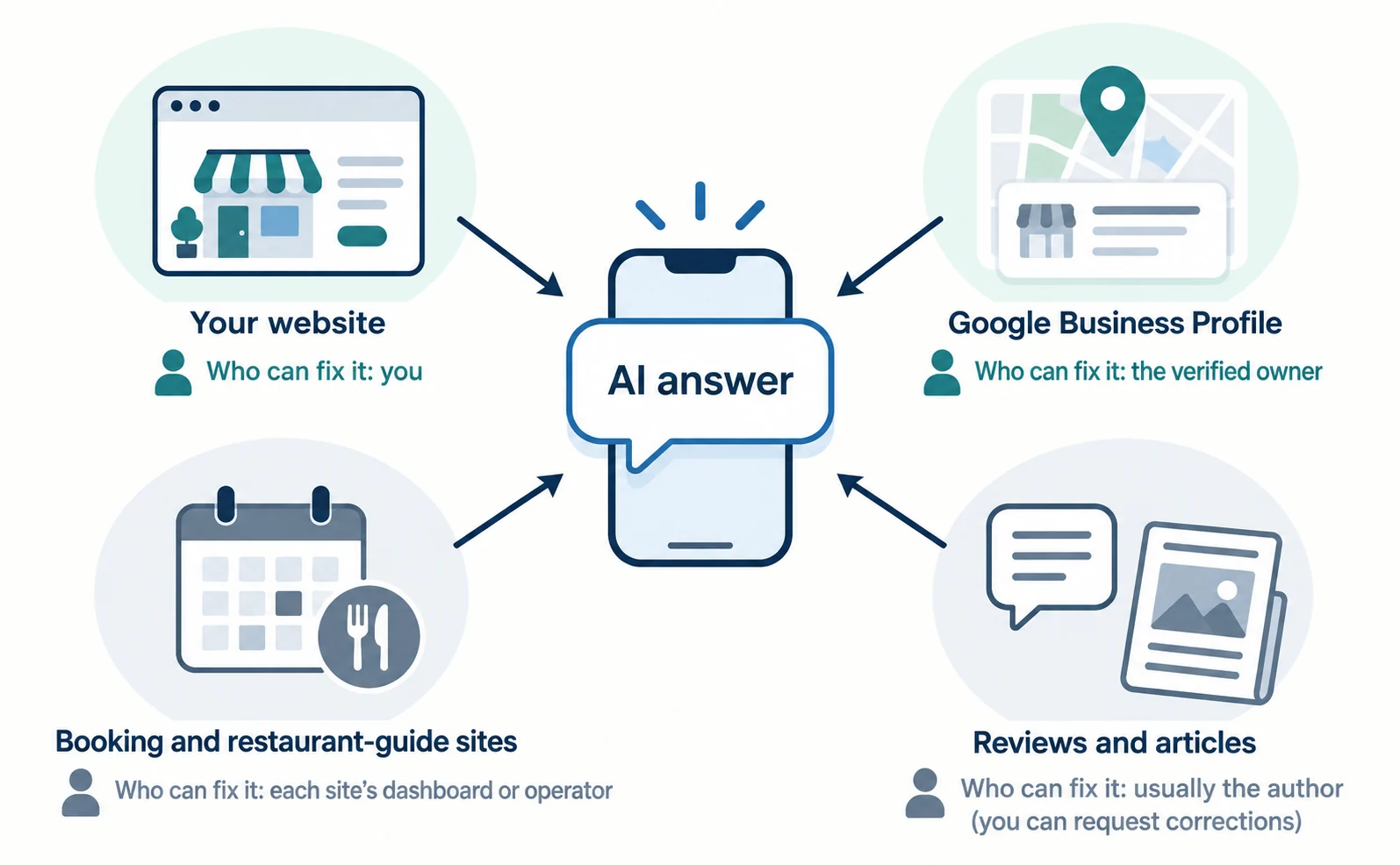
Here are the main places your information appears and who can fix it.
| Where the information lives | Examples | Who can fix it |
|---|---|---|
| Your website | Hours, menu, how to book | You (or your web developer) |
| Google Business Profile | Name, address, hours, category | The verified owner |
| Booking and restaurant-guide sites | Hours and prices on your listing | Each site’s dashboard or operator |
| Reviews and articles | Customer comments, press coverage | Usually the author; you can request corrections |
To see what ChatGPT or another AI relied on, open the links attached to its answer. If there are no links, do not guess the source.
How Store AIO Relates to MEO
Maintaining your Google Business Profile is common ground for AIO and MEO. But doing MEO does not by itself mean AI answers will recommend you. MEO is a term commonly used in Japan for helping people find your business on Google Maps and similar services.
What Google lists as a basic practice for AI features is keeping your Business Profile up to date [1]. Official documentation does not explain in detail how profile information is used in AI answers.
In your profile, use your exact business name as it appears on your signage, a detailed address, your hours and a category that describes your core business. Adding marketing taglines or details such as “near the station” to the name is not allowed [2].
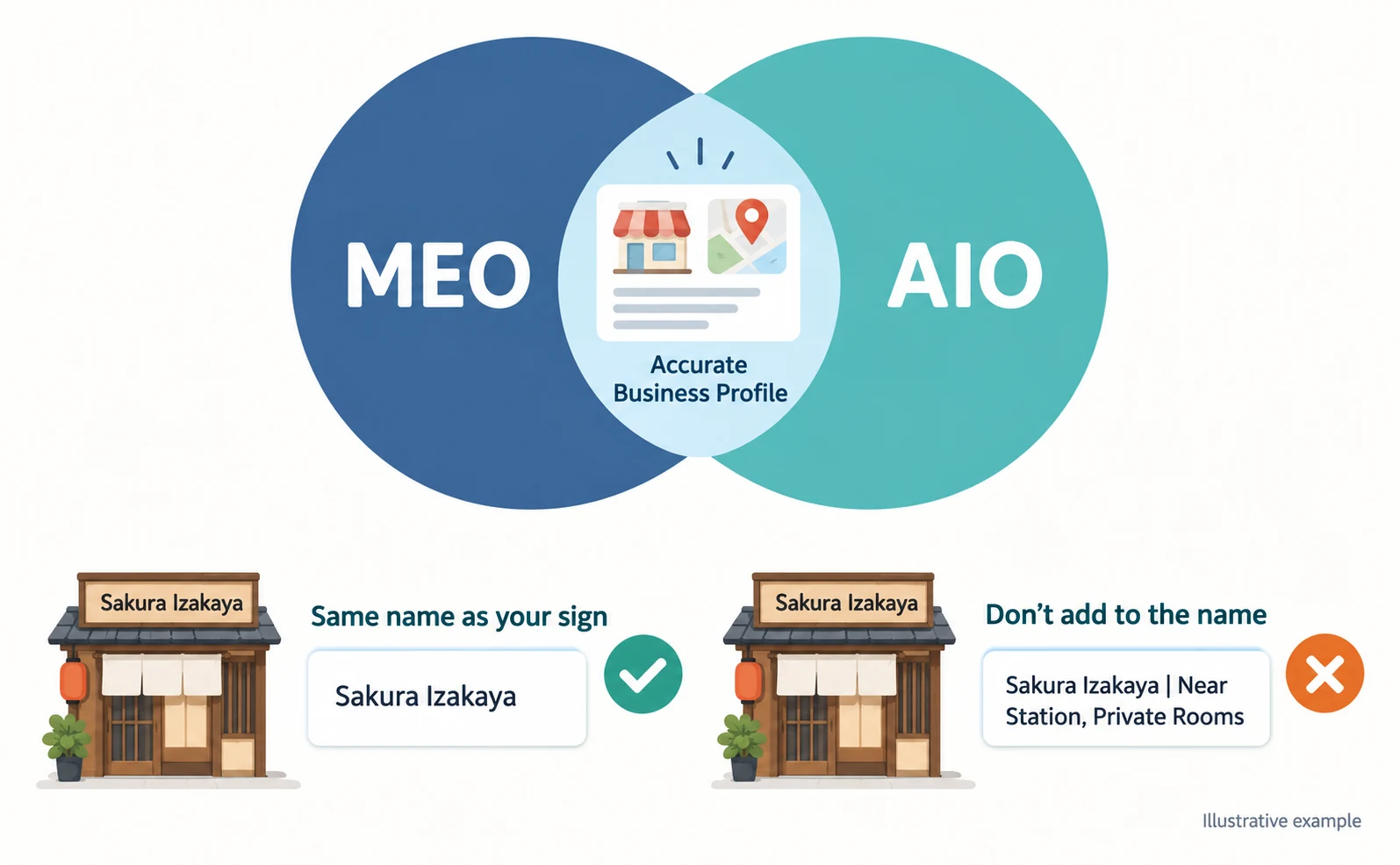
Adding features to your business name “for AI” can break the guidelines. The basic rule is to enter accurate information in the fields provided for it.
Store Information to Put on Your Website
Put answers to the questions customers ask by phone or at the counter in the text of your website. Information that exists only in images or on social media is harder to read.
Here are example questions and answers for a fictional pub, for illustration only.
| Customer question | Example answer on your page (fictional) |
|---|---|
| How late are you open? | 5–11 p.m. (last orders 10:30). Closed Sundays |
| Can I book? | By phone or online until the day before. Same-day by phone only |
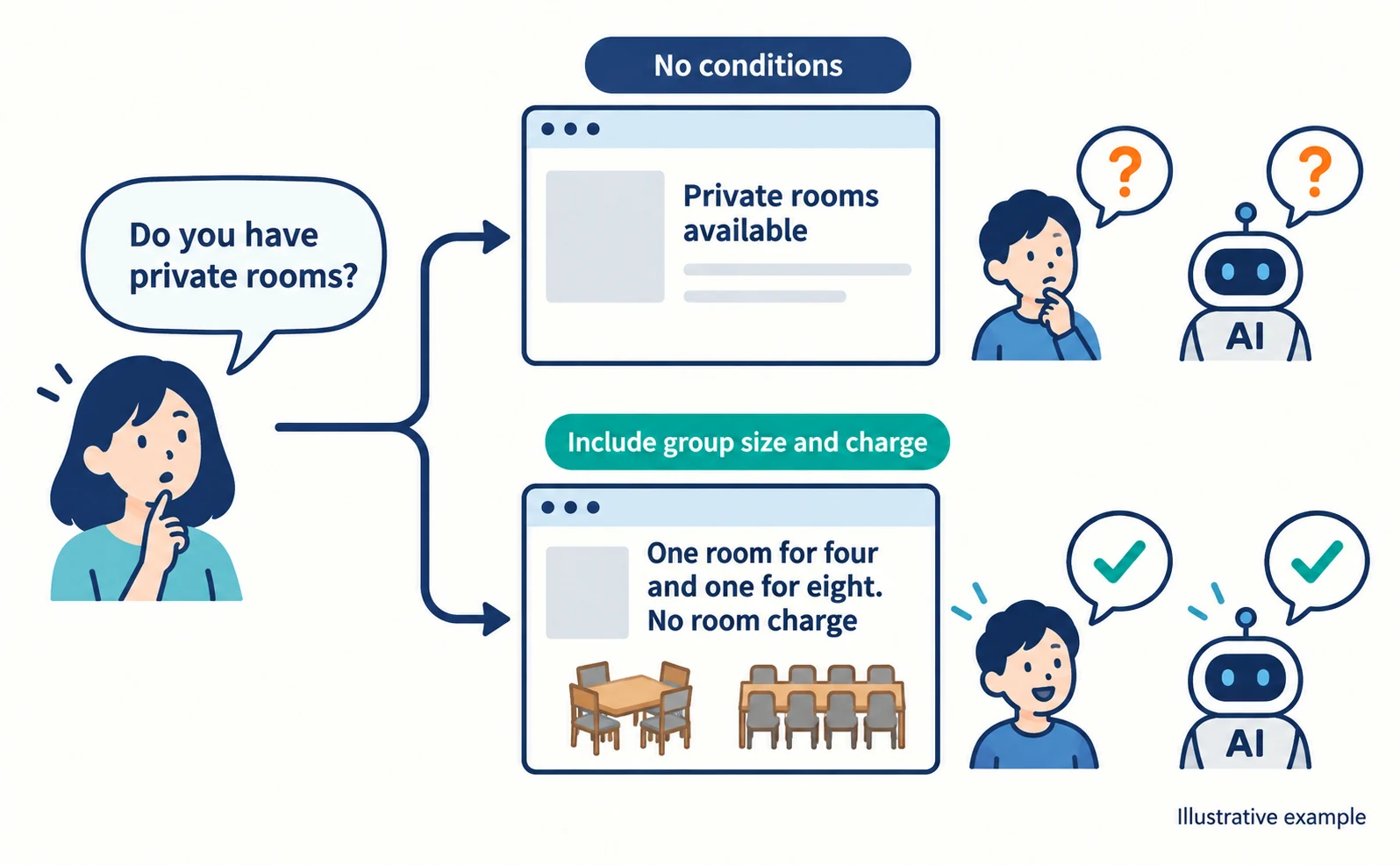
| Do you have private rooms? | One room for four and one for eight. No room charge |
| How much per person? | Set menus from ¥4,000. À la carte around ¥3,000 per person |
| Can you handle allergies? | Egg, dairy and wheat partly on request. Call to discuss |
Include conditions with each answer. “Private rooms available” is clearer with the number of guests and whether there is a charge, for both customers and AI.
You can describe your business in the Business Profile description, but links are not allowed and promotions should not be emphasized. It is limited to 375 full-width Japanese characters [2][3]. Keep detailed conditions on your website and a summary in your profile.
Don’t Put Menus and Prices Only in Images
Google advises making important content available as text [1]. If you post a photo of a handwritten menu, also list the main dishes and prices as text.
When adding a menu to your Business Profile, include the full menu rather than a selection of popular items. The menu URL cannot be a direct link to a third-party ordering or delivery service [2].
When you change prices, update your website, profile and booking sites on the same day. If one is out of date, you cannot tell which one AI will rely on.
Ask AI About Your Store and Record the Results
Ask AI questions that include your area and conditions, and record the answers and the pages it relied on. This shows how your store is described today.
Prepare about three questions. Mix ones with and without your store name.
- Without your name: “Pubs with private rooms near X Station?”
- With conditions: “Japanese restaurants near X Station open on Sundays?”
- With your name: “What are (store name)’s hours and closing days?”
Ask in services your customers are likely to use, such as ChatGPT, Gemini and AI Mode in Google Search. Record the results like this.
| Date | AI | Question | Did you appear? | Cited link | What was wrong |
|---|---|---|---|---|---|
| (enter) | ChatGPT | X Station, private room, pub | No | Guide site A | — |
| (enter) | Gemini | Store name, hours | Yes | Your website | Old closing day |
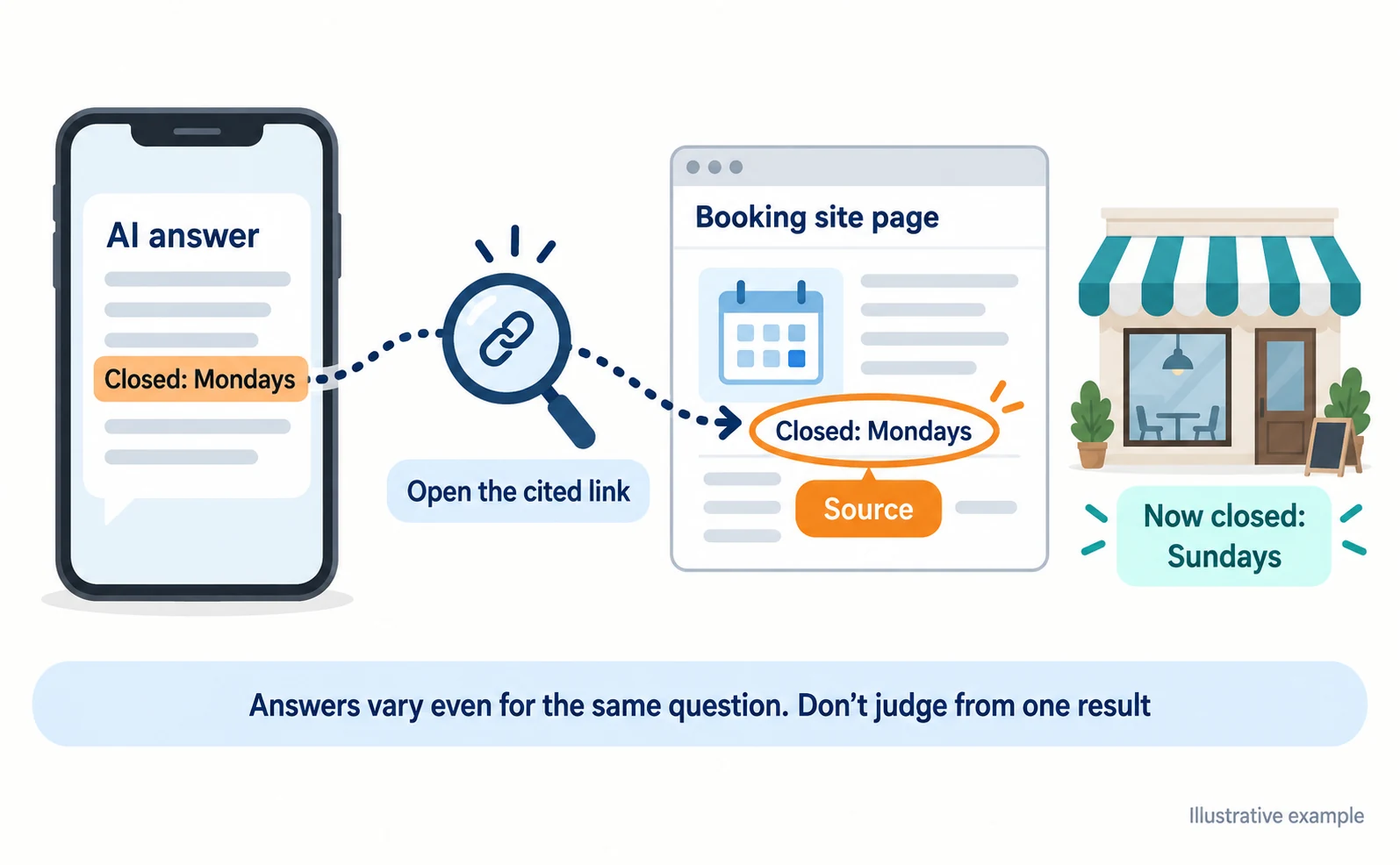
If you find an error, open the cited link and trace where the information came from. Answers vary even for the same question, so do not judge from a single result.
What to Check After Updating Your Information
Record what you changed and when, then ask the same question again. Keep the record even if the answer does not change right away.
To edit your Business Profile, open your business in Google Search or Google Maps and select “Edit profile.” Some businesses must complete verification before making changes [3]. The steps are in Google’s help article on editing your Business Profile.
As with Google Search generally, there is no fixed time for changes to take effect. Wait from several days to a few weeks, then check again with the same question in the same AI.
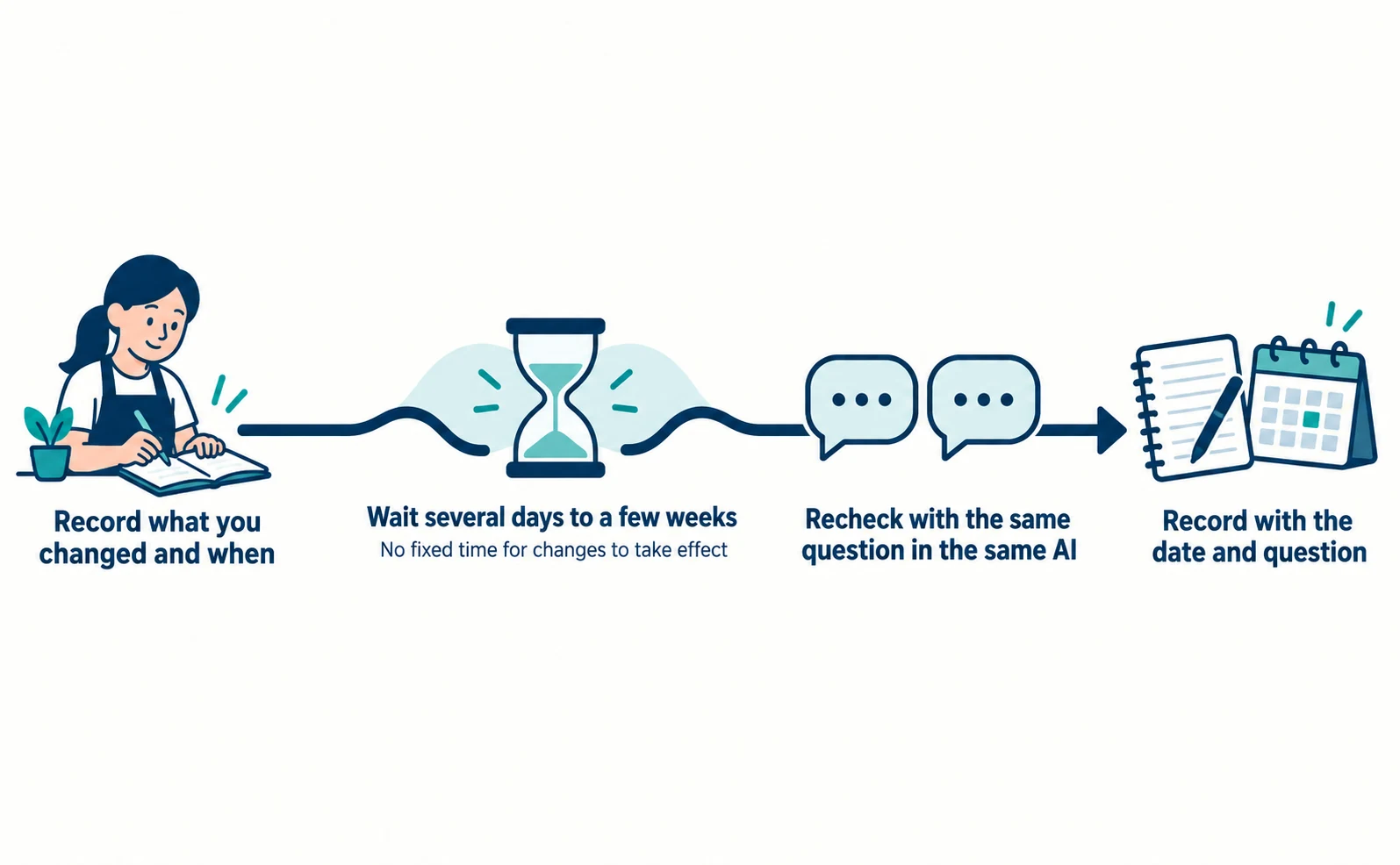
If the answer improves, you cannot be sure your fix alone caused it. Record it with conditions: “On this date, this question showed the correct information.”
For reading AI answers, see what LLMO is, and for the terms, see what AIO is. Start by collecting your correct store information in one place, then reflect it consistently everywhere.
FAQ
- Q. Will more reviews get AI to recommend my store?
- Official documentation does not confirm a link between review counts and AI recommendations. What Google lists for AI features is making important content available as text and keeping your Business Profile up to date. Start by checking that your basic store information is accurate.
- Q. Is a booking-site listing enough?
- Booking-site information may also be used, but much of it is information you cannot edit directly. Keep correct information on your own website and Business Profile and match your booking listings to it, so errors are easier to fix.
- Q. If my store didn’t appear, is something set up wrong?
- One missing result is not enough to tell. Answers vary even for the same question. Check whether the question’s conditions fit your store and where the stores that did appear got their information, then try the same question on another day.
Sources
- [1] AI features and your website (Google Search Central) — accessed 2026-09-23
- [2] Guidelines for representing your business on Google (Japanese) (Google Business Profile Help) — accessed 2026-09-23
- [3] Edit your Business Profile (Japanese) (Google Business Profile Help) — accessed 2026-09-23
About the author
Shogo MizushimaCEO of kairos Inc. / AgentSignal Developer
Develops AgentSignal, a tool for measuring AI crawler visits and AI-referred traffic, and diagnosing AIO readiness. Writes about measurement and practical improvements for AI search using observed data.
Related articles
AIO and AI search
What Is LLMO? How It Differs from SEO and Why Some Say It Is Pointless
LLMO is the work of helping answers from ChatGPT and other AI find and accurately describe your company. Learn how it differs from SEO, why some call it pointless, how E-E-A-T relates, how to measure results and what to do in the first month.
Published
AIO and AI search
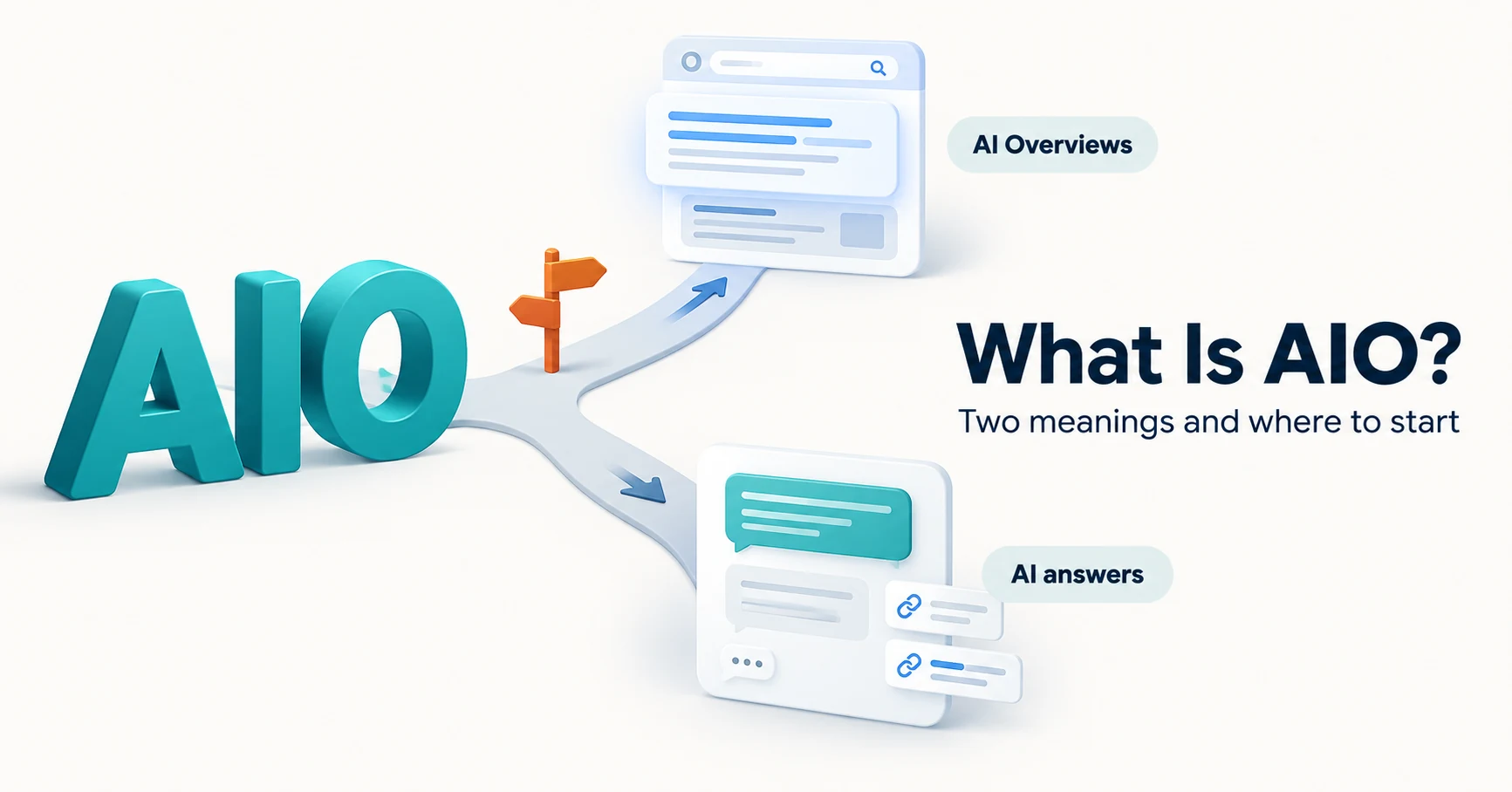
What Is AIO? Its Two Meanings and Where to Start with AI Optimization
AIO has two meanings: work to get your company featured in AI answers, and Google Search’s AI Overviews. Learn how it relates to SEO, what to confirm in a proposal, what Search Console and Bing reports show, and your first tasks.
Published
AIO and AI search
What Are AI Overviews? How to Review Your Former SGE Work
AI Overviews are AI-generated summaries shown in Google Search. Learn how they relate to the former SGE trial, how they differ from AI Mode, why no extra requirements apply, how to review earlier work and how to check the Search Console generative AI report.
Published