AgentSignal
Features
Free tools
AIO CheckACP Data Check
PricingBlogUser guidePartner ProgramContactSite searchLog in
Start for free
Menu
Features
Free toolsAIO CheckACP Data Check
PricingBlogUser guidePartner ProgramContactLog inStart for free
  1. AgentSignal
  2. ›How to use AgentSignal
  3. ›Install the tracking tag

User Guide

Install the tracking tag

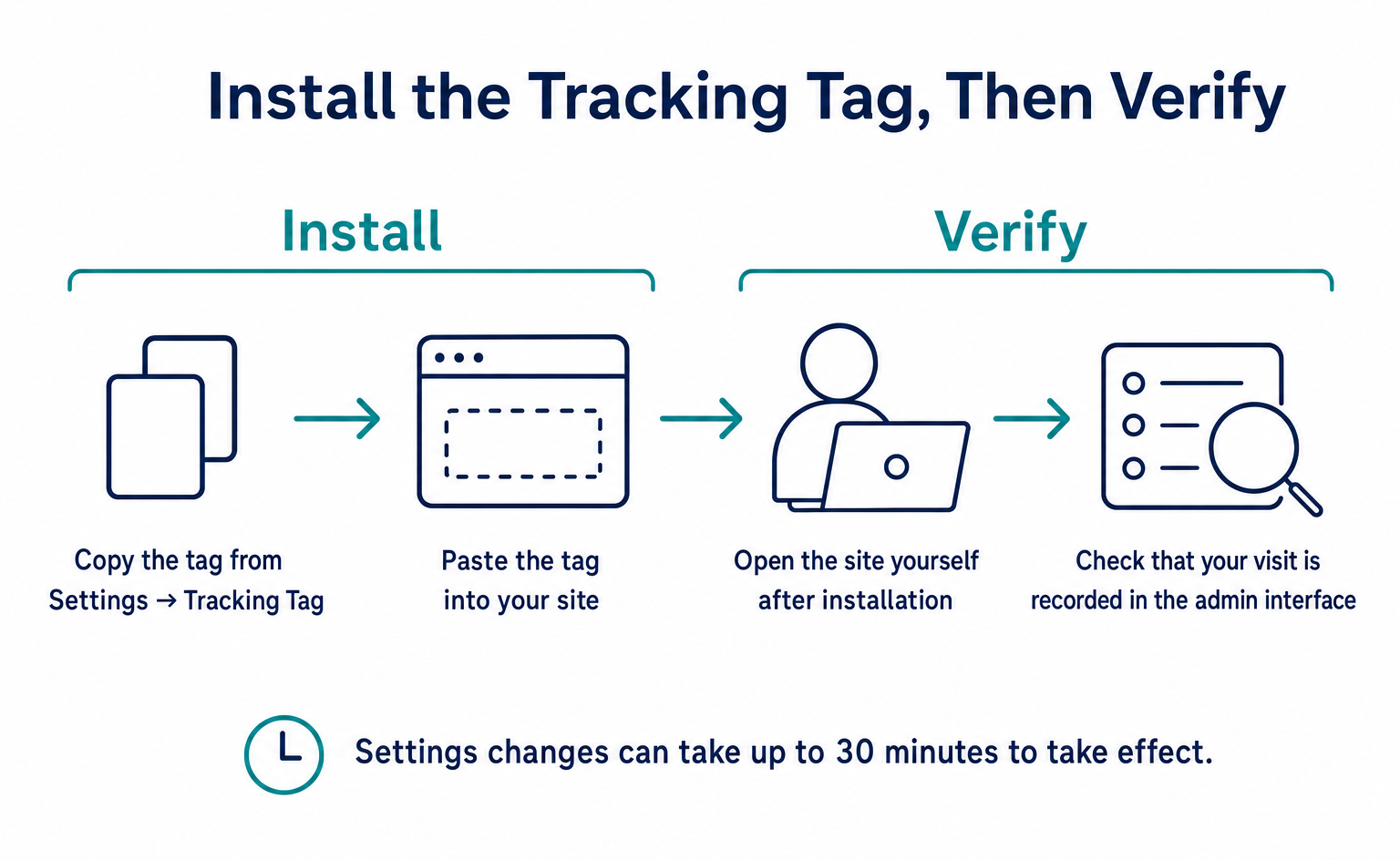
The foundation of all measurement. Paste one tag on your site to start.

Where to find it: /settings/tag
AllInstall the tracking tag (1)AI Optimization (AIO) (1)Session recording & heatmaps (1)Live chat (1)Team & permissions (1)Settings & privacy (1)Pricing (1)
How to Install the Tracking Tag and Check Visits and Recordings

Install the tracking tag

How to Install the Tracking Tag and Check Visits and Recordings

Copy the tracking tag from Settings, install it on your site, and check that your visit appears. Learn where to place it in WordPress or GTM, what to send your developer, how to troubleshoot recordings, and how to mask private information and track conversions.

Published September 12, 2026

kairos, Inc.
🇺🇸English▾
Company (About us)User guideContactTerms of ServicePrivacy PolicyLegal Notice (Specified Commercial Transactions Act)Affiliate Program Terms