AgentSignal
Features
Free tools
AIO CheckACP Data Check
PricingBlogUser guidePartner ProgramContactSite searchLog in
Start for free
Menu
Features
Free toolsAIO CheckACP Data Check
PricingBlogUser guidePartner ProgramContactLog inStart for free
  1. AgentSignal
  2. ›How to use AgentSignal
  3. ›Settings & privacy

User Guide

Settings & privacy

Configure recording masking, account connections, and more.

Where to find it: /settings/privacy
AllInstall the tracking tag (1)AI Optimization (AIO) (1)Session recording & heatmaps (1)Live chat (1)Team & permissions (1)Settings & privacy (1)Pricing (1)
How to Hide Personal Information in Recordings and Manage Account Settings

Settings & privacy

How to Hide Personal Information in Recordings and Manage Account Settings

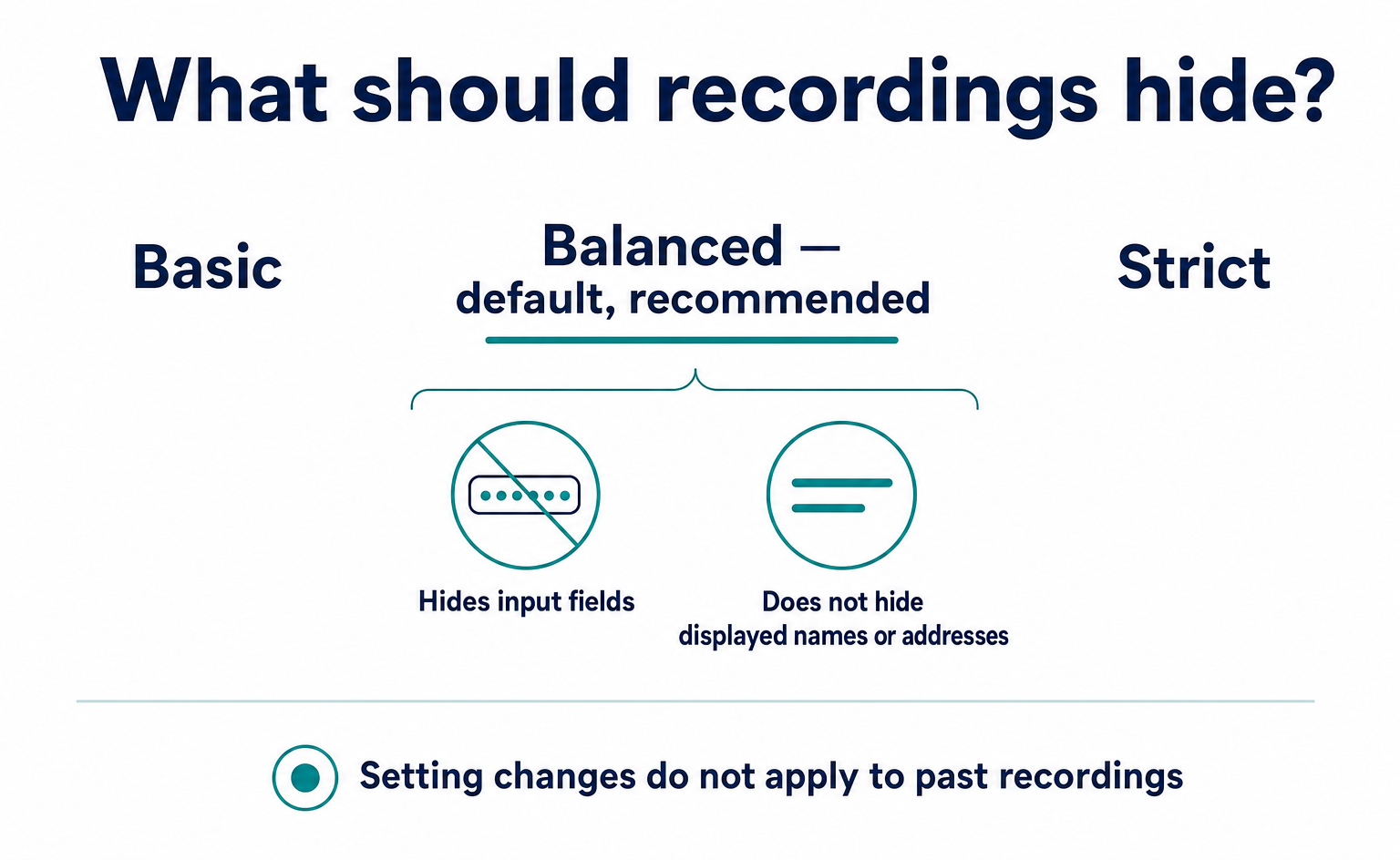
The default Balanced setting hides input fields, but not names or addresses displayed on member pages. Learn how to hide text or exclude areas, test changes, allow for the update delay, handle older recordings, and manage your login methods, password, and display language.

Published September 12, 2026

kairos, Inc.
🇺🇸English▾
Company (About us)User guideContactTerms of ServicePrivacy PolicyLegal Notice (Specified Commercial Transactions Act)Affiliate Program Terms